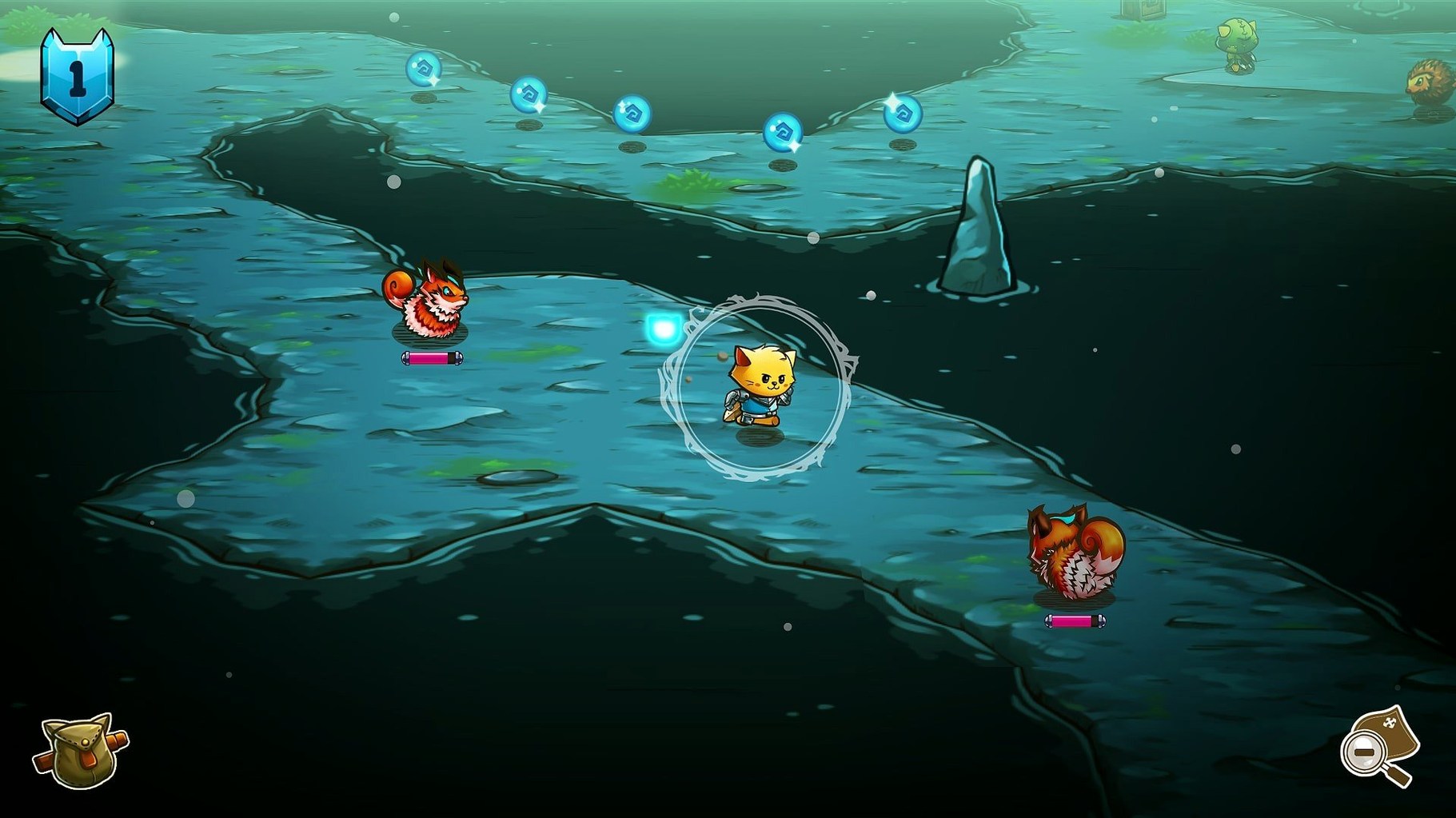
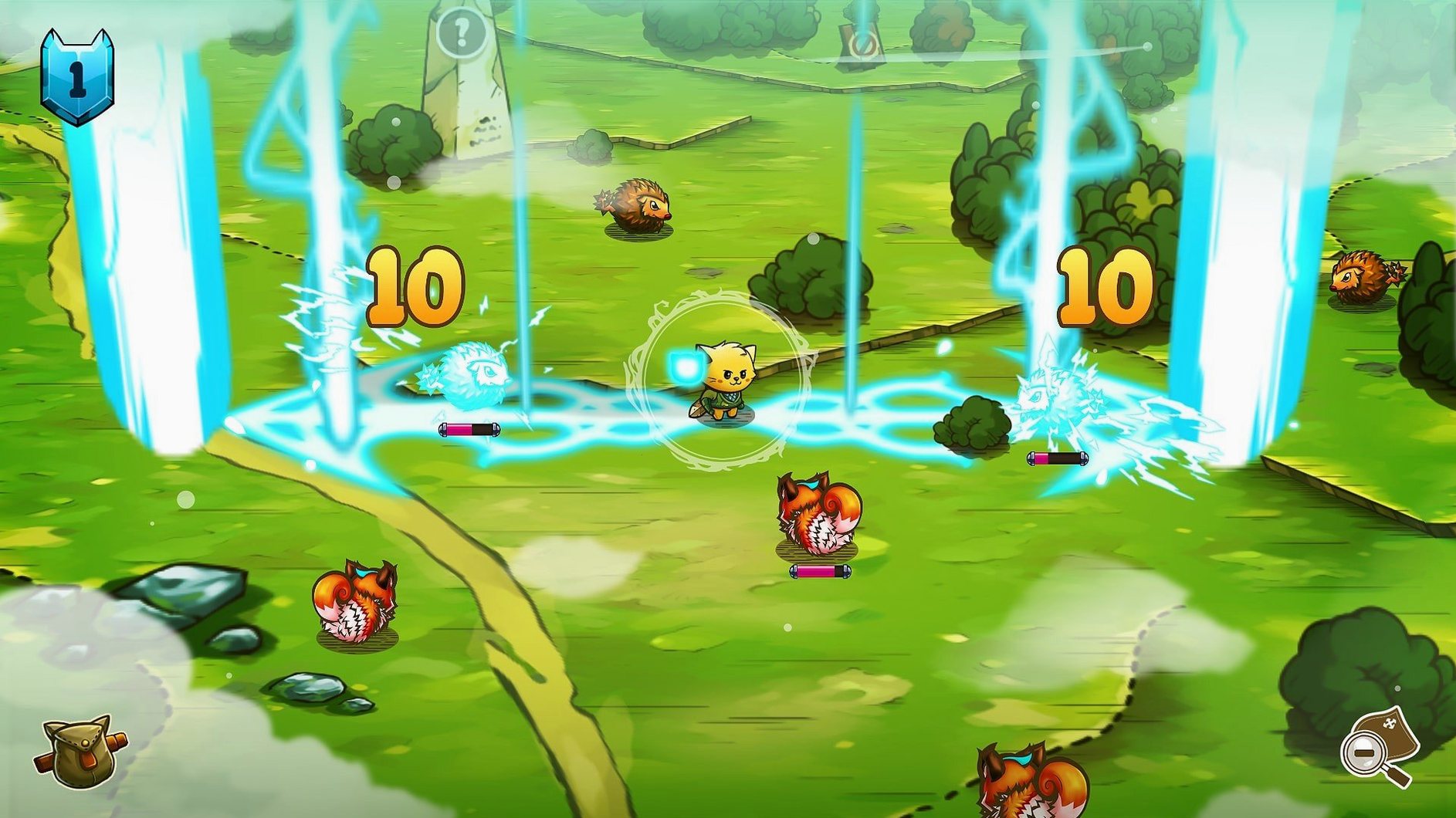
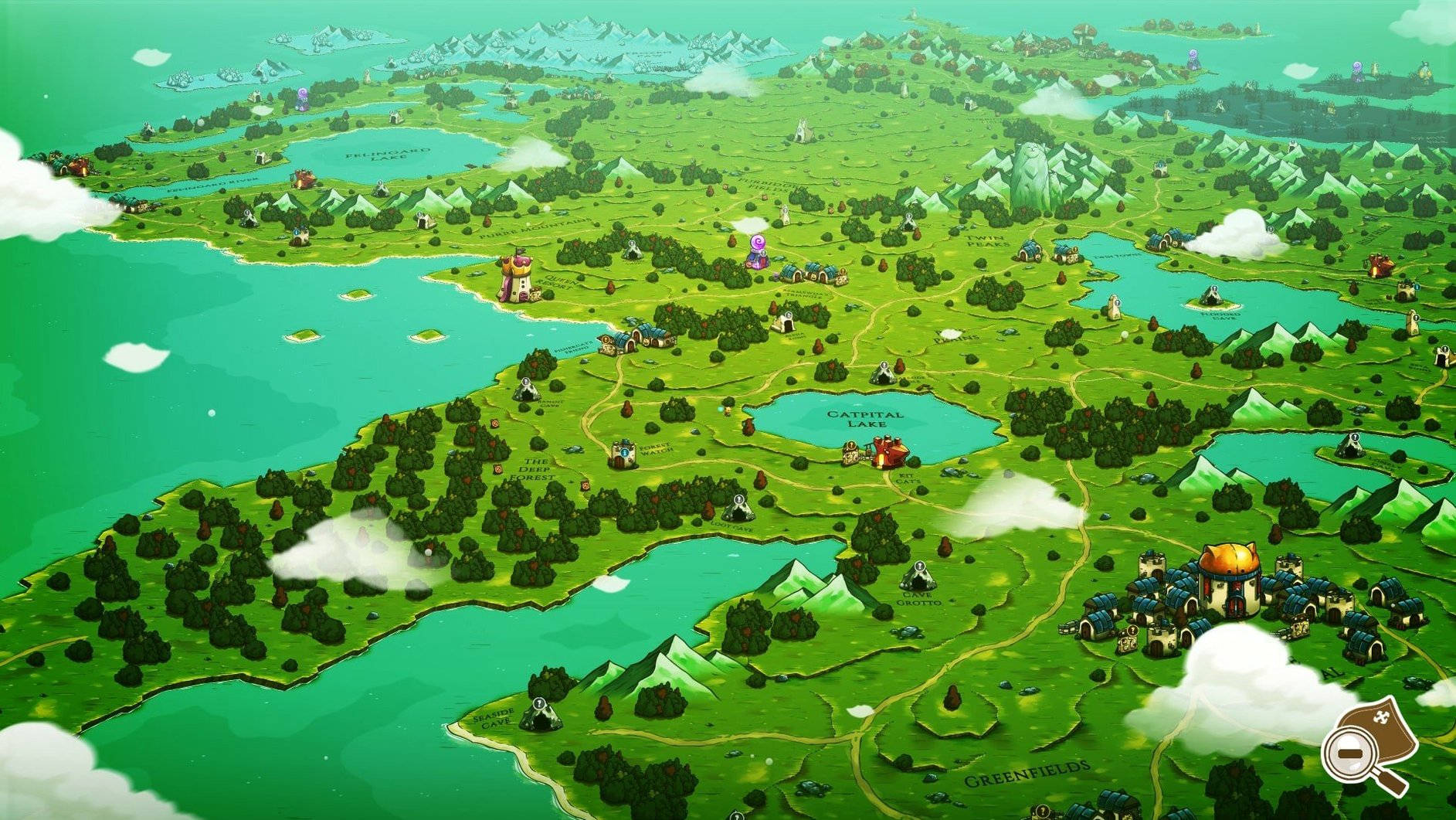
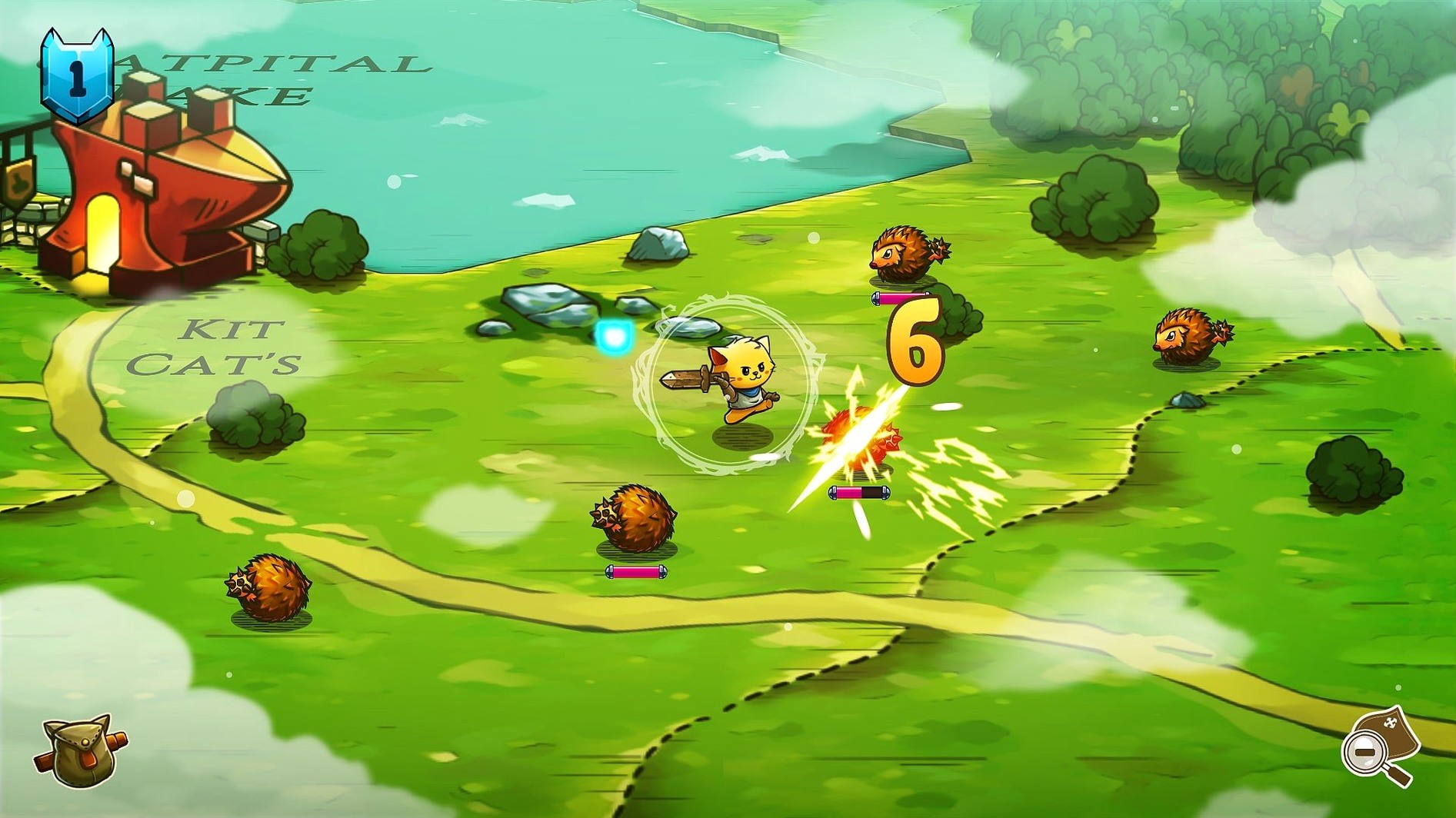
Like a good Zelda game, Cat Quest gives you a world where exploration pays off. The map is open. You wander Felingard, find dungeons, and pick up quests. Combat is real-time, light, and responsive.
Quest snacking
- Short sessions — a quest takes minutes
- Simple gear logic — chain mail adds health and armor, wizard robes boost mana
- Running on an M4 Mac mini — tested and smooth
Rosetta required
- Intel only natively, runs via Rosetta 2 on Apple Silicon
- Story is straightforward — rescue your sister from Drakoth
- No graphics settings to tweak
Cloud saves
Drop a save file into your cloud folder and Cat Quest moves with you. Progress on a Mac mini, continue on a MacBook. No Steam sync required.
The game respects macOS windowing. Swipe between spaces while it runs. Mission Control doesn't stutter. A quick Cmd-H hides it cleanly.
If you record sessions, OBS grabs the window without fuss. Audio routing through Loopback works as expected.
Install location
After mounting the disk image, the installer asks where to put the app. Choose Applications. Any other folder and the game may not find its resources.
On Apple Silicon Macs, the first launch can take longer. Rosetta 2 translates the Intel binary. Wait it out — subsequent launches are quicker.
Controller not responding? Plug it in before opening the game. Cat Quest checks for input devices at launch, not during play.
The Russian localization names two spells as Огнемур and Пламяу. Switching languages mid-game requires a restart to the title screen.