Runs on Intel Macs. The world generates fresh each time you start.
Ghost outline
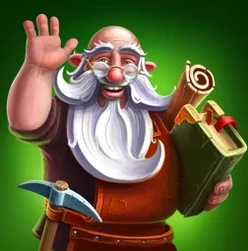
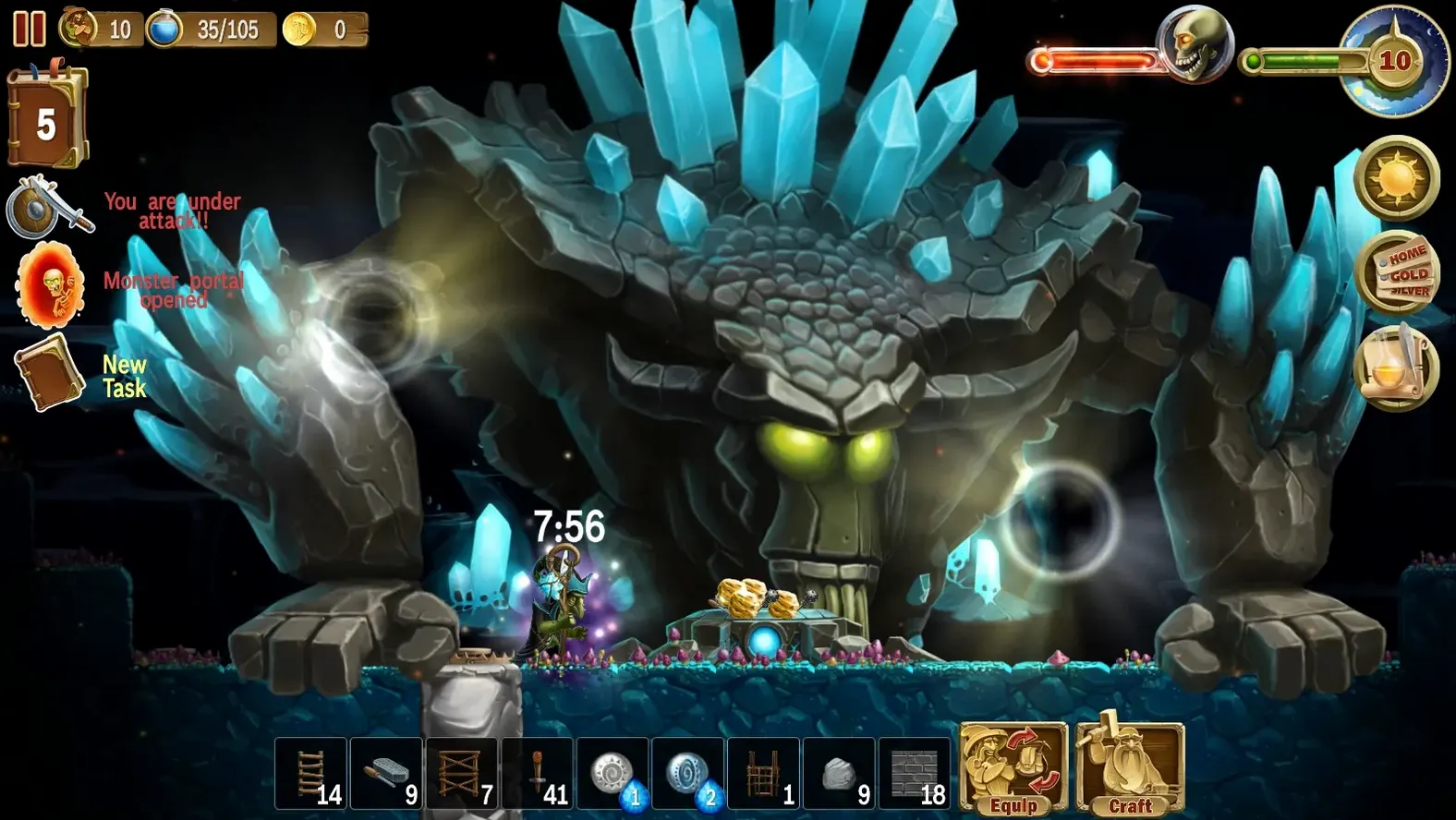
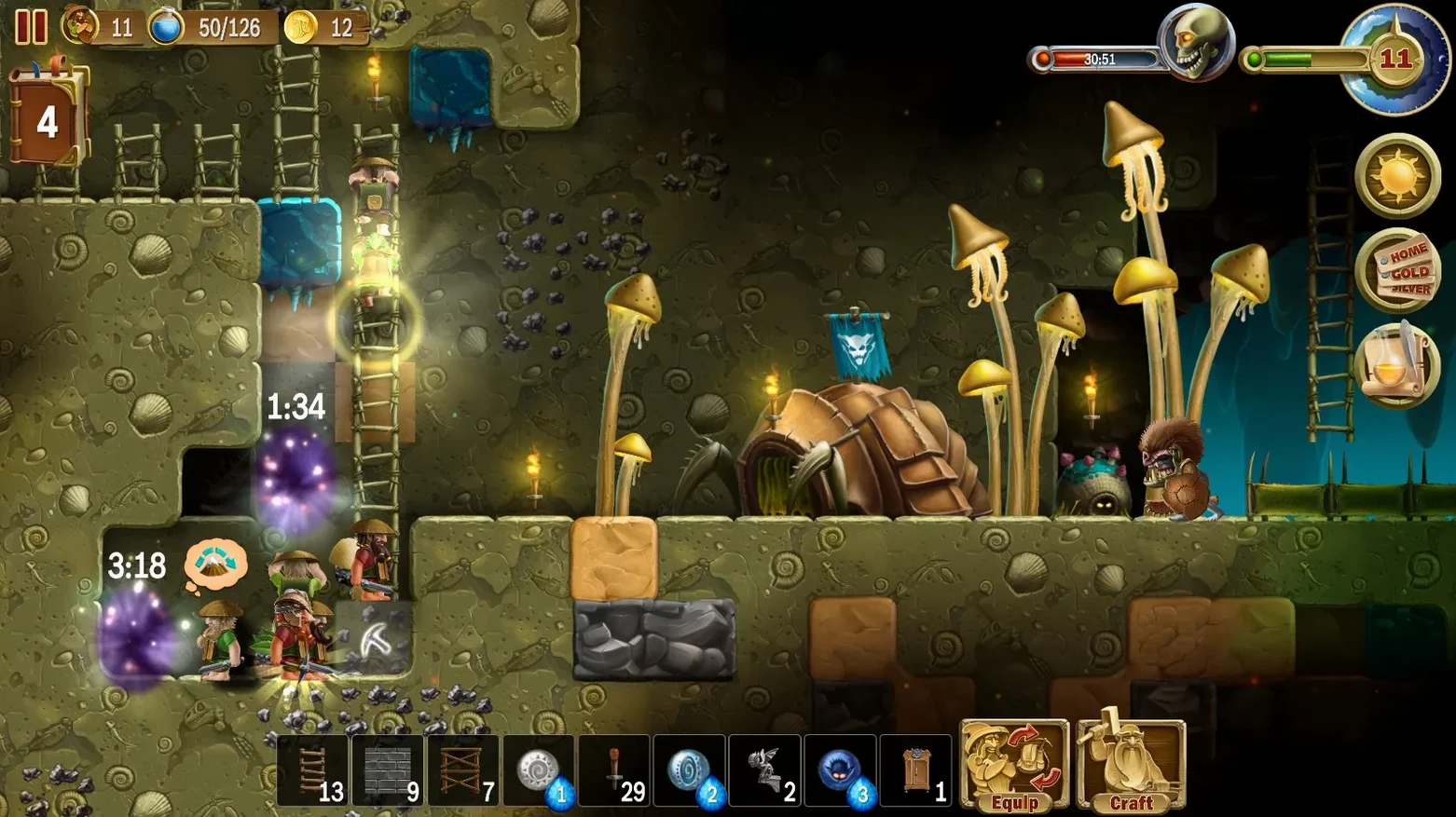
You direct a handful of dwarves. They chop trees, break stone, dig downward. The cursor becomes a ghost outline of a bed, a ladder, a workshop. You place it. One dwarf stops gathering berries and walks over to build.
- Night falls. Monsters come from portals. You close the gates.
- Rain soaks the forest. Your dwarves keep working underground.
- You lay traps, raise walls, expand the shelter one block at a time.
Scope
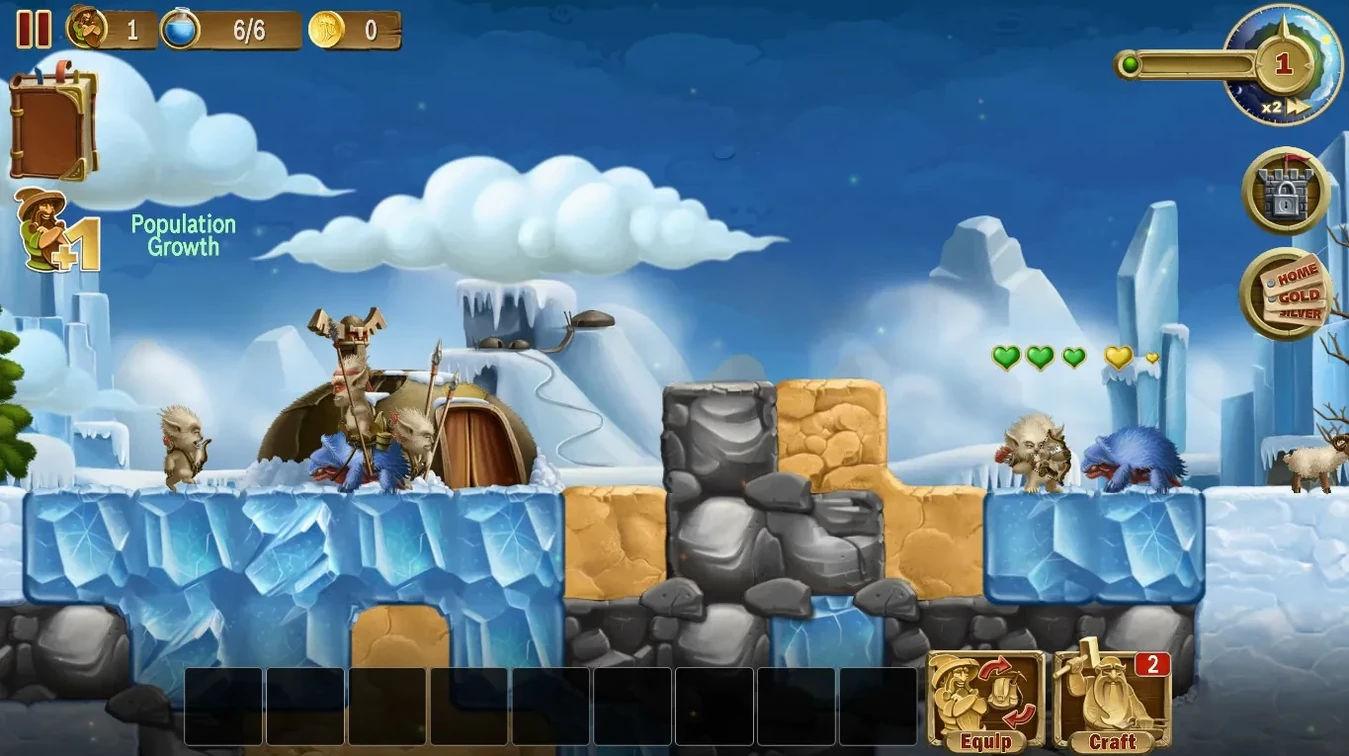
It mixes sandbox freedom with a light god-game hand. You do not control every swing of the axe. You decide where the fortress grows and how it holds. Weather shifts, seasons pass, and waves of creatures test what you have built. Eleven languages supported.
Next to other tools
Drop a craft the world mac torrent into a folder with other DRM-free indie games and it sits comfortably. The game talks to macOS notifications for world-save confirmations but otherwise stays quiet. No cloud sync, no accounts. That simplicity means it coexists well with window managers like Rectangle or Magnet — the game runs in a standard window you can snap and resize without fuss.
Mission Control handles it predictably. You can swipe to a dedicated games desktop and keep your workspace clean. The game respects the system volume mixer, so background music in Craft The World ducks when a call comes in. Nothing fights for focus.
Delete config.xml
First launch sometimes hangs on a black screen. The fix is quick: open the game’s folder in Finder, locate the config.xml file, and delete it. The game regenerates it on next start.
On Retina displays, the UI can look soft. The game runs at a fixed resolution. Switch to a lower scaled resolution in System Settings before launching if you want a sharper, smaller interface.
Dwarves occasionally get stuck behind placed blocks. Save, quit to menu, and reload — the tribe recalculates paths on load. It is an old engine quirk, not a broken save.