

The Keyboard Shortcuts dialog now has search. A small addition that saves you from scrolling through endless menus mid-layout.
Ventura minimum
You need macOS 13 Ventura or later. The app runs natively on both Intel and Apple Silicon machines.
Set aside 4.5 GB of disk space and make sure you have at least 8 GB of RAM. Metal support is required for smooth GPU performance.
What can I make with it?
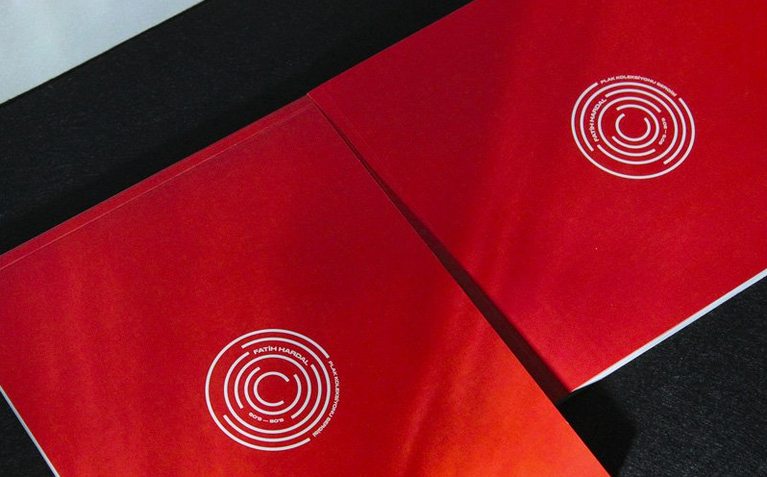
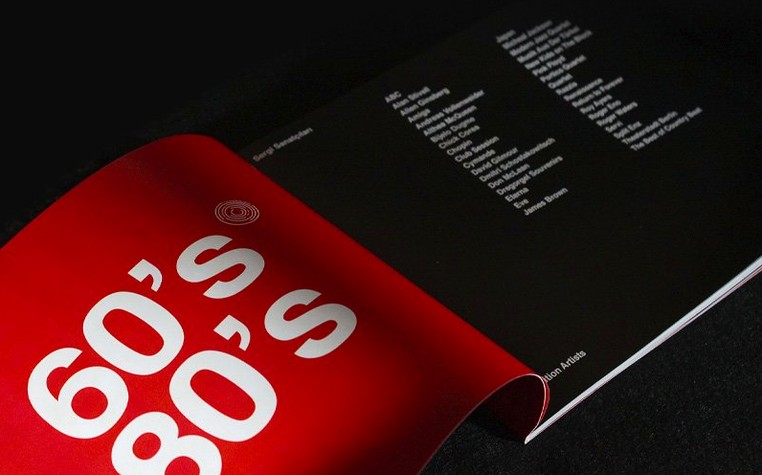
Books, brochures, magazines, digital documents. Anything that needs precise control over columns, tables, and text across multiple pages.
Export to EPUB, PDF, or HTML when you are done.
UTF-8 merge
Data Merge now handles multiline records and UTF-8 files. You can also bulk-generate or remove AI alt text for images — helpful for accessibility without the busywork.
Spend the first afternoon building a small starter template. One master spread with your usual margins, a baseline grid you trust, and three paragraph styles you reach for constantly. Save it. Close it. Open it tomorrow and see what you missed.
Then open an old project. The one you finished at 2 a.m. and never looked at again. Apply your new template. Watch how much faster the work goes when the foundation is already poured.
Kill pop‑ups
Turn off Type Contextual Controls in Preferences > Advanced Type. The pop-up panel is clever but slows down anyone who already knows their font menus.
Set Greeking Below to 7 px instead of the default 5. You do not need to see every pixel of 6-point body text when you are pushing spreads around.
In the same panel, enable Disable Smart Text Reflow for new documents. It is useful later, but the first weeks should be about learning where your text actually lands.
Open the Keyboard Shortcuts dialog and search for span columns. Bind it to something your left hand can reach. You will use it more than you think.
Multi‑day uptime
InDesign 21.5.1 launches in about four seconds on Apple Silicon, slightly longer on Intel. Once open, it stays open. I have left it running through three days of client rounds without a beach ball.
The GPU rendering under Metal is quieter than previous versions. No screen flicker when dragging image frames across spreads. No white flashes during PDF export previews. Just flat, steady redraw.
Memory use hovers around 1.2 GB with a 40-page magazine open and a dozen linked PSDs. It climbs when the Links panel is refreshing, then settles back. The app releases RAM when you close documents — not always a given with Creative Cloud apps.
One caution: avoid mixing this build with older Adobe app versions on the same machine. The installer notes are specific about keeping build groups aligned. Ignore it, and you will spend an evening uninstalling and reinstalling.