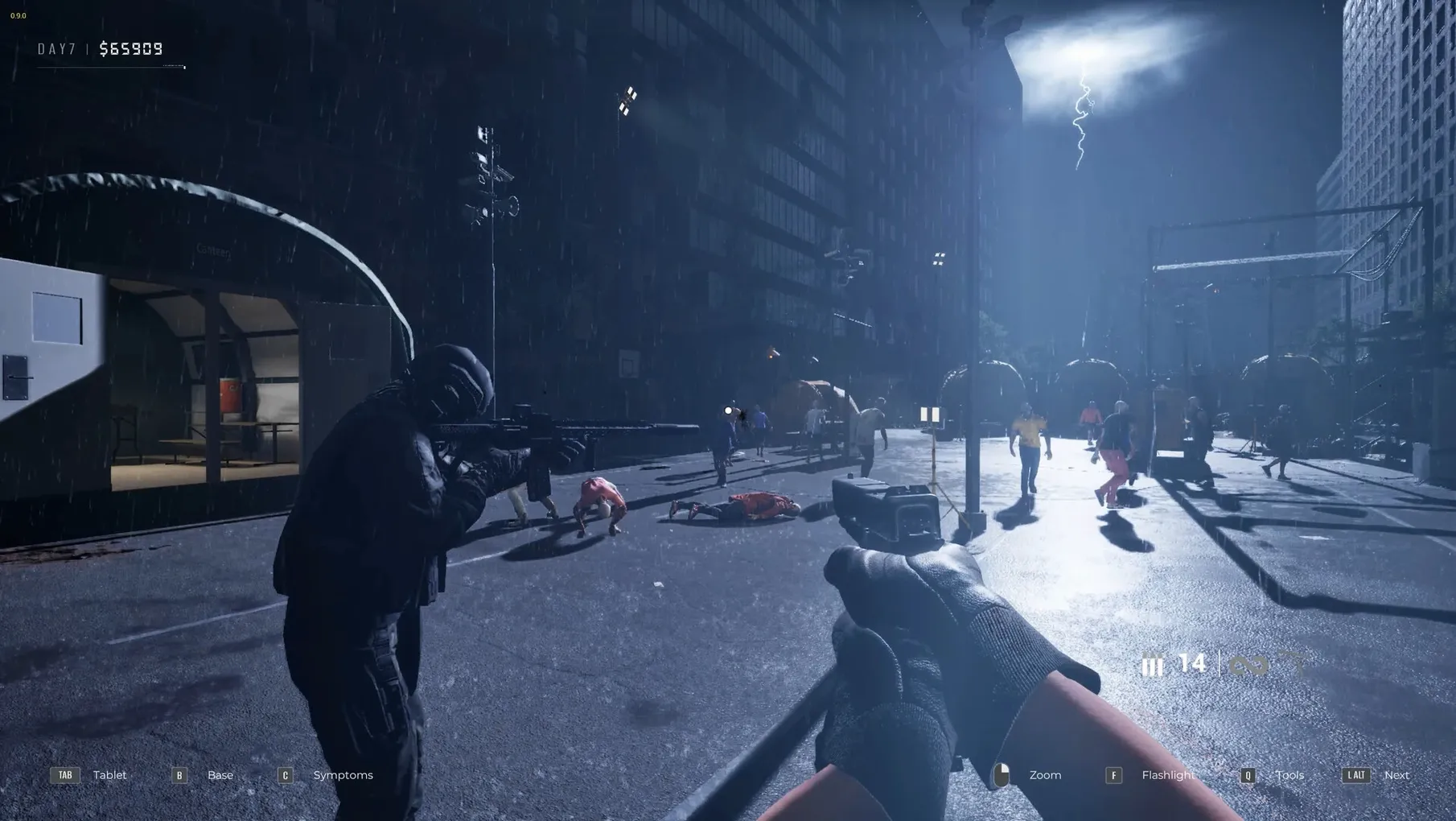
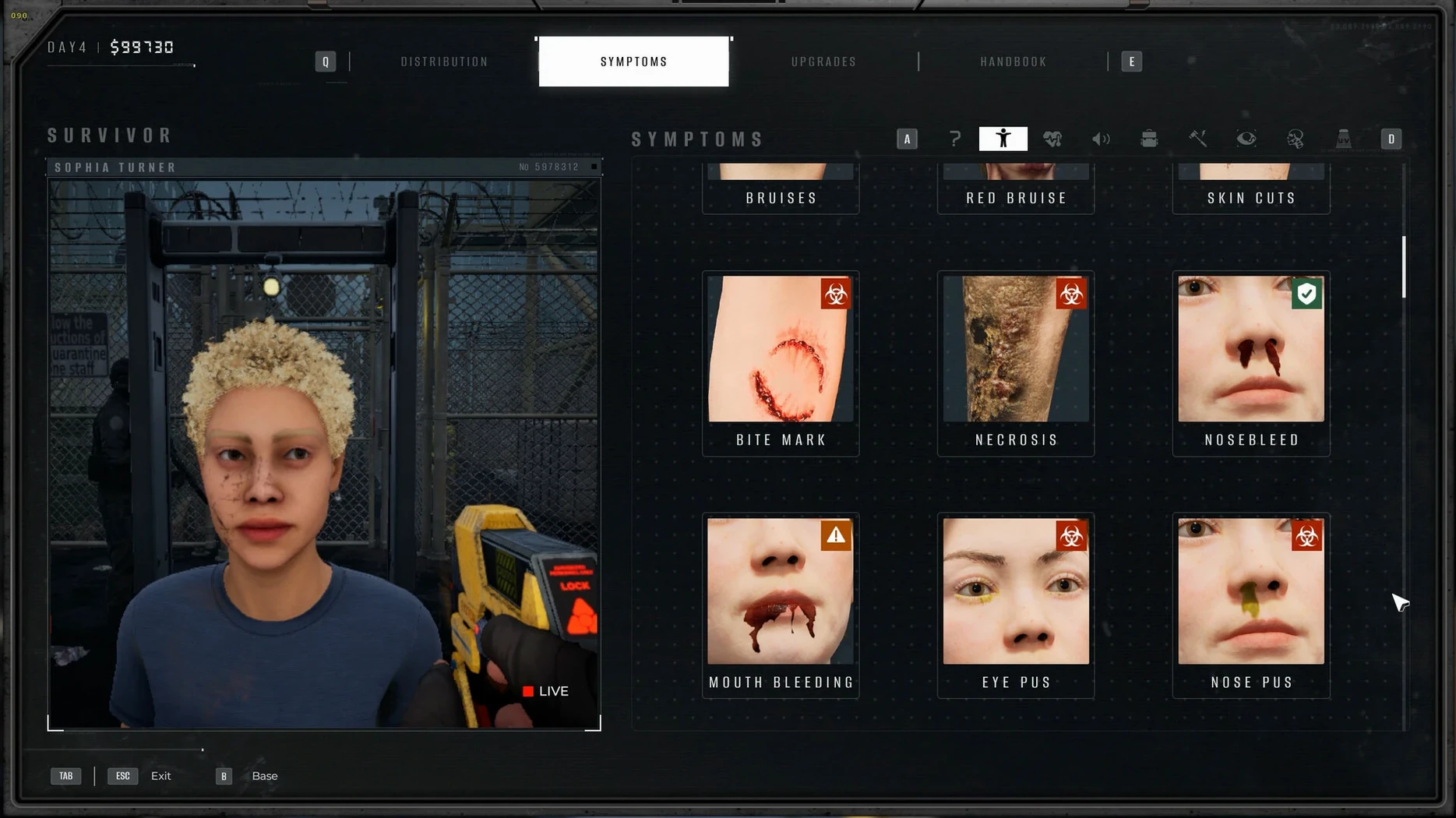
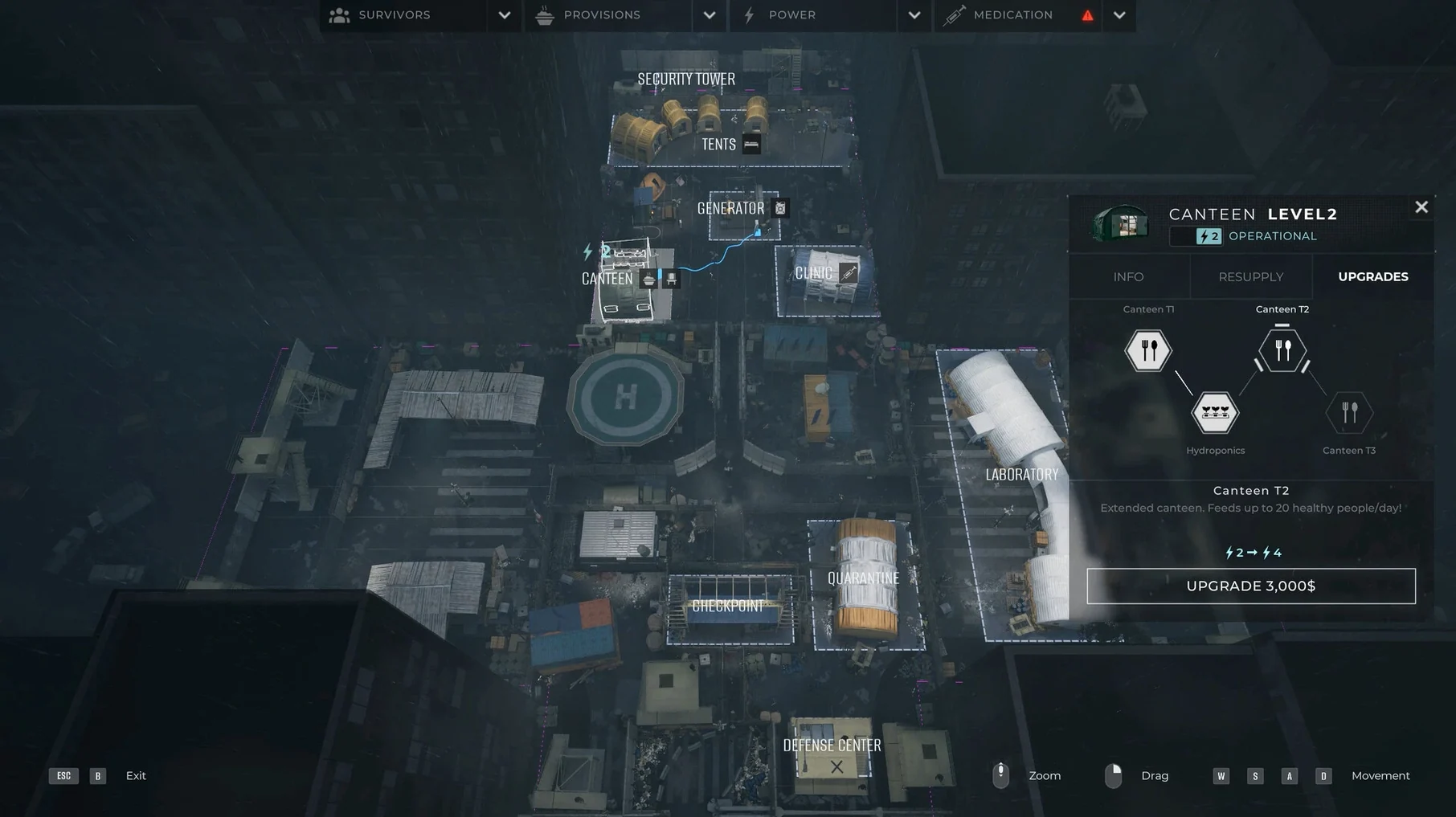
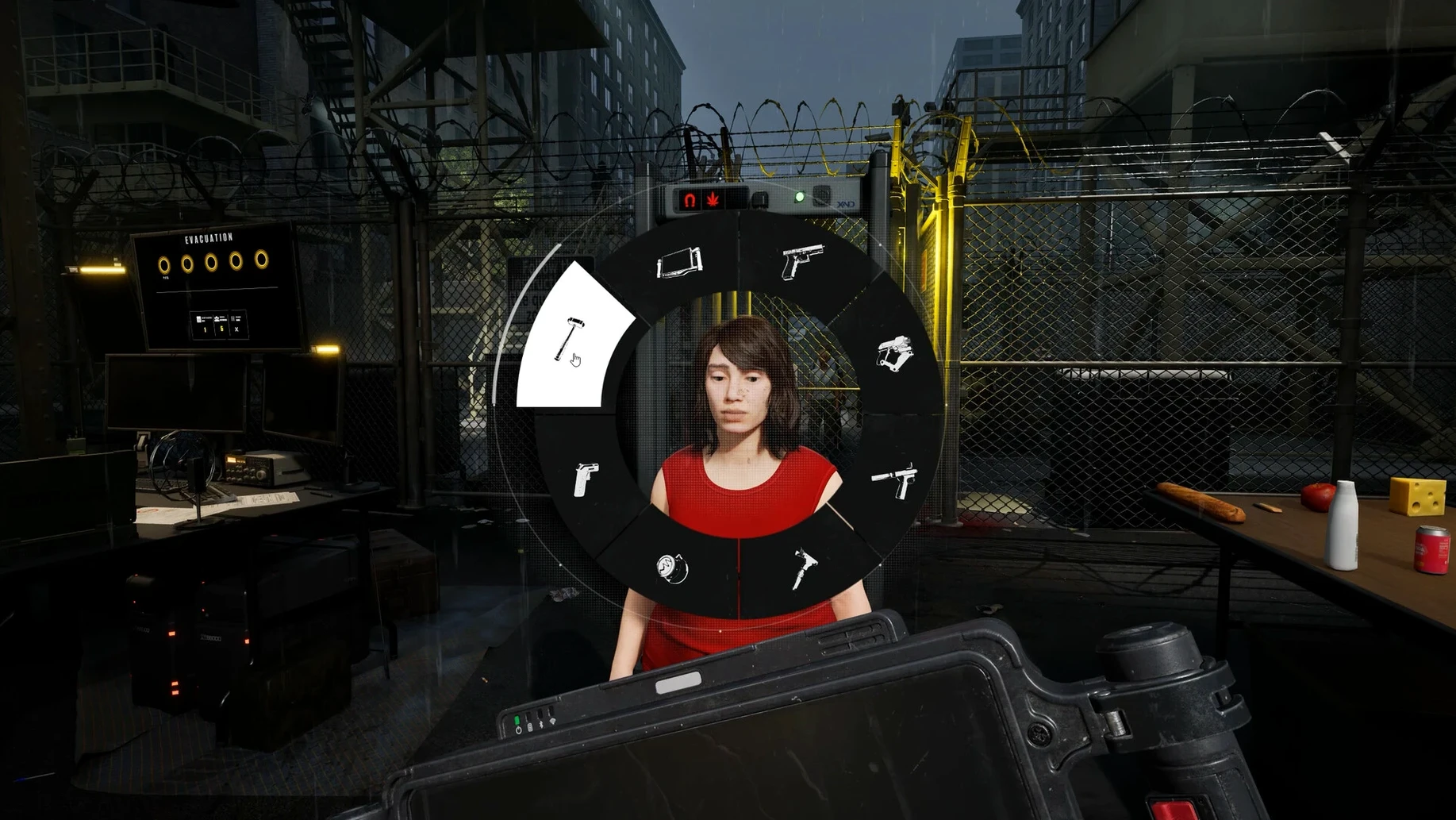
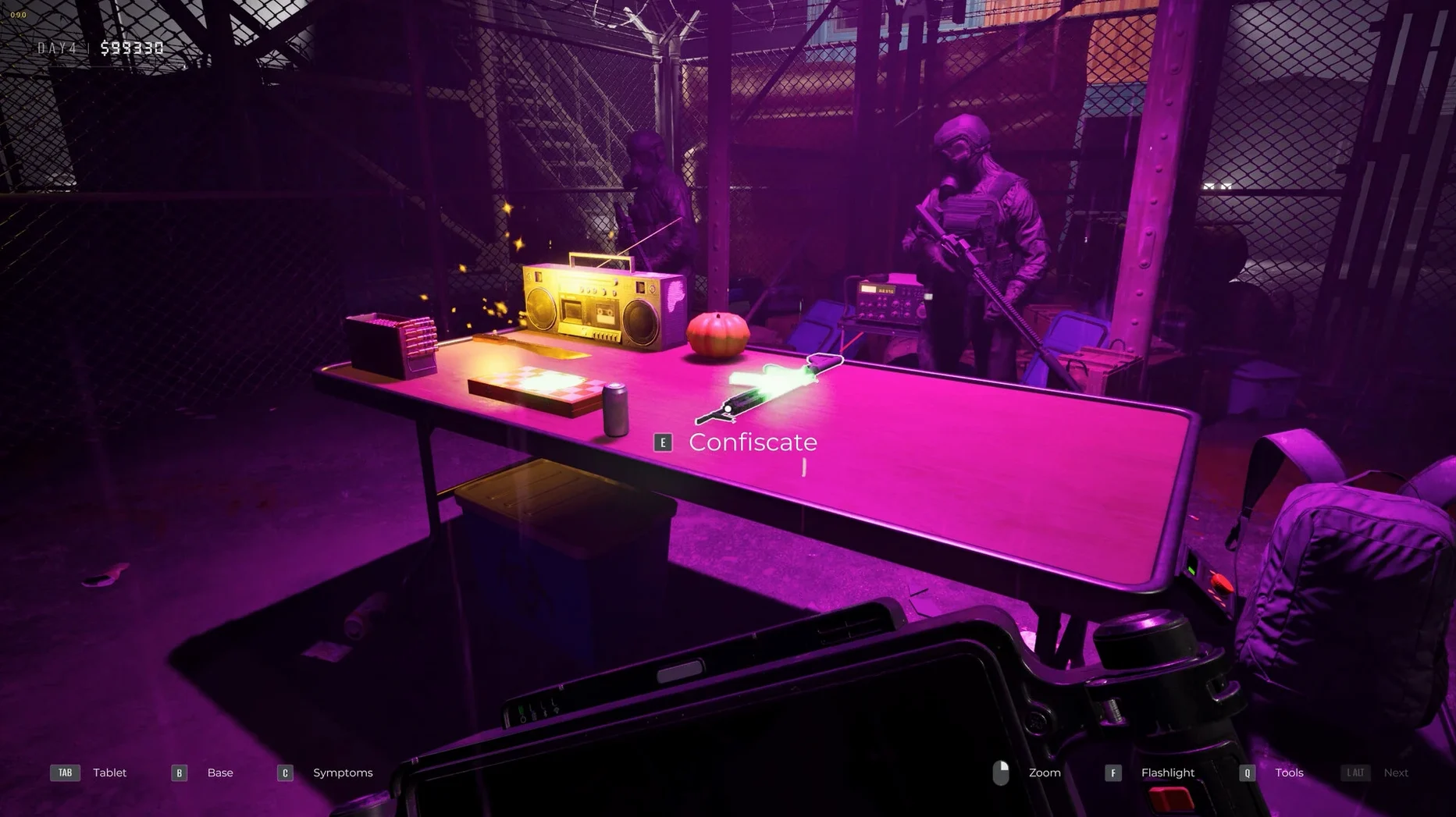
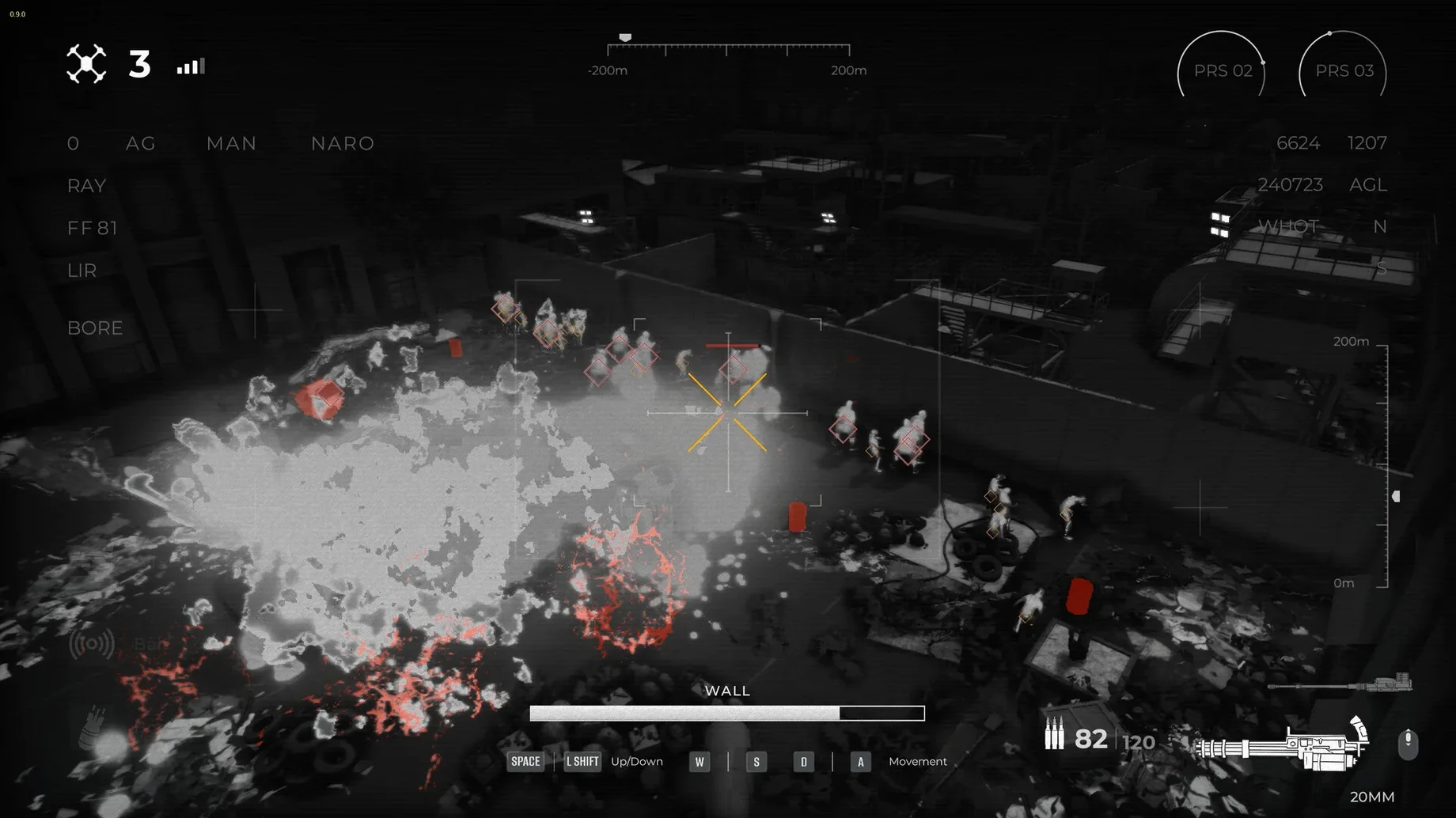
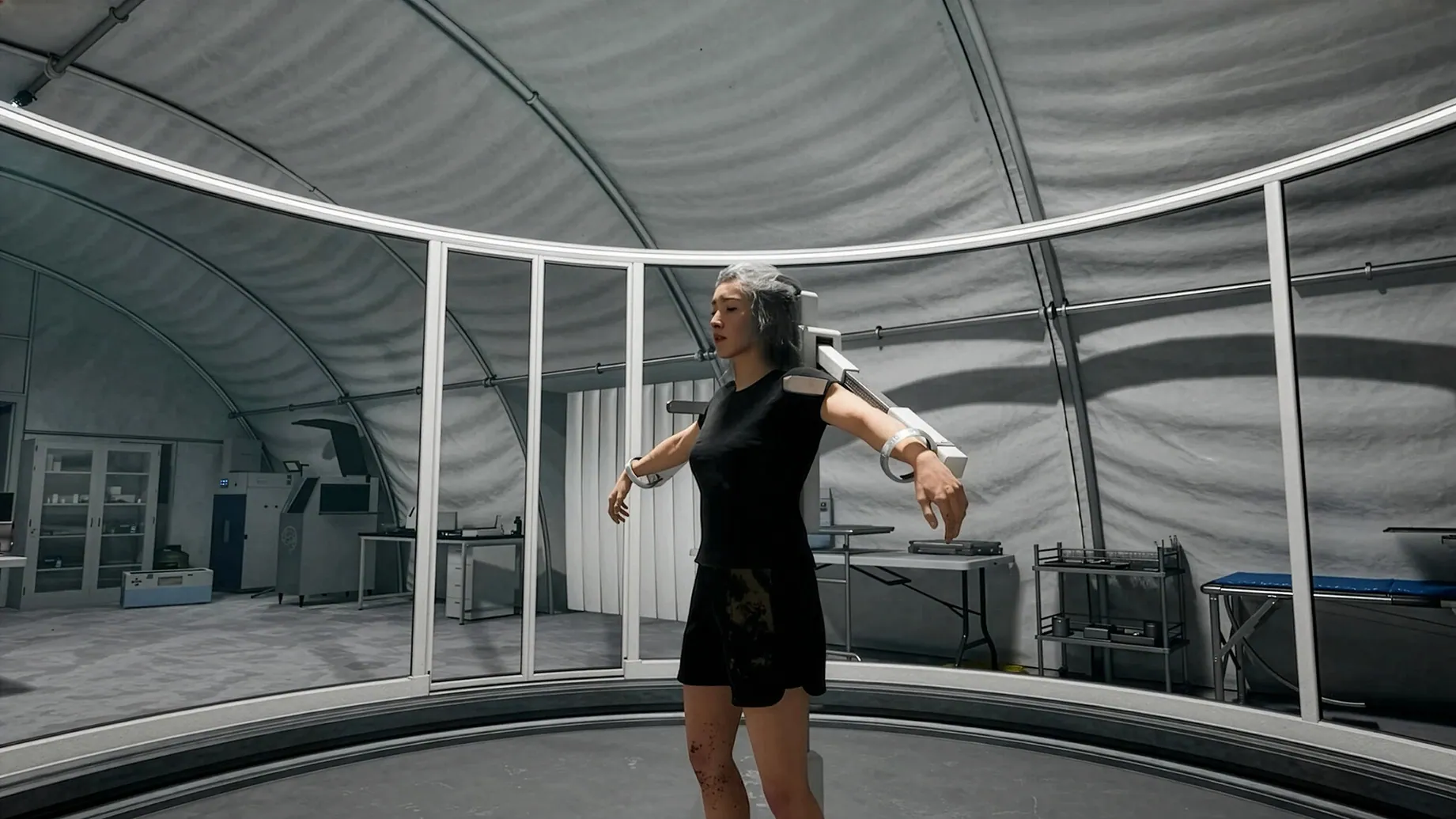
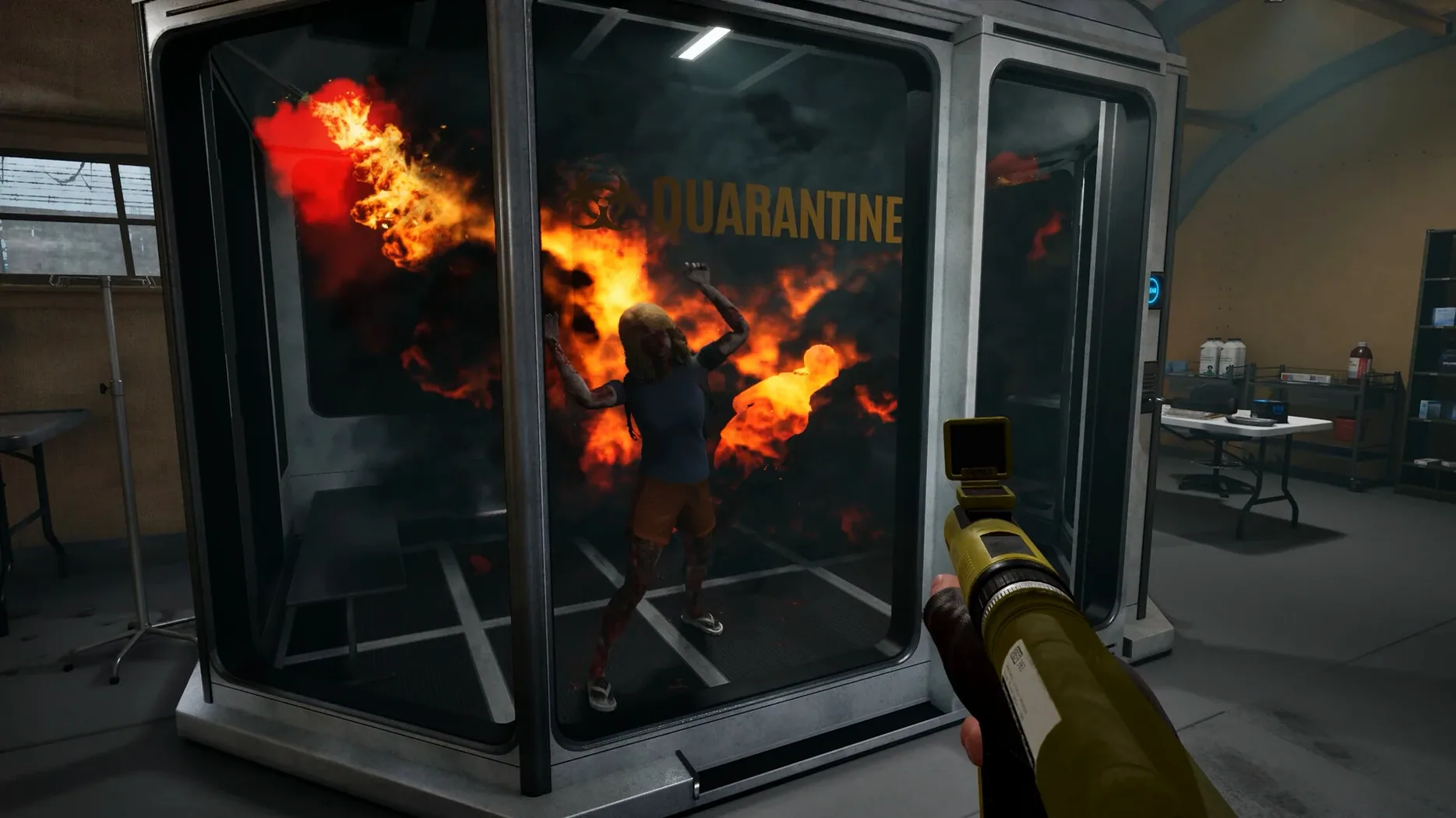
Quarantine Zone: The Last Check is a checkpoint simulator, not a shooter.
Moral friction
- Players who enjoy moral friction and slow decisions.
- Those curious about systems where one wrong clearance changes everything.
- Anyone tired of action and open to a tense, stationary loop.
Who might pause
Patience is the entry fee. Advanced screening tools, staff experience, and reinforcement upgrades arrive through samples, not twitch reflexes. It asks you to read faces and documents while infected people press against the fence. That pressure is real, but it is also quiet. If you want a game that measures composure, not speed, it fits.
Rainbow glitches
Rainbow glitches on screen usually point to one setting. Drop global lighting a notch in the graphics menu. That clears it on most M4 machines.
If the game crashes on day two, the default DirectX argument is the culprit. Open the app bundle, find Configure inside Contents, and switch the Windows app argument from -dx12 to -dx11. Launch again and the second day loads clean.
A launch error right after copying means the wrapper needs a quick fix. Run the Fix file supplied on the disk image — one click, then try the app again.
For a proper clean start, saved games live deep inside the bundle at SharedSupport/prefix/drive_c/users/Sikarugir/AppData/Local/QZSim/Saved/SaveGames. Delete that folder only if you really want to reset.
Side wikis
The game sits happily alongside your usual Mac tools. It runs in a window, so a notes app or a browser with a wiki open fits on the same screen — useful for tracking which symptoms you sent for examination last time.
macOS Stage Manager treats it like any windowed app; no weird focus stealing. VoiceOver doesn't reach inside the Wineskin wrapper, but the interface is visual by design, so screen sharing over FaceTime or Discord streams the checkpoint without issue. If you want to grab a quick screenshot, the system shortcut works — the image lands on your desktop, not inside the virtual drive. quarantine zone the last check macos free awareness means the wrapper asks for permission once, then stays quiet.