
4 GB of memory. That is the floor. Catalina asks for little, but it reshapes a few habits.
What people ask
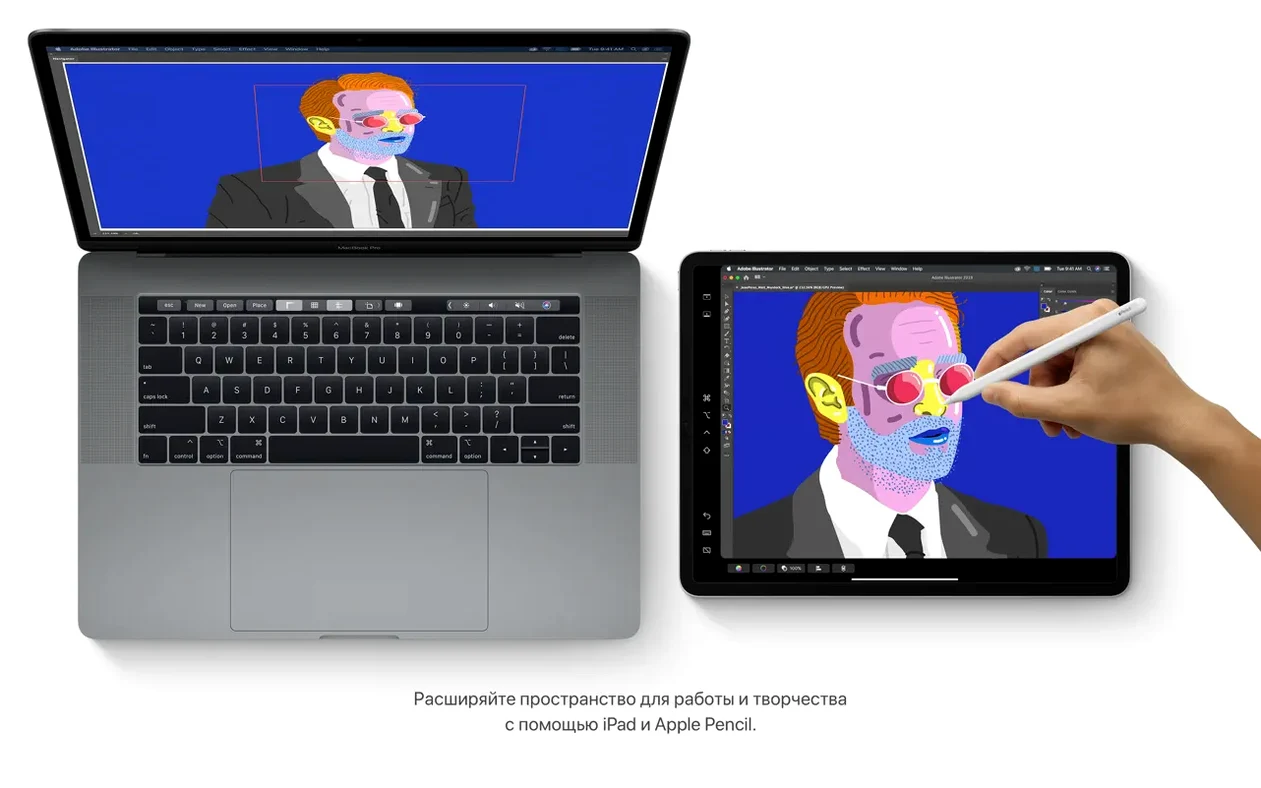
- Will my iPad work as a second screen? Yes. Sidecar extends your desktop, wired or wireless.
- Where did iTunes go? Gone. Apple Music, Apple TV and Apple Podcasts each do one job now.
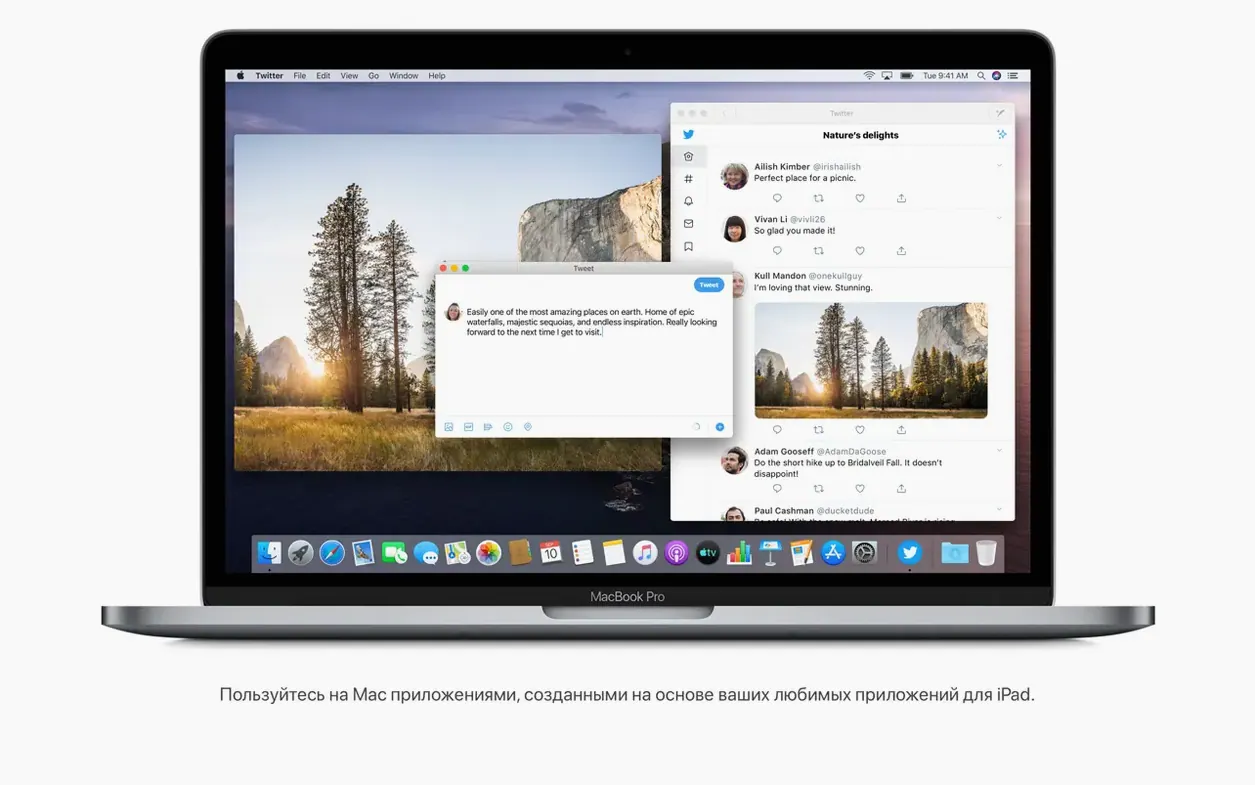
- Can I run iPad apps? Some. Developers can bring their iPad apps over to the Mac.
- Is 10.15.7 the final version? Yes. It carries the last security updates and bug fixes for Catalina.
One quiet addition
Wait a week
Give the new media apps a week before judging them. Apple Music imports the old iTunes library without drama, but building playlists from scratch takes an evening.
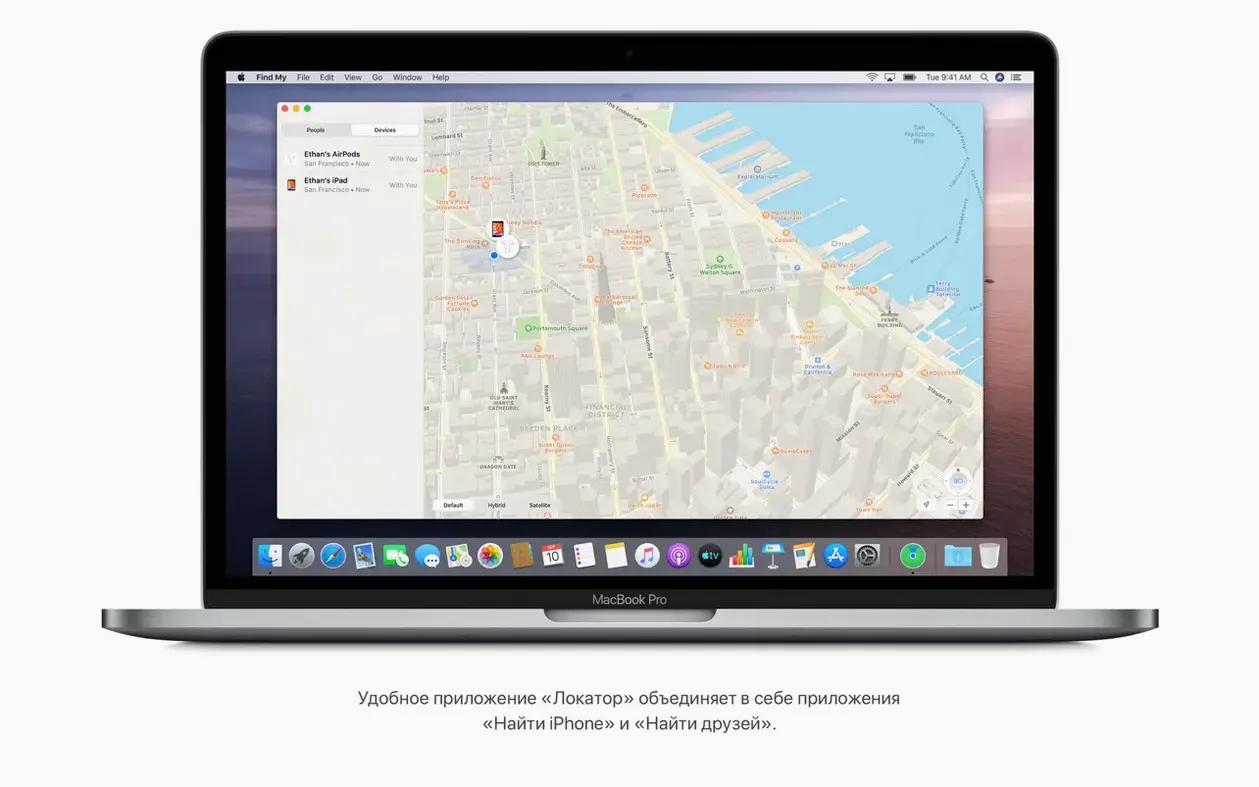
Turn on Find My early. A stolen or lost Mac is a lousy first test.
Sidecar needs a compatible iPad and the same Apple ID on both devices. Connect it once with a cable to confirm the handshake. After that, wireless usually holds.
Resist the urge to install every iPad app you find. Not all of them behave like real Mac software.
Since 10.15.7
The final release stayed quiet. Security updates and bug fixes, mostly.
One fix matters daily: macOS no longer fails to reconnect to known Wi-Fi networks after sleep. Another repairs iCloud Drive sync, so files stop stalling between devices. The Radeon Pro 5700 XT graphic glitch on the 27-inch iMac from 2020 is also gone.
Nothing changed visually. That is the point of a final version.
Check your drive
People ask whether Catalina still runs well on older Intel hardware. The answer depends less on the Mac than on the drive inside. A MacBook Pro from mid 2012 with 4 GB of memory and a spinning disk will feel slow. The same machine with an SSD and 8 GB is workable.
Others ask about downgrading from Big Sur or Monterey. It is possible, but not a casual weekend project. You need a bootable installer and a full backup.
Some people search for a mac os catalina torrent or a catalina torrent because their Mac no longer shows the installer in Software Update. The download still works from the disk image route described above. No tricks needed.
If you use creative apps, adobe creative cloud catalina compatibility is a common worry. Most Adobe apps from that era install and run, but very recent versions have moved on. Catalina remains a solid base for older workflows.
Notes scans documents and finds the text inside them. You search, and a photographed recipe surfaces without you naming it.