
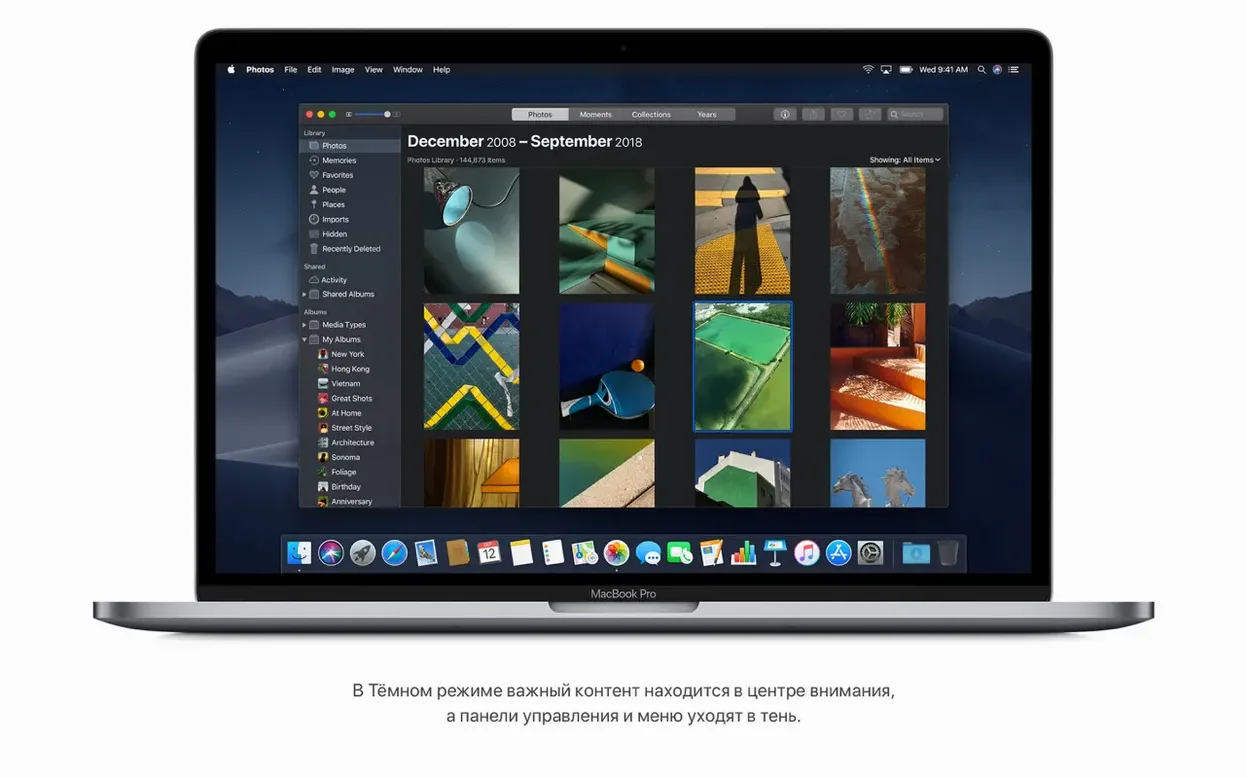
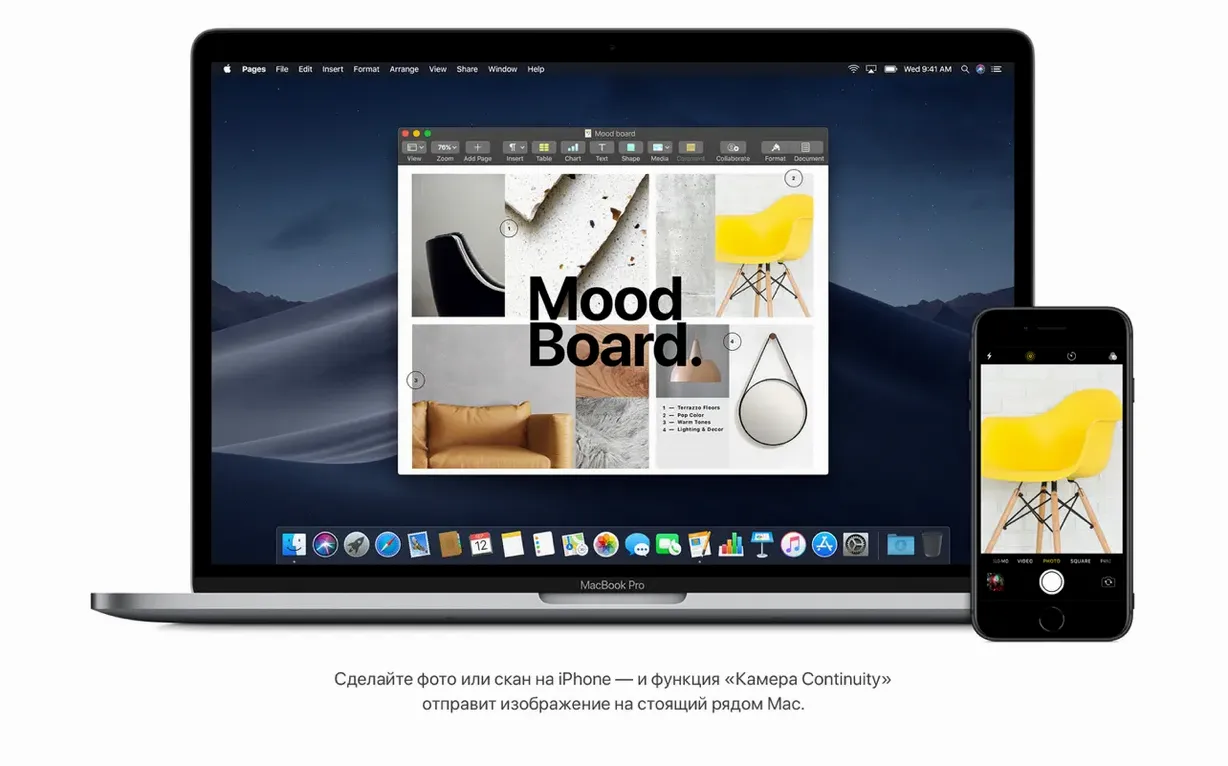
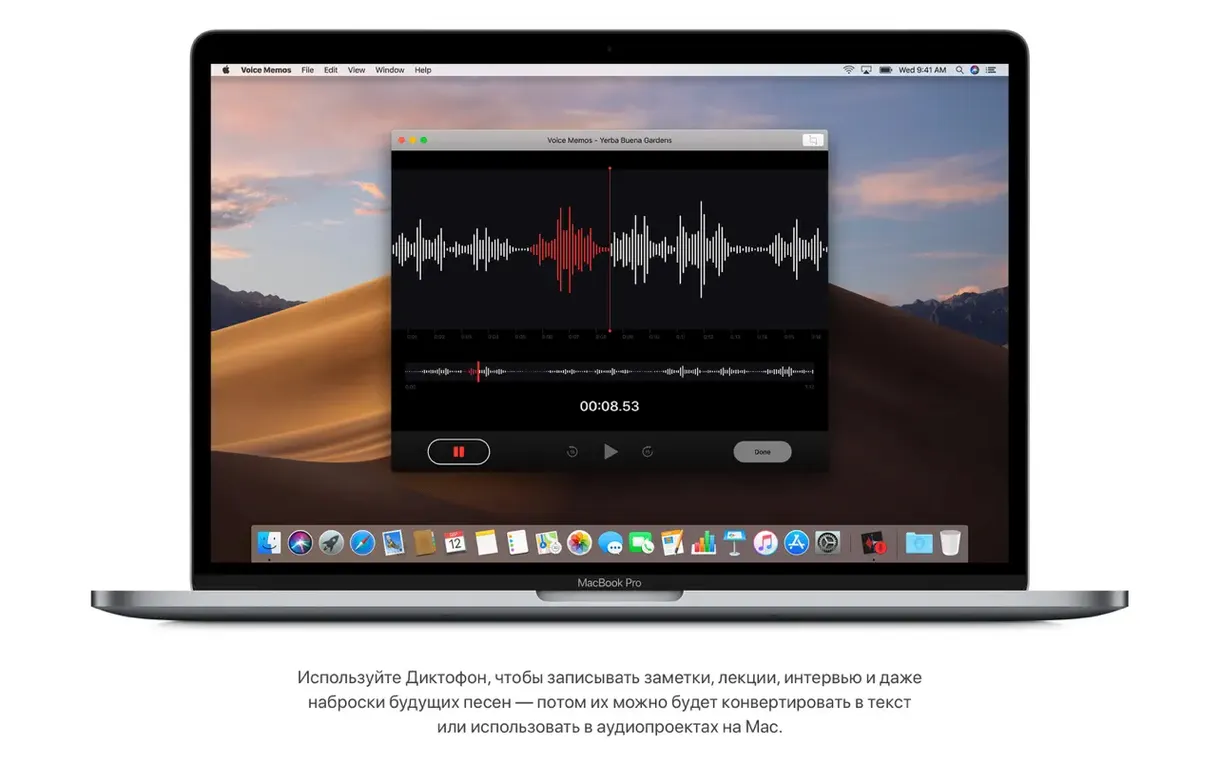
You restart after the install. The screen settles on a pale desert dune. Mojave rewards a pause with a handful of tools that are immediately useful.
Finder edits
- Trimming and rotating media right in Finder
- Password-protecting a document from the desktop
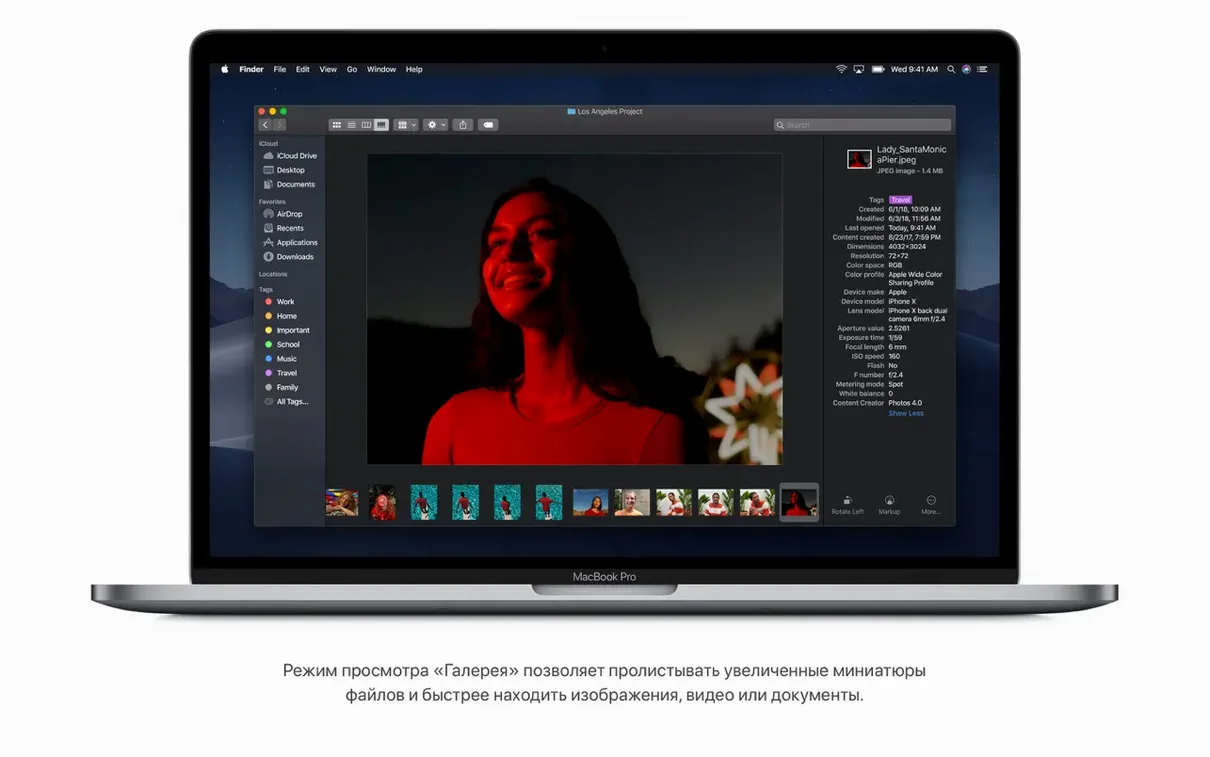
- Browsing files in Gallery View, metadata alongside
- Group FaceTime calls, up to 32 people
Metal required
- Intel Macs from mid 2012 or later
- 2010–2012 Mac Pro models need Metal-capable graphics
Quiet polish
Version 10.14.6 (18G103) arrived quietly. Apple described it as an update that improves the stability and reliability of the Mac.
For daily use, that means fewer beachballs and less guesswork. The change is small on paper. In practice, Finder stays predictable and the system feels settled. People who keep a Mojave installation running for years tend to value that.
Model mismatch
The installer sometimes refuses to start on a newer Mac that shipped after Mojave. The hardware list matters here. A MacBook from early 2015 works. One from 2019 does not.
On older Mac Pro towers, the graphics card is the usual culprit. A Metal-capable card solves most boot loops and installer freezes.
If Finder shows a file preview as blank, rebuild the Spotlight index. Open System Preferences, then Spotlight, then Privacy. Drag the drive in, wait a few seconds, remove it. LaunchServices rebuilds and Gallery View returns.
A repair shop afternoon
Someone walks in with a mid 2012 MacBook Pro. It runs slow on a newer system, and they want it back to what it knew.
Download the dmg, extract the installer, and boot from a USB stick. The laptop takes Mojave without complaint. Dark Mode goes on. Stacks clears the desktop in one click. The owner leaves with a machine that feels like itself again — and a Finder that can rotate photos without opening an editor.