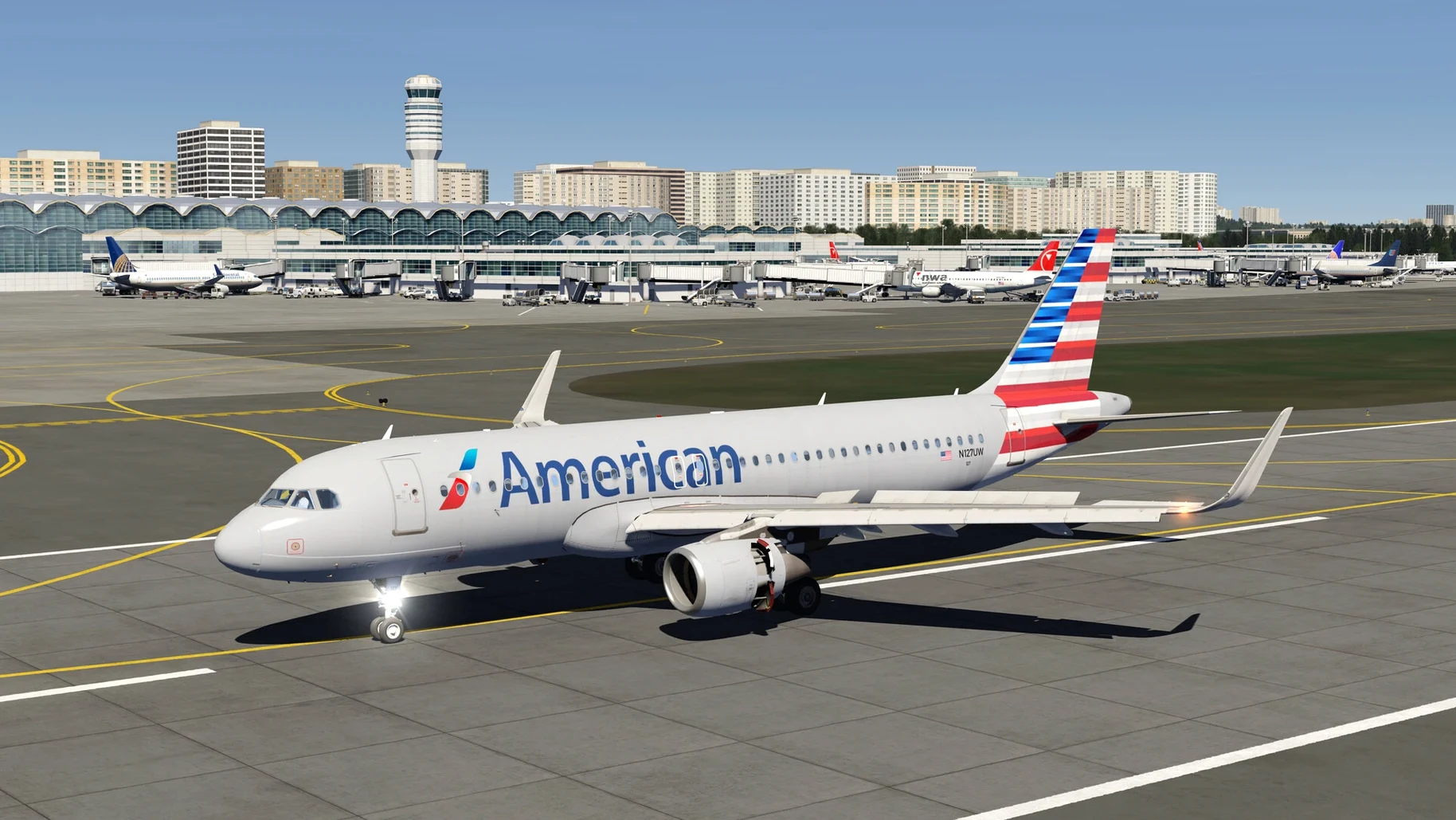
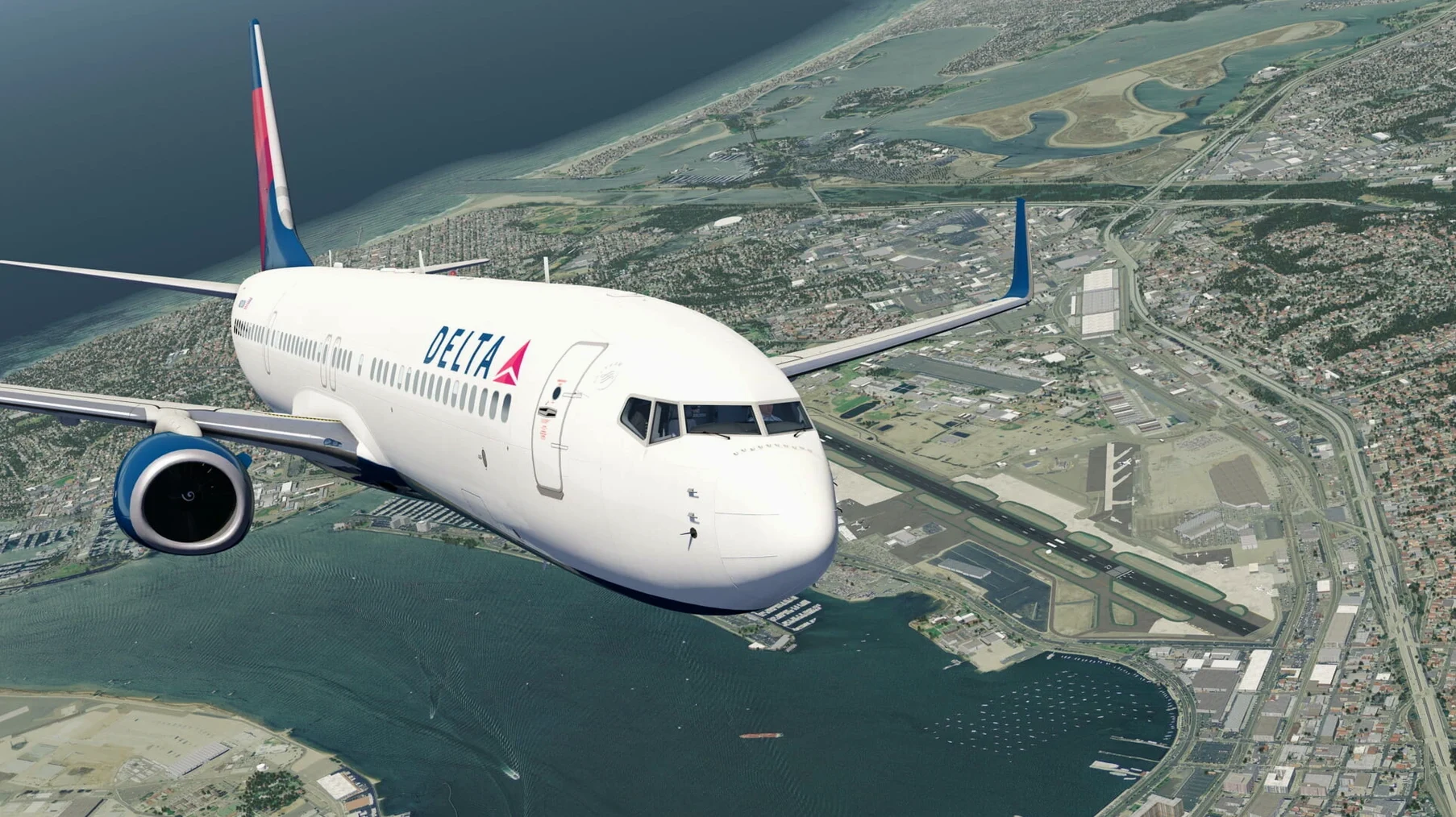
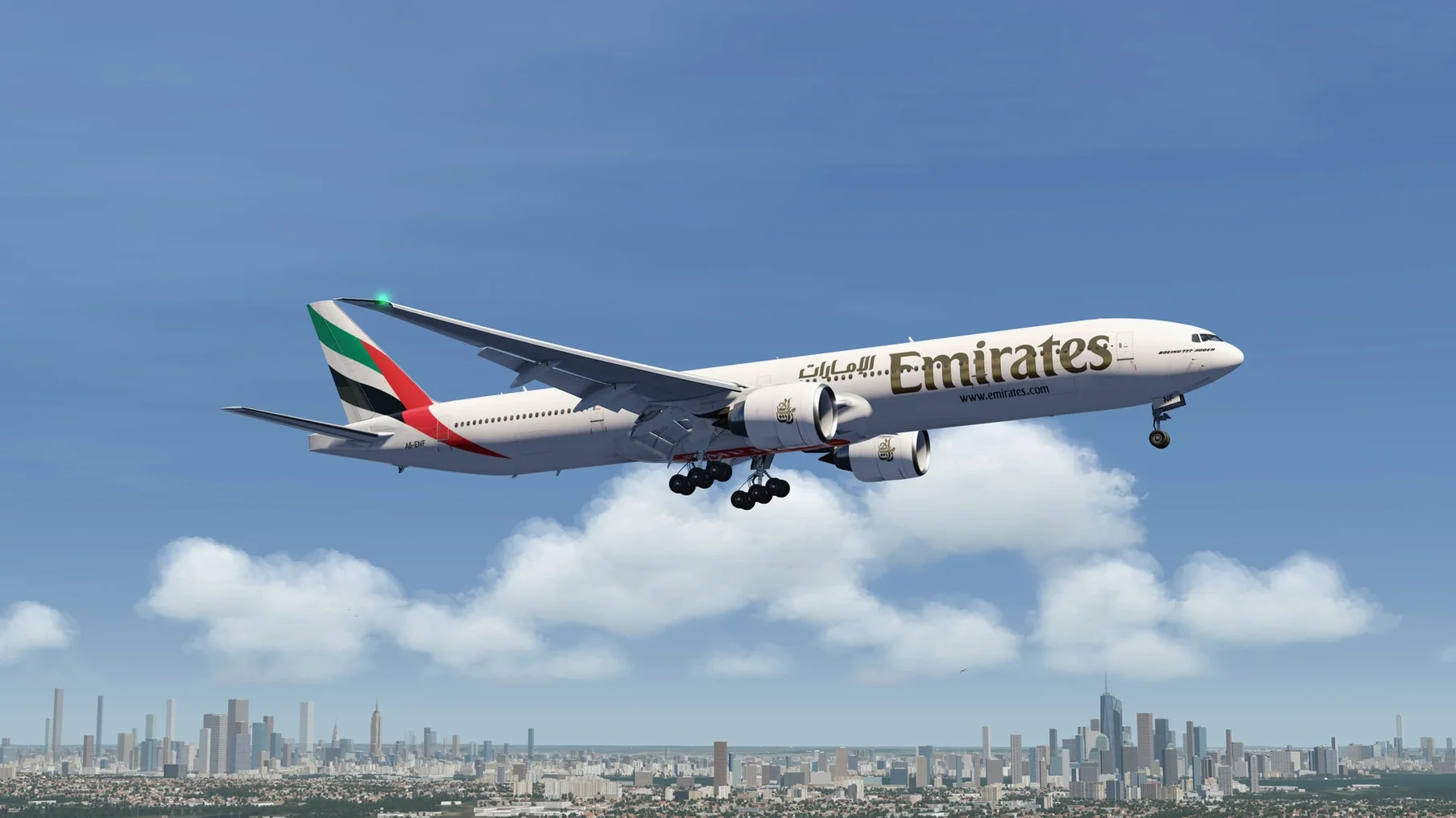
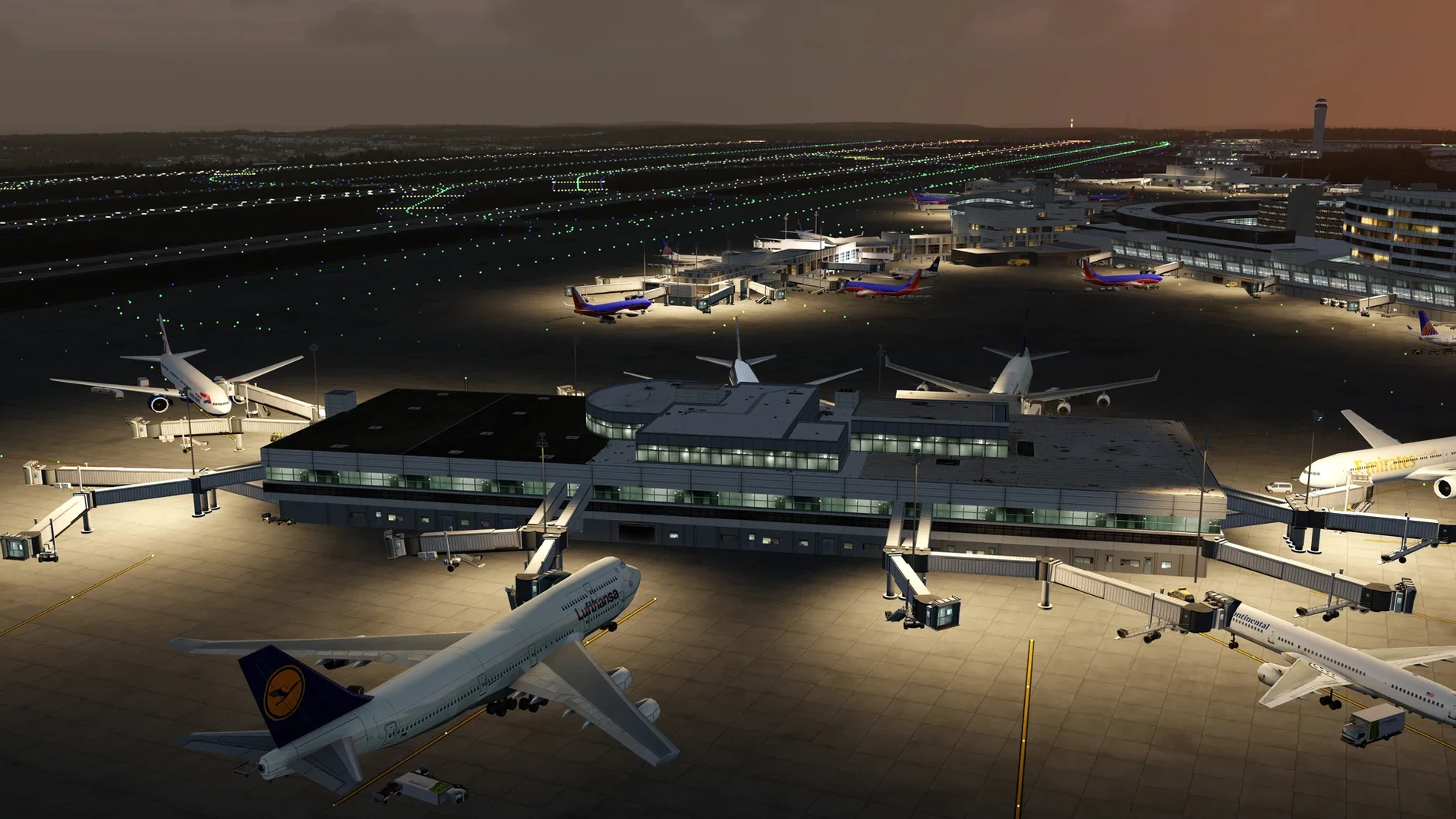
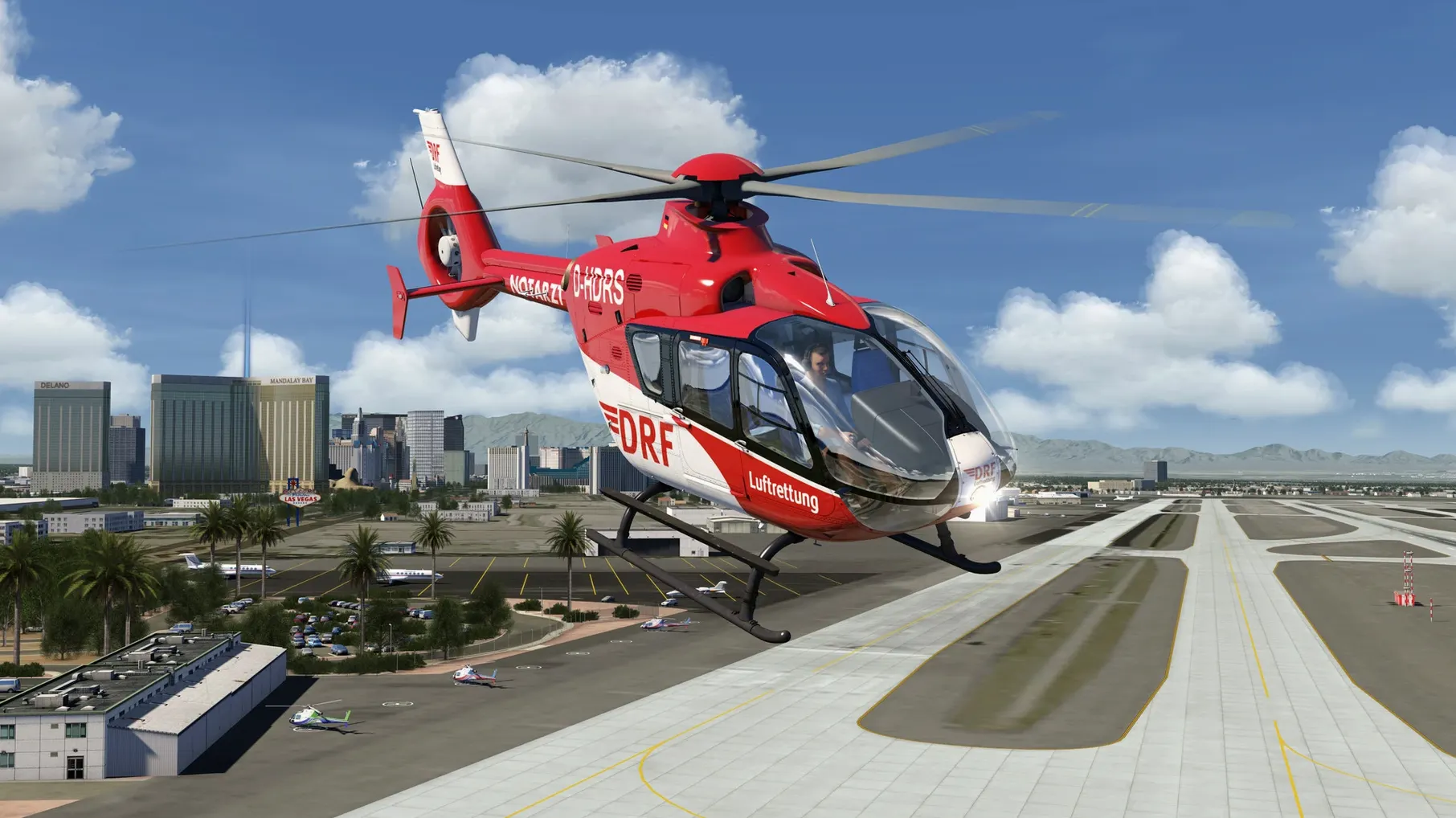
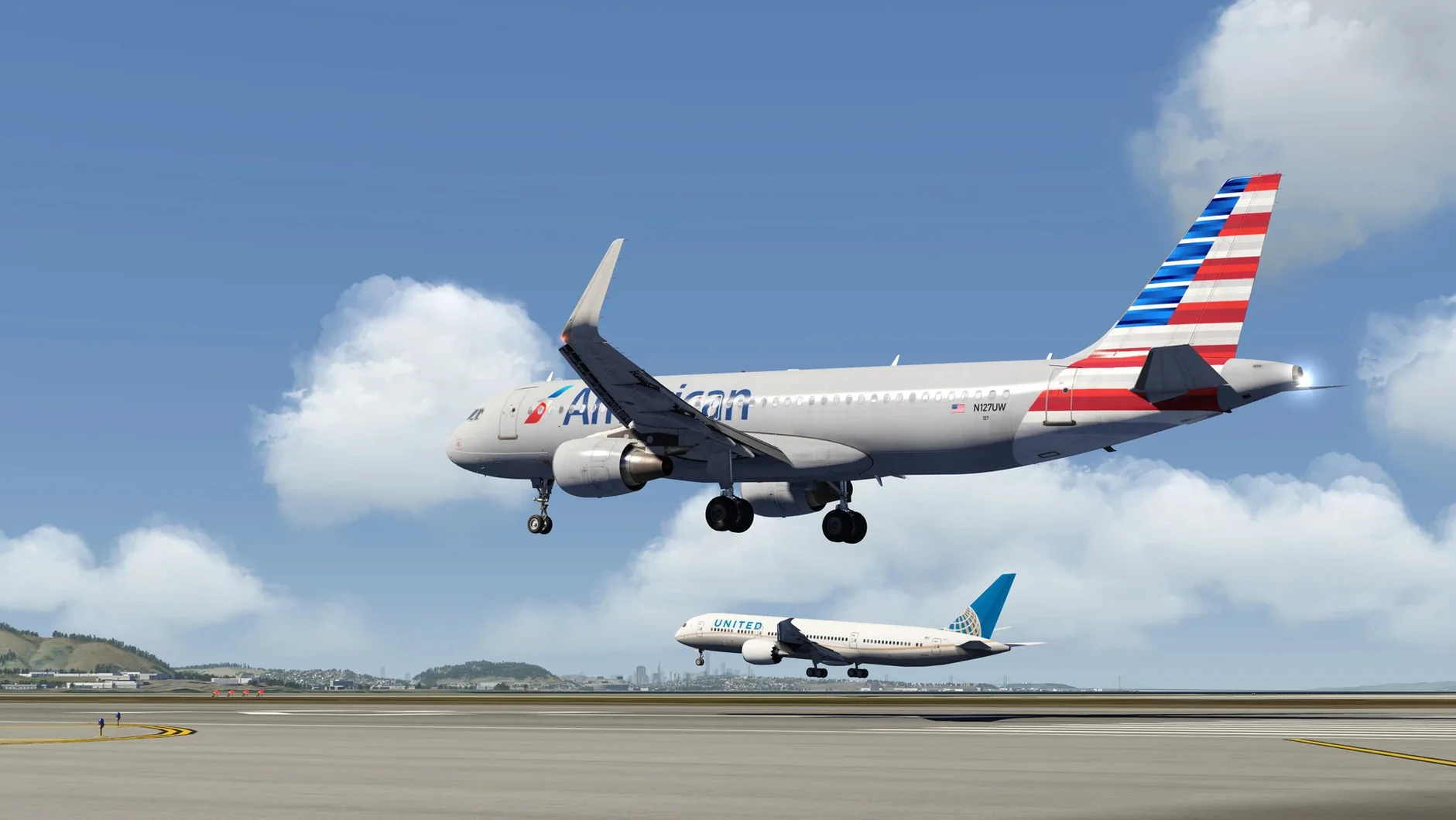
If Microsoft Flight Simulator feels like a second operating system, Aerofly FS 4 is the lightweight alternative that still puts you in a fully modeled cockpit. It sits between game and tool, with enough depth for logged career progress without the hardware anxiety.
Airliners to aerobatics
- Pilots who want airliners, business jets, and aerobatic aircraft in one install
- A smooth frame rate on Mac — Vulkan and multithreaded processing do the lifting
- VR sessions that start without hours of tweaking
Scenery trade-off
- Scenery detail is not the sim's main selling point
- Systems depth varies across the included fleet
Next to others
X-Plane 12 offers a deeper systems sandbox and a more convincing atmosphere model. But it asks more of your Mac and your patience. Aerofly FS 4 opens faster, flies smoother, and stays out of your way. For a pilot who wants to be airborne in under a minute, the difference is tangible.
Microsoft Flight Simulator delivers a living map of the planet. The scenery here is simpler. What you get in return is responsive performance on a machine that would struggle with that world stream. Helicopters and gliders feel immediate, not bolted on.
Aerofly FS 2 still runs on older hardware, but it lacks the structured career log, the expanded helicopter lineup, and the VR polish this version brings. If you last touched the series a few years ago, this is a substantial step forward.
Start with a glider
Start with a glider. The tow-plane launch teaches you how the air feels before any engine noise masks it. Ten minutes of ridge lift near the default scenery will calibrate your expectations faster than any checklist.
Bind only three controls on day one: pitch, roll, and throttle. The cockpit is interactive, so your mouse can handle the rest while you decide which physical switches matter.
Pick one airliner and fly the same short route three times. The flight log tracks each attempt. By the third landing you will know whether the systems model meets your needs — and whether you want to explore the aircraft deeper or move on.
Avoid scenery add-ons for the first week. The base terrain is consistent. Learn where it holds up and where it fades before you complicate the install.