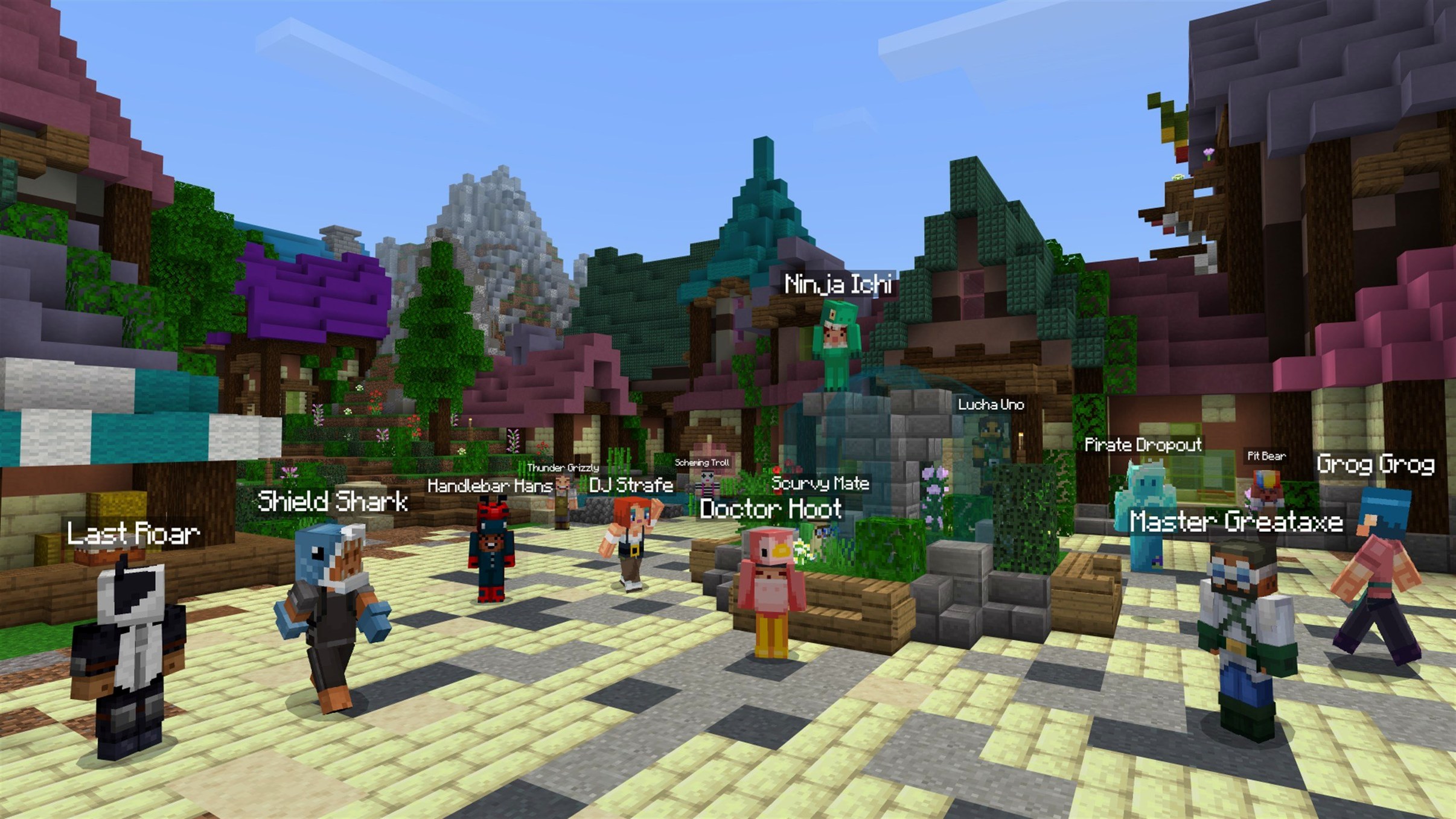
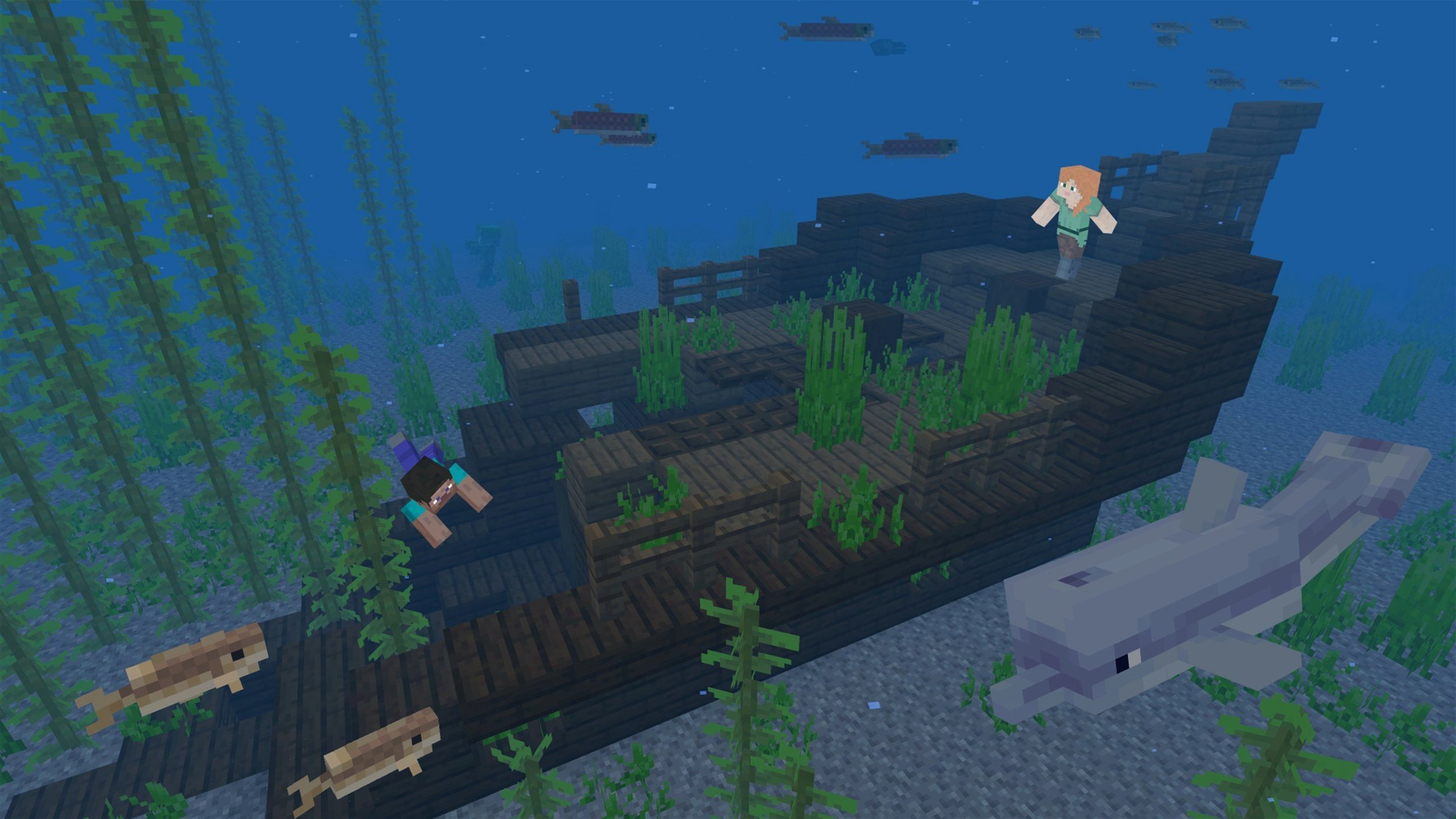
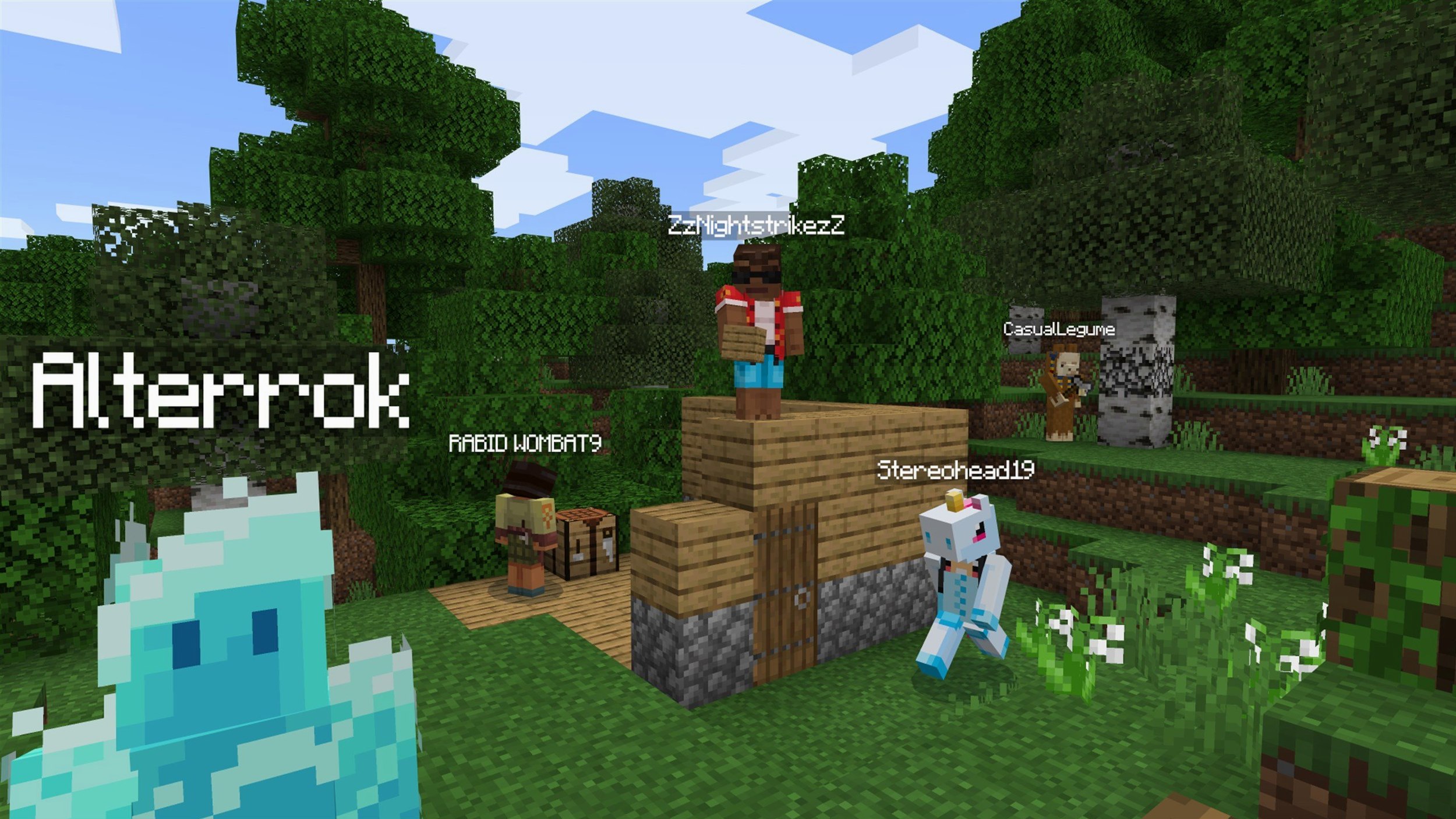
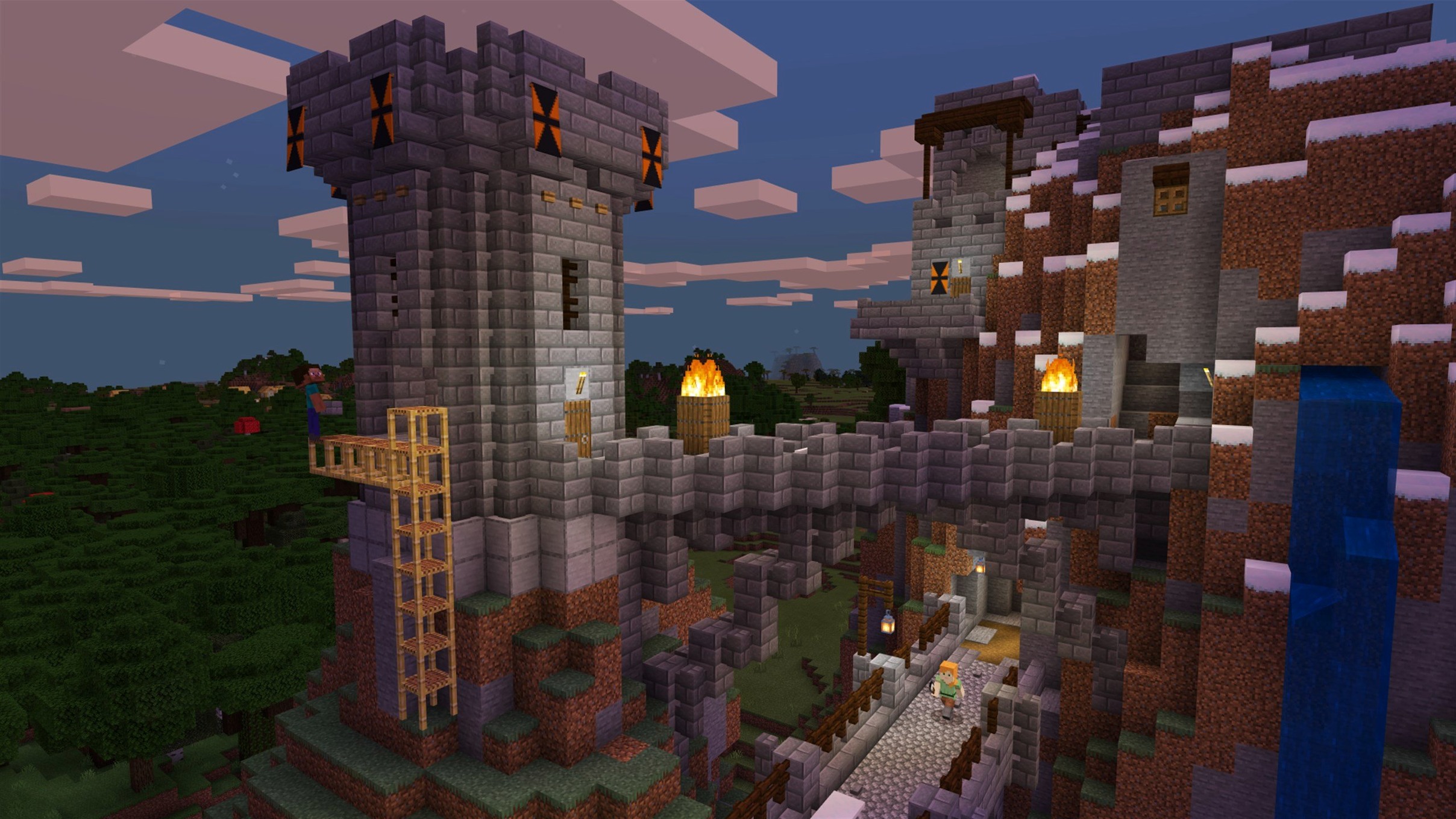
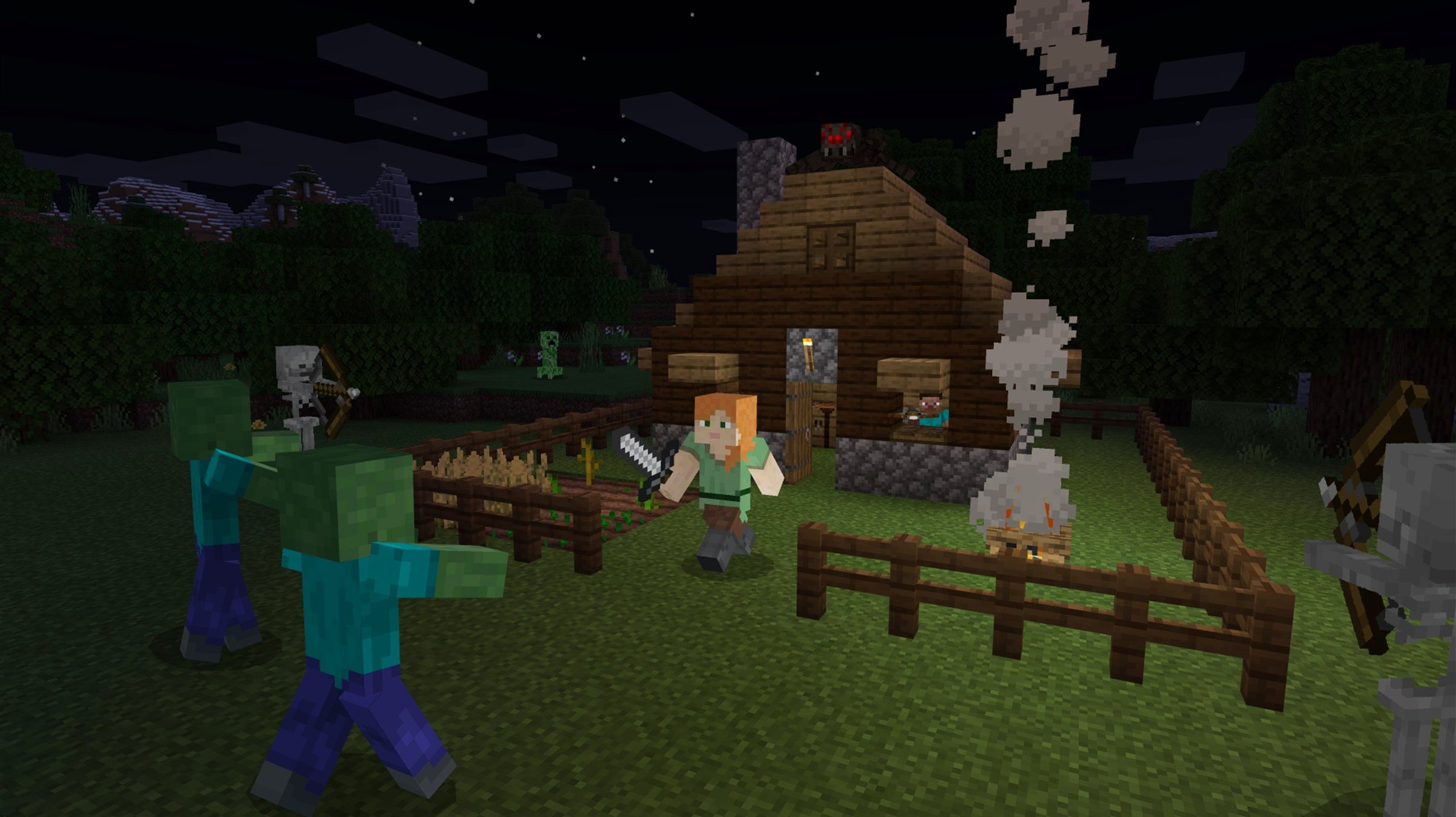
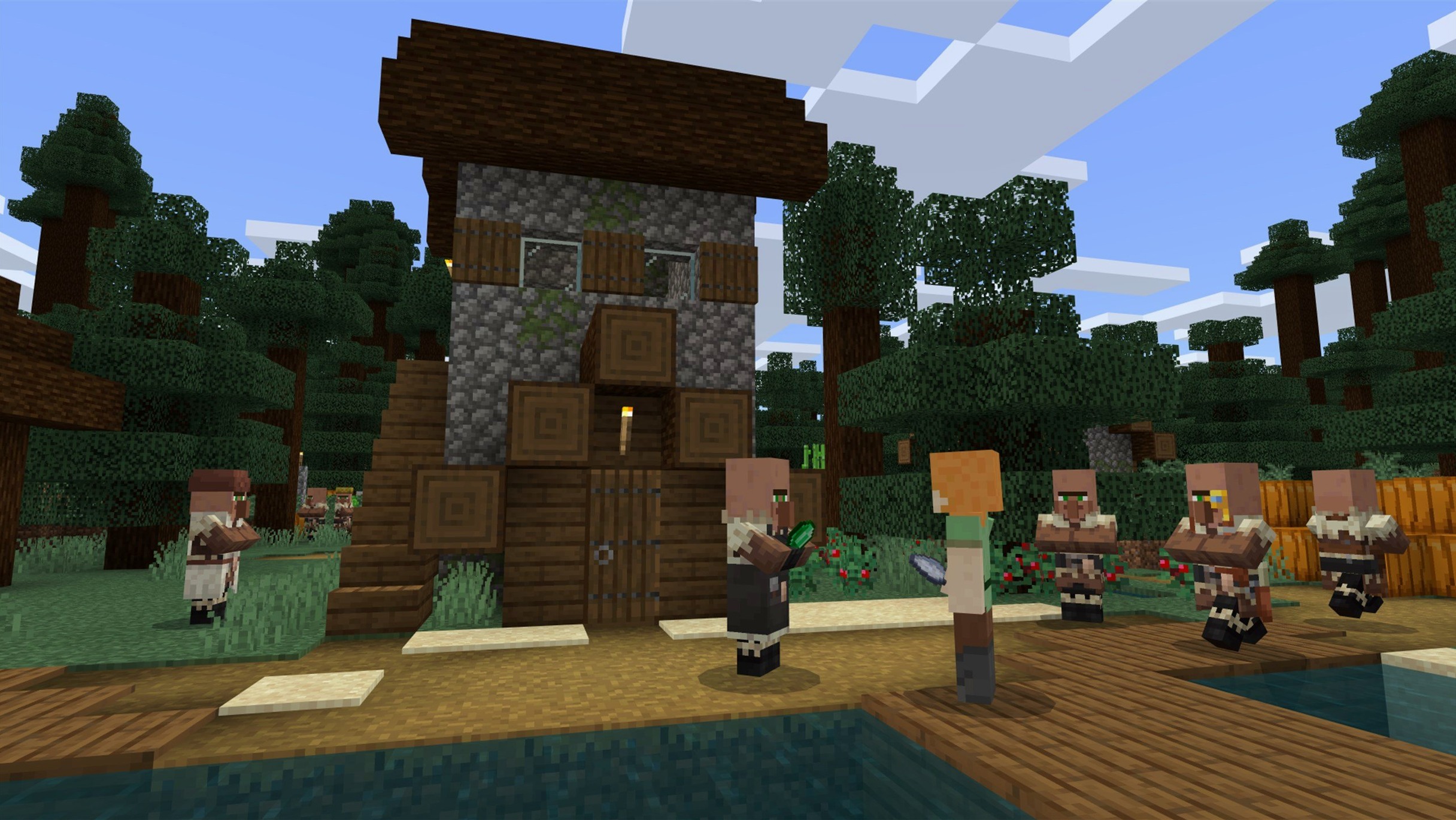
You know that folder on your Mac you keep meaning to organize. Minecraft is the opposite — a world that starts empty and only gains what you place, one block at a time. A sandbox game where you dig, build, craft, and sometimes run from what comes out at night.
Version 1.21.7 keeps the same loop. It adds a new 3x3 painting for your in-game walls and the Lava Chicken music disc. Under the hood, resource pack version 64 arrives alongside fixes for AMD startup crashes, texture leaks after reloading, and text rendering on Qualcomm graphics.
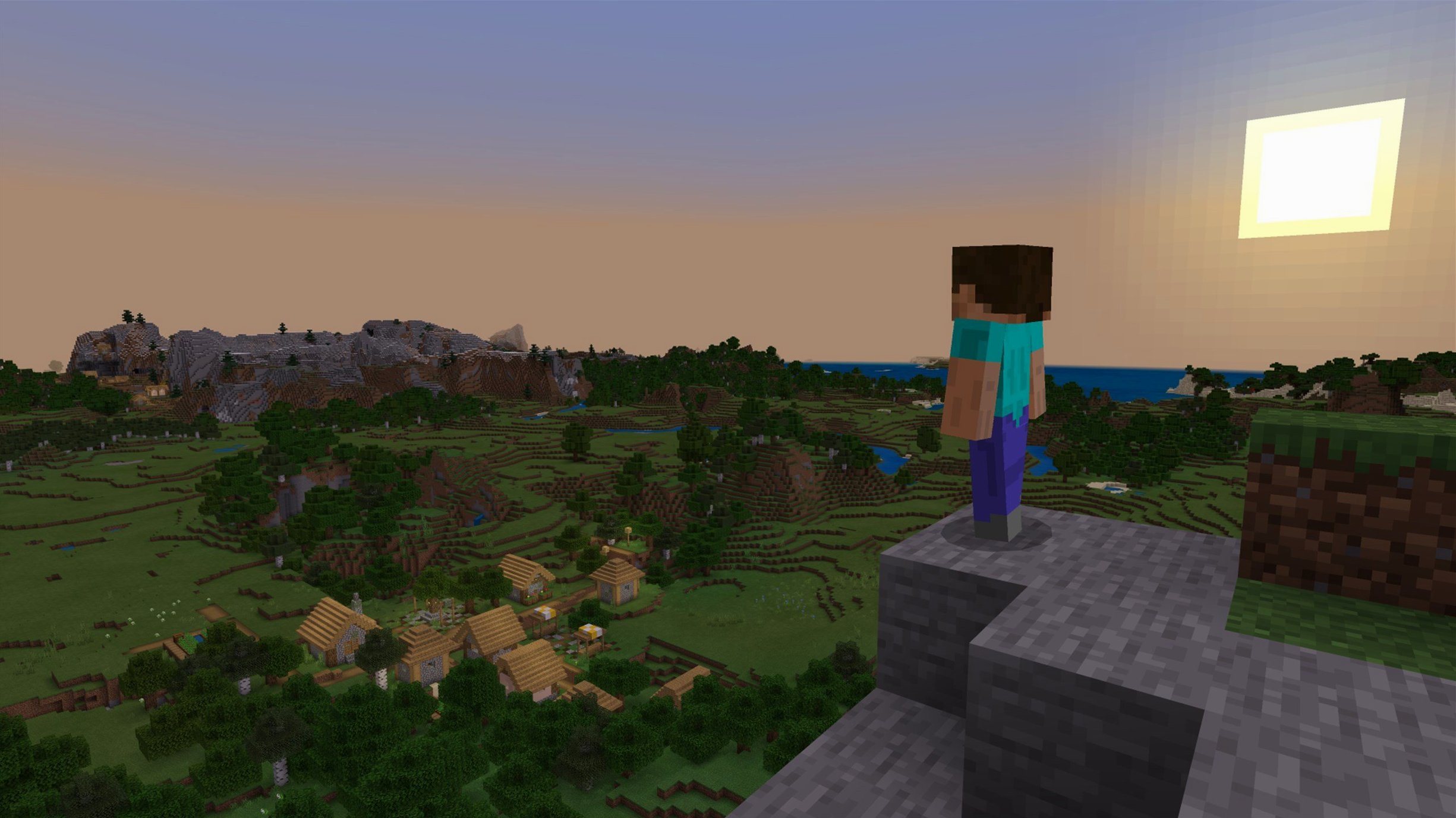
Music is included. So is the quiet of standing on a mountain you just built, watching the sunrise over a landscape you rearranged.
Minecraft plays well with others. Drop a .schematic file into the world edit folders of tools like MCEdit, and large builds move between single-player worlds without starting from scratch. The game also reads custom resource packs straight from ~/Library/Application Support/minecraft/resourcepacks. macOS treats that folder like any other — Time Machine backs it up, and you can symlink shared packs from an external drive. No hidden imports, no cloud sync to configure.
If you use a launcher like MultiMC or Prism, the Java Edition instance runs independently of Mojang’s launcher. That means separate worlds, separate mod folders, and zero chance of one experimental build breaking your main survival save. The macOS firewall leaves Java alone by default, so multiplayer over LAN just works — even between a Mac and a Windows machine on the same network.
Details
Hold Option while breaking a block in Creative mode, and you pick the exact block state — including rotation, waterlogged stairs, or a half-open iron trapdoor — instead of the default. In Survival, F3 + T reloads textures without restarting the client, useful after slipping in a new resource pack mid-session.
Pressing F3 + H toggles advanced tooltips. Item IDs and durability numbers appear below every tool and stack. It is the kind of thing you leave on once you see it.
On the launcher side, the JVM Arguments field responds to a few clean macOS tweaks. Adding -Xmx4G caps memory at four gigabytes, enough for large modpacks without the system swapping. The M-series Macs handle this quietly — fans barely spin unless you push render distance past 32 chunks.
The game writes logs to ~/Library/Application Support/minecraft/logs. They are plain text, searchable, and they tell you exactly which mod failed to load after an update. No guessing.
Stale Java runtime
The most common launch failure on macOS comes from an outdated Java runtime. Java Edition needs a recent JDK 17 or later, and the built-in Mojang launcher bundles its own. If you switch launchers or use a Minecraft Mac torrent distribution that doesn't include a bundled Java, the game quits immediately. Installing OpenJDK 21 through Homebrew and pointing the launcher at /opt/homebrew/opt/openjdk@21 settles it.
Another snag: the first launch after a resource pack update can stall on a white screen for thirty seconds. It is compiling shaders, not frozen. Wait it out once, and it does not repeat until the next resource pack change.
On some Intel Macs with AMD graphics, pre-1.21.7 builds would crash during startup. This update ships the fix, but if you run a minecraft java free download mac version older than 1.21.4 on those machines, adding -Dorg.lwjgl.opengl.Display.allowSoftwareOpenGL=true to the JVM arguments keeps the window alive until you update.
When the launcher refuses to recognize a minecraft java edition free download despite a valid account, deleting the launcher_profiles.json file inside the application support folder forces a clean authentication flow. Your worlds and settings stay untouched — only the launcher token resets.
It runs on Apple Silicon and 64-bit Intel Macs. Java Edition, the one you launch yourself, got the update first.