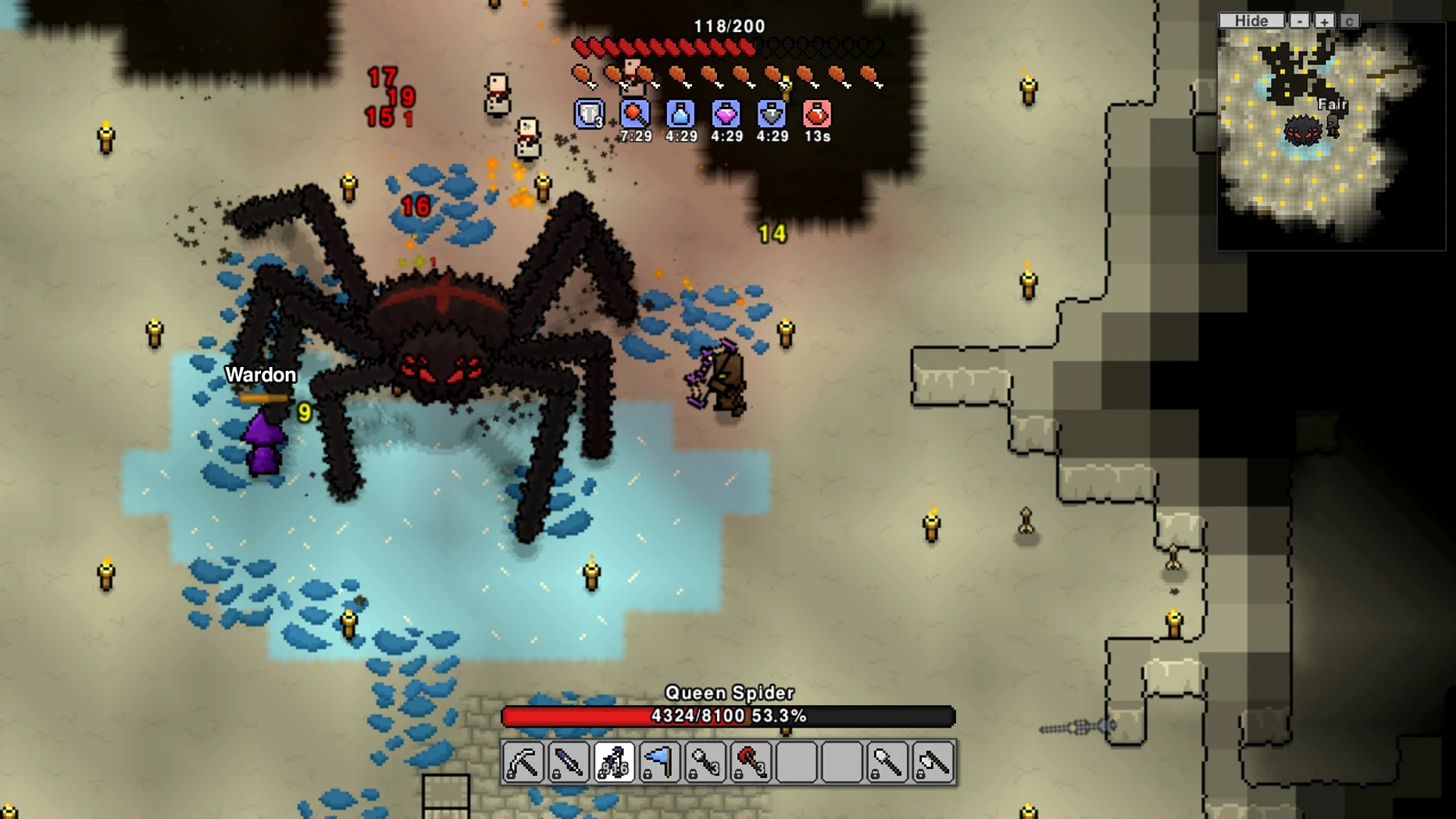
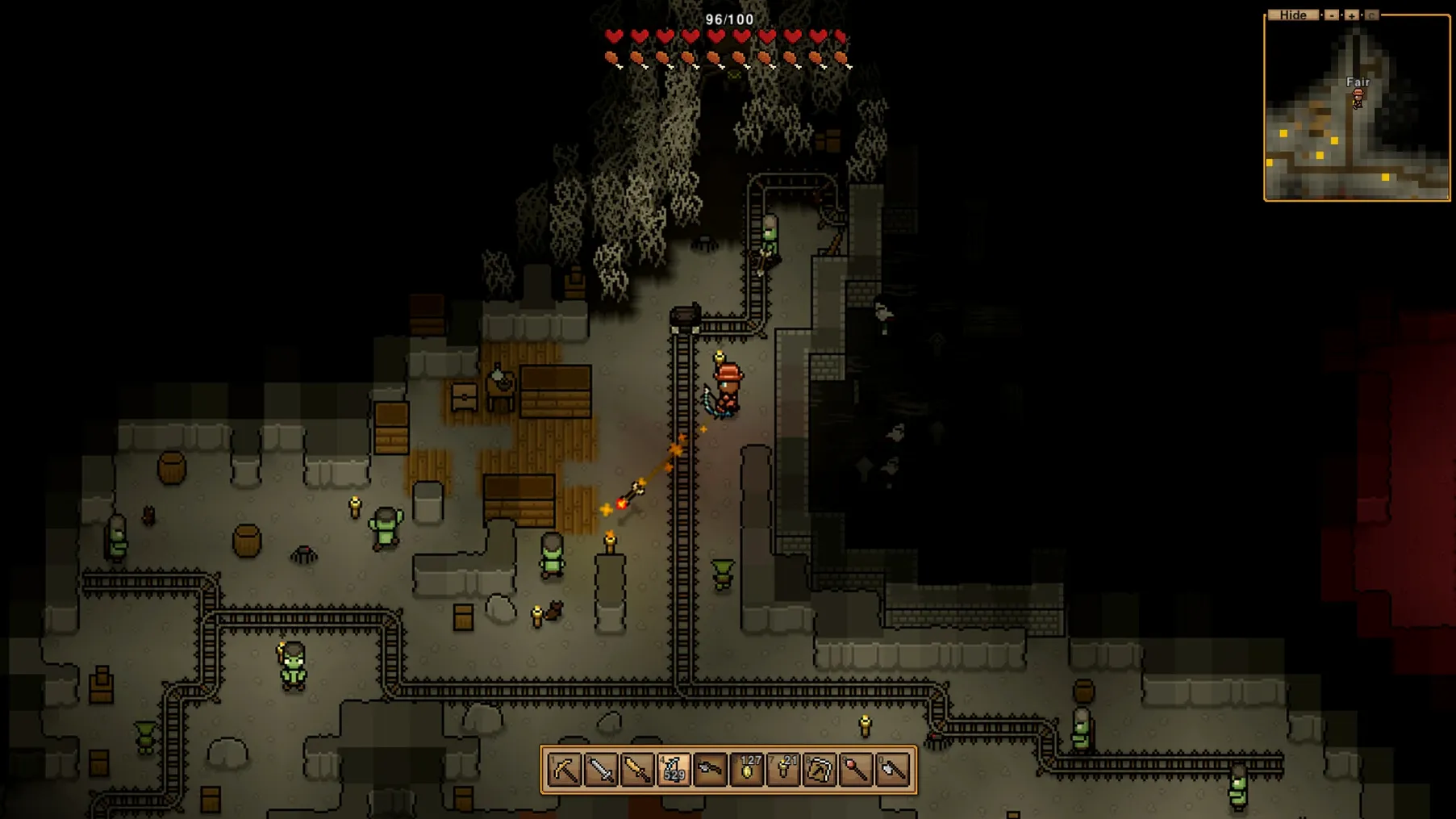
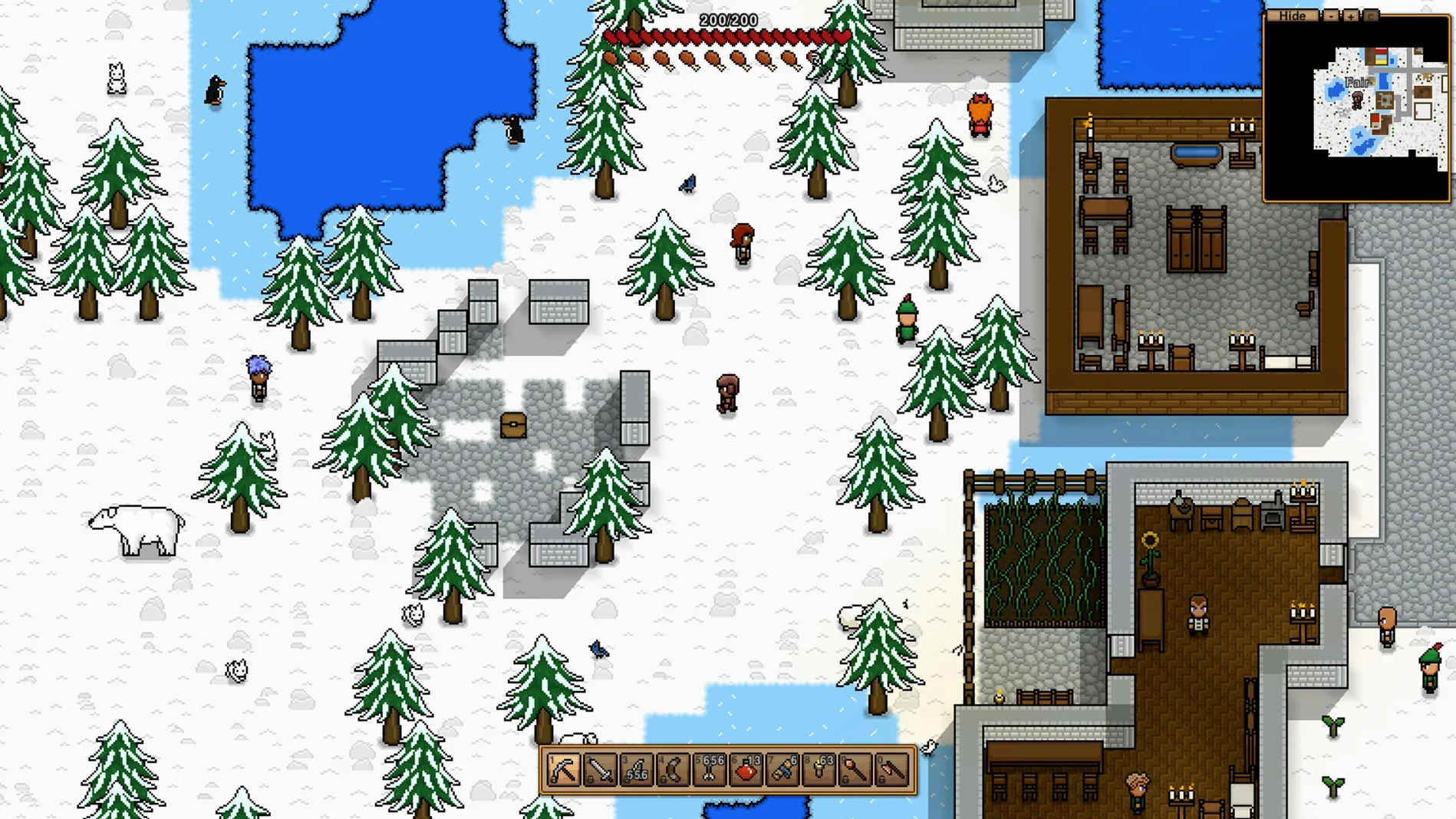
Most sandboxes make you choose: build a home, or wander into the unknown. Necesse removes that choice. You do both at once, and the world pushes back.
Infinite biomes
- A procedurally generated world with distinct biomes and ores to mine
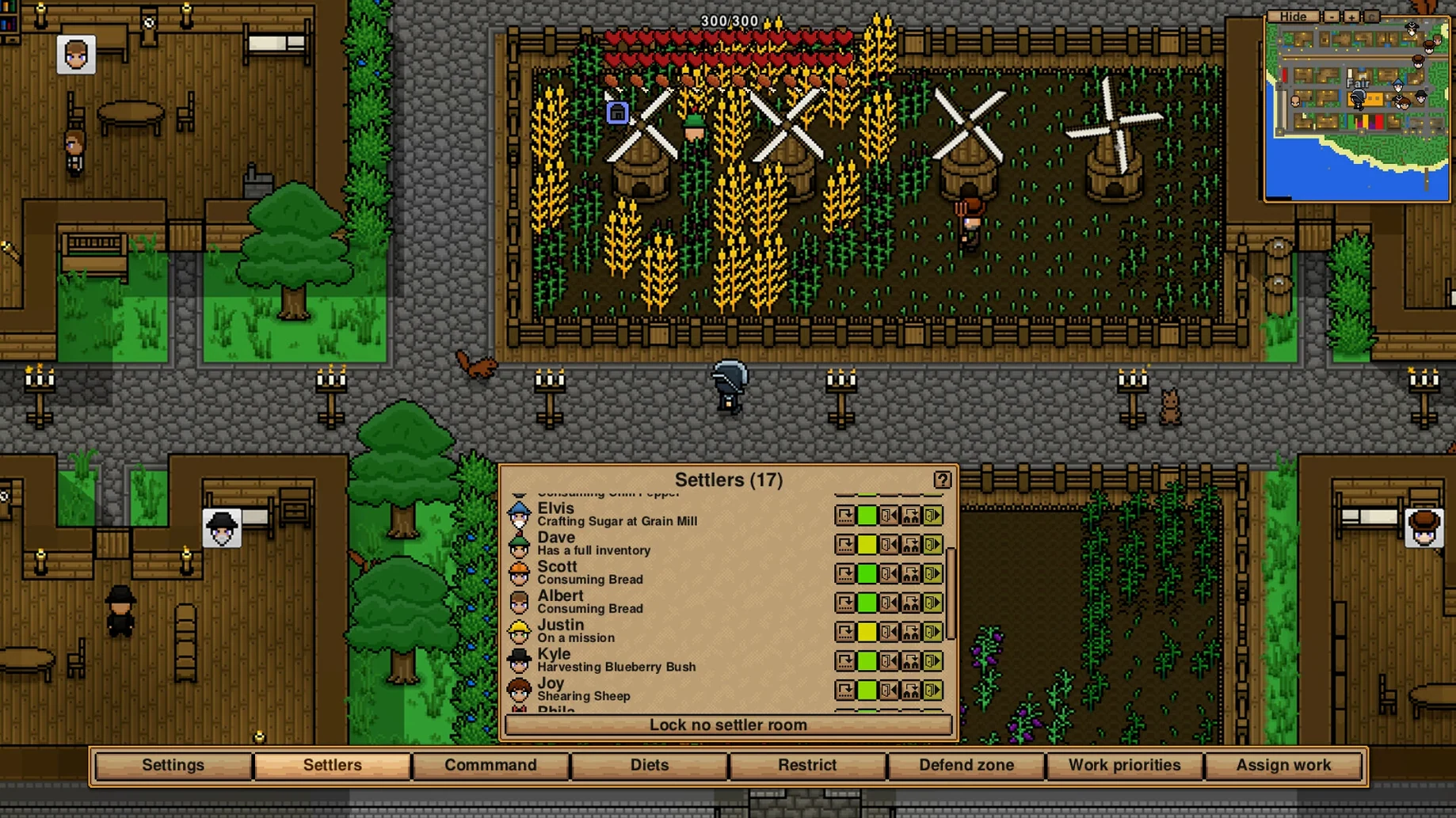
- Settlement building with NPCs who move in and work for you
- Quest lines that send you into caves and across the ocean
- Crafting trees for equipment, potions, and base defenses
- Customizable difficulty and rule sets
Apple Silicon ready
Version 1.3.3 runs on both Apple Silicon and Intel Macs. The build was tested on macOS Tahoe. Interface languages cover fourteen options, from Japanese to Brazilian Portuguese. Community translations got a polish in this update, and the Fallen Landscaping Station learned a new recipe.
Auto-stack trick
Shift-click a chest to auto-stack matching items from your inventory. It’s never mentioned in a tutorial. You simply discover it, and suddenly unloading loot takes two seconds.
Middle-click on a workbench with a settler nearby. They move to operate it immediately — no need to open the settlers menu or hunt for their name in a list. The same click works on doors when you want someone stationed at a specific guard post.
Waypoint markers on the map accept custom labels. Right-click to type. A few well-named pins turn a sprawling island into something legible — especially when you’re juggling three mines and a distant fishing dock.
You can toggle lanterns with a wire connection and a pressure plate. Not every player realizes settlement lighting can be automated. One plate by the main gate, and the whole village dims when the last person goes to sleep.
Persistent servers
Necesse sits easily next to communication tools. It runs windowed without input lock, so Discord or a voice call stays accessible. Dedicated server mode means a spare Mac in the corner can host a persistent world — no third-party provider needed.
The game’s save files are plain folders in ~/Application Support. They sync via iCloud Drive or a manual Dropbox folder if you move between machines. No cloud service is forced on you.
Background performance is restrained. When you alt-tab to a browser to check a wiki page, the simulation throttles back. You won’t return to a baked GPU and screaming fans. macOS’s built-in screen capture records long settlement tours without frame drops — useful for sharing layouts without extra software.