Guitarists who build tones in a DAW and want a single, shaped signal chain reach for this plugin.
On the Mac
It arrives in every format a Mac DAW expects — AU, VST3, AAX — and also runs standalone. The installer is a standard disk image. After that, it sits in your plugin folder, ready to be inserted like any other effect or instrument. Native Apple Silicon support means it runs without translation on M-series machines.
Next to your other tools
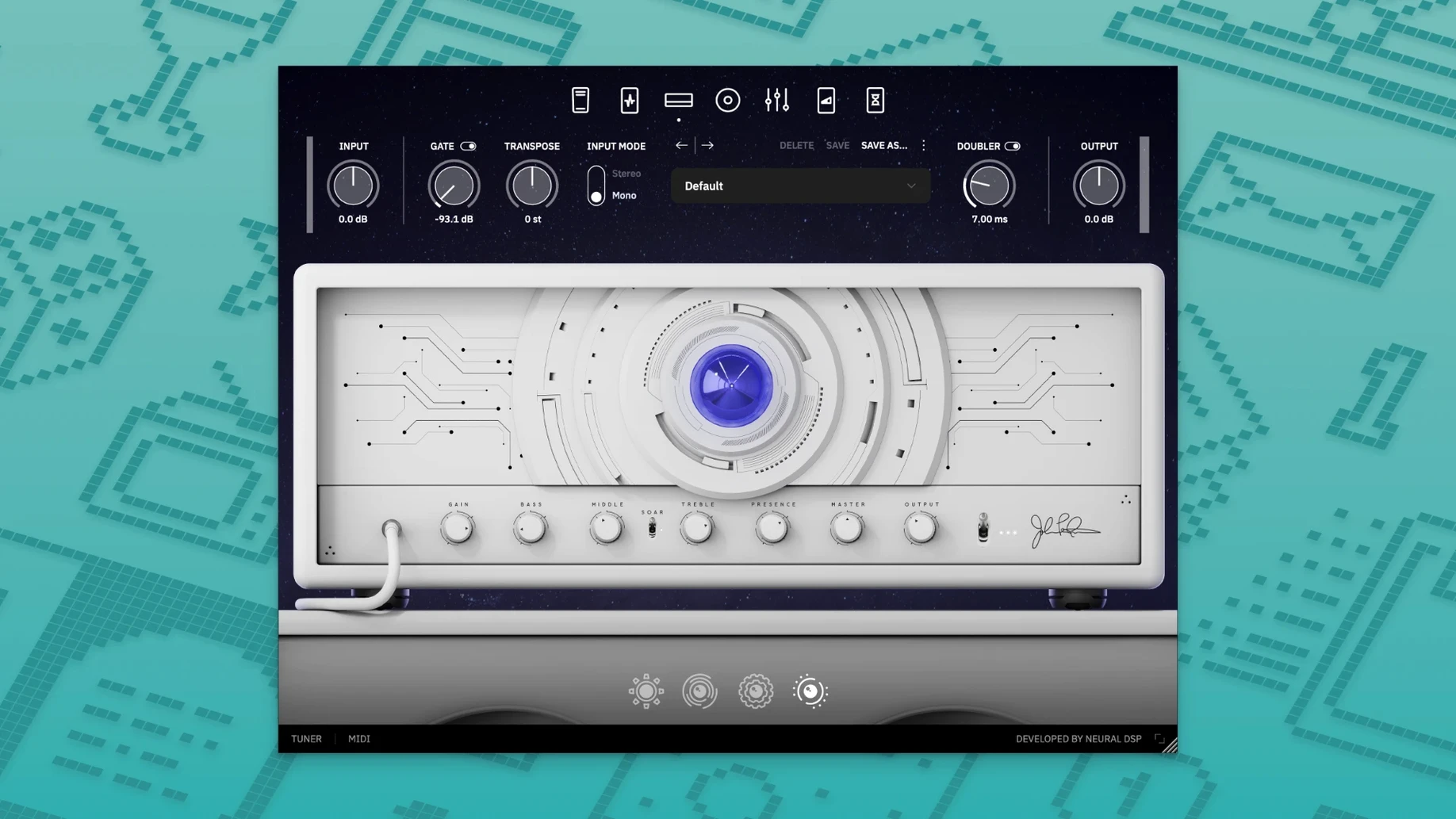
It doesn't replace your amp or your cab sim of choice. It's a complete chain in one window: amp, cabinet, microphones, pedals, and post-effects. That means fewer plugin slots in your session.
Set the input level first. Plug in, play an open chord hard, and watch the meter. The plugin responds well when the signal is clean and not clipping at the converter. Adjust your interface gain until the loudest notes stay below the red.
Then pick one factory preset close to what you hear in your head. Don't edit it right away. Play it for a full session. Note what bothers you — too much low end, a nasal midrange, a delay that gets in the way. Make one adjustment at a time after that.
Save your own preset early, even if it's just a renamed copy. The plugin's preset system is straightforward, but a saved starting point keeps you from losing a good sound during a late-night tweak session.
The standalone app is useful for the first days. Open it, load a preset, and practice without opening your DAW. You learn the amp and cabinet behavior faster when you're not distracted by recording settings.
Mono Guitar
Place the plugin on a mono guitar track. Let your DAW handle stereo widening later, if at all. The amp and cab section already gives you a focused center image that sits well in a mix.
Try the cabinet section with the microphone farther back than you normally would. The room sound becomes part of the tone. It's a small move that often reduces the need for extra reverb.
If you run a Quad Cortex or Quad Cortex mini, load the same plugin on both. You can audition patches on the desktop and then transfer the settings to hardware for rehearsal. The compatibility is there for exactly this kind of back-and-forth.
Don't stack another amp plugin after it. The signal is already complete. If you need more drive, use the pedal section inside the plugin, not an external saturation plugin.
Clean Fingerpicking
A home studio guitarist records a clean rhythm part in the evening. The part is fingerpicked, with some open strings ringing. He inserts the plugin on the track and picks a low-gain amp preset. The transient stays clear. He pulls the bass slightly back so the low E doesn't bloom over the kick drum.
For the lead part, he duplicates the track and switches to a higher-gain preset with a longer delay. He records two takes, pans one slightly left and one slightly right. The delay tails stay distinct because the plugin's repeats don't smear the attack.
Before the final bounce, he opens the output section and checks the level. It's healthy without being hot. The mix engineer later asks what amp he used. He says it's all in the box.