
Open Watchtower before anything else. It shows which of your saved sites still use unencrypted HTTP, giving you a quiet list of priorities to fix on day one.
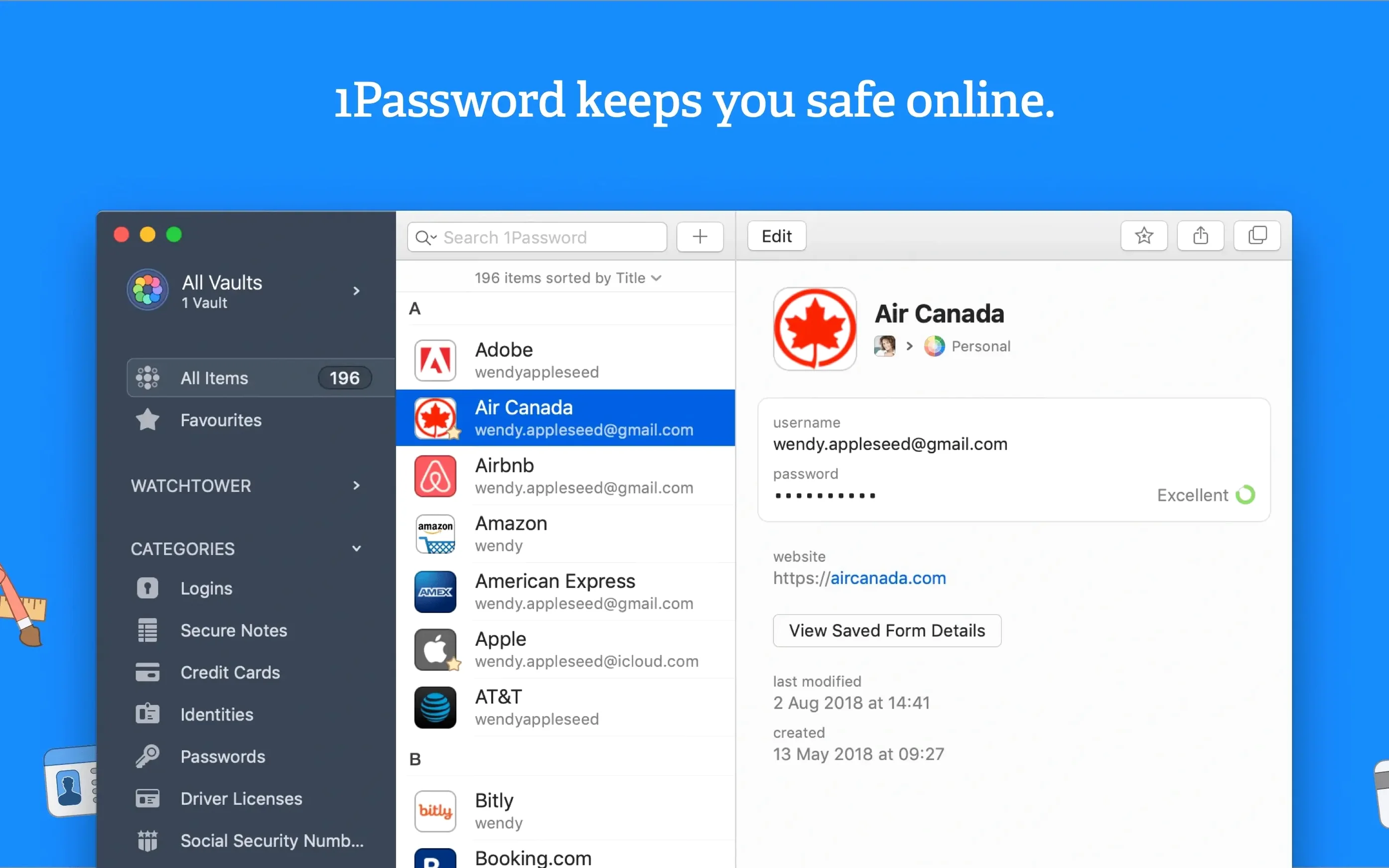
- Save a login by signing into a site. 1Password catches the username and password.
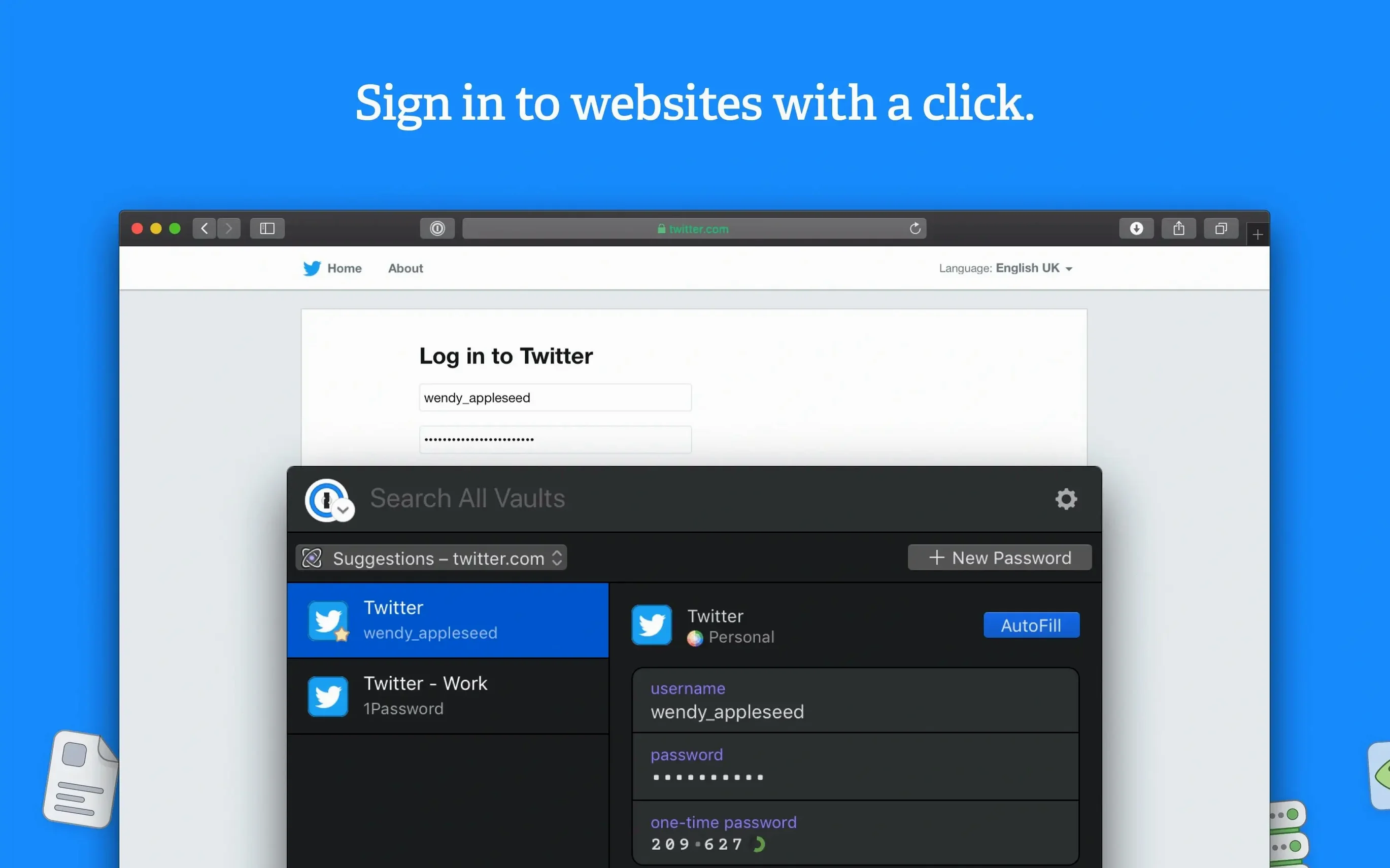
- Fill a form with one action. Name, address, card details — done from a single click.
- Lock the app behind a master password. Only you know it.
- Store financial data. Cards, bank accounts, secure notes all live here.
- Switch languages. The app speaks over twenty, from Afrikaans to Japanese.
Quiet corners
Hold Option while opening a vault. The window appears in a separate workspace, letting you compare entries between vaults without switching back and forth. Few people find this.
Drag any field label — say, a security question — into the main list to reorder sections inside an item. 1Password remembers the layout per category.
Command-\ fills your login on the current page. If nothing matches, Command-Option-\ opens the mini browser extension with suggestions. The distinction matters on sites where you keep multiple accounts.
Speedier list
Turn off Show rich icons in Preferences > General. The item list becomes text-only, loading faster on older Intel machines. The icons add visual noise without helping you find things.
Set Lock after computer is idle for to five minutes. The default locks too often. Five minutes keeps the vault accessible during a work session without leaving it open all day.
Under Watchtower, enable Check for vulnerable passwords. Off by default, it compares your saved passwords against known data breaches locally — nothing is sent to AgileBits. Running it once gives you a list of passwords to rotate.
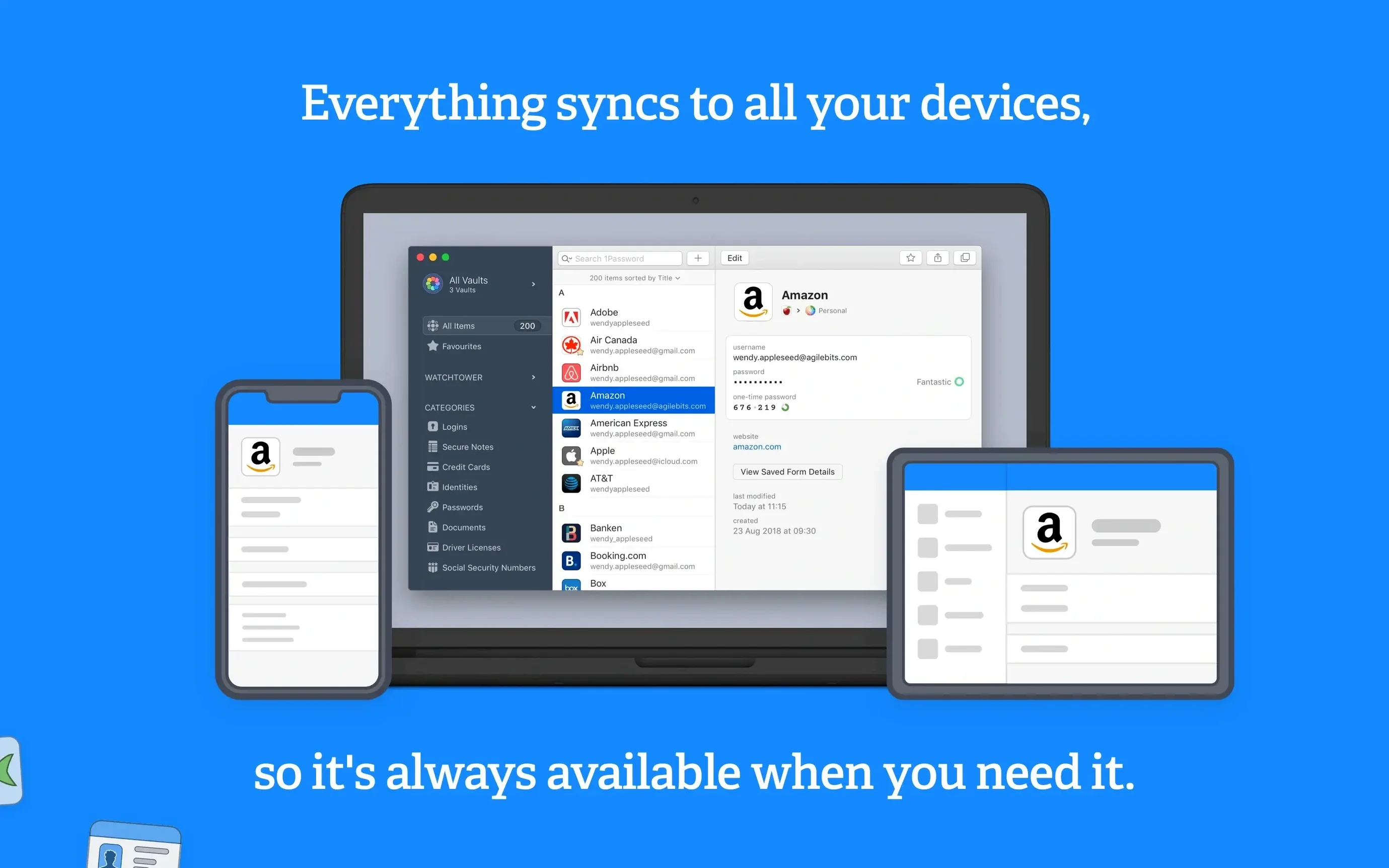
If you use 1password 7 for mac across devices, confirm your primary vault syncs through iCloud or Dropbox under Preferences > Sync. A local-only vault has no backup outside your Mac.
A grant writer's afternoon
Clara writes funding proposals for a small arts nonprofit. She keeps three organizational credit cards, the charity's tax ID, and a dozen foundation portal logins. Before 1password mac, she stored these in a password-protected spreadsheet.
Now she opens 1Password at the start of each proposal. The charity's EIN sits in a Secure Note pinned to the top of her sidebar. When a foundation portal asks for the tax ID, she drags the field from the note into the browser. No retyping.
For each grant submission, she creates a new account on a foundation site. 1Password generates a unique password, saves the login, and Watchtower later confirms none of them appear in breaches. The credit card numbers auto-fill into payment forms without her touching the physical cards.
She keeps a Secure Note titled “grant cycle calendar” with deadline reminders and previous award amounts — plain text that the app encrypts alongside her passwords. By the end of the quarter, she has submitted seventeen applications. No spreadsheet was opened.
Her only maintenance: once a month, she opens Watchtower, finds two reused passwords from early accounts, and updates them in under a minute.
Start with those five moves. The rest can wait.