
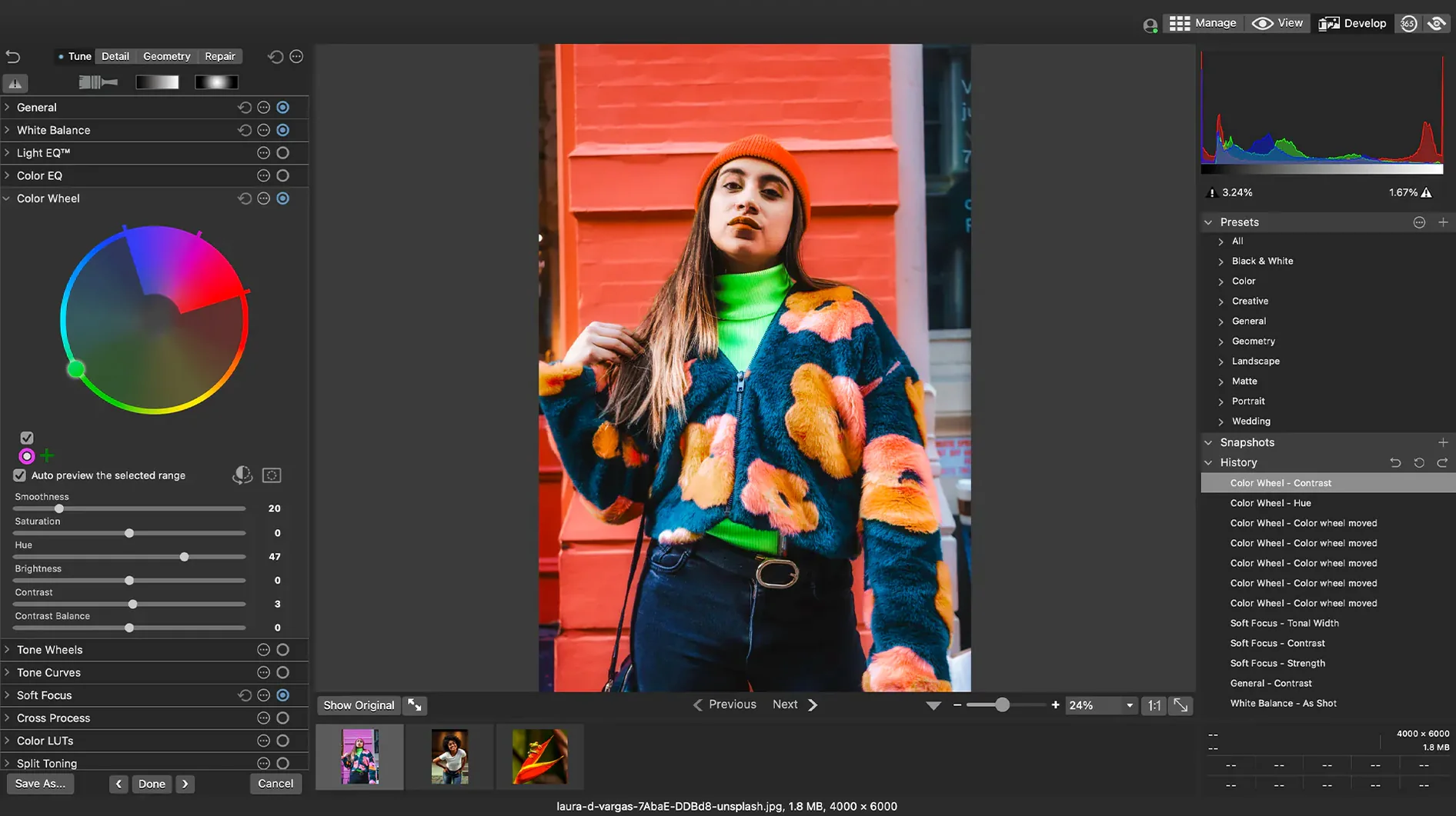
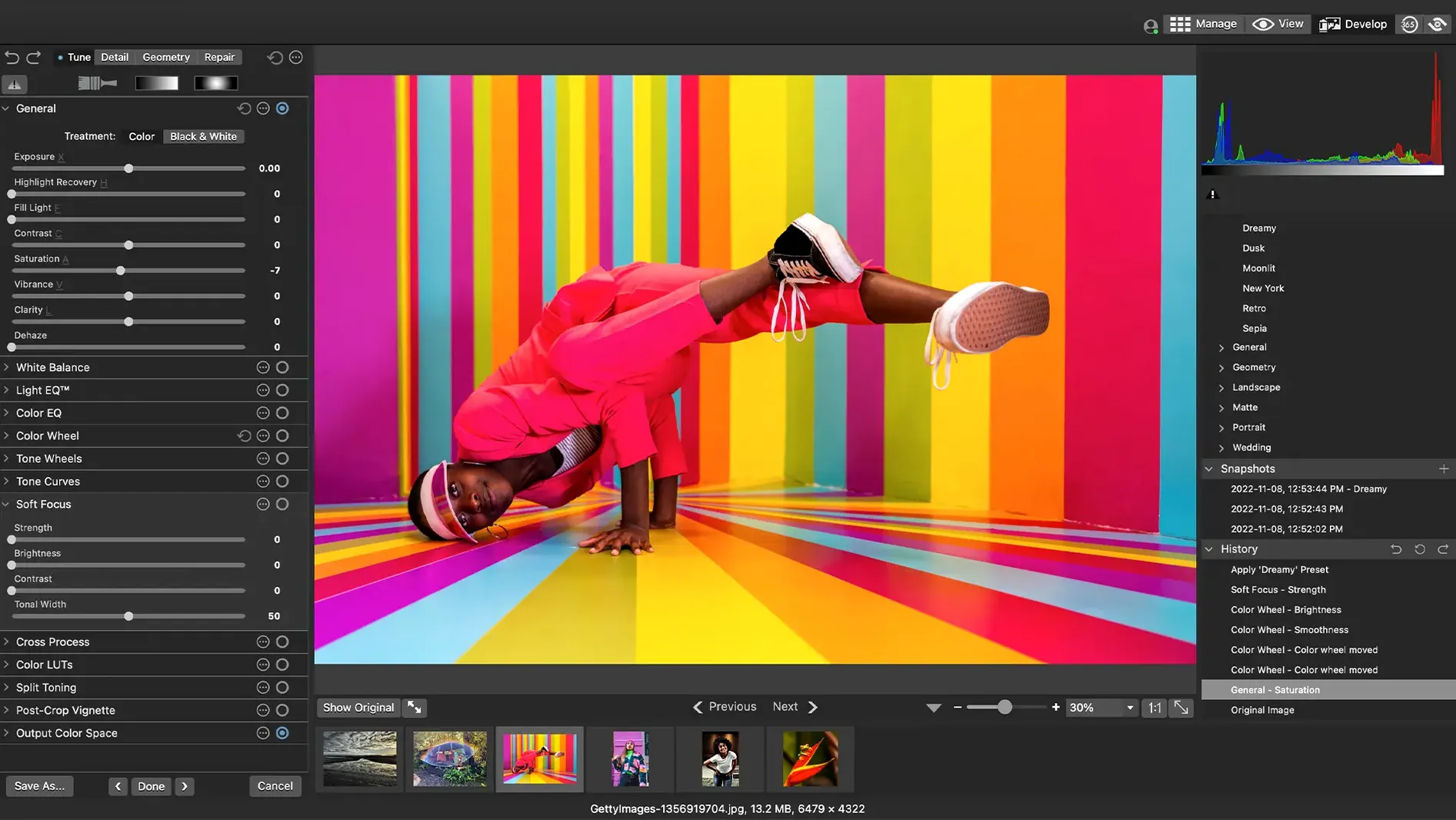
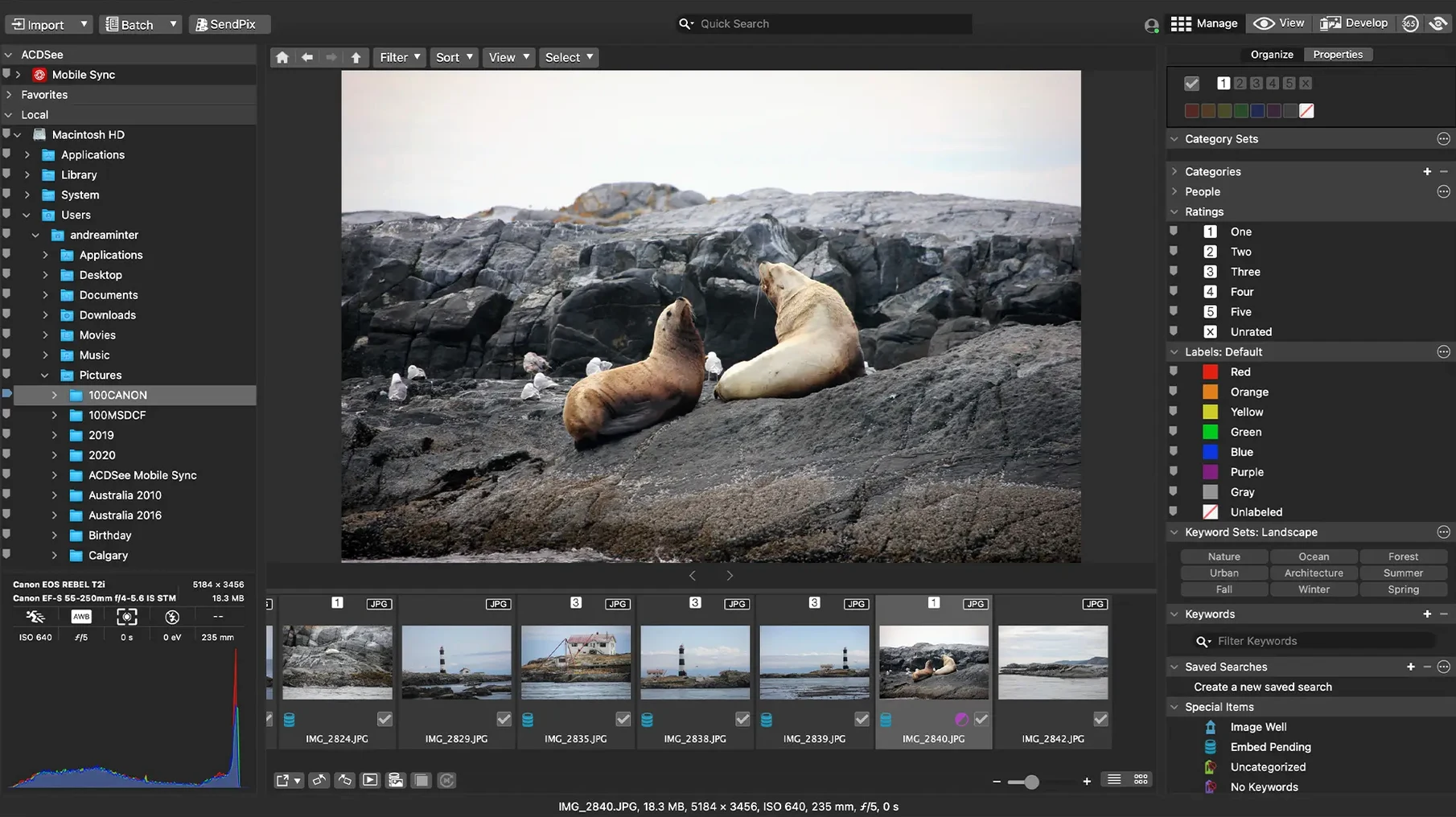
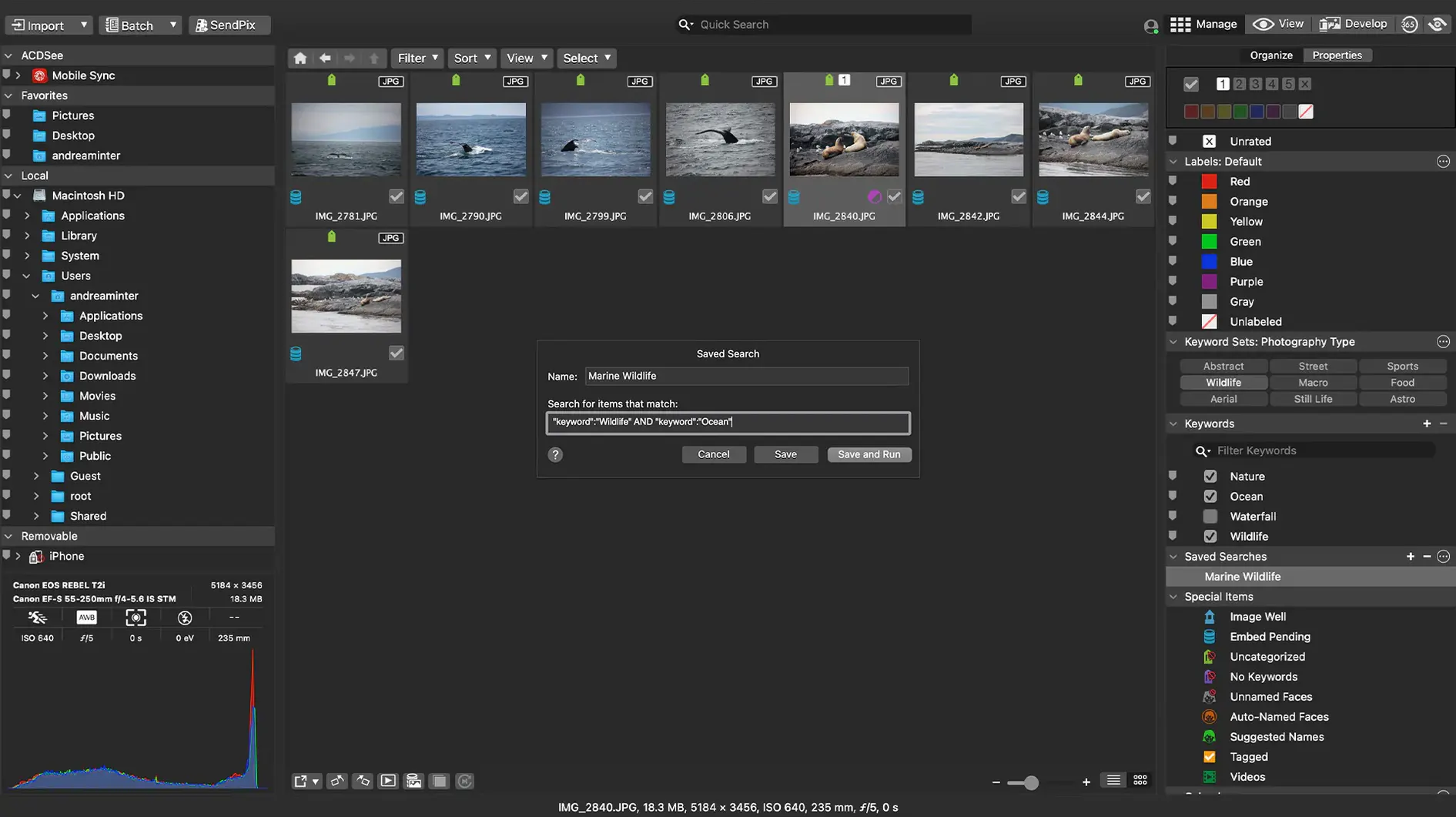
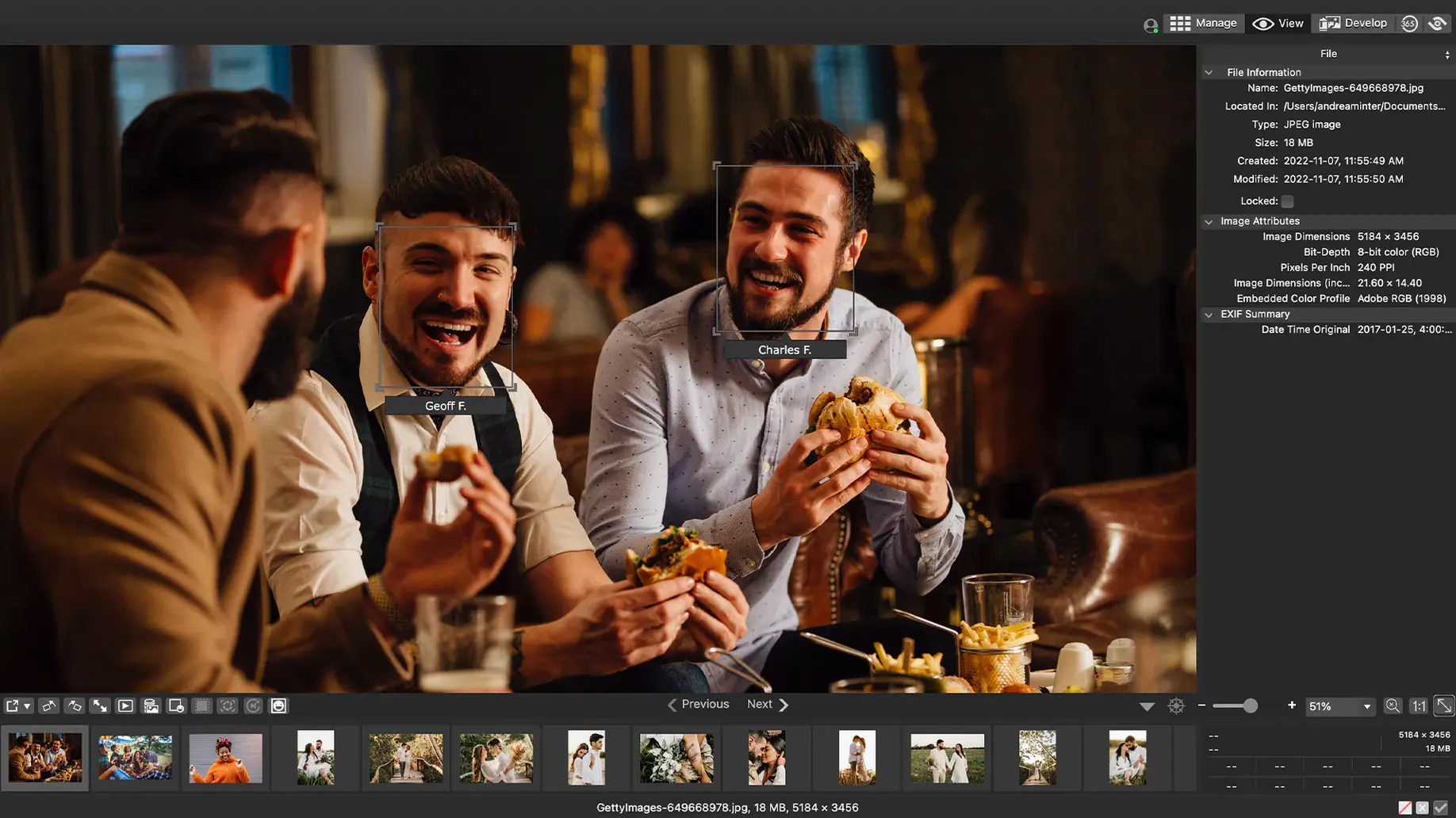
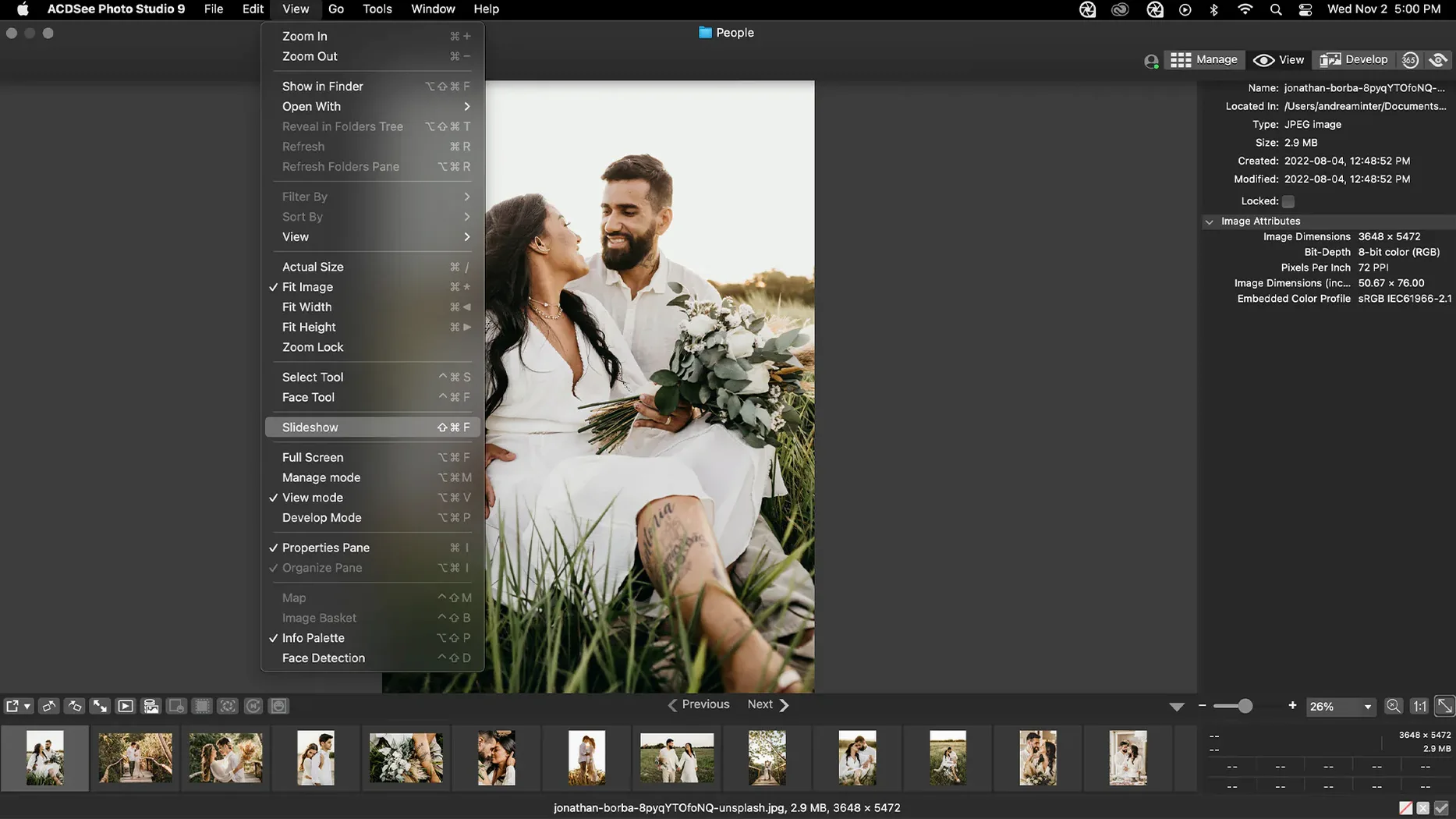
Over 450 camera models. That is the RAW support breadth in ACDSee Photo Studio for Mac. Not just a viewer. A tool built for someone who already knows what an exposure curve should look like.
Batch RAW culling
- Applying your own batch presets across hundreds of shots
- Rating, sorting, and culling by date without touching a library import
- Adjusting clarity, sharpness, and noise directly in RAW
- Searching with a drag-and-drop gesture instead of typing
macOS 14 floor
- Requires macOS 14.0 or later
- Runs on Apple Silicon and Intel Macs
A culling workflow
Insert a card and browse by date. No import step needed.
Drag the first keeper into a temporary category. Rate images with a single key. Use the duplicate finder to catch burst-mode near-twins. Then apply a batch preset—clarity lift, slight noise reduction—to the rated set. Export to a folder named by date. Done.
Stability fixes
Version 26.0.3 tightened the quiet parts. Crashing when adding a keyword or category is gone. Clicking away from a new keyword now exits editing as expected. RAW file ratings read accurately again in edge cases, and iCloud integration behaves.
These are not feature bulletins. They are friction removals. The kind you feel in the first hour of a long edit.
A morning session
I open a folder of 340 RAW files from the day before. The thumbnails populate fast. I sort by date and widen the preview pane.
Three shots stand out. I assign a green label and a keyword. The rename for a child item no longer stutters—fixed in this release. I move to the Develop tab, pull the exposure curve slightly, and darken the shadows. The change renders without a progress bar.
I batch-apply those adjustments to two similar frames. Then I drag the folder to an external drive. The session takes under twelve minutes.
The editing panel covers exposure, color, lighting, and detail. No forced cataloging. Just a fast path from ingest to finished file.