
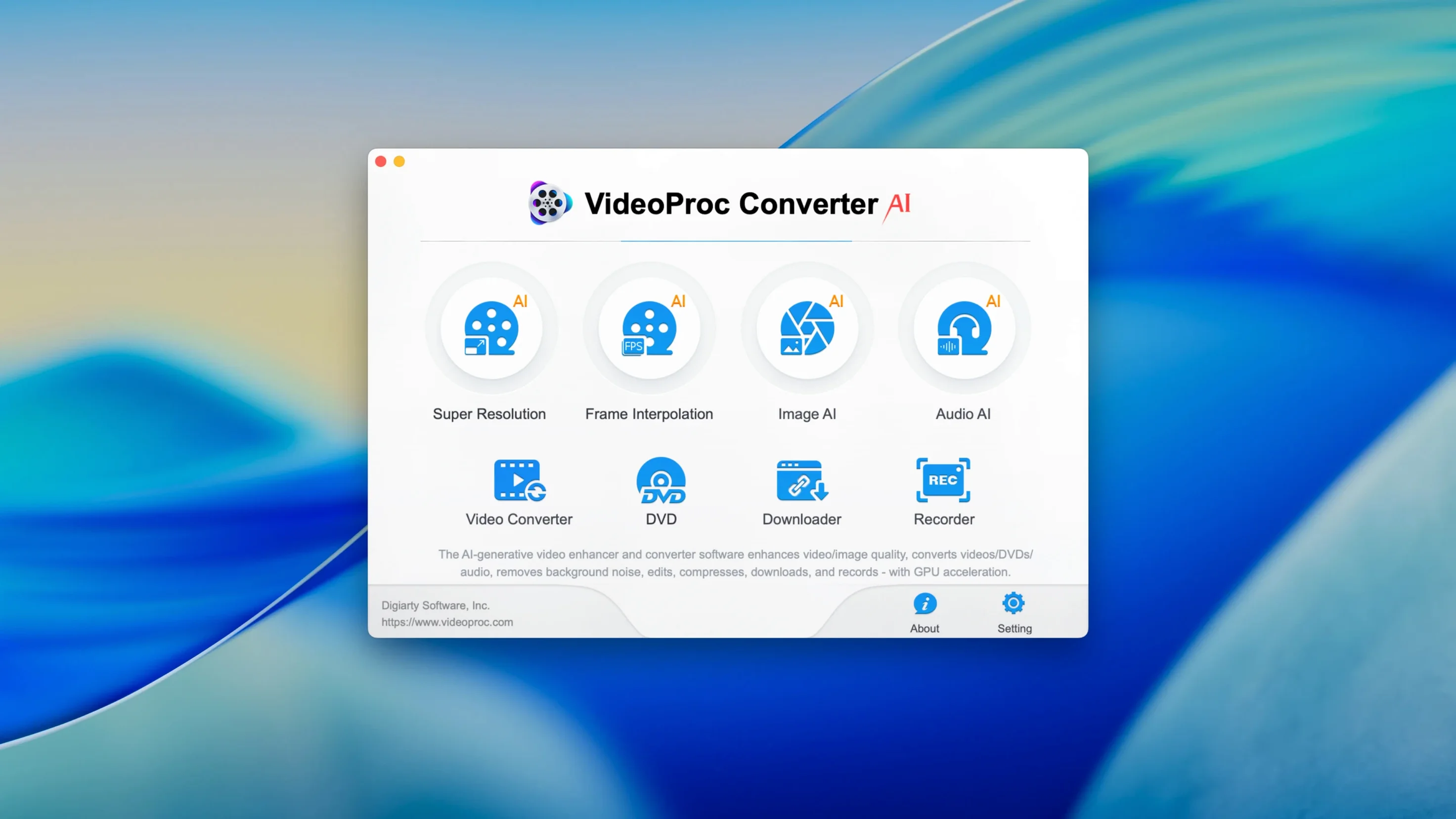
Most media tasks pull you into three or four different apps. One to convert. One to compress. One to clean up old footage.
VideoProc Converter AI keeps it in one place.
Convert compress download
Converts video, audio, and photos between nearly any format. Compresses large files by up to 90% with usable quality. Downloads from the web, records from a webcam, and trims or merges clips without fuss.
DV iPhone GoPro hub
Someone with a drive full of old DV tapes, an iPhone, and a GoPro. Someone who needs a file small enough to send, or clean enough to keep.
The ai side
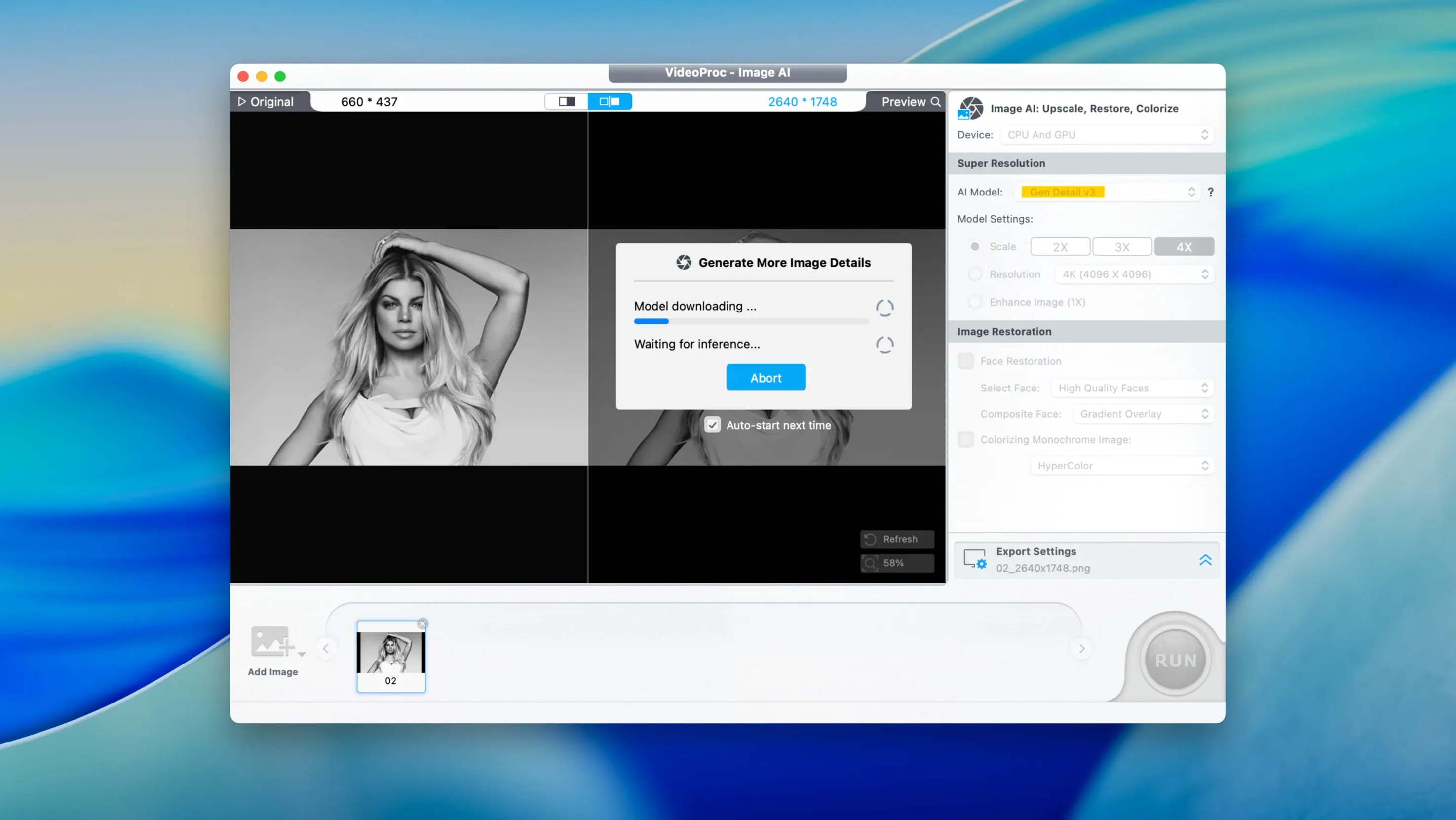
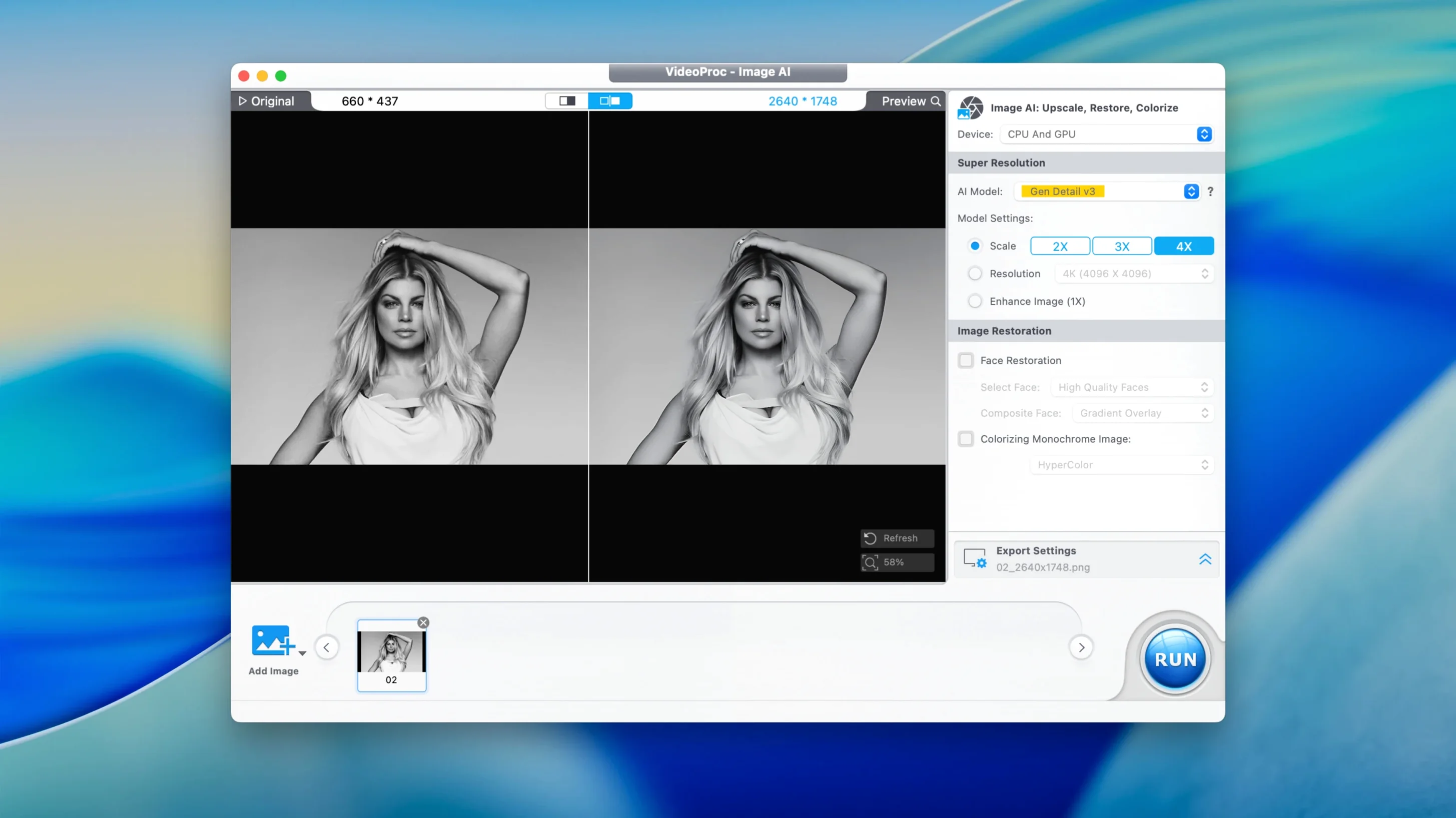
It sharpens old VHS and low-light footage. Not magic — but a real lift for material that looked lost.
Under the hood
Together with your mac
Drag a clip onto the Finder icon and the conversion starts. No import wizard. No library management. It respects how you already work — folders, desktop stacks, and Quick Look.
File actions appear in the Services menu. Right-click a video, choose a preset, and it hands the result back to the same folder. It also reads and writes to Photos and Music via the media sidebar, so you can pull from your library without exporting first.
For screen recordings, it registers as a system audio capture source. You can record a Zoom call or a tutorial with voiceover, then trim and compress in one session — no round-trip to another editor.
A podcaster’s afternoon
She records an hour-long interview using the webcam capture. The file lands on her desktop at nearly 4 GB. She trims the awkward silence at the top, extracts the audio as AAC, and compresses the video for a patreon upload — all before the guest’s follow-up email arrives.
Next, she pulls a reference clip from YouTube using the built-in downloader, converts it to ProRes for her timeline, and drags the finished episode into the compression queue with a TikTok preset. The export is under 150 MB.
Offline native M1
Does it phone home? The downloader fetches what you ask for. The converter works offline. No account or login is required to process local files or to compress.
What about apple silicon? It runs natively on M1 and later, using Metal for encoding and AI upscaling. A 4K transcode that once took half an hour on an Intel Mac finishes noticeably faster here.
Can I trust the ai upscale for client work? For denoising and basic sharpening of older SD footage, yes. It cleans grain and tightens edges without the plastic look some upscalers introduce. For 8K delivery from 1080p source, use it as a first pass — then finish elsewhere.
4K, 8K, HDR, HEVC, ProRes, MP4, MKV — all present. Subtitles, watermarks, and audio extraction come standard. Runs on Intel and Apple Silicon Macs.