
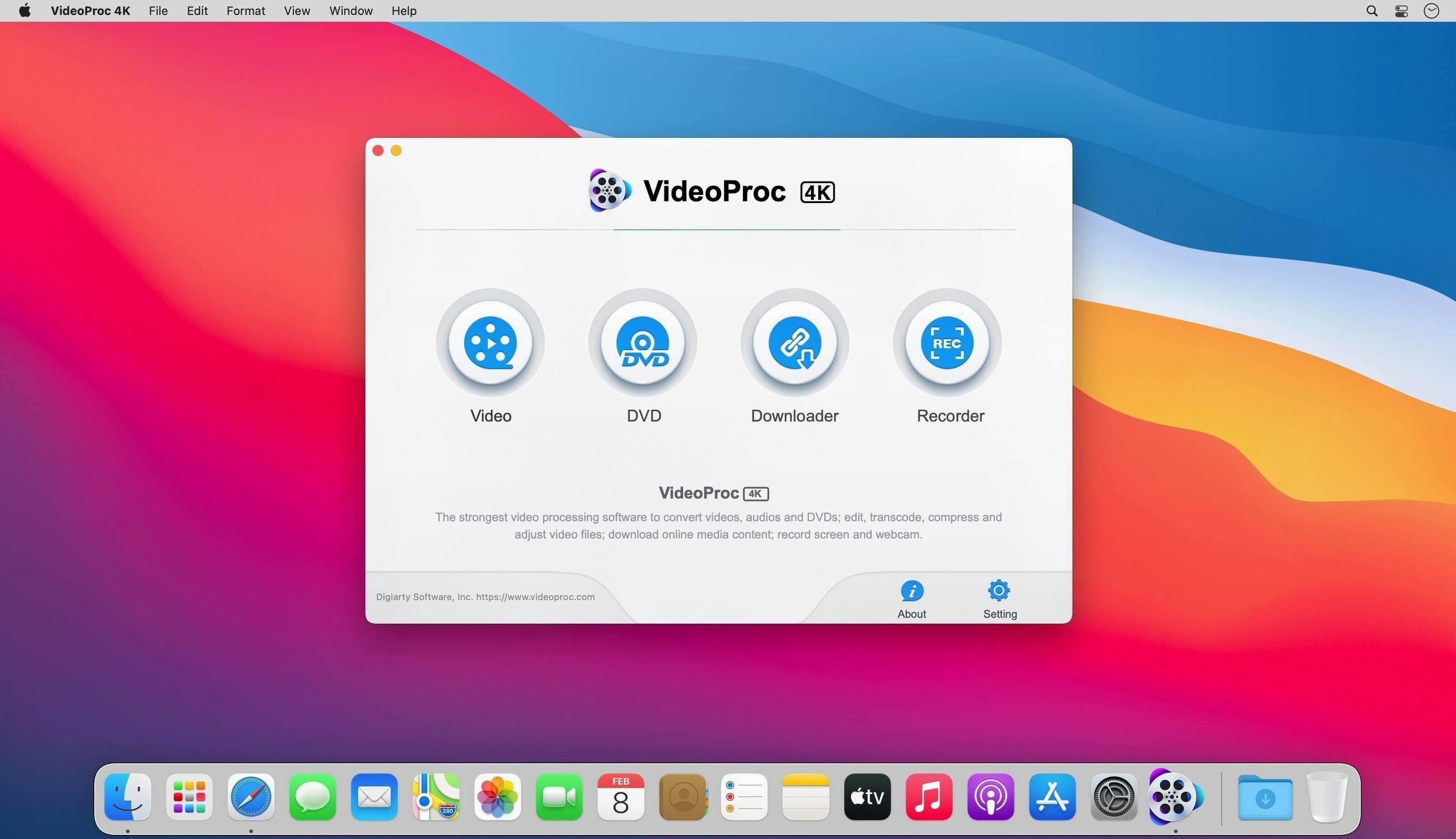
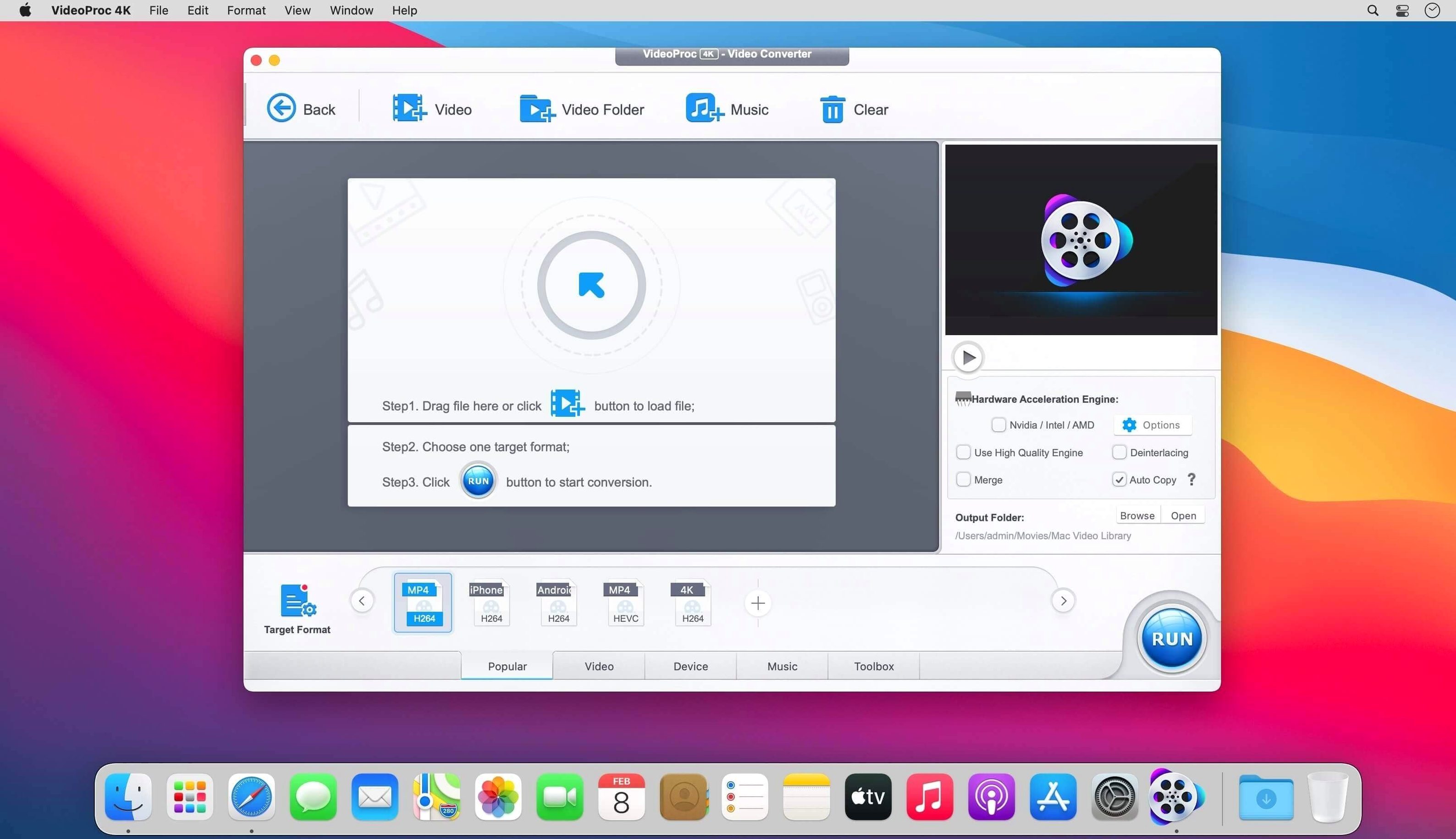
Waiting for a video to convert eats into your afternoon. You want the file in a different format, not a reason to go make coffee.
VideoProc Converter handles this with hardware acceleration. The Mac build is 64-bit Intel x86. It opens on OS X 10.10 and later, though the developer notes macOS 10.13 or later for the classic toolset.
What you get is a converter that reads up to 370 codecs. It also downloads playlists and UHD video in batches. Newer AI modules—Super Resolution, Frame Interpolation, Image AI—sit alongside the core conversion and editing tools.
Alongside others
HandBrake does one thing well: transcoding. It offers fine-grained control and zero extras. If you only need to convert a file and you know your codecs, it is hard to beat.
VideoProc Converter takes a different path. It bundles conversion with a downloader, a screen recorder, and a trim editor. You trade HandBrake's surgical focus for a broader bench.
Permute sits somewhere in between. It converts fast, stays out of the way, and fits neatly inside a right-click workflow. But it will not download a playlist or interpolate frames. With VideoProc Converter you get those extras without opening a second app.
Day to day
The interface loads quickly on an M1 Mac. Conversions kick off with little preamble. The hardware acceleration shows—a 4K clip to H.265 finishes noticeably faster than a software-only pass.
Memory use stays moderate. With one conversion running, the app sits around 400 MB. It does not balloon with queue length.
Stability over a week of daily use is uneventful. No crashes during batch jobs. The AI upscaling module takes a moment to initialize, then runs without stutter. The Intel build under Rosetta 2 feels transparent; you stop thinking about architecture after the first launch.
One rough edge: the downloader occasionally misreads a playlist length. Restarting the capture fixes it every time.
Finder-friendly paths
VideoProc Converter writes to the same folders your Finder workflow already uses. Output a file to a watched folder and an Automator script or a Hazel rule picks it up without extra steps.
Quick Look works on converted files immediately. Drag a finished clip into Keynote or iMovie and it appears without a compatibility prompt. The app does not fight Apple's sandbox conventions.
The screen recorder saves to MOV by default, which opens cleanly in QuickTime for trimming. If you use videoproc converter to pull a tutorial from a camera card, you can hand the result straight to DaVinci Resolve or Final Cut Pro—no intermediate transcode.
A few people hunting for VideoProc Converter torrent files end up surprised by how tidy the actual package is. The app stays out of your menu bar, leaves no background daemon, and quits completely when you close it.
A quiet workhorse for a single job: getting video from one format to another without the wait.