
Fusion Pro runs on any Mac with macOS 13 or later, on both Intel and Apple Silicon.
Run Windows
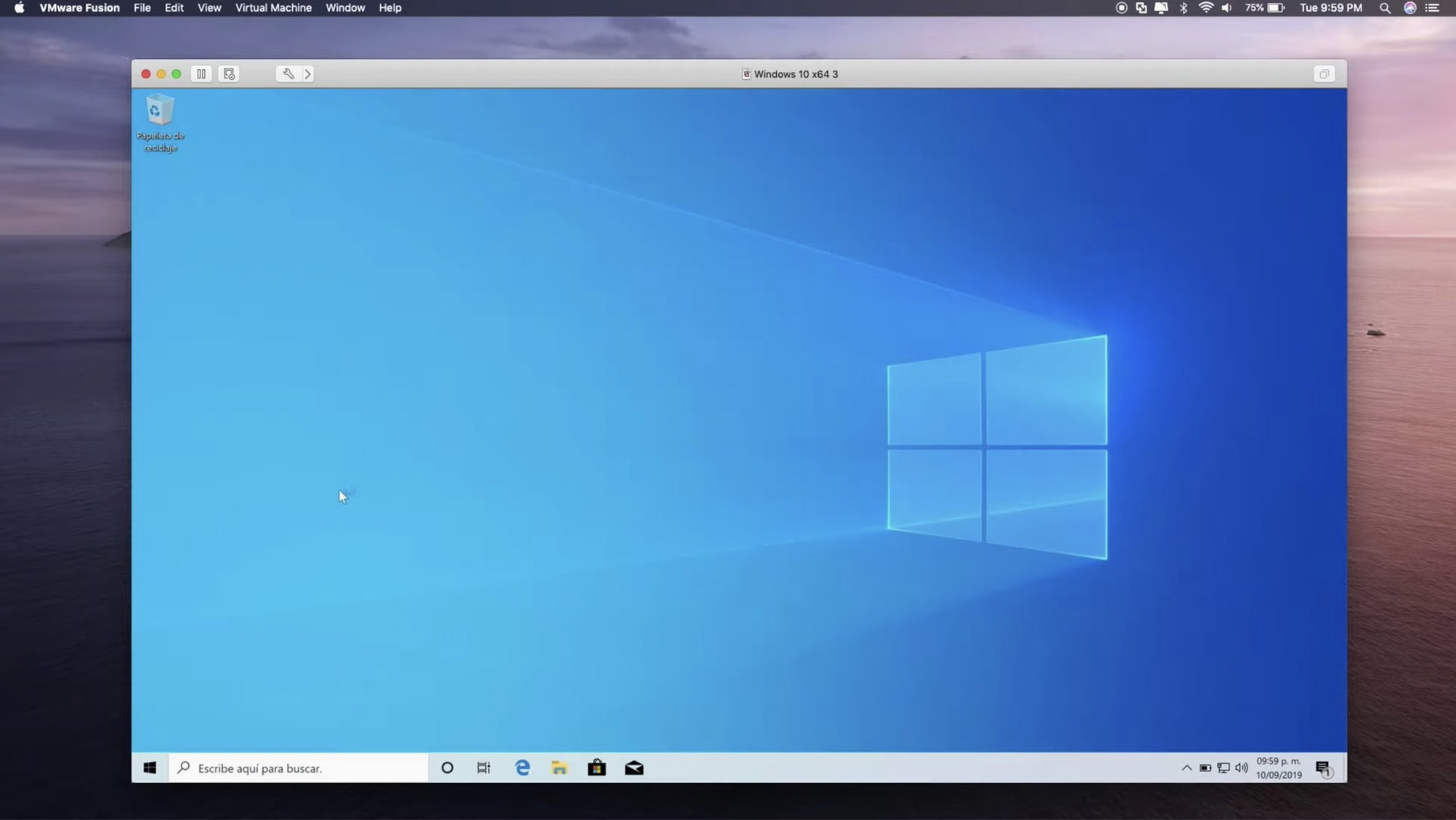
It runs Windows 10 virtual machines with DirectX 11 hardware acceleration. USB 3.1 devices pass through cleanly. An eGPU keeps graphics smooth.
Run other systems
Guest support now spans Fedora 44, Ubuntu 26.04 LTS, FreeBSD 15.0, and more. A small timestamp now marks each virtual machine’s creation and last power-on.
Containers
Daily speed
On Apple Silicon, Windows 11 boots in under ten seconds. Applications launch with a single bounce. The hypervisor layer stays thin enough that I forget it’s there.
Intel Macs feel heavier. A 2019 MacBook Pro with 16 GB RAM runs one VM comfortably; two and you notice the fans. On M-series chips, the difference is night and day. Four VMs, a container cluster, and Safari with twenty tabs — no stutter.
Memory use tracks what you assign. A 4 GB VM takes 4 GB, plus a modest overhead. No surprises. Disk I/O stays predictable with NVMe storage, even during Windows Update storms. Snapshots write quickly. Reverting takes seconds.
Stability is VMware’s quiet strength. Crashes are rare. The app has survived every macOS point update I’ve thrown at it without a single corrupted VM. That matters more than any feature list.
Clone timestamps
Version 26H1 brings timestamps. Each VM now shows creation date and last power-on time in the library. It sounds minor. It isn’t. You stop wondering which clone is the current one.
Remote connections to ARM-based ESX hosts now work. That was a gap. If your lab mixes x86 and ARM servers, you can finally manage everything from one Mac.
Guest OS support keeps pace. Ubuntu 26.04 LTS, Fedora 43 and 44, SUSE Linux Enterprise 16, openSUSE 16.0, FreeBSD 15.0 — all install without hunting for drivers. VMware Tools integrates cleanly on each.
Core overcommit
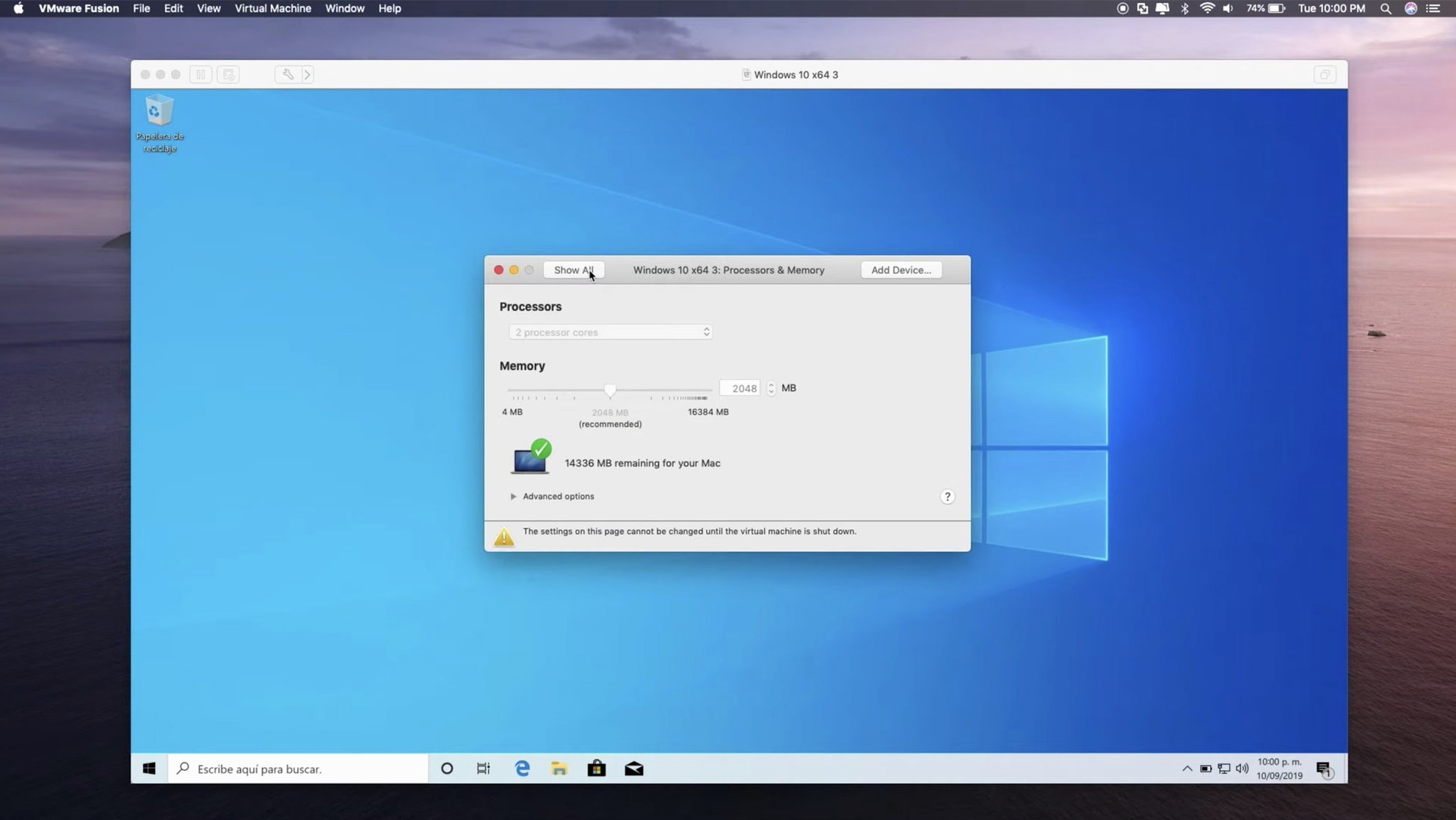
The most common mistake: giving a VM too many cores. macOS already manages the host. Overcommitting vCPUs slows both systems. Two cores serve most Windows tasks well.
Another: skipping VMware Tools. Without them, graphics lag, the clock drifts, and shared folders fail. Install them before you do anything else.
People also clone VMs without checking the network MAC address. Two machines with identical MACs confuse your router. Fusion has a button to regenerate it. Use it.
Finally, snapshots are not backups. They chain to the parent disk. If the base disk corrupts, the whole chain is gone. Copy the VM bundle to an external drive for actual safety.
A command-line interface pulls OCI containers directly, no extra tooling.