
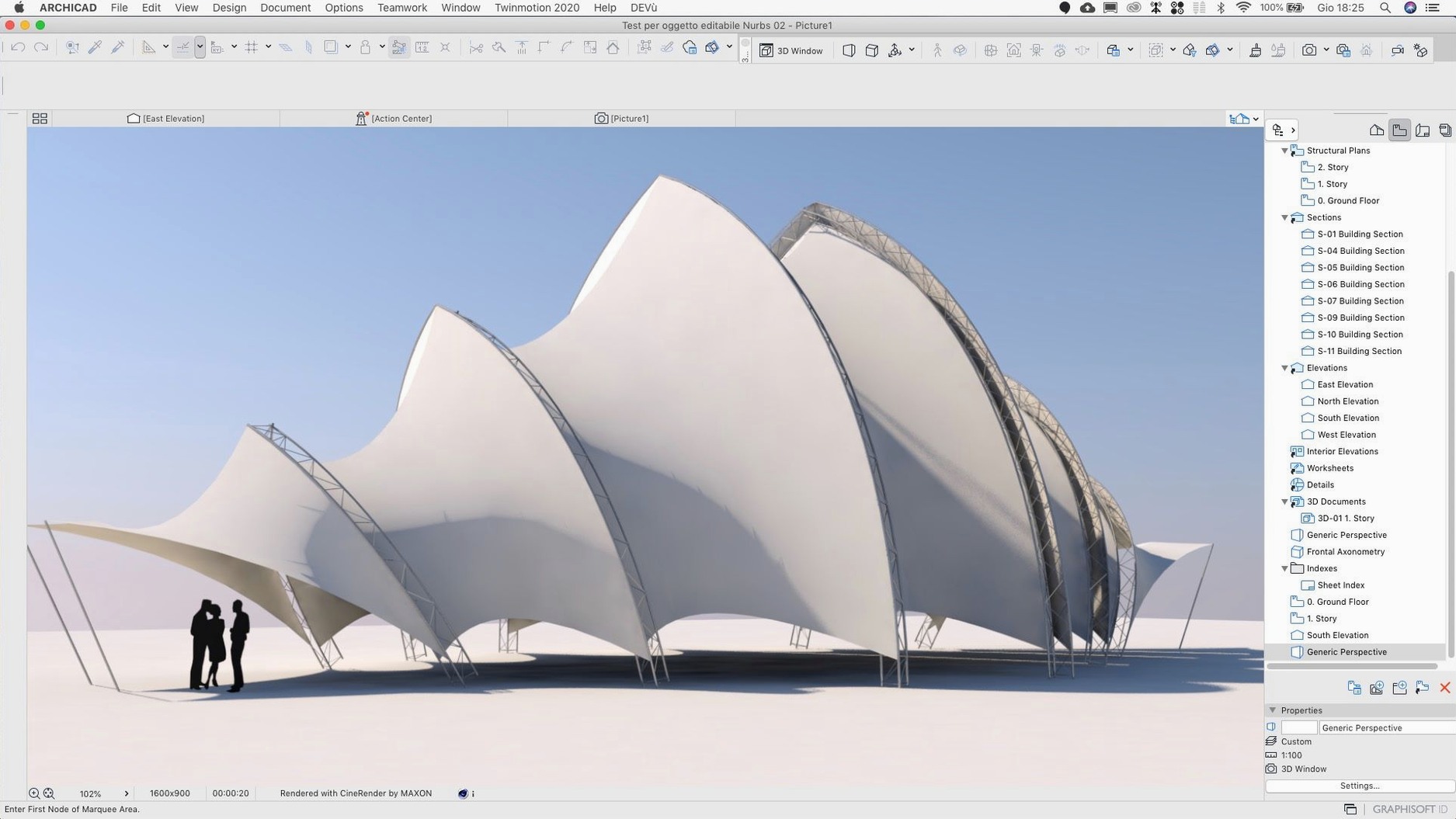
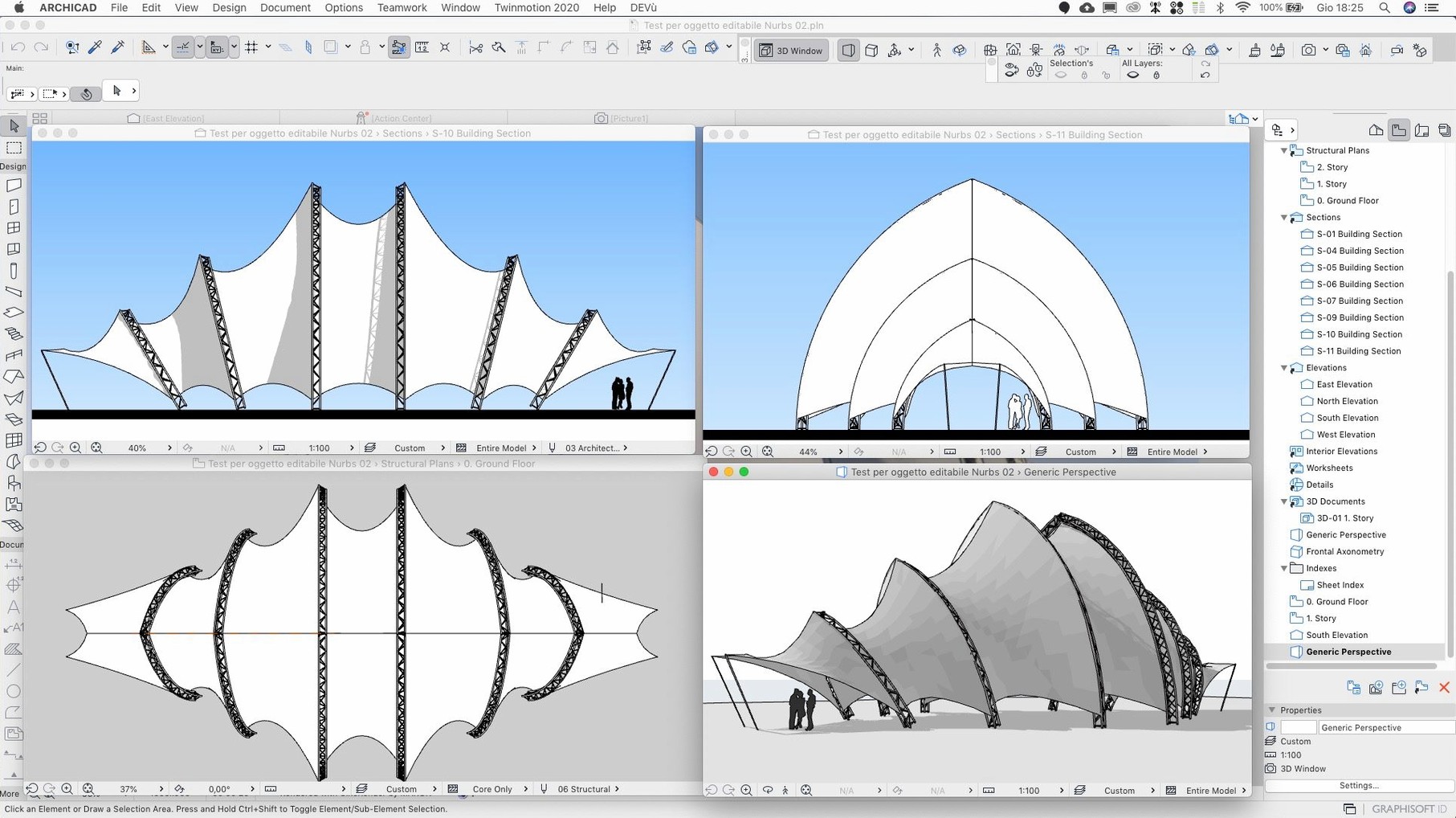
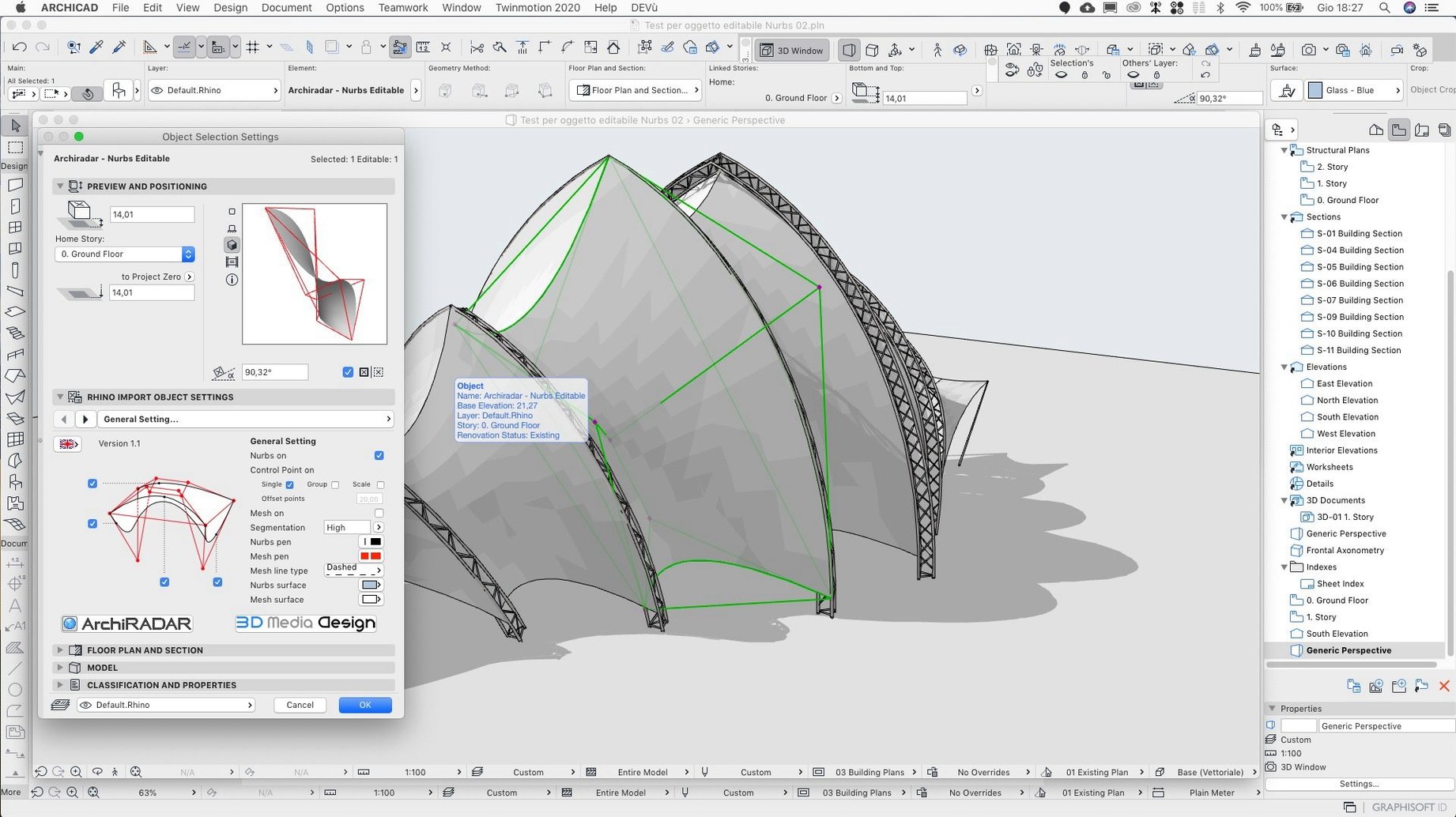
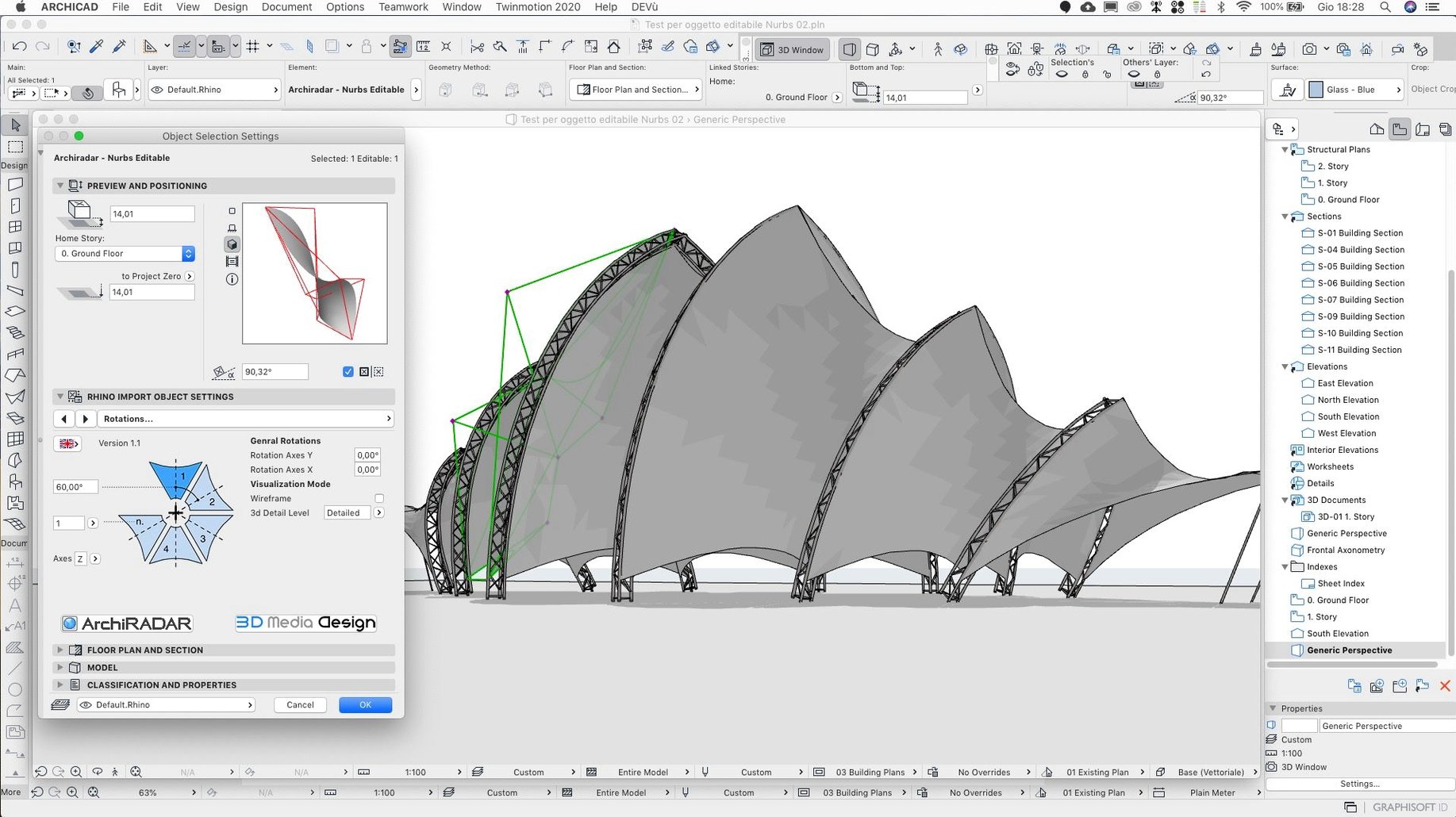
A small studio addition for a client in Nagano. The site slopes gently to the east. You open the survey, trace the boundary, and pull up the first wall.
What gets in the way less now?
Scrolling through Attributes no longer crashes the application. The Rotate command also reads your typed values correctly, where before it might twist a beam off-axis.
How does a shared model hold up?
Teamwork Send and Receive feels tighter on BIMcloud SaaS. A colleague in another timezone can pick up the wall assembly you just defined without a hiccup.
Can you trust the dimensions?
Migrated projects sometimes carried shifted dimensions with wrong values. The hotfix corrects this. Older files open clean, and the numbers on screen match the numbers you need for the builder.
ArchiCAD works with macOS file tags and Spotlight fields. Tag a project folder submission or RFI from the Finder sidebar, and the tag travels with the file through Save and Share dialogs. Quick Look handles the PLN format directly — press the space bar on any project file and skim a 3D preview without launching the full application.
Export options talk plainly to the ecosystem outside. IFC, DWG, SKP, and PDF all sit in the same Save As sheet, so sending a structural engineer the core-and-shell model takes one dialog, not a chain of conversions. The BIMcloud web portal ties into Safari bookmarks; a project link dropped into a pinned tab becomes a live view of the current model state. No extra app, no login shuffle.
Launch time
On Apple Silicon the application launches in under four seconds cold. A mid-size residential model with full MEP and terrain mesh hovers around 1.2 GB of RAM. Rotating that model in OpenGL is fluid — no frame drops, no texture pop-in. On Intel Macs the 3D window stays responsive up to about 80,000 m² of gross floor area before the fan becomes audible.
Auto-save is genuinely invisible. I have never caught it pausing the cursor. Background processing for section regeneration queues sensibly; ArchiCAD does not try to recompute every cut the moment you nudge a wall — it waits until you switch to the layout book or explicitly refresh.
Teamwork syncs are lean. After the 29.2.1 hotfix the Send and Receive step that used to stall on BIMcloud SaaS now completes in seconds, even on a 60-unit apartment block with 14 active stories. The progress bar moves in a single smooth sweep instead of pausing at 70 percent.
Palette scrolling
The Attribute crash fix matters more than it sounds. Before the patch, scrolling quickly through a palette with hundreds of custom composites — something you do dozens of times a day when swapping wall types — could beachball the application. That friction is gone.
The Rotate command input fix eliminates a small but persistent betrayal. Type 15.5° and you get 15.5°, not a phantom rounding error that misaligns a curtain wall mullion. The zone wall surface area values now update correctly when you pull a partition, so the schedule you hand to the energy consultant does not need a second pass of manual arithmetic.
The share dialog target fix is subtle but real: the host server for the current folder now stays locked to the one you selected last time. Shared folders on BIMcloud stop drifting to a wrong server when you switch between projects.
If you already have a main version installed, the update is a small package that slots in without re-registration. For a fresh archicad download for mac, you install the base build first, then layer the hotfix on top — the installer guards against applying it out of order. The archicad dmg includes both architectures, so the same disk image works on an M3 MacBook Pro and a 2019 Mac Pro.