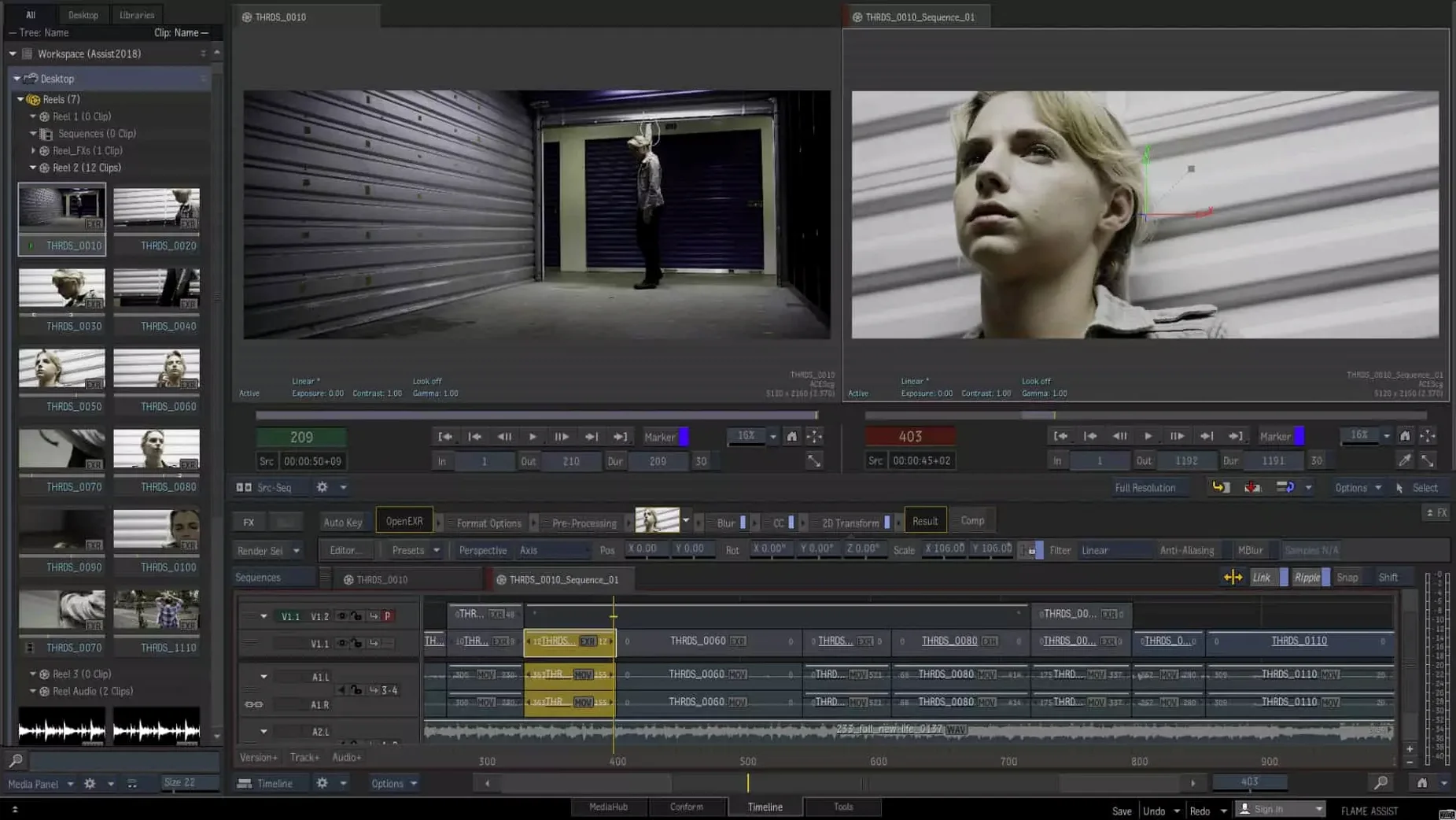
1. Check the specs
Flame 2027 needs macOS 14 Sonoma or later, Apple silicon or Intel. Keep 20 GB free for download and installation.
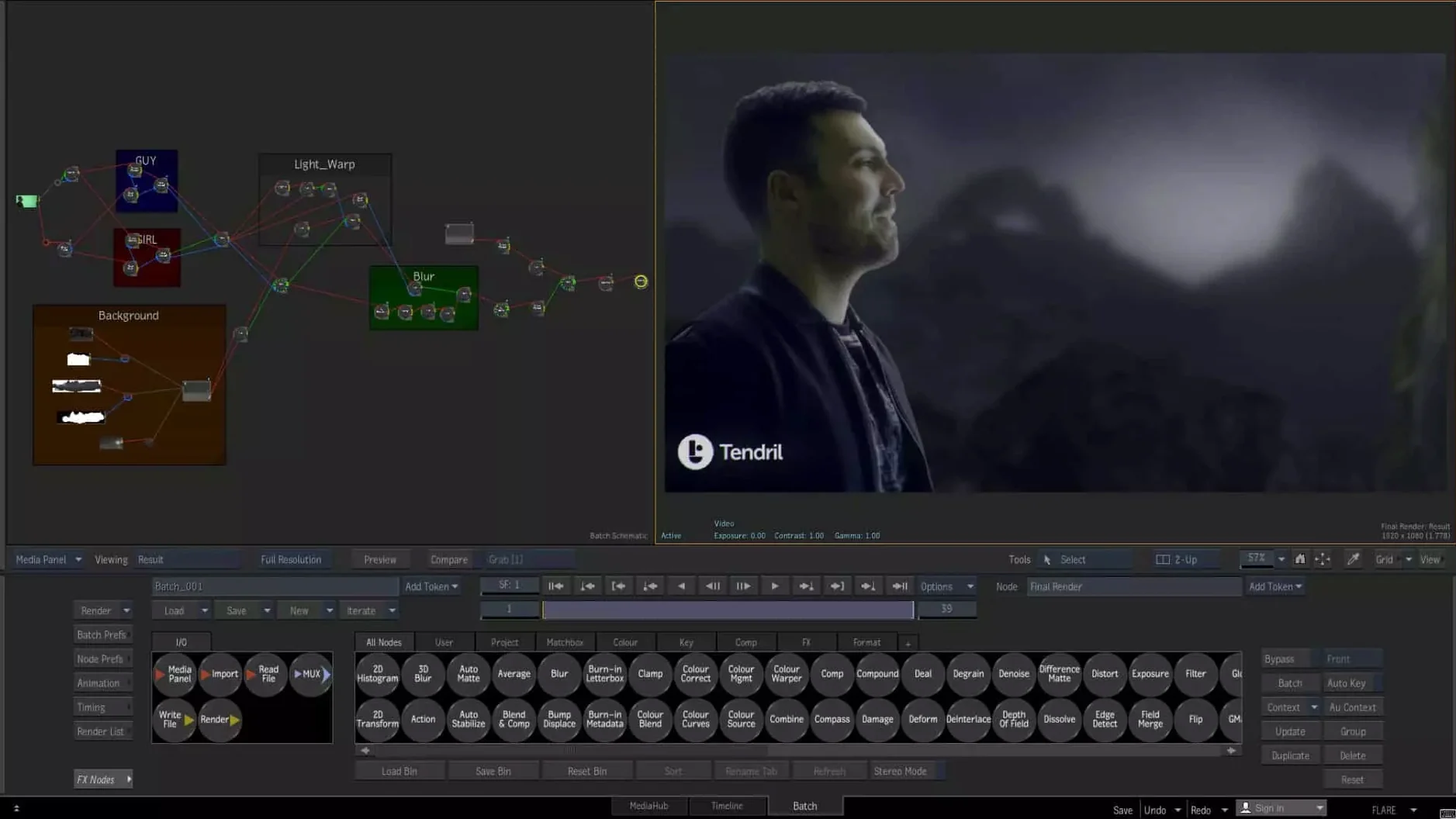
2. Build in Batch
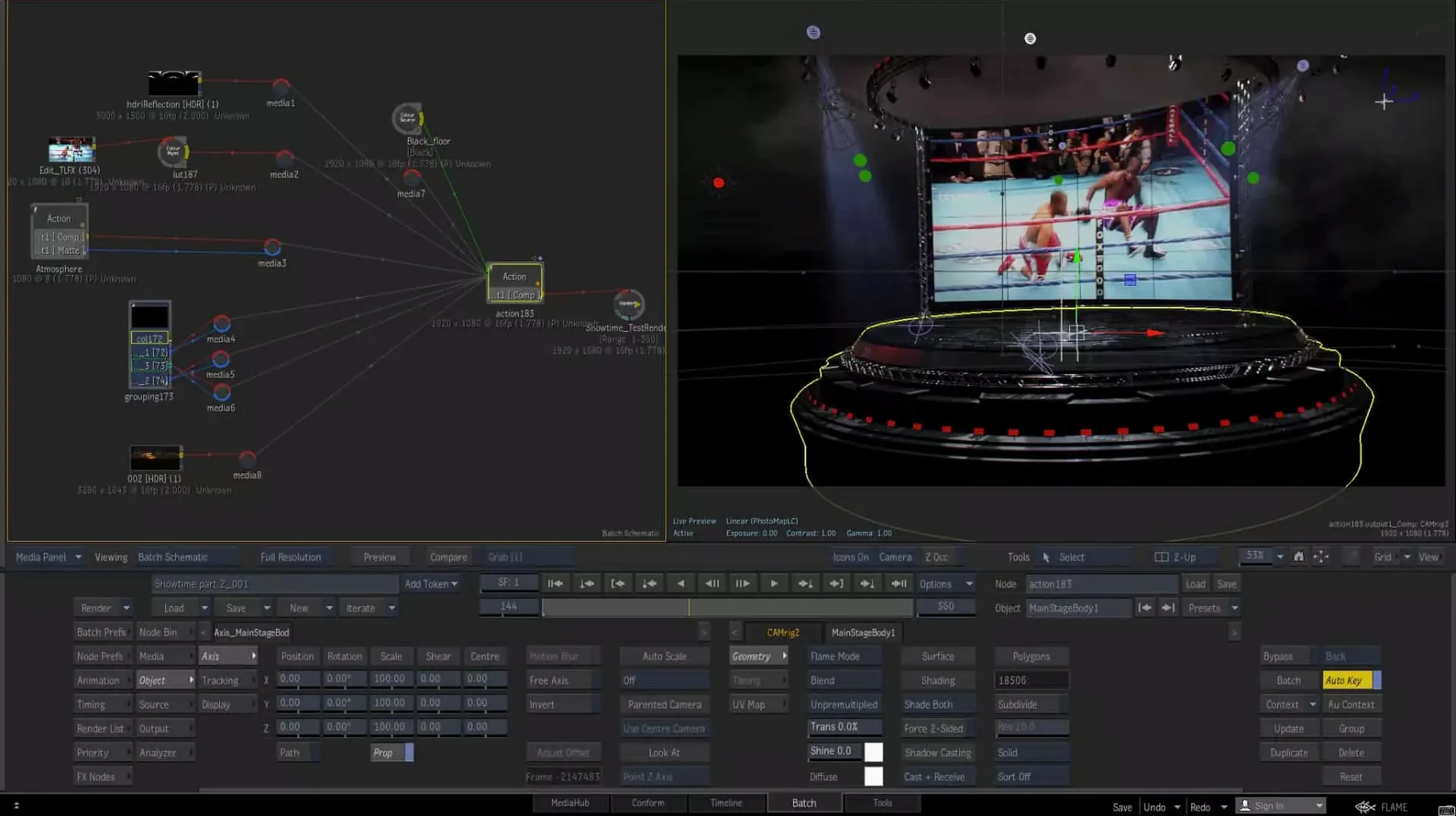
Batch is the node environment. Connect operations from base corrections to complex 3D composites.
3. Grade
MasterGrade has three modes for video, log and linear color spaces. Each clip carries its color space from source to screen.
4. Add depth
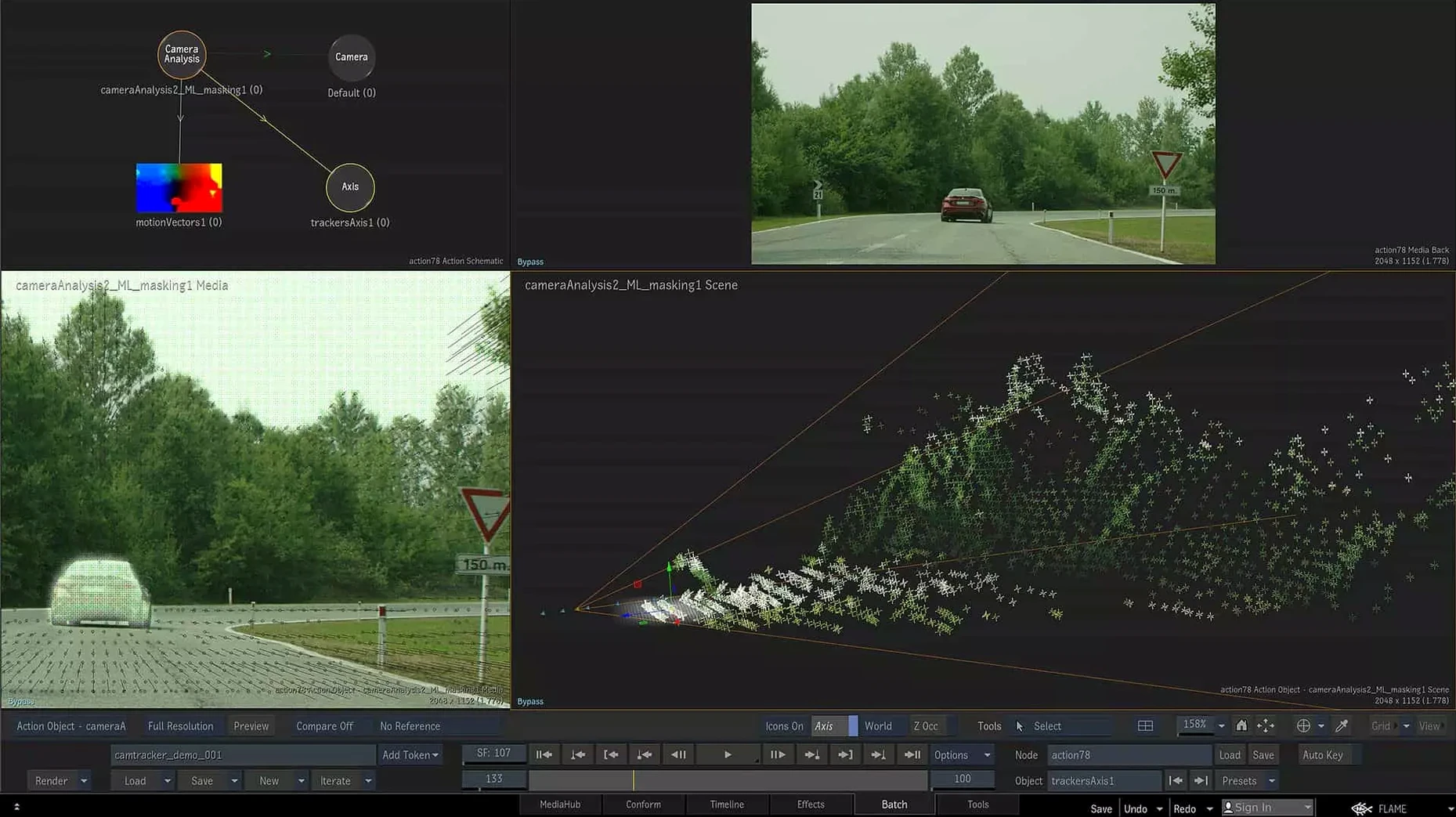
Machine learning tools build 3D relief maps from flat footage. Graded shots and 3D renders sit side by side on the timeline.
Beginner traps
Batch looks like a canvas. It is not.
New users drag nodes around freely and end up with tangles that are impossible to read six hours later. Organize early. The flow reads left to right, top to bottom. A messy tree is a slow tree.
The second mistake is ignoring the color-space engine. Flame tracks every clip from source to output. If a plate arrives in log and you grade it in a video-space node without conversion, the math is wrong. It will look fine on your monitor and break in delivery. Check the input transform first.
Connected Conform catches people too. Media synced across sequences is powerful, but beginners link before sorting, then wonder why their timeline fills with duplicate pointers. Sort inside MediaHub before you conform.
Snap alignment
Hold Shift while dragging a node in Batch. It snaps to horizontal or vertical alignment with its neighbor. No more nudging by hand.
The Isolate tool, new in 2027, works solo but also inside Batch. Right-click a node and isolate it. Everything upstream and downstream fades out. You see what that one operation does, without deleting connections.
ProRes RAW in MediaHub means you can pull camera originals straight into the timeline. No transcoding. The color pipeline reads the RAW metadata and hands it to MasterGrade intact.
OpenTimelineIO support is easy to miss. Export an OTIO file from editorial, bring it into Flame, and every clip lands with its handles and metadata. No EDL guessing.
One shortcut nobody talks about: tap the spacebar while hovering over a node thumbnail. It previews that node's output in the viewer, full-screen. Tap again to return.
Editing, color and finishing in one place.