An architect opens a site plan with fifty xrefs. The fans stay quiet. AutoCAD 2027 for Mac manages the load with large coordinate scene optimization, dialing back CPU and GPU demand where it can.
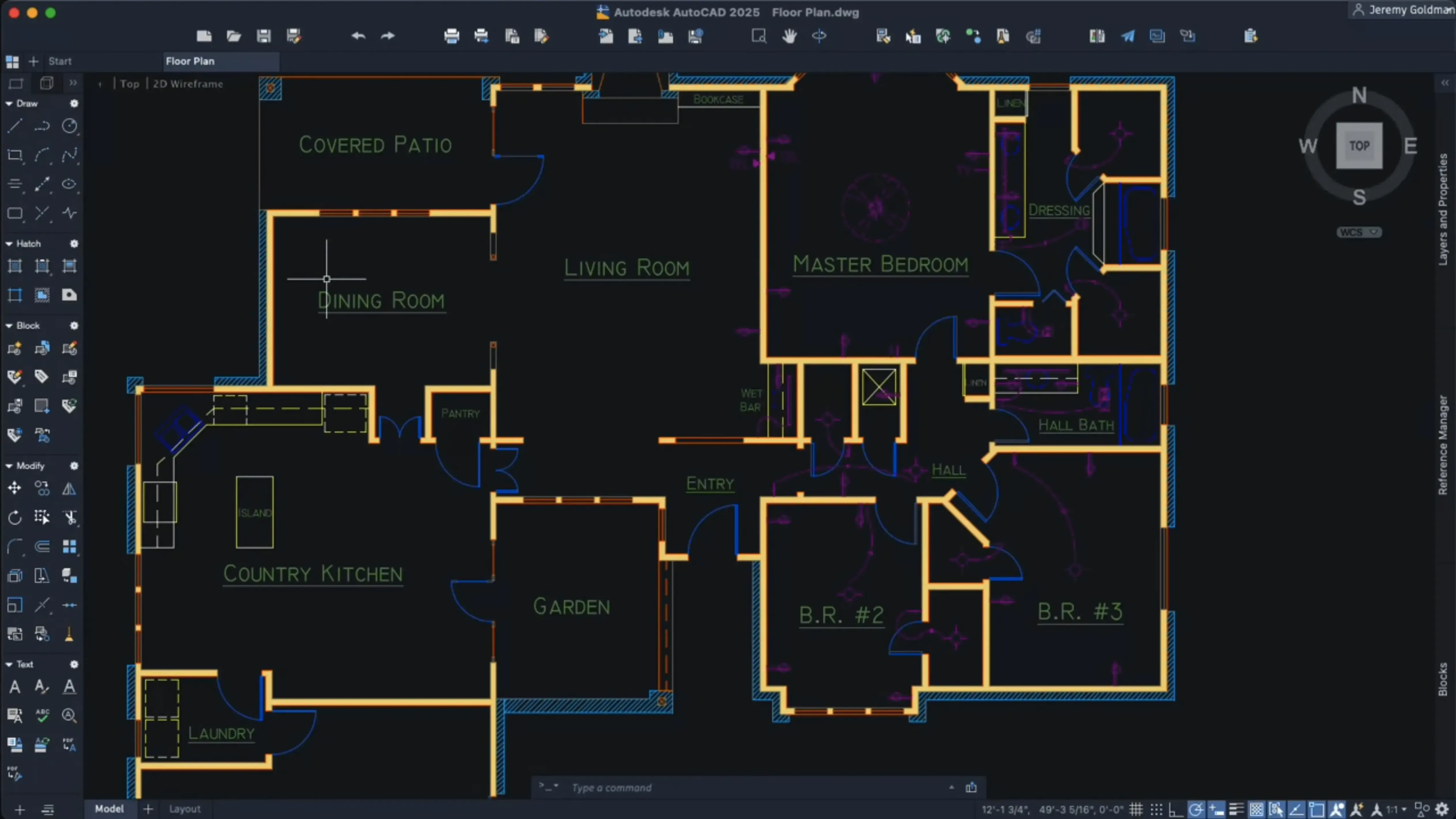
It is a drafting and documentation tool for precise 2D and 3D work. The DWG format is the same one Windows users open. Block creation now includes scaling and rotation, and Autodesk AI can scan a drawing to suggest objects worth converting into blocks.
The graphics engine is Metal only. OpenGL is gone. That single change sharpens layout tab switching and keeps crosshair color customization feeling immediate. You can also tailor shortcut menus and let palettes follow you between workspaces.
Dynamic grip menu
Right-click a layout tab and hold a key. A dynamic grip menu appears with shortcuts that work in localized versions — a small touch that saves a trip to the ribbon.
Geometry Cleanup runs silently in the background. It finds gaps, overlaps, and stray linework you would otherwise catch at the plotter. Fix them with one click.
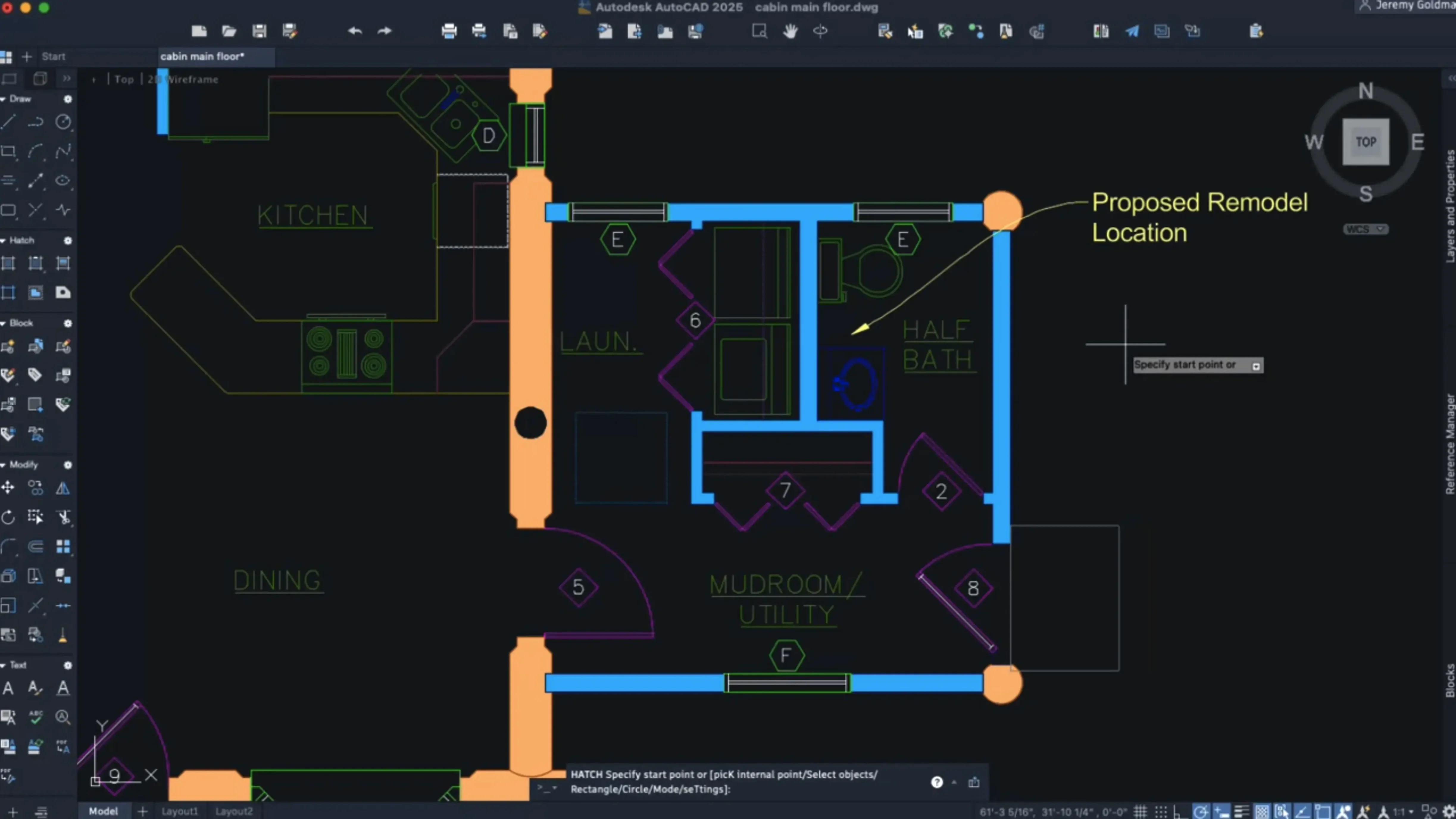
Hatching now follows a contour without existing boundary geometry. Draw a rough shape, pick a pattern, and shaded fills appear. Less cleanup work after the fact.
Crosshair color per layout is easy to miss. Set one tint for a dark model space background and another for a light title block — your eyes adjust faster between tabs.
Metal graphics engine
AutoCAD for Mac 2027 loads a dense mechanical assembly and the cursor stays fluid. Metal does the heavy lifting; the older OpenGL path is gone, and the software feels tighter for it.
Large coordinate scene optimization is not a button you press. It works in the background on drawings with extreme extents, trimming processor load without you noticing — until you realize the fans never spun up on a file that used to choke the machine.
Memory use settles around what you would expect for a professional CAD tool. It is not light, but it is steady. Switching between a dozen layout tabs no longer brings a pause. That improvement alone changes the rhythm of a long drafting session.
Intel and Apple Silicon both run it natively. On an M-series Mac, the launch time shrinks and 3D orbit stays smooth even with shaded views active.
Who fits it best
Architects who move between a MacBook on site and a desktop at the office. The DWG parity with Windows means no translation step, no broken annotations. Just open the file and continue.
Engineers who draft in 2D but need occasional 3D visualization. The improved navigation makes orbit-and-pan feel natural, not like a compromise. You check clearances visually, then return to plan view.
Solo practitioners and small studios get the most from the AI block suggestions. A drawing full of repeated fixtures or furniture pieces becomes a cleaner file in minutes. The tool scans, proposes, and you convert — fewer stray objects, smaller file sizes.
Anyone who has searched for autocad for mac and found confusing advice about compatibility can stop worrying. This release runs on modern hardware without emulation layers or graphics fallbacks. The package includes clear install instructions; you disable SIP once and move on.
It is not for casual sketchers. It is for people who need exact snaps, trusted file exchange, and a machine that does not fight them during deadline hours.
It suits people who need exact geometry and a calm machine.