


You come home from a day that asked too much. You don't want action. You want a small, controllable world.
So you open The Sims 4 and start with a blank lot. A writer moves in — restless, low on funds. You give her a tiny house, a typewriter, and a bad haircut she'll grow out of.
Foundation build
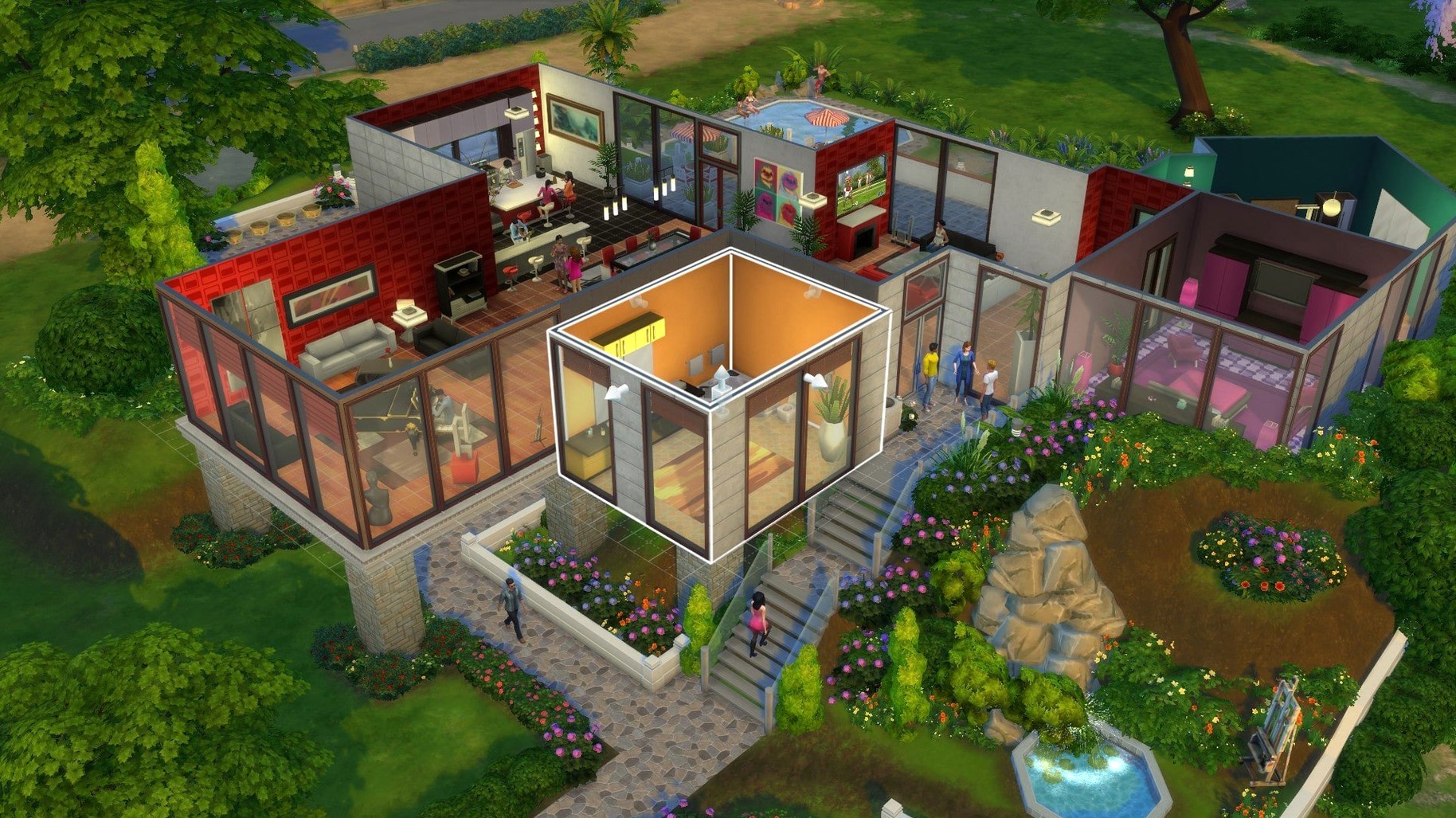
- Designing homes from the foundation up
- Directing careers, relationships, and daily routines
- Traveling between distinct neighborhoods
EA App required
- Requires the EA App
- DLC add-ons are separate downloads
- Tested on Apple Silicon and Intel Macs running Sonoma
Side by side
People sometimes ask how this compares to earlier Sims titles on Mac. The Sims 2 mac download works well on older hardware but feels cramped by today's standards — smaller lots, fewer routing options. The Sims 4 opens up the camera and build tools in ways that make 2 feel like a dollhouse.
Against indie life sims, the difference is scope. Most competitors focus on one system — farming, relationships, crafting. The Sims 4 gives you all of it at once, plus a deep creation suite that smaller studios can't match. What you lose is a tightly authored story. This world needs you to push it.
First-week mistakes
New players often download every DLC at once. The game loads everything — every world, every outfit, every object — and the startup time balloons. Install what you'll actually use. You can add more later.
The other common slip: ignoring the Tray folder. If the game freezes on the splash screen, people assume a reinstall. Usually it's leftover cache files in Documents. Keep Tray, Saves, Mods if you use them. Delete the rest. The game rebuilds cleanly.
Building without the grid snap turned off is another early frustration. Hold Option while placing objects. It changes everything.
Silent fan
On an M1 Air, the base game runs quietly. Load times sit around twelve seconds from launch to live mode. With three expansion packs and a handful of mods, that creeps toward twenty. Not bad.
The fan stays silent unless you're in a heavily furnished lot with many Sims. Even then, it's mild. Memory use hovers near 1.5 GB with the base game, climbing past 2 GB with DLC. A machine with 8 GB handles it without swapping under normal play.
Stability on version 1.127.41.1030 is solid. No crashes during a full afternoon of build mode, even while the Marketplace was loading cached images in the background. The recent update smoothed out the browsing lag that used to hit when scrolling through community lots.
A builder's Sunday
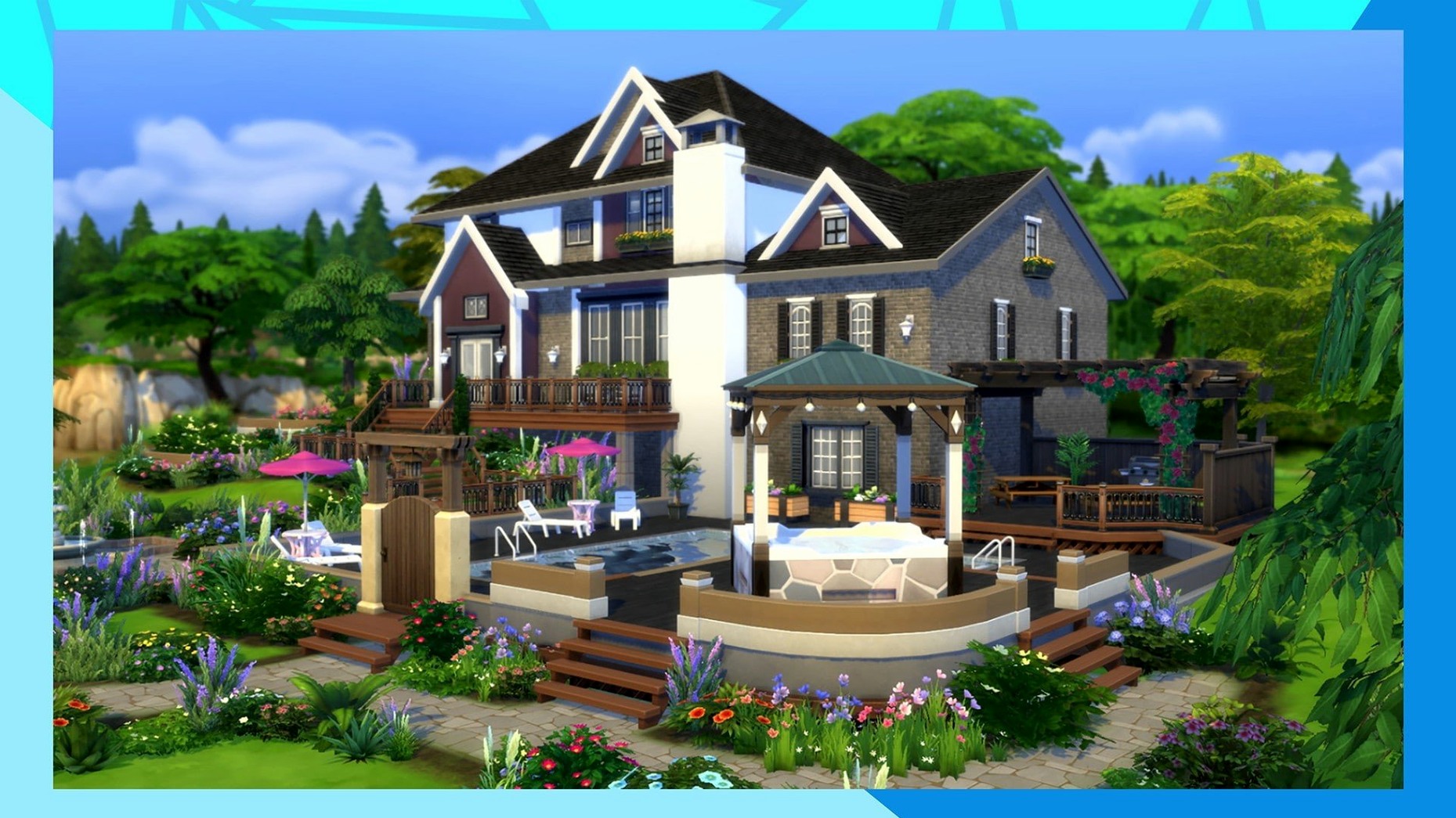
Someone grabs the sims 4 all dlc mac torrent on a quiet weekend, not for the gameplay but for the build tools. They spend three hours recreating a mid-century bungalow from a photograph — exposed beams, terrazzo floors, a sunken conversation pit that serves no gameplay purpose. No Sims move in. The house just sits there, finished, rotating slowly in the golden-hour light of Oasis Springs. That's the session. They close the lid and go make coffee.
A week passes in-game. She publishes a few shorts, meets a carpenter in Willow Creek. The haircut improves. Nothing explodes. That's the point.