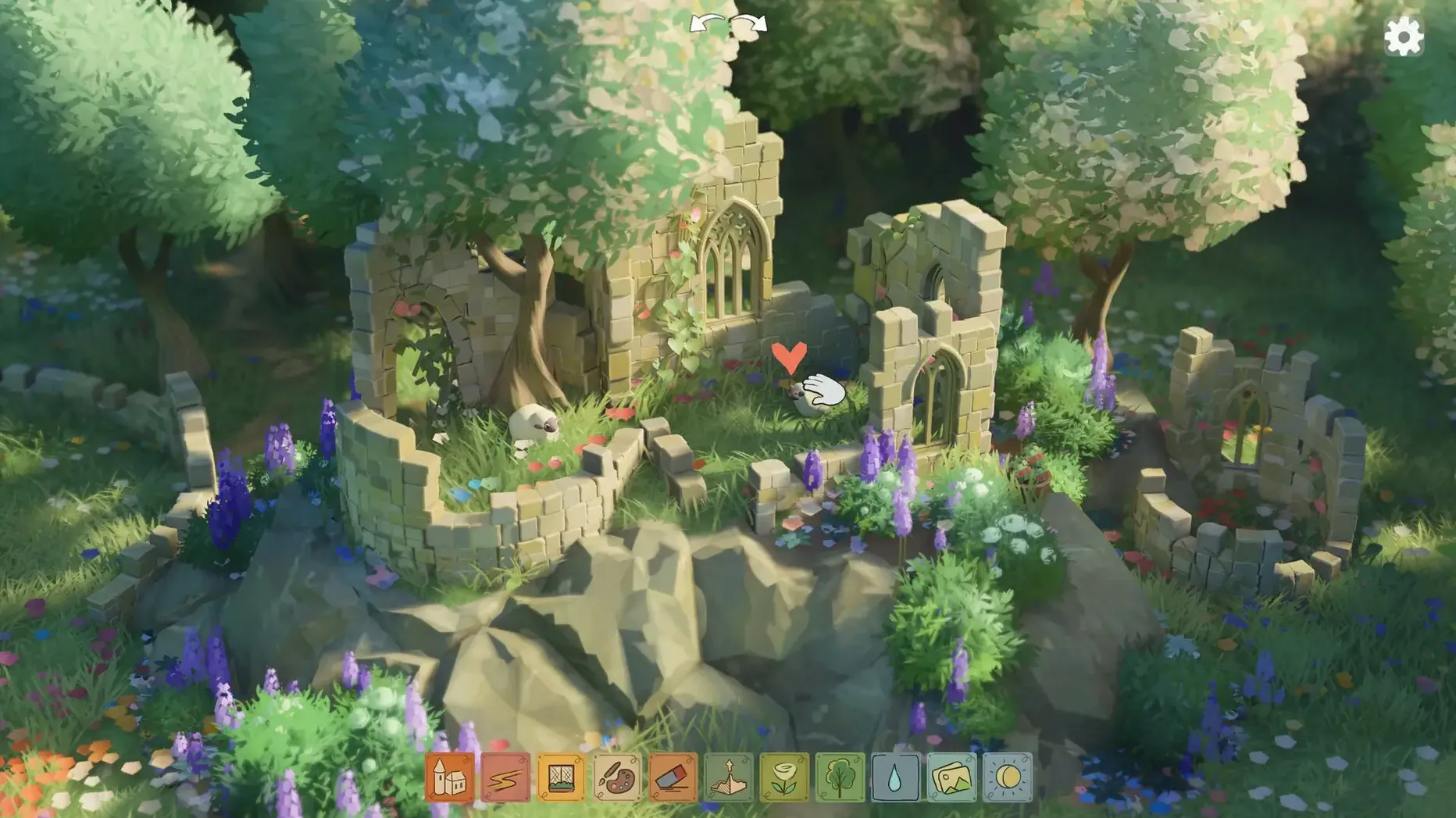
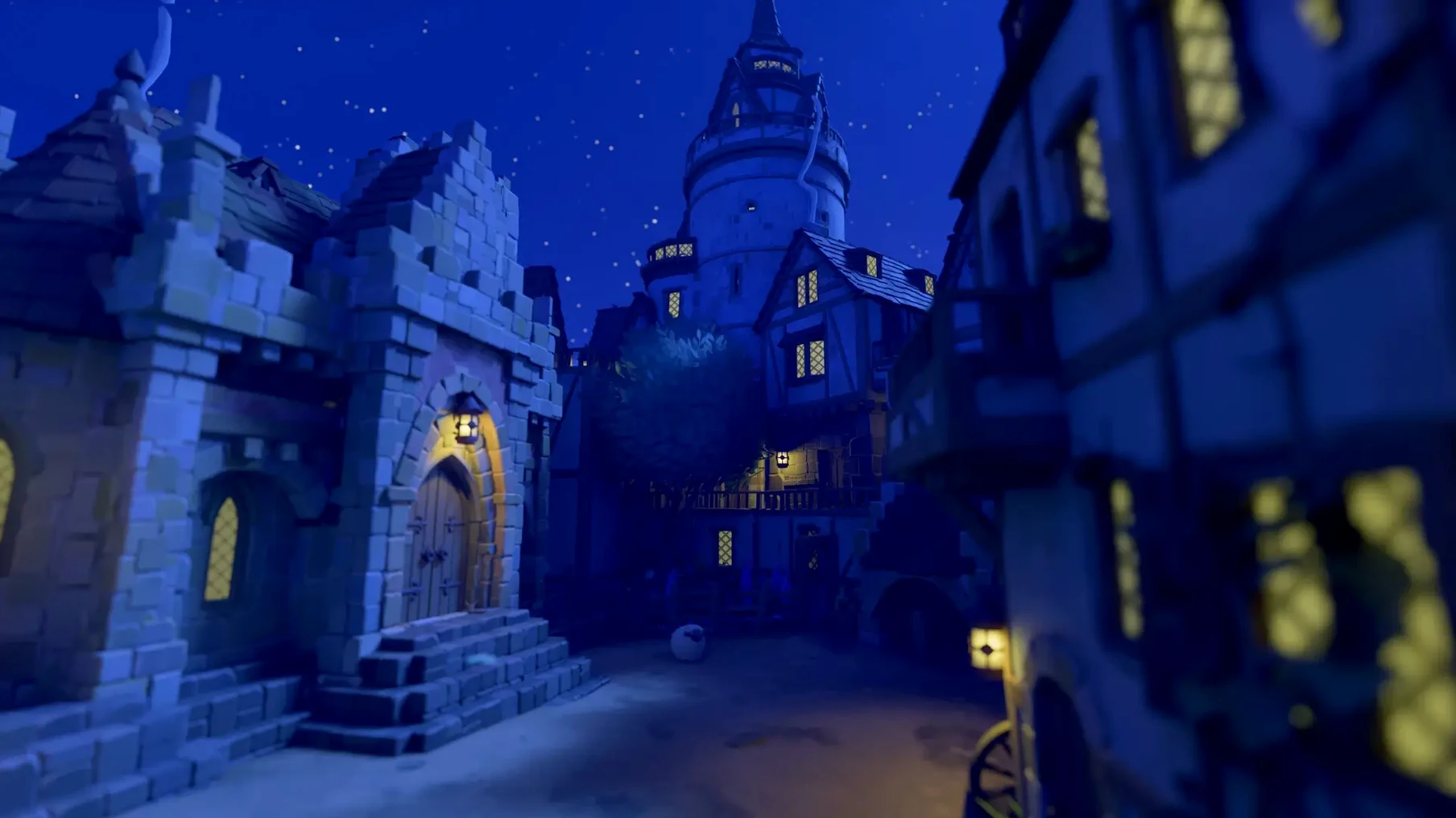
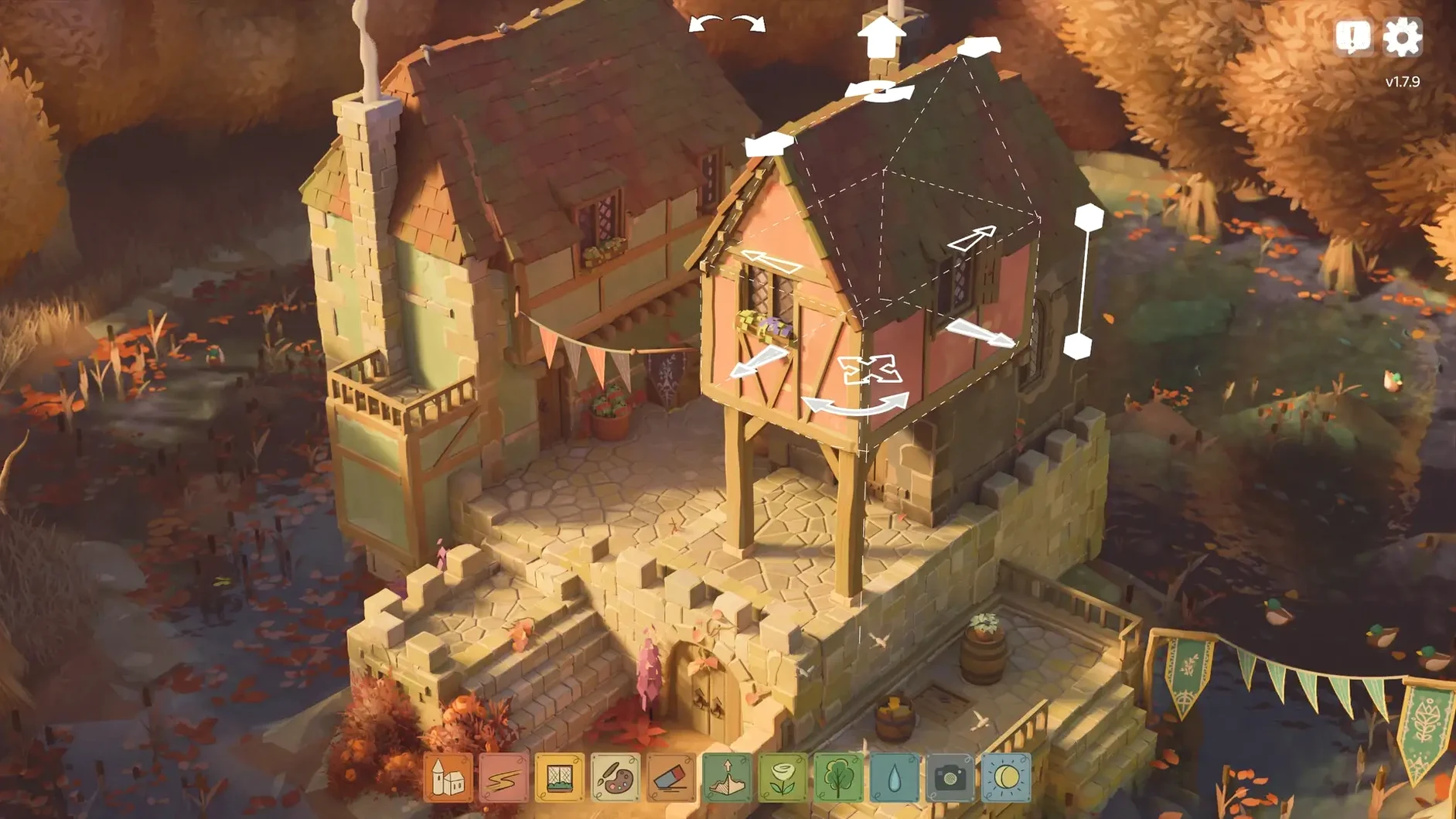

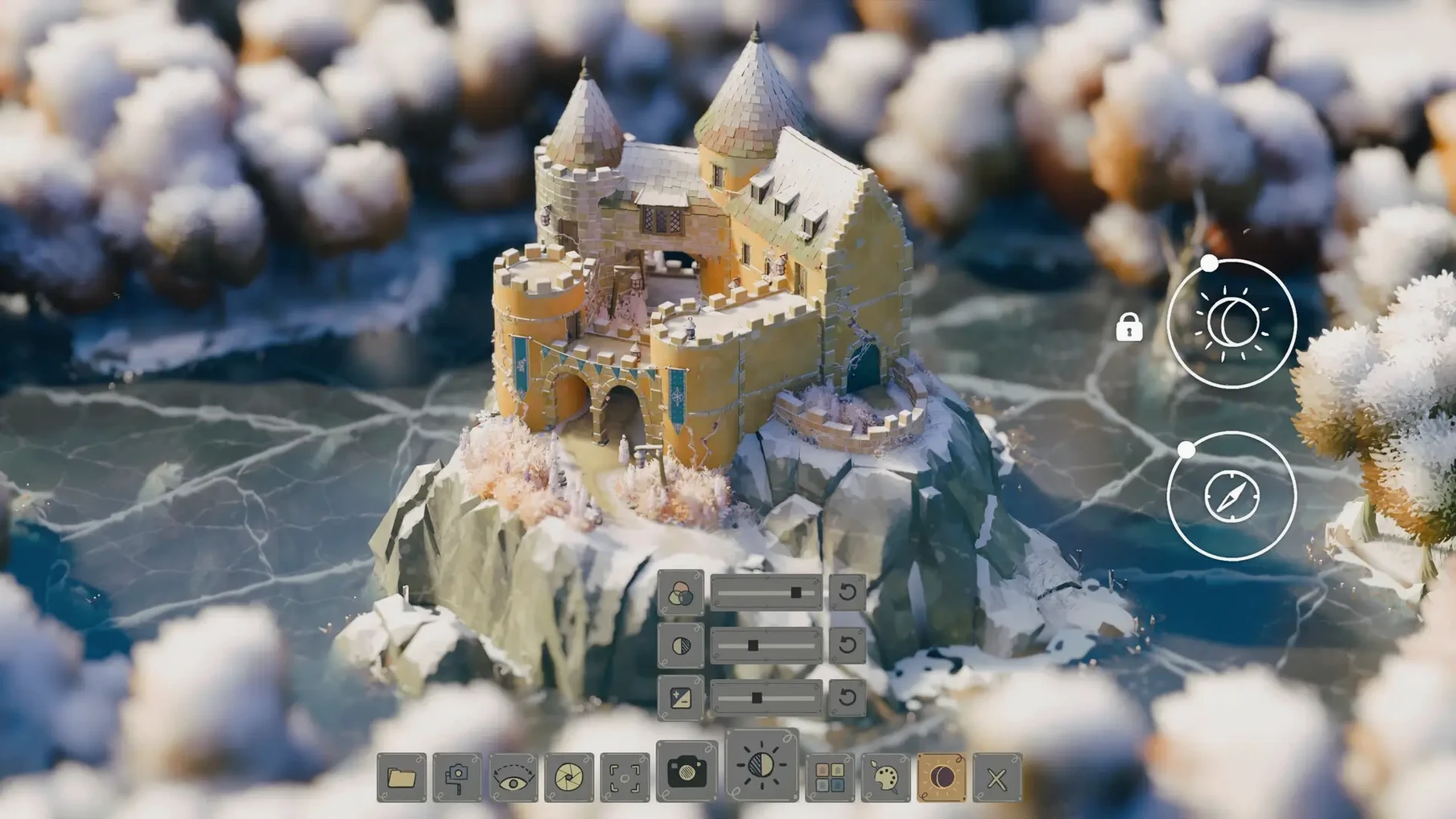
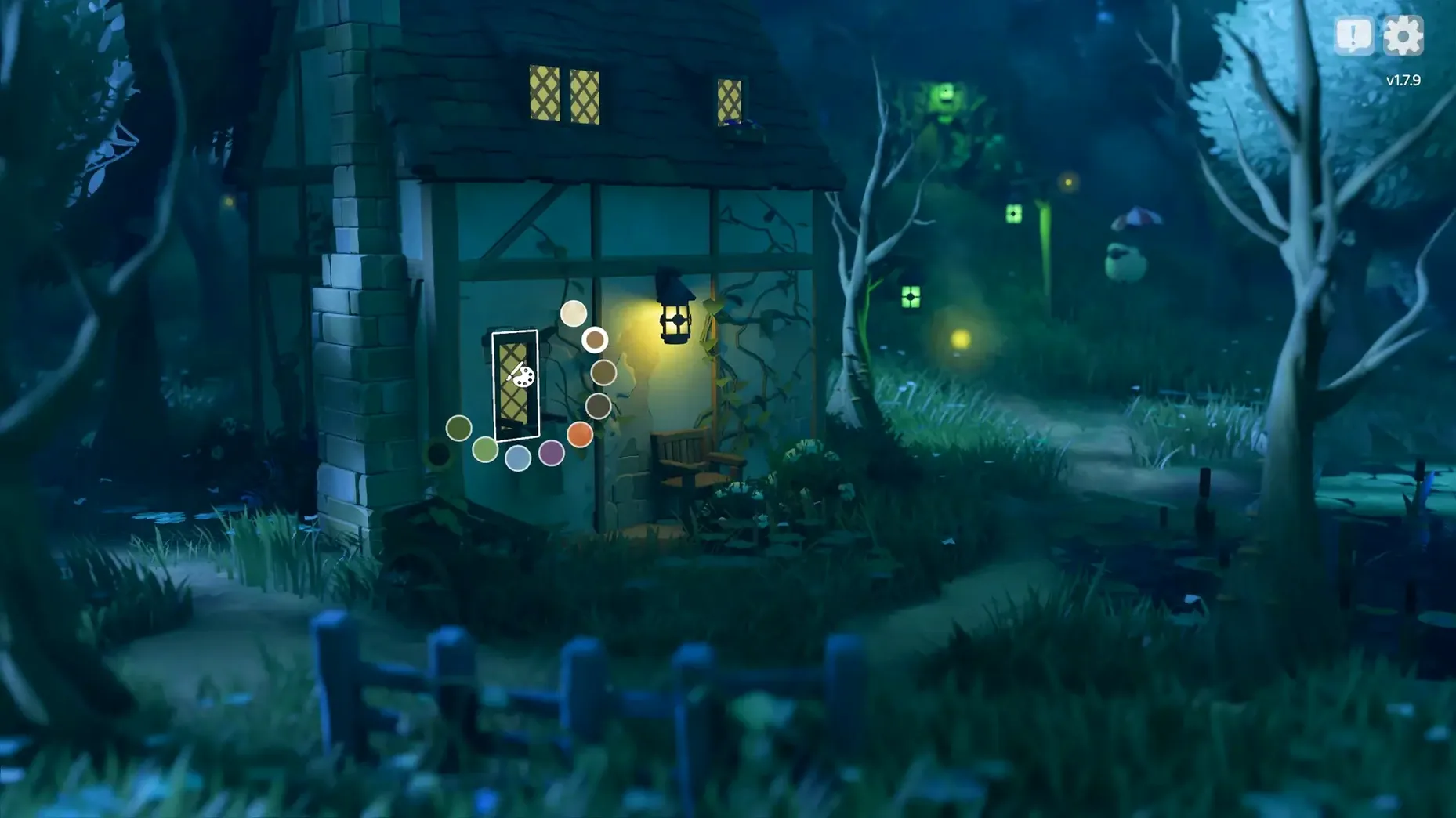
Tiny Glade runs natively on Apple silicon Macs and 64-bit x86 machines. No grid, no battles, no resource counters. Just a quiet diorama where you shape walls and watch ivy spread.
- Build cottages, towers, and ruins without a grid
- Structures gather ivy and moss as they age
- Nighttime brings fireflies and a gentle piano score
- No combat, no timers, no fail states
- Works in fourteen languages, including Japanese and Ukrainian
On a Mac mini M4, the diorama stays smooth at high resolutions. Controls map cleanly to mouse and trackpad. It is a small, self-contained toy that asks nothing from you except to build a little, then step back and watch the light change.
Recent patches
Version 1.16.3 fixed one specific annoyance: the camera could clip into the terrain at a particular glade corner. If you had ever been nudged underground while rotating the view, that spot is now solid.
A hotfix right before it, 1.16.2a, sorted a conflict that happened when you held the disable-snapping key during group select. The two inputs no longer step on each other. Both changes are small, but they remove friction during long building sessions.
Troubles
One early snag on Apple silicon Macs is the security prompt on first launch. If Gatekeeper blocks the app, open System Settings > Privacy & Security and click “Open Anyway.” This is a one-time step.
Trackpad users sometimes report that right-click feels jumpy. Enabling Secondary click with a two-finger tap in System Settings tends to settle it. The game was built for mouse first, but a little adjustment makes the trackpad feel natural.
A handful of Intel Mac owners ask whether the tiny glade mac full version runs on their machines. It does, as long as the Mac is 64-bit and recent enough. Performance dips on older integrated graphics, but lowering the resolution in windowed mode keeps the diorama playable.