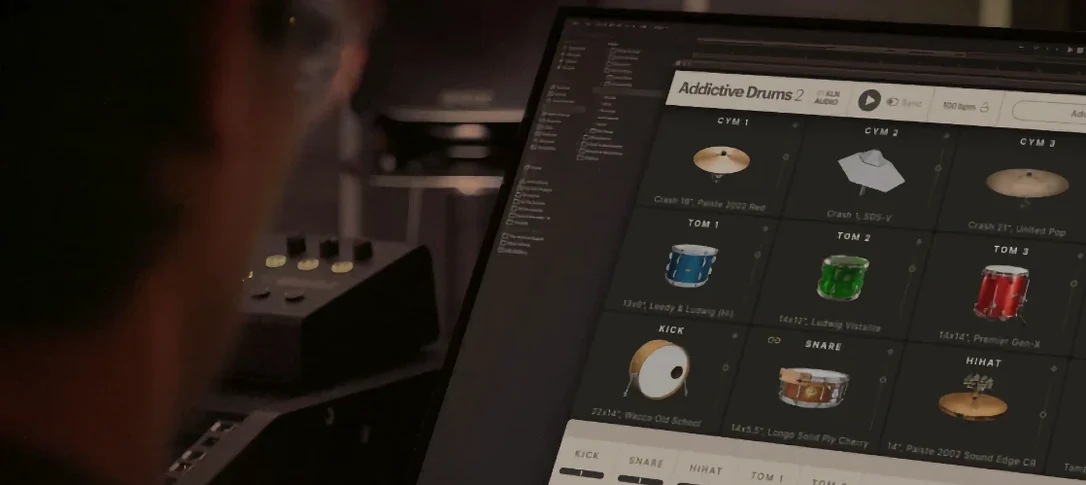
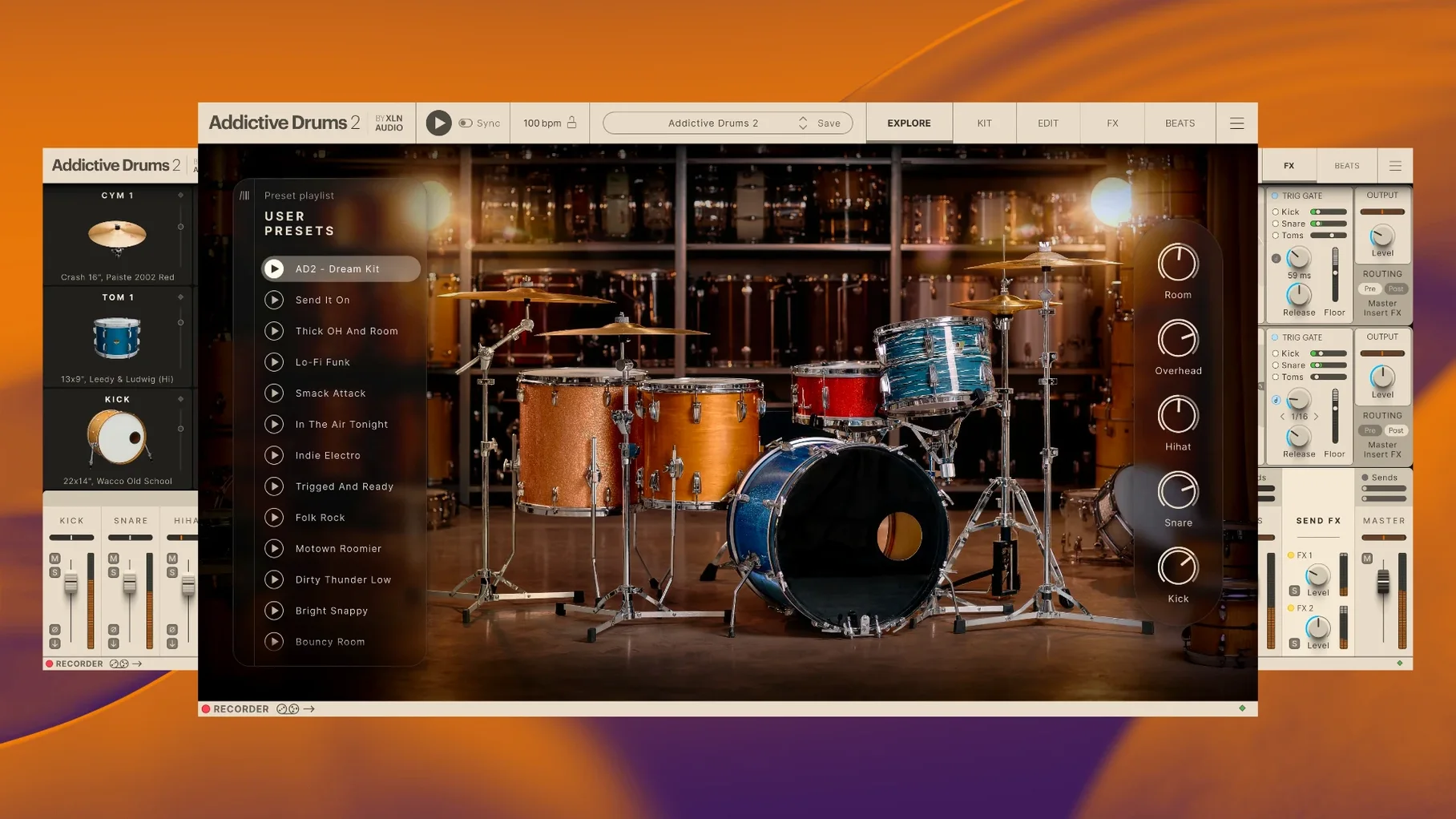
Addictive Drums 2 is a virtual drum instrument that removes the need for a live kit and a treated room. It gives you a polished studio sound from your own desk.
First moves
- Skip the grid. Open the Beats browser and drag a complete performance onto a track. Hear the kit immediately.
- Swap the snare. Right-click the snare and pick another from the kit piece menu. Listen for how the room changes.
- Pull the overhead fader down. Hear how much ambience was baked in.
- Open the Effects page. Turn off the master bus compression, then turn it back on. Notice the weight it adds.
Instant launch
The engine loads fast. On an M1 Mac, the standalone app opens in under three seconds. The plugin window appears inside Logic Pro without a pause. That speed holds even with the full Complete Collection of ADpaks installed — the browser indexes everything in the background and stays snappy.
CPU use sits low. A seven-piece kit with all internal effects active — compression, tape saturation, room reverb — moves the meter by about ten percent on a modern machine. Bumping the buffer to 128 samples and playing a dense MIDI pattern from a controller adds no audible crackle. RAM consumption scales with the kit pieces you load, but even the largest kits stay under two gigabytes. XLN Audio tuned the sample streaming to expect less, not more.
Stability in long sessions is uneventful, which is the point. I have left the plugin running across three-hour tracking dates without a crash. The undo history inside the kit editor remembers every snare change and fader move. If a DAW session crashes, the plugin state restores cleanly on reload.
Kit-first workflow
I open a blank project and load Addictive Drums 2 on an instrument track. The Fairfax kit loads by default — a warm, roomy rock sound. I play a few bars on a MIDI keyboard to check levels, then open the Beats browser.
I filter by style: Indie. A beat called "Loose Groove" catches my ear. I drag it to the timeline. The performance lands as MIDI notes, fully editable. I copy the verse part twice and drag a different fill into the fourth bar. The transition snaps into place.
Time for the kick. I right-click the kick drum graphic and browse the Kit Piece Paks. A deeper, drier kick from the Black Velvet ADpak replaces the stock one. The low end tightens without touching an EQ. I solo the room mics and push the decay control a few clicks clockwise. The virtual space breathes more now.
On the Effects page, I pull the master bus saturation knob up to twenty percent. The cymbals soften. The snare wire gains a little sizzle. I close my eyes and lean back. It sounds like a drummer in a room, not a grid.
One-kit mastery
Resist the urge to browse every ADpak at once. Pick one kit that matches your genre and stay with it for a week. Learn where its sweet spots live — the snare tuning range, the overhead balance, the room mic decay. The knowledge transfers to every other kit in the collection.
Turn off the master effects on day one. Compression, saturation, and EQ are all off by default on a fresh install, but presets often enable them. Strip the processing back. Build your own signal chain from silence. You will learn the raw character of the samples faster.
Map your controller early. The MIDI Learn function sits in the top-right corner. Right-click any control — fader, knob, button — and move a hardware control to assign it. Map the snare bottom mic fader to a physical knob. Map the hi-hat openness to a mod wheel. The kit becomes an instrument, not a picture on a screen.
Save a template. Once you have a kit, a mix, and a reverb send you trust, save the whole state as a DAW template. Next session, you open the project and play, no setup.
Offline guarantee
Does it work without an internet connection? Yes. Once installed and authorized, the standalone app and plugin run fully offline. No cloud checks, no background calls home. The sample library lives on your drive and stays there.
Will it slow down an older Mac? It depends on the kit. A four-piece jazz kit from the Vintage Dry ADpak uses far less CPU and RAM than the full Fairfax kit with all mics active. On a 2015 MacBook Pro, I stick to smaller kits and freeze tracks early. The engine adapts — you can purge unused articulations per piece with two clicks.
Is it only for rock and metal? The Complete Collection spans brush kits, jazz kits, vintage dead rooms, and electronic hybrid kits. The Reel Machines ADpak covers LinnDrum and DMX territory. The Funk ADpak gives you tight, dry 70s tones. The range is wider than the name suggests.
How much disk space does the Complete Collection take? The full install with every ADpak, MIDIpak, and Kitpiece Pak occupies around 65 GB. You can install only the pieces you need and add more later. The installer lets you pick.
Can I use it without a MIDI controller? The built-in step sequencer and the Beats browser mean you can build drum tracks entirely with a mouse. Drag beats, edit the grid, and tweak velocities by hand. A controller makes it more fun, but nothing requires one.
Just four moves, and the instrument begins to make sense.