No new feature list this time. The plug-in keeps the Analog Lab V name while the collection behind it is now Analog Lab Pro. What matters is whether it opens on your machine.
Instant launch
- macOS 11 or later
- Intel and Apple silicon
- English interface
It loads fast. From a cold start, the standalone app appears in under four seconds on an M1 MacBook Air, and the plug-in initializes quickly inside Logic Pro without scanning hiccups. I keep it on an external SSD, and patch browsing remains fluid even when I flip through presets rapidly. CPU use stays modest: a single instance hovers around 3–5% on a recent Apple silicon machine, so stacking four or five parts rarely pushes the session into overload territory. Memory pressure barely moves. On older Intel hardware, complex patches with long reverb tails spike a little higher, but freeze or bounce handles that without drama.
Stability is uneventful in the best way. Across a dozen sessions in Ableton Live and Logic, I saw no crashes tied to Analog Lab itself. The only quirk was a brief GUI redraw lag when switching between instruments with radically different interfaces — a half-second stutter, then gone. Autosave recovery works as expected; patch states recall accurately after a restart.
The plug-in coexists quietly with other Arturia tools. If you already own V Collection, Analog Lab recognizes the full instrument views without extra configuration. That alone makes it a practical hub: one window, all your Arturia sounds, no duplicate installs.
Questions
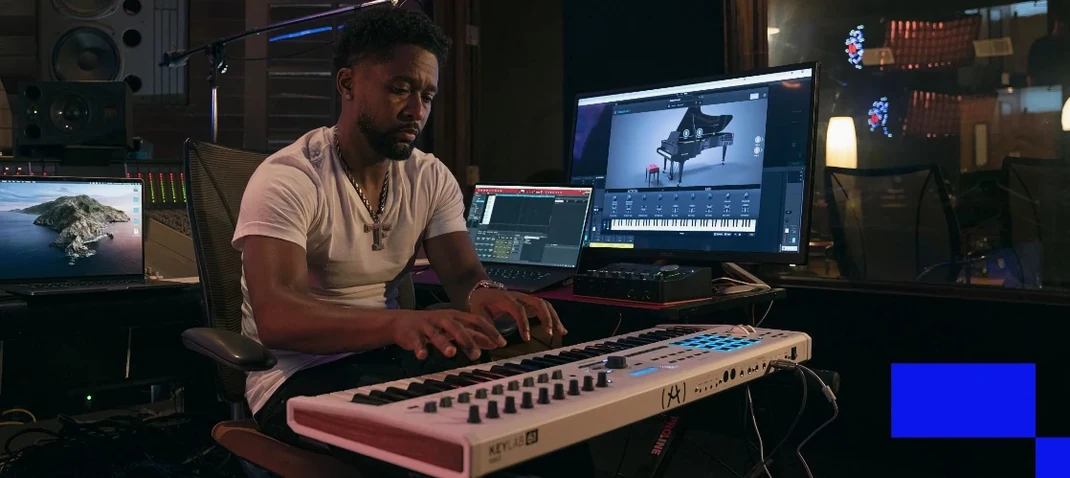
Does it need a controller to make sense? No. The on-screen macros respond well to a mouse or trackpad. But the experience sharpens noticeably with a KeyLab or MiniLab — the browser maps to the encoder, and the filter knobs snap to the first four controls. Without a controller, you miss the physical immediacy but lose none of the sound.
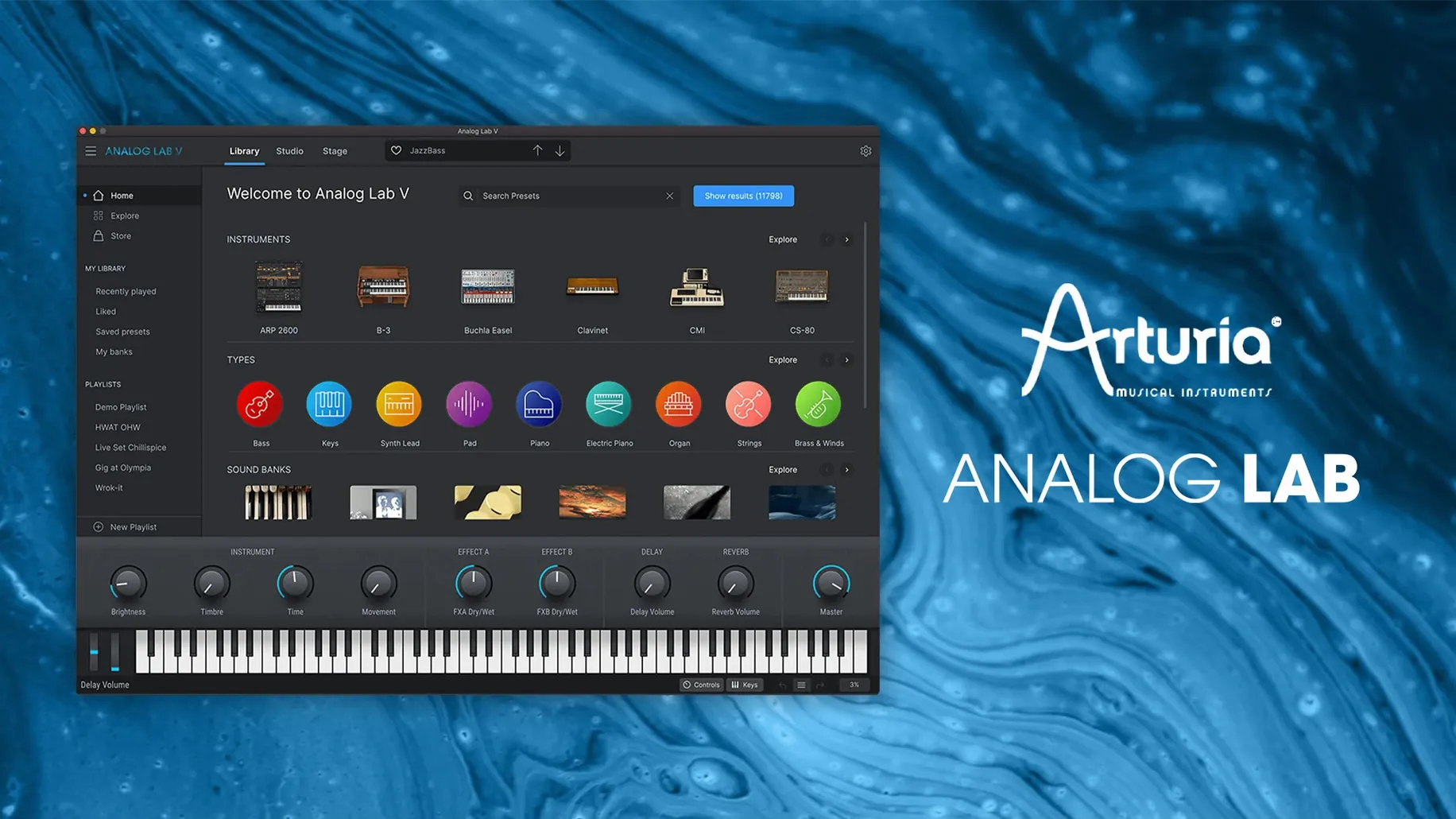
What happens if I already own a few Arturia instruments? Their presets appear alongside the factory Analog Lab library. The plug-in does not lock you out of anything; it simply adds the presets to the unified browser. If you license the full instrument, the edit panel unlocks inside Analog Lab Pro.
Can I build a setlist without leaving the plug-in? Yes. The playlist feature lets you group presets into songs and songs into a live set. No external librarian required. Drag to reorder, rename songs with a double-click, and advance through the list with a single MIDI program change.
Will it choke a live rig? Not in my experience. With the buffer at 128 samples, patch changes happen in under half a second. The audio engine mutes briefly during the switch — no zipper noise, no dropout. For a MainStage or Gig Performer setup, that matters.
Silicon native
Version 5.12 brought native Apple silicon support for the plug-in and the standalone app, which removed the Rosetta dependency that had been a quiet drag on startup time. The browser gained a “recently used” sort order that respects per-project history, so the sounds you reach for in a particular track surface first. Macro assignments now remember MIDI learn mappings across sessions — previously, custom mappings reset after closing the project.
Under the hood, the preset database format updated. The first launch after upgrading rebuilds the index, which takes roughly a minute. After that, search feels snappier than in the 5.10 era. A few users hunting for an Arturia V Collection 11 crack for Mac will discover that Analog Lab V remains the lightweight gateway; the full instrument views only appear when a V Collection license is present. The same applies for anyone grabbing an Arturia torrent — the plug-in installs smoothly, and the Pro-only panels stay locked until you set up the right license file.
Stage set
Keyboard players who need a single plug-in for a two-hour set benefit most. Load one instance, map the playlist to a footswitch, and move from a Rhodes to a Jupiter pad without touching the mouse. Sound designers use it differently: as a starting point. They pull up a preset close to the target, tweak the four macros, and decide whether to open the full instrument for deeper editing. The browser’s “similar sounds” suggestion often cuts the search time in half.
Producers working to picture — commercials, short films, game jams — tend to keep Analog Lab in their template. The preset range covers analog bass, digital glass, orchestral hybrids and dusty tape strings in one scrollable list. No need to audition five different plug-ins when the brief changes. Students in audio programs pick it up quickly because the macro labels describe what you are changing: Timbre, Motion, Space, Effects. No manual needed on day one. That same clarity also attracts people who found an arturia v collection mac torrent and then stayed because the library was deeper than expected.
Inside: thousands of presets from dozens of instruments, a filter that narrows the list, controls right there. Existing projects keep their sounds.