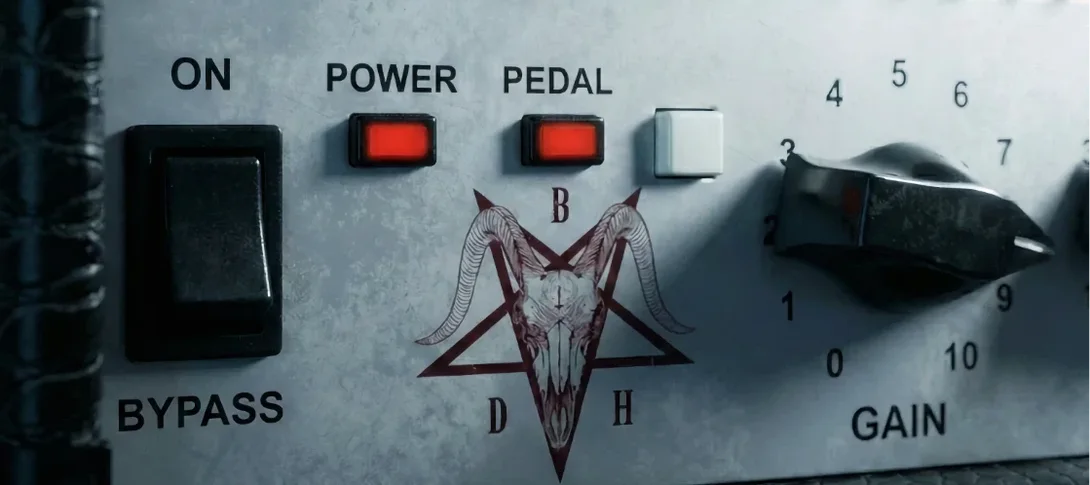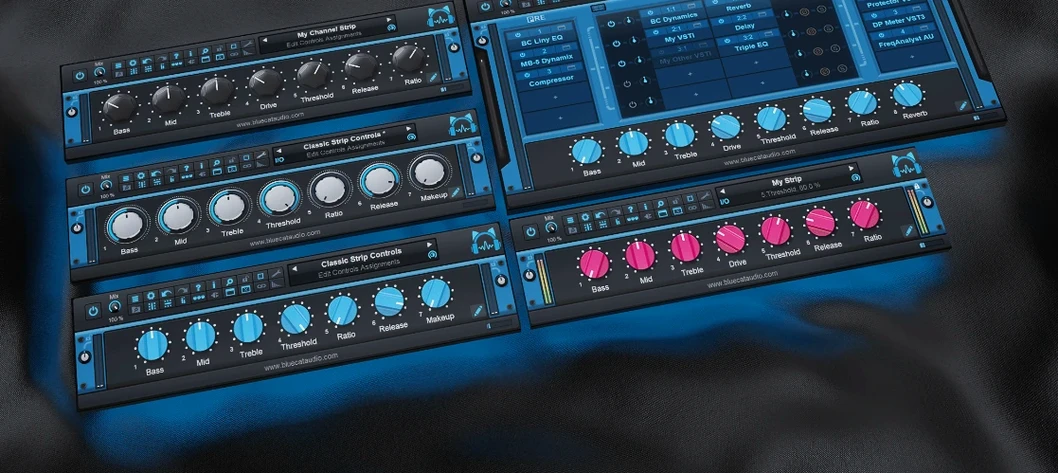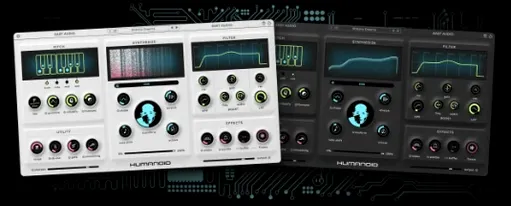
Drum programmers who layer samples by hand.
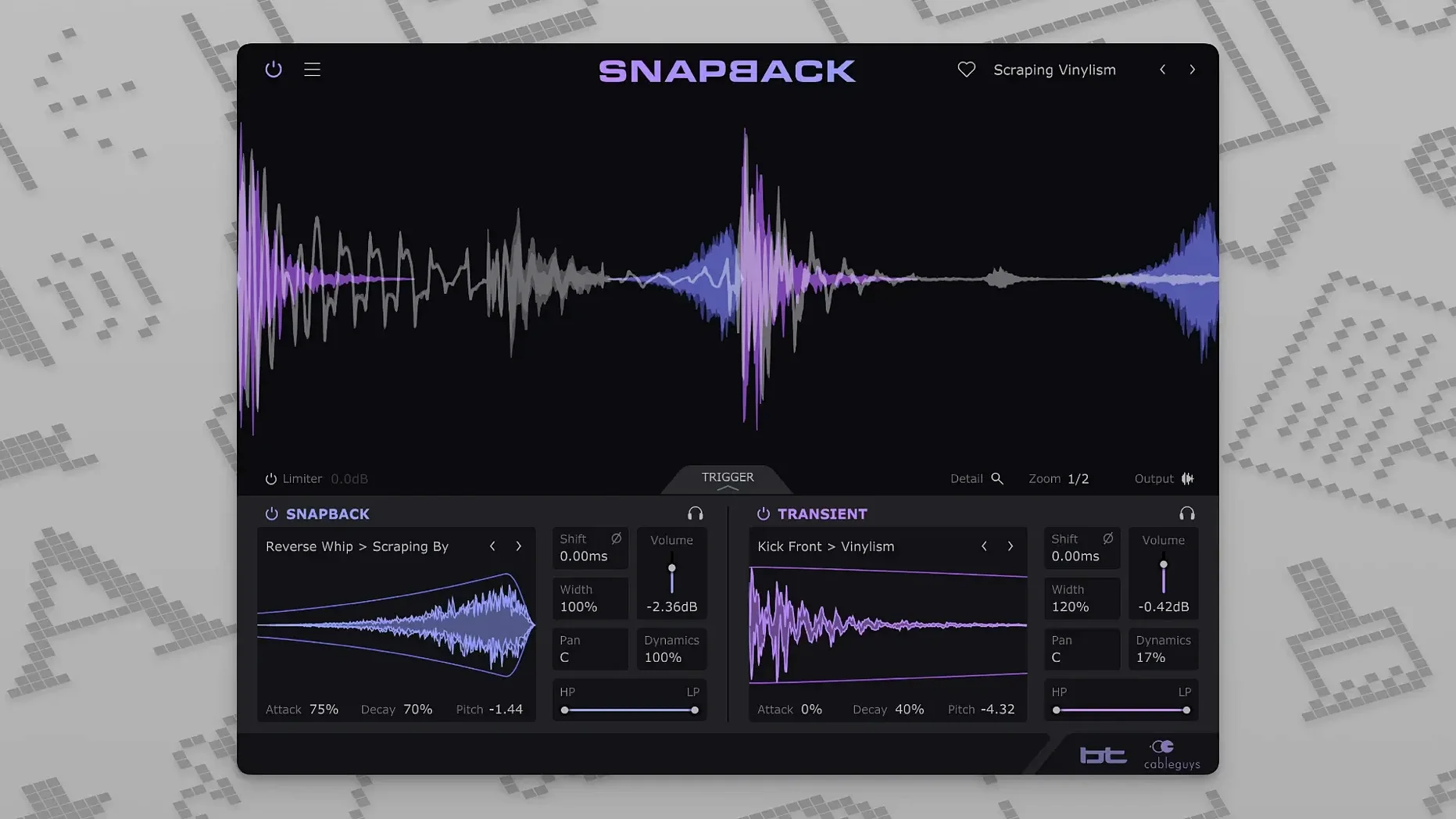
Snapback — a plugin that catches your drum hit and aligns a layer to it automatically.
Sample alignment — the transient of your kick or snare triggers the added layer. No manual nudging.
Built-in library — more than 200 ready-made samples for attack, texture, and character.
User samples — drag your own sounds straight in.
Phase adjustment — keeps layers from thinning out a solid drum sound.
Waveform visualizer — see the alignment as you adjust it.
Filters — shape the layer right inside the plugin.
Versus the field
Most transient shapers — Smack Attack, Transient Master — modify the existing hit. They cannot add a new sound. Snapback adds a separate sample and aligns it to the transient.
Slate Trigger and UVI Falcon can do sample layering. But they require you to set thresholds, tweak gates, and often nudge by hand. Snapback skips the setup. It detects the hit and aligns the layer immediately.
XLN Addictive Trigger has a detection engine and a library. Its interface pushes you toward full drum replacement. Snapback stays lighter. It layers. It does not ask you to commit to a new kit.
If you already own a transient shaper, Snapback gives you a different move: keep the original hit, then add a second sound with its own envelope and pitch. That is not possible in Smack Attack or Transient Master.
Reverse pull
Version 1.1 added a Reverse button. A reversed layer placed just before the transient pulls the ear into the hit. It turns a flat snare into something that breathes backward then snaps forward.
The MIDI port count jumped from 16 to 256. For producers running large templates with multiple drum layers across many channels, the old limit could force workarounds. Now Snapback stays addressable no matter how dense the session gets.
A kick rescue, start to finish
Take a kick drum that sounds fine solo but disappears in a busy chorus.
Insert Snapback on the kick channel. The waveform visualizer shows the transient immediately. No threshold to set.
Open the built-in library. Filter for short attack samples. Audition a few while the track plays. One click gives you a tight electronic click layered above the acoustic kick.
Adjust the envelope. Shorten the decay so the click does not ring into the bass guitar. Drop the pitch a few cents if the click feels too separate from the body of the kick.
Check phase. Flip polarity while watching the waveform visualizer. Listen for the setting that keeps low end solid. Apply a high-pass filter inside Snapback to clean up any rumble from the layer.
For the final touch, duplicate the track. Insert a second Snapback instance. Load a reversed noise sample. Place it just before the transient. The kick now pushes forward with a slight inhale before the attack.
Sits next to your EQ and compressor as a quick way to give a flat drum recording some weight.