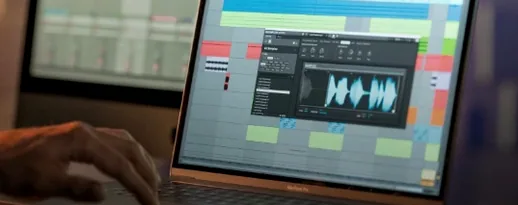
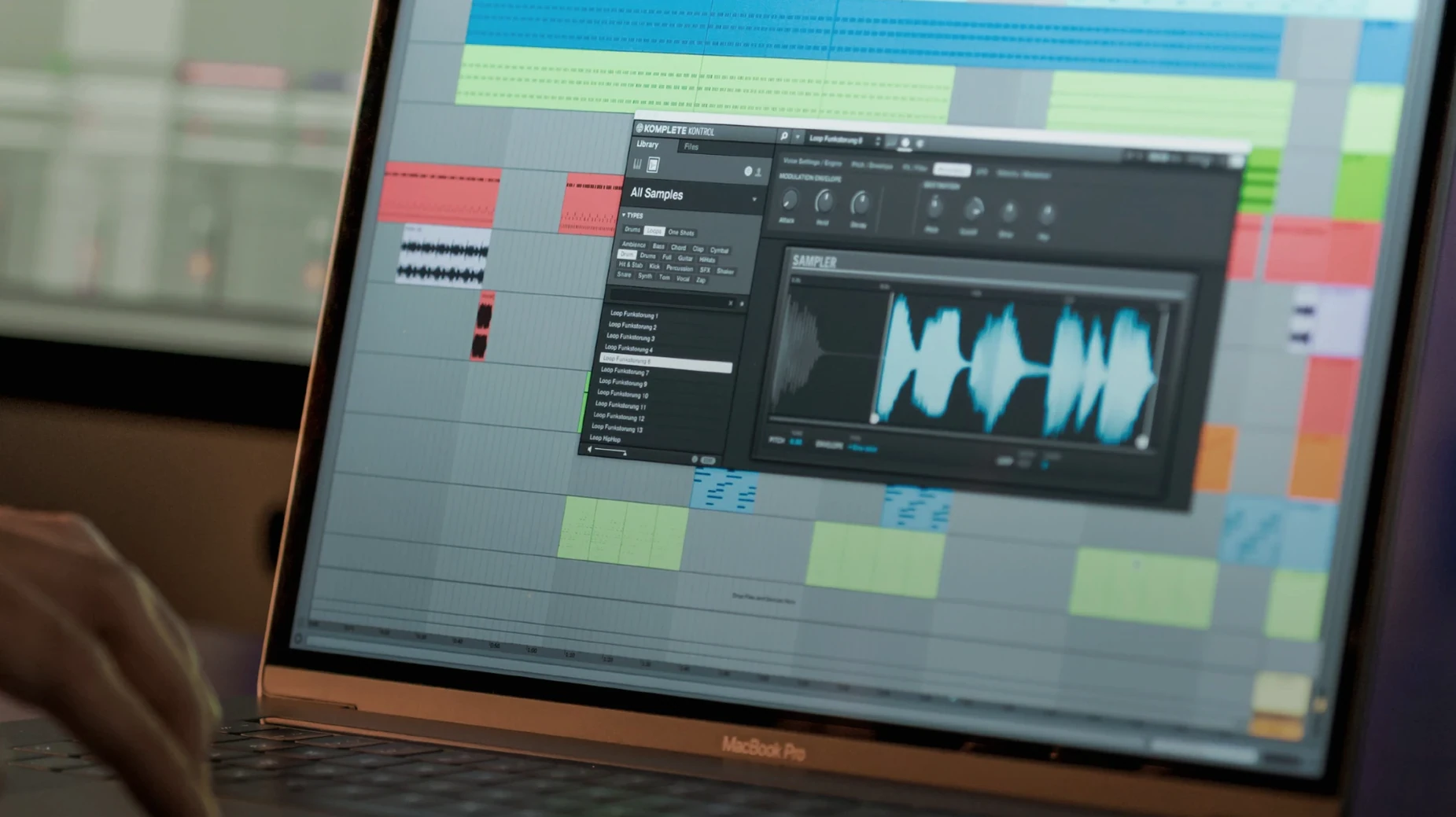
Find a sound
No more scrolling through crowded plug-in menus. Type a few letters or turn a hardware knob and the sound arrives.
Shape it
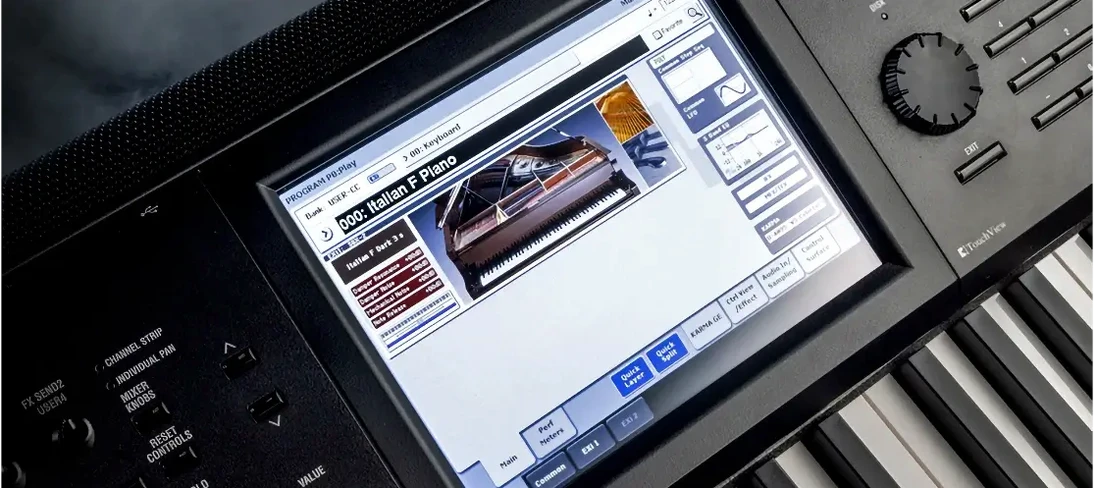
Touch a knob on an S-Series keyboard and the mapped parameter moves. The screen shows what you are changing.
Play it
Speed and weight
On an M-series Mac, the plug-in loads fast. The library filters respond with no lag, even with thousands of presets scanned. Memory use sits modestly for what it does — rarely above 400 MB in a medium session. CPU spikes can appear when stacking many Kontakt libraries inside it. Freezing tracks solves that in two clicks.
Stability depends partly on the host. In Logic Pro and Ableton Live it runs cleanly. In early versions of 3.5, some users saw crashes when switching NKS instruments rapidly. 3.5.4 quiets that. A few people looking for a Komplete Kontrol torrent will want to verify they have build 3.5.4 or later so those rough edges are already smoothed out. The current release is the one you want.
Light Guide browsing
Producers who own an S-Series keyboard will feel the tightest fit. The Light Guide alone turns preset surfing into something physical. But you do not need the hardware. Composers with large third-party libraries get the most out of the unified browser — especially if they have been digging through folder trees for years.
Beginners gain from the chord and scale tools without leaving the plug-in. Sound designers benefit less. The macro mapping is fast, but deep modulation routing still happens inside the instrument itself.
Missing plug-in fix
The most common headache: a third-party plug-in that does not appear in the browser. Rescanning from the preferences panel usually fixes it. If not, removing and re-adding the plug-in folder forces a fresh index. Some older NKS packs need a manual factory reset before they show up in 3.5.4.
Another hang-up involves the S-Series MK3 parameter lag that version 3.5.4 explicitly patches. Users who upgraded from a komplete kontrol 3.5.1 or 3.5.3 build sometimes carry over a corrupted database. Deleting the Komplete Kontrol user data folder and letting the software rebuild it clears most odd behavior. On Apple Silicon, running the DAW natively rather than under Rosetta keeps the plug-in snappier.
Drag a loop to the timeline. Play a chord with one finger. Everything stays in one window.