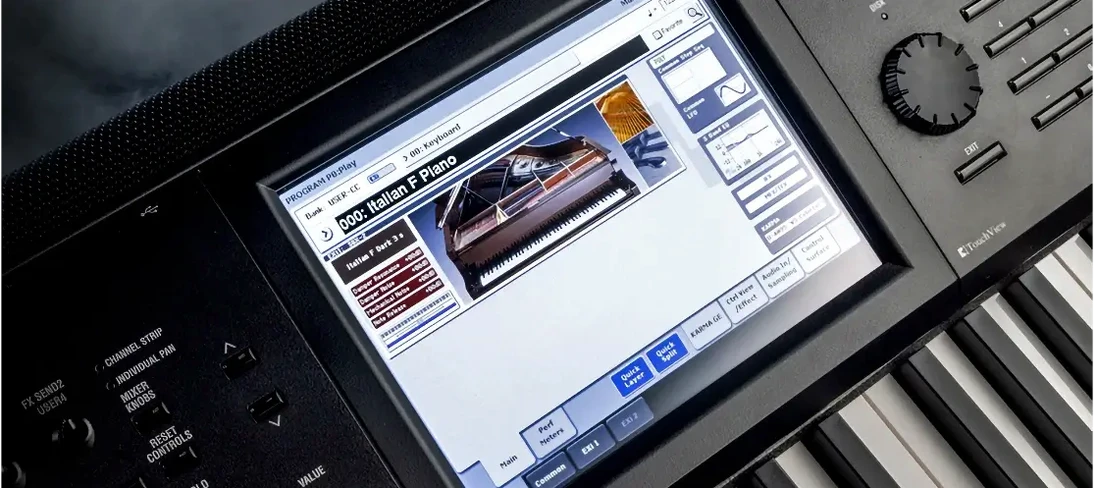
Workstation keyboards carry a lot of hardware you don’t always need. The software version removes the bulk and leaves the sound engine on your Mac.
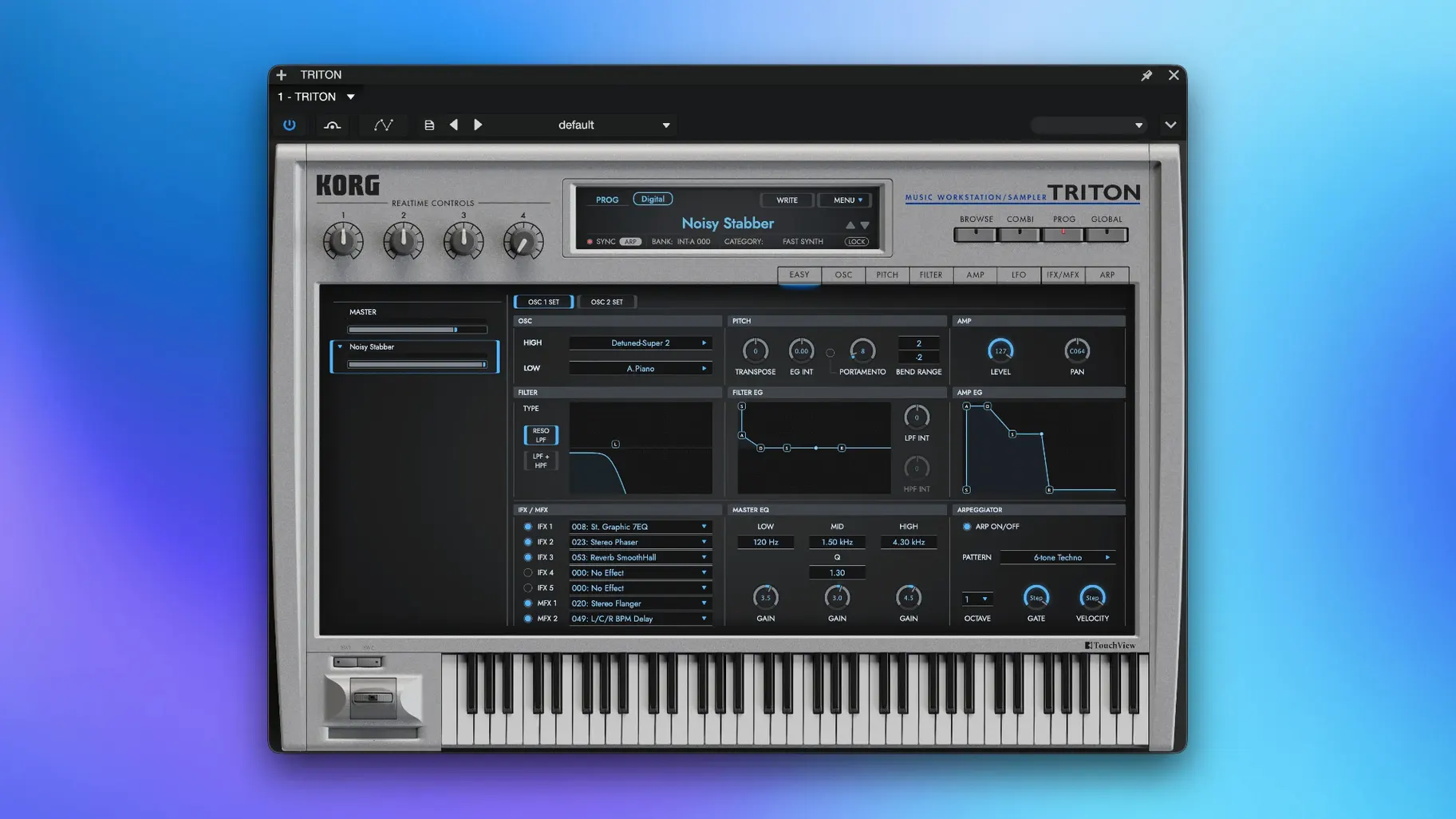
This is a full recreation of the TRITON HI synthesis system. It loads as a VST or runs standalone on Apple Silicon and Intel machines. macOS 11 or later is required. The PCM samples are captured at 48 kHz, and you get two filter types plus a master EQ for shaping the output.
The original instrument’s combination mode let you layer up to eight sound parts. That architecture is preserved here so stacked patches behave as they did in 1999.
Open the global preferences before you load a single patch. The default buffer size is generous; lower it to 128 or 64 samples if your interface can handle it. That decision alone cuts the latency enough to make the TRITON feel like hardware under your fingers.
Turn off the effects when you browse sounds for the first time. The reverb and delay chains are faithful to the original but they mask the raw sample character. Audition dry, then reintroduce the insert effects one at a time. You will learn the engine faster that way.
The master EQ defaults flat. Pull the high shelf down 2 dB. The TRITON’s PCM library leans bright and that small cut tames the edginess without dulling the attacks.
Instant patch loads
On an M-series Mac the plug-in loads in under two seconds. Patch changes are instant — no disk streaming lag, no progress bar. The 48 kHz sample set sits comfortably in RAM; you can stack eight combi parts and the CPU meter barely twitches.
Intel machines show more variance. Older quad-core i7s handle three or four multi-timbral layers before the fan spins up. Still usable, still stable. No crashes across a week of daily sessions in Logic and Ableton Live.
Standalone mode adds a few milliseconds of roundtrip latency compared to the VST path. Not enough to ruin a performance, but noticeable if you play fast runs. Stick with the plug-in version inside a DAW for tracking.
Dry ’90s presets
Spend your first hour in single mode. Pick ten presets you recognize from records made between 1999 and 2005. Play them dry. Listen for the velocity layers — the original TRITON had fewer than modern libraries, so the transitions are audible and musical.
Next, open an empty combi and assign two parts. A piano on track one, a slow string pad on track two. Set the key zones so the pad occupies the lower two octaves. That simple split teaches you more about the engine than reading the manual ever will.
Save your combi immediately. The software does not auto-save edits when you close the window. This trips up users who treat it like a modern synth and lose an afternoon’s work.
Route basses out
The biggest one: ignoring the output routing. Each of the eight combi parts defaults to the main stereo bus. Route the bass part to output 3-4 and everyone’s mix improves. The TRITON’s internal effects are shared, so bouncing stems with effects printed requires planning ahead.
Another common slip: overusing the insert effects. The original workstation had limited DSP and the recreation honors those constraints. Five inserts across eight parts means hard choices. Beginners pile on reverb and chorus, then wonder why the mix collapses. Pick one insert per part. Commit.
Some users hunt for a korg triton vst free download mac and end up with a cracked version that skips the PCM library. The download is small but the sound bank is not — missing samples mean silent patches. Verify the full 4,000-sound set is present before you start building a session around it.
Finally, the arpeggiator. It runs in combi mode but syncs to host tempo only when the transport is rolling. Hit play in your DAW before you audition arp patterns, otherwise they drift free and nothing lines up.
A clean, uncluttered window. Nothing between you and the patch list.