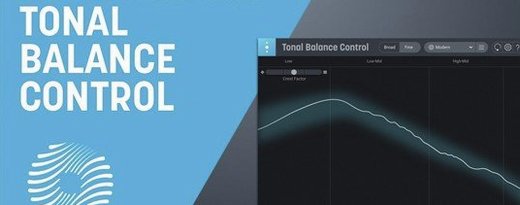
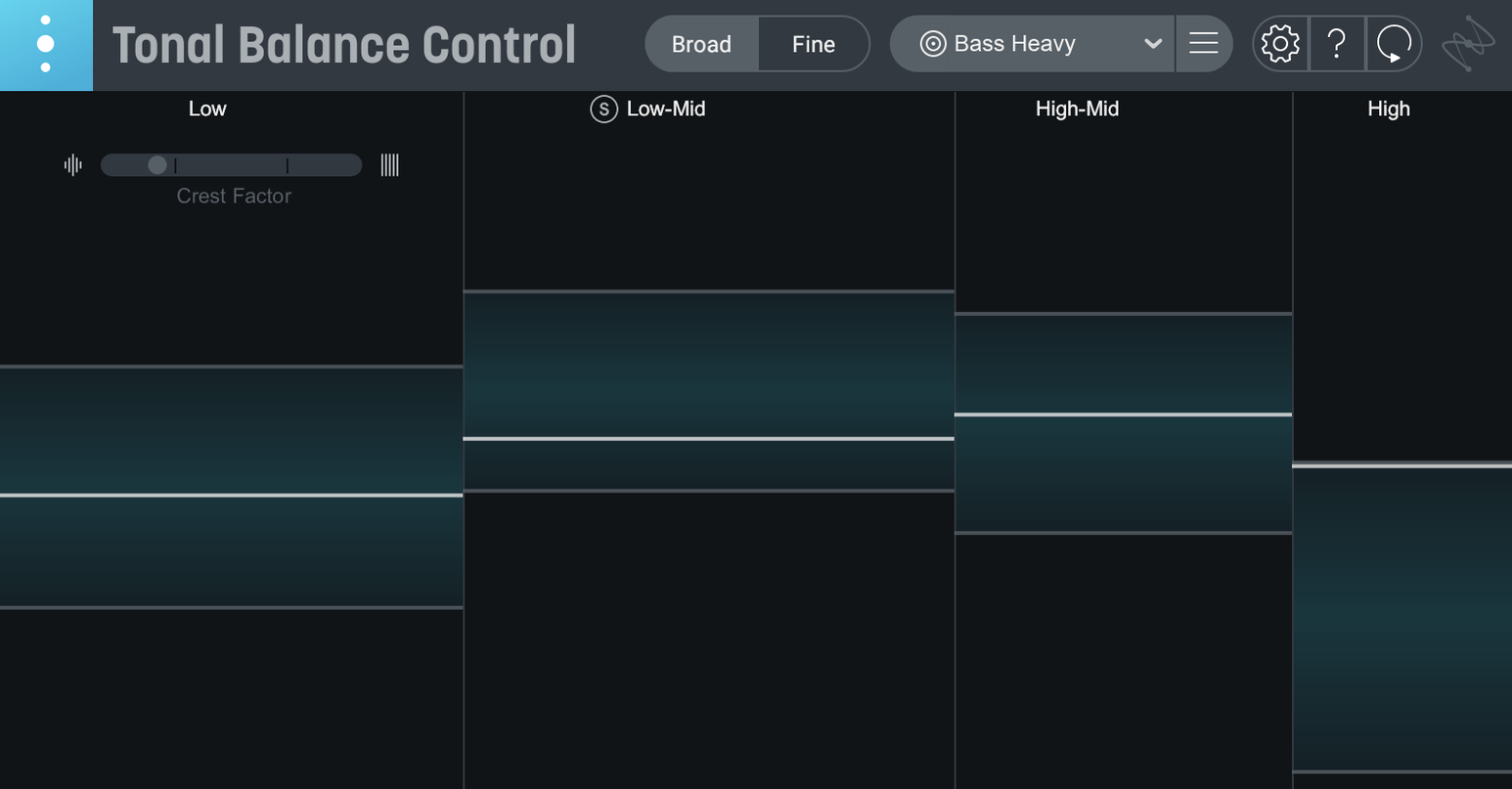
The crest factor meter stops you before a chorus collapses.
Too much low end on a vocal. A stereo spread that thins the bridge. Tonal Balance Control 3 puts your mix against genre curves and shows the drift in real time. You see the tilt before you hear it.
- AU, VST3, AAX, plus a standalone app
- Apple silicon and Intel
- macOS Sonoma 14.7 or later
Twelve target curves, or one built from your own reference file. Version 3 splits vocal presence, dynamics and stereo width into separate readouts, and a small hybrid EQ sits in the window.
I drop Tonal Balance Control 3 on the master bus of a mix I’ve been fighting. The bass guitar and kick drum have been arguing for two days.
First, I play the loudest chorus. The curve twitches above the target in the low end — a wide hump from 80 to 160 Hz. I click the Low End zone button. The display narrows. Neutron’s EQ opens inside the same window because I have it inserted upstream. I pull 120 Hz down 2.3 dB with a medium Q. The hump settles into the shaded band.
I switch to the vocal balance meter. The verse is fine. The second pre-chorus climbs too high, too sharp. I mute the double-tracked take I’d added for width. The needle drops back. I pan the remaining vocal center and take a half-dB off the 3 kHz shelf in the hybrid EQ. Now the curve stays inside the lane.
Three passes through the song. I toggle between the default Rock curve and a custom curve I saved from a mix I finished last month. I prefer the custom one. It’s tighter in the mids. When the song ends, the meters reset. No red spikes, nothing wandering outside the outer band.
Quiet moves
Click the crest factor readout to make it larger. The number alone tells you how much the arrangement breathes — a busy chorus should sit around 8 to 10 dB, a sparse intro higher. If the number drops in the bridge, the energy curve is flat and the outro will feel like it arrived too soon.
Command-click any EQ band in the hybrid EQ to solo it. The rest of the spectrum mutes. You hear exactly what that cut removes. Handy when a curve looks wrong but you cannot pick out the frequency yet.
Import a reference file by dragging an audio file onto the target curve panel. No menu. No dialog. The plugin builds the new curve from the average spectrum of the file. If you import a full mix, trim silence from the start and end first — a long fade introduces a low-end bump that is not in the music.
Relay sits on tracks that do not host Ozone or Neutron. It sends gain, pan, and stereo width data back to Tonal Balance Control. The stereo width meter in version 3 reads Relay instances, not just the master bus. I place Relay on the drum bus and the reverb return. Now I see whether the snare reverb is pulling the mix sideways.
Drum bus cleanup
A mix I received has a kick drum that overpowers the floor tom. The low-end curve spikes every time the kick fires, and the master bus compressor pumps.
I open the standalone app and load the printed mix. I set the curve to Pop. The low-end zone stays red through the choruses. I solo the Sub band in the hybrid EQ — 60 Hz and below. I hear rumble, not kick. A high-pass at 30 Hz, 12 dB per octave, cleans the sub without thinning the punch. The curve relaxes immediately.
I check the stereo width meter. The drum bus is wide, but the kick and snare are panned dead center. The width is coming from the overheads and room mics. I open Neutron on the drum bus through the plugin’s inter-plugin control, tighten the stereo width on the low-mid band, and leave the highs wide. The width meter now reads a stable 0 to +3 through the loudest sections. No more phase issues when the mix collapses to mono.