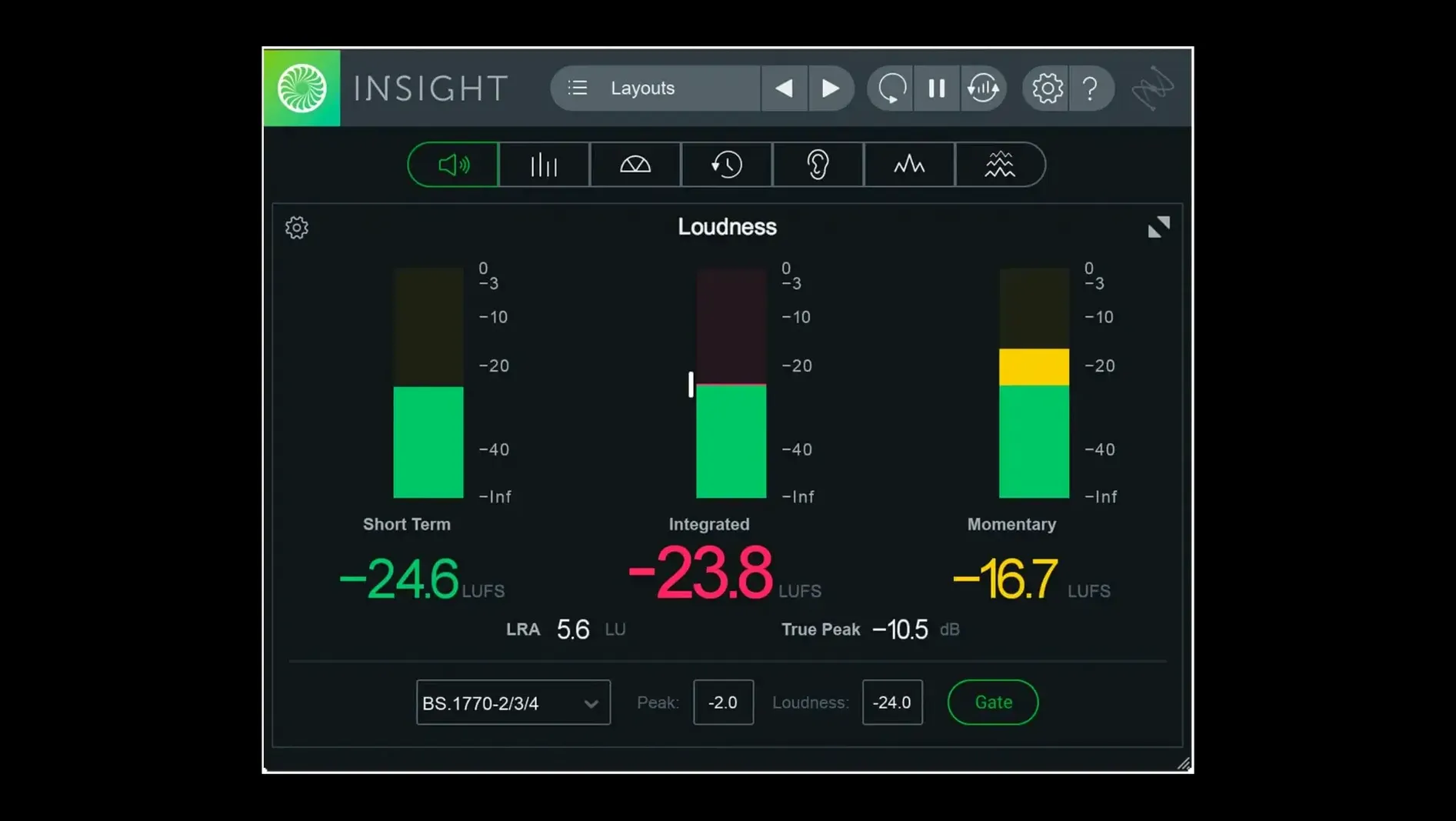
True Peak meter. You see it flash, and a small decision becomes clear.
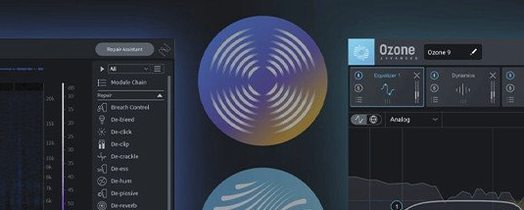
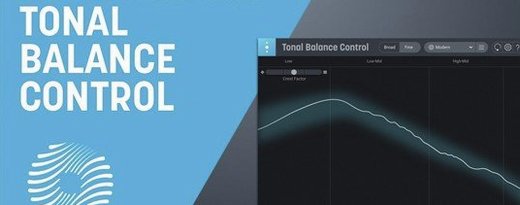
Insight 2 is a metering plug-in that watches your mix. It checks loudness standards, flags issues with color signals, and confirms what your ears suspect.
What changed for Apple silicon?
Native arm64 AAX support arrived. Pro Tools 2023.3+ on Apple silicon Macs now runs the plug-in without Rosetta. The installer itself is also arm64-native.
What happened to Relay?
Relay was removed from the Insight installer. It was a separate linking plug-in, and its absence simplifies the package.
How deep can it listen?
Multichannel support reaches Dolby Atmos 7.1.2. Broadcast loudness standards are updated. The preset manager now separates factory and custom tabs, so your own settings stay close.
Settle in
Open the preset manager and save a default view. Something modest—True Peak, Short-term Loudness, and the Spectrogram. Close everything else. Watch it for a day before opening the full panel.
Next, send pink noise through a bus and read the Spectrum Analyzer. Note the curve. That is your room talking. Remember it.
On day three, load a reference track. Open the Loudness History Graph and let it run. Don’t mix, just watch. The shape of a finished master will teach you more than a manual.
Stock meters vs. meaning
People ask if Insight 2 replaces their DAW’s stock meters. It doesn’t; it sits beside them. Stock meters show you a signal. Insight shows you meaning—integrated loudness, spectral balance, dialog intelligibility. Two different jobs.
Another common question: does it slow down a session. On Apple silicon, the meters run efficiently. Resize them to small panels if you’re tracking, expand them only during critical listening. GPU strain is minimal.
Sometimes someone asks if a separate loudness plugin is still necessary now that DAWs include basic LUFS readouts. Those built-in readouts rarely handle multichannel layouts or let you verify against the latest ITU and EBU standards. Insight 2 keeps current.
Small snags
After installing, a few hosts load the plug-in in a default tiny window. Grab a corner and stretch it. Insight remembers the size per instance.
If the Spectrogram appears blank, check that audio is routed to the track and that the transport is rolling. Insight reads from the track insert point; a muted send upstream means no visual.
Multi-user installs sometimes place presets in the wrong user library. Look under your home folder if custom presets don’t appear. Copying the iZotope folder to the correct location fixes it.
Insight 2 stays out of the way until a number turns red.