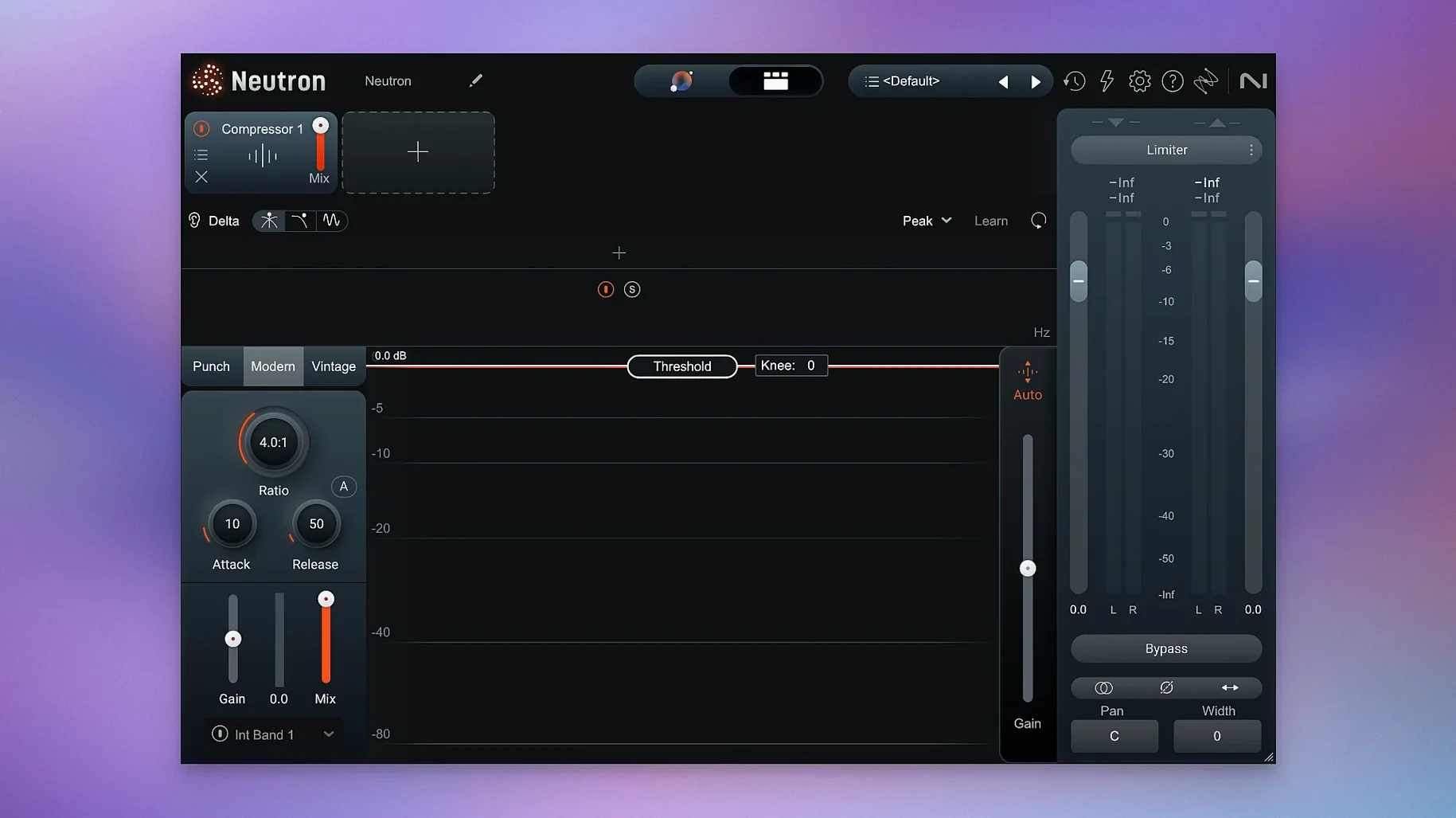
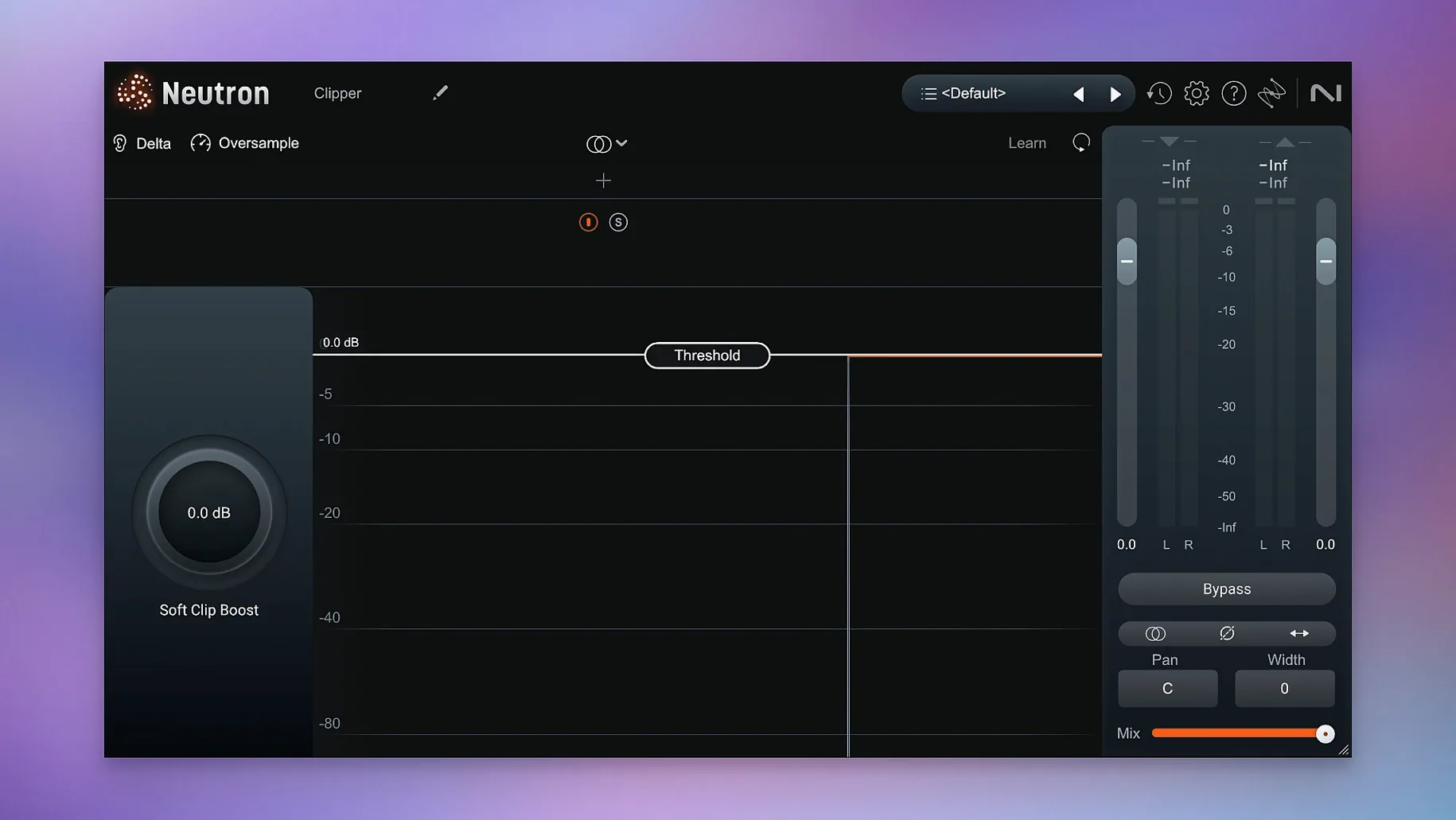
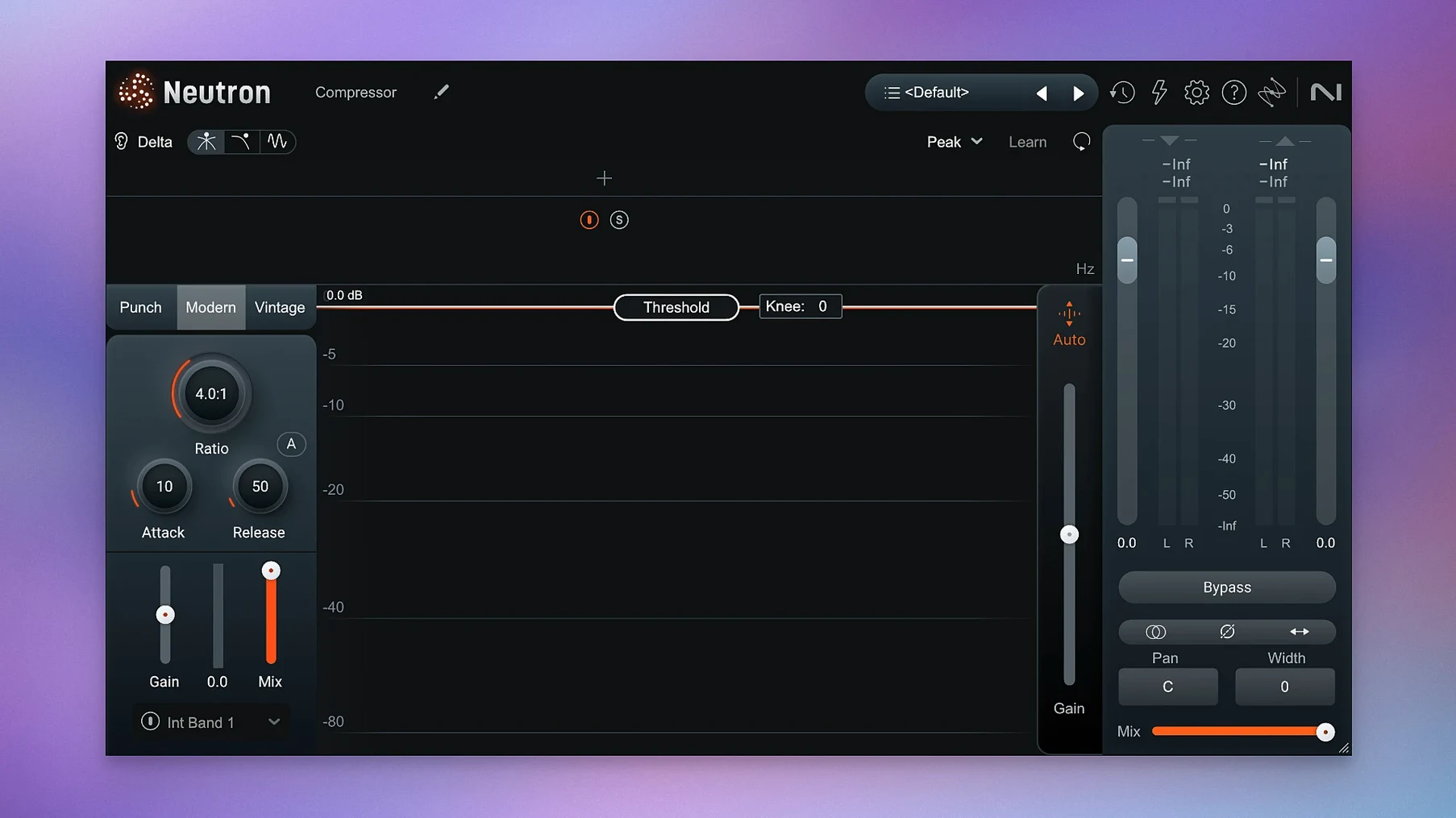
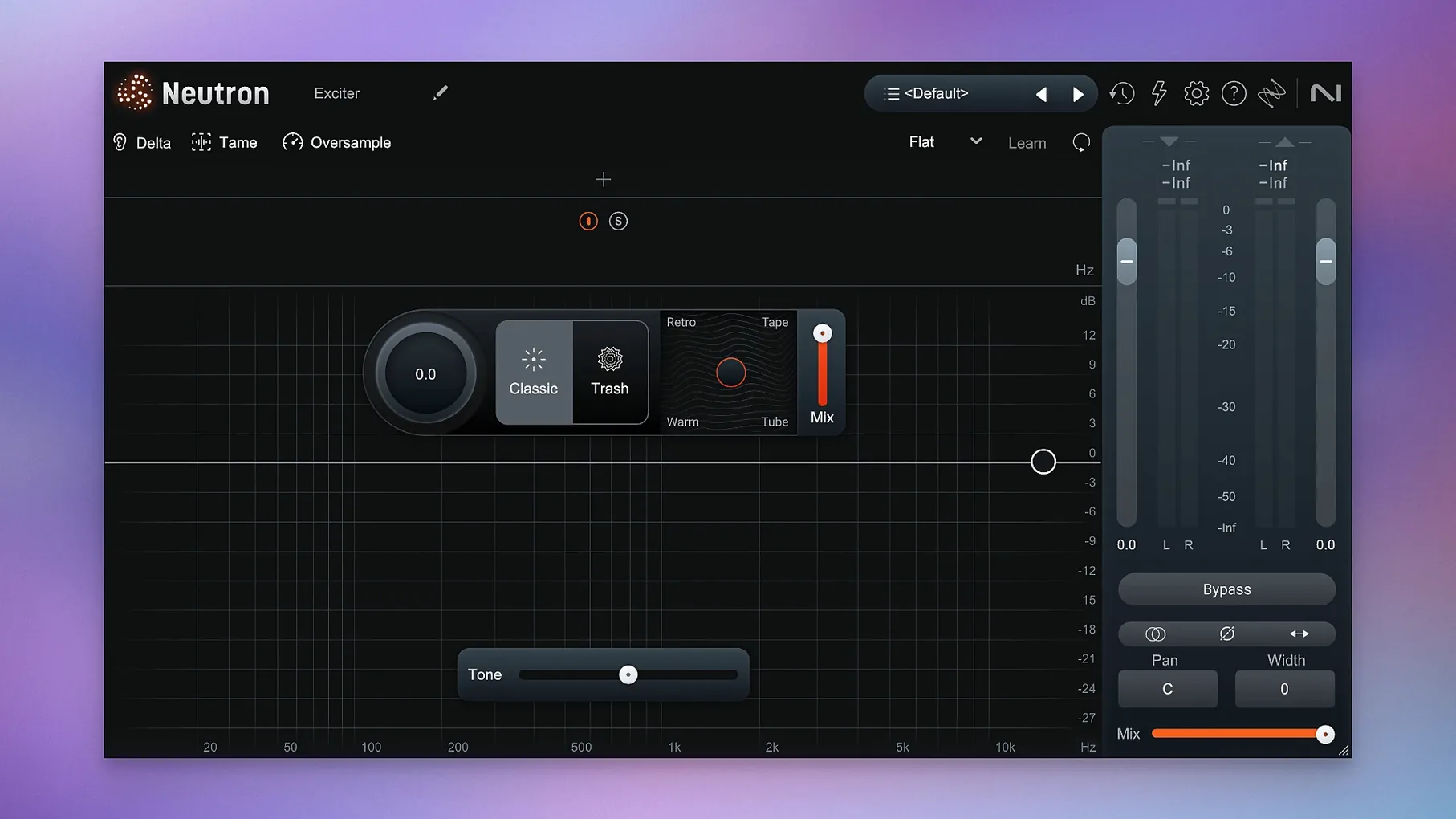
Eleven plugins, one mothership.
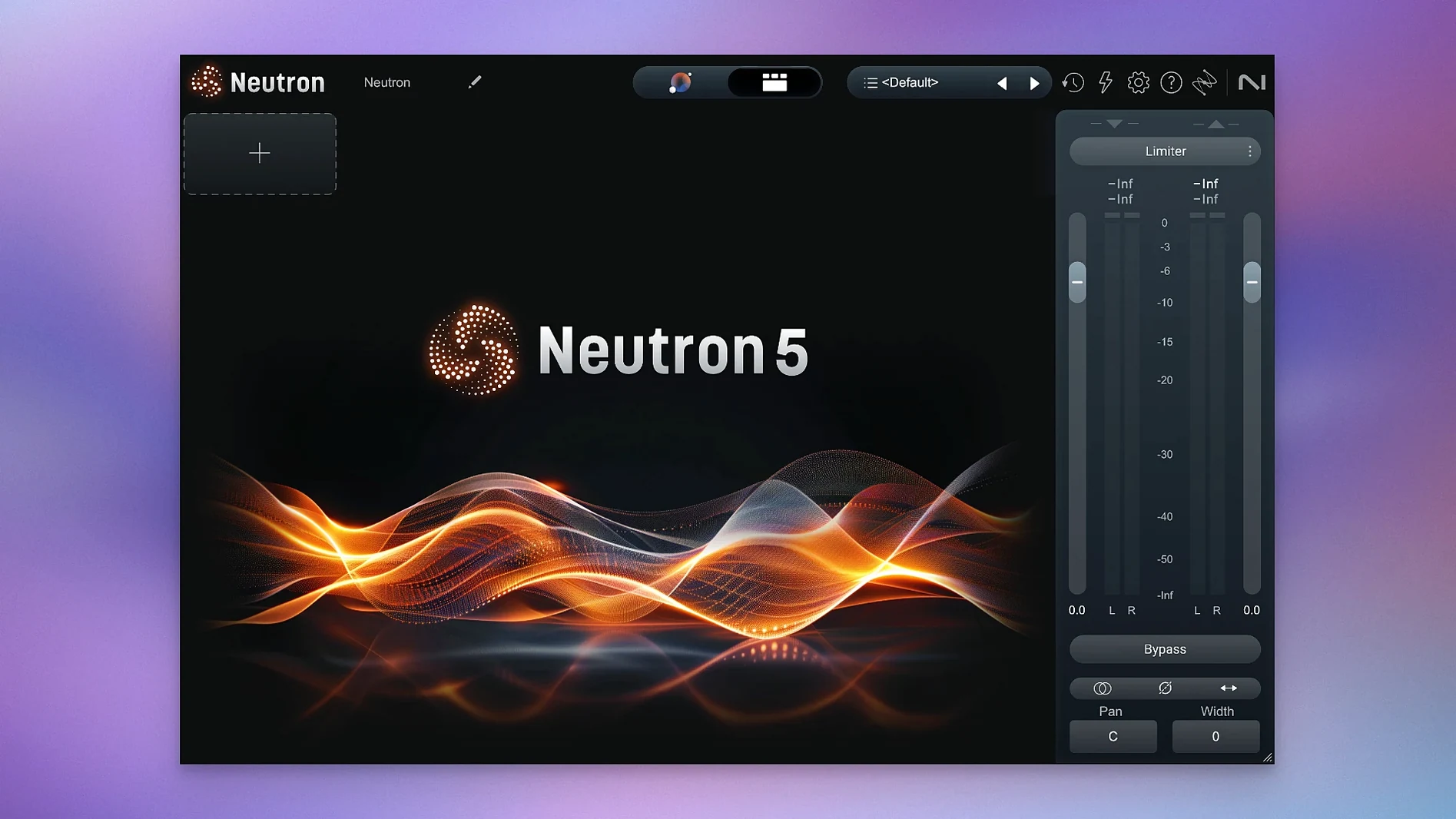
Neutron 5 is not a beginner’s magic button. It is an audio mixing suite where each module can unmask a competing track, solo a frequency band, or show you exactly what it subtracted from the signal.
Up-front width
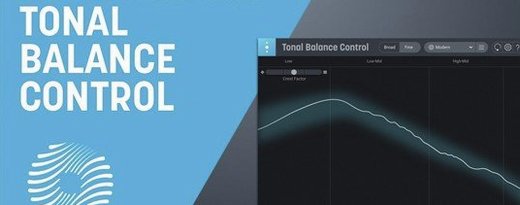
The updated interface puts tonal balance and width decisions up front. It gets out of the way faster when you want to fine-tune the suggestions.
How do the component modules work together?
The mothership hosts ten modules—from Sculptor to Transient Shaper. You can open just the ones you need, or use the full chain for a dense, modern sound.
What is the Delta Button for?
Every module has one. It solos the difference signal so you can hear exactly what compression, EQ, or saturation is removing or adding.
Why run it in surround?
The latest update fixed iLok authorization for surround instances. If you mix in 5.1 or beyond, the suite now loads without a hiccup.
Since 5.2.0
The macOS floor moved. Neutron now requires 13.4 or later.
If you use surround buses, the authorization bug is gone. iLok no longer blocks instances on 5.1 or Atmos channels.
For stereo work, nothing changed. The Assistant still learns your track in under a minute. The meters still show inter-plugin gain staging at a glance.
Vocal too wide
The Assistant sometimes pushes a vocal too wide. Narrow the Width slider in the Assistant View before you touch the individual modules.
CPU spikes with the full mothership on every track. Freeze the Sculptor and the Masking module first—they do the heaviest analysis. A search for izotope neutron 5 crack often leads users to builds that skip iLok entirely; for smooth surround work, check that the authorization layer stays intact.
Delta Buttons can fool you. A loud difference signal sounds like the module is wrecking the source, when it is actually removing mud. Switch back to the main output before you judge.
Bass in seconds
You drop the mothership on a bass track. The Assistant listens for four bars, references the Metal Bass profile, and suggests a three-band chain: Sculptor, EQ, and Compressor.
You open the EQ module alone. A low-mid bump around 280 Hz is masking the kick. You dip 2 dB, hit the Delta Button to confirm you are only pulling out wool, and close the module.
The Masking module is next. You route the kick bus into the sidechain input, and Neutron draws a real-time overlay of the two spectra. A single band of dynamic reduction at 60 Hz clears just the attack overlap.
You add Trash Mode on a parallel channel for bite, dialing the drive until the Delta signal sounds like torn speaker paper. You blend it back at 15% wet.
Before printing, you scan the metering strip across all open modules. No red. You bypass the mothership once to check level matching—loudness is identical, but the low end now breathes.
Three minutes. One bass track that sits.
Some people hunt for a neutron 5 crack to skip the activation dance. The patched build from HCiSO loads clean on Apple Silicon—keep the installer instructions nearby, and note the surround fix in 5.2.0 works best when the authorization layer remains intact.
No fluff. Just signal flow.