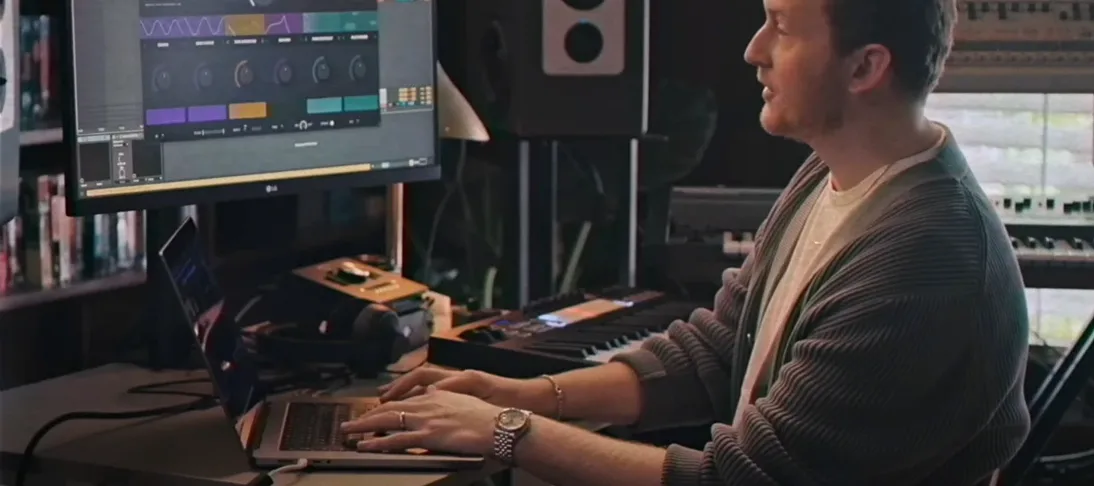
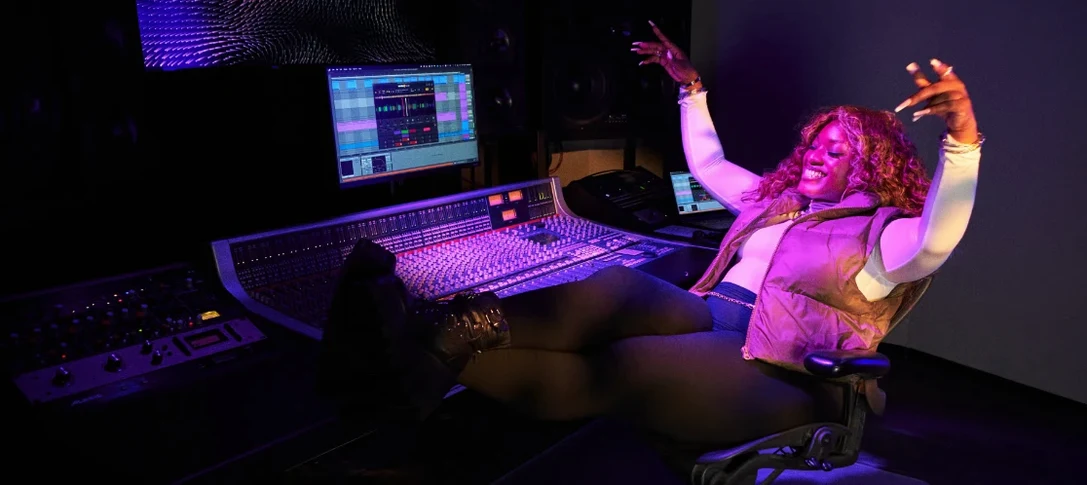
You drop a dusty piano loop onto a pad. It snaps to the beatgrid, every transient already marked. One click separates the chords from the noise. You pull the bass fader down and send only the drums to a new track. The host automation lane records every move.
Chop
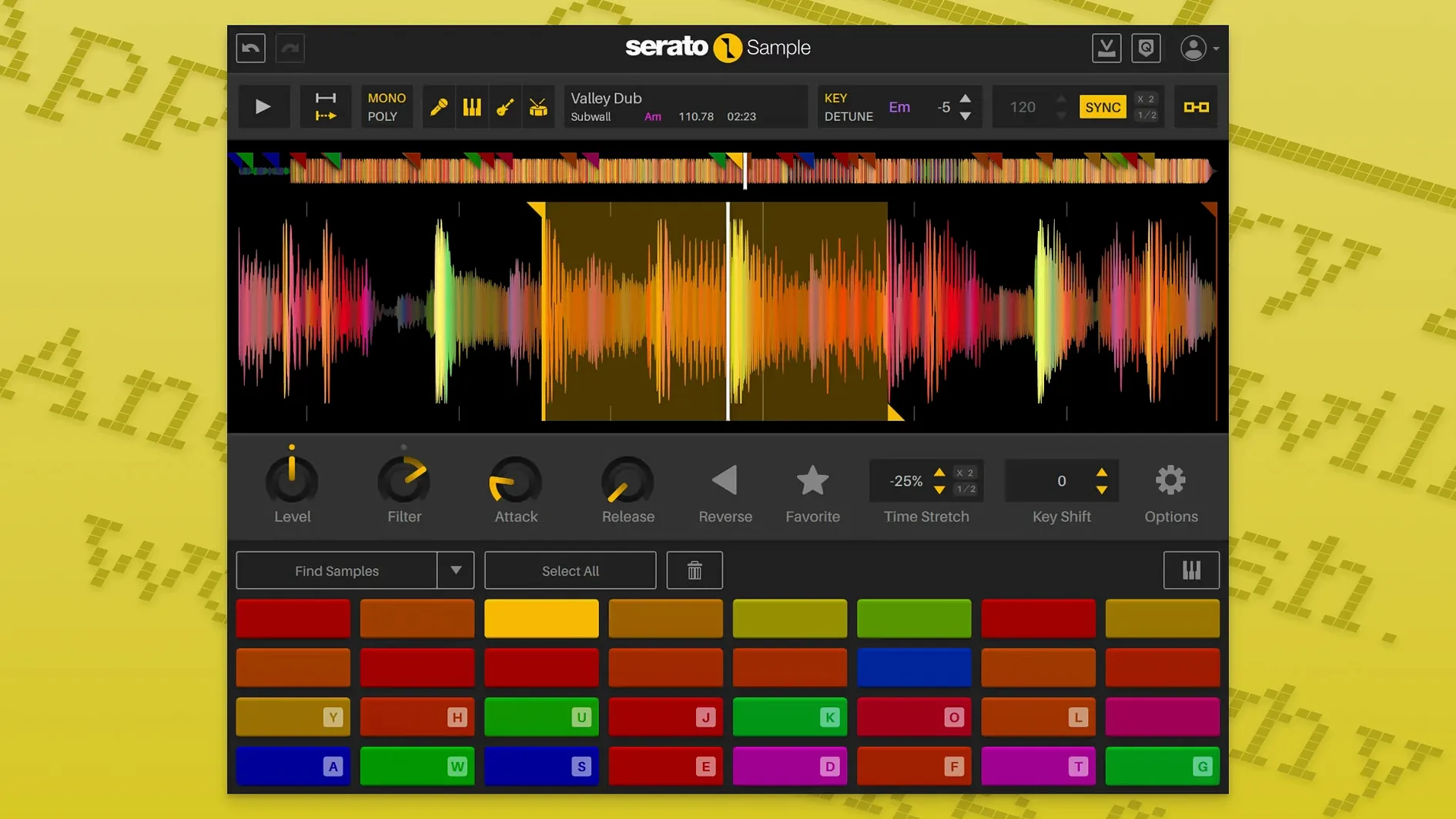
Keyboard Mode puts 16 slices under your fingers. Pitch ’n Time keeps the formant steady when you shift a vocal chop up a fifth.
Isolate
Stem separation pulls apart acapella, bass, melody, and drums. Each stem level is now an automatable parameter in your DAW.
Sync
Beatgrids lock unquantized samples to your project tempo. The timing holds even when the source drifts.
Open a dusty soul 45 in your DAW. Drag a four-bar phrase into Serato Sample. The BPM snaps to 98 — right on the grid. Hit Stems. The vocal lifts to the top, drums drop to the bottom, bass and strings sit in between. Mute the melody stem. Dial the bass down to 30 percent. Now you have a clean drum-and-vocal loop, no EQ artifacts, no phase smear.
Map eight chops across C3 to C4. Play them back from a MIDI keyboard. The timing stays locked even when you trigger the last slice a hair early — Serato reads the beatgrid, not your fingers.
Bounce the drums to a new audio track. Mute Serato Sample. Drop a 909 pattern underneath. The loop sits.
Sub-second load
The plugin loads in under a second on an M1 Mac. A full stem separation on a 16-bar loop finishes in maybe three seconds. CPU sits around 2 to 3 percent during playback. No dropouts when you switch cue points mid-note.
Scrolling through parameters with the mouse wheel feels tight. The waveform redraws without flicker. Automation curves for stem levels write smoothly — no stepping, no zipper noise when the DAW reads them back.
Memory use stays flat across a two-hour session with 12 instances. One crash in two months, and that was the host, not the sampler.
A remixer’s morning
Someone sends you a stereo mix of an old reggae track. No stems. No multitrack. They want a dub version by Friday. You load the file into Serato Sample. Four clicks later you have isolated bass and drums. The vocal becomes a reverb send. The guitar stem gets pitched down two semitones and fed through a delay. You automate the drum stem level to drop out on the fourth bar of every eight. The remix builds itself from one stereo file and a sampler.
By lunch you have a rough arrangement. The client asks for a version with no horns. You open the session, mute the melody stem, bounce again. Done in 90 seconds.
Zoom to transient
The DAW opens to yesterday’s beat. Four bars of drums, a bassline, and a Serato Sample instance holding a string loop. You hover over the waveform and scroll — zoom in on the transient you missed yesterday. Right-click, add a cue point. Assign it to D3. The old slice shifts down a key.
You load a second instance. Drag in a vocal acapella from a rutracker find. Serato Sample detects 124 BPM. Your project is at 118. You stretch the vocal down. Formant holds. No chipmunk artifacts. You play the first verse from the piano roll, nudging a note off the grid for feel.
A third instance gets a drum break — another serato sample mac crack forum favorite. Stem separation pulls the kick and snare apart. You route the kick stem to a sidechain bus. The bassline pumps. You automate the snare stem level up half a dB in the chorus. The DAW draws the curve. Serato Sample follows it.
Twenty minutes in, four instances running. The fan hasn’t spun up. The arrangement keeps moving.
The core remains unchanged: a fast sampler that stays out of the way.