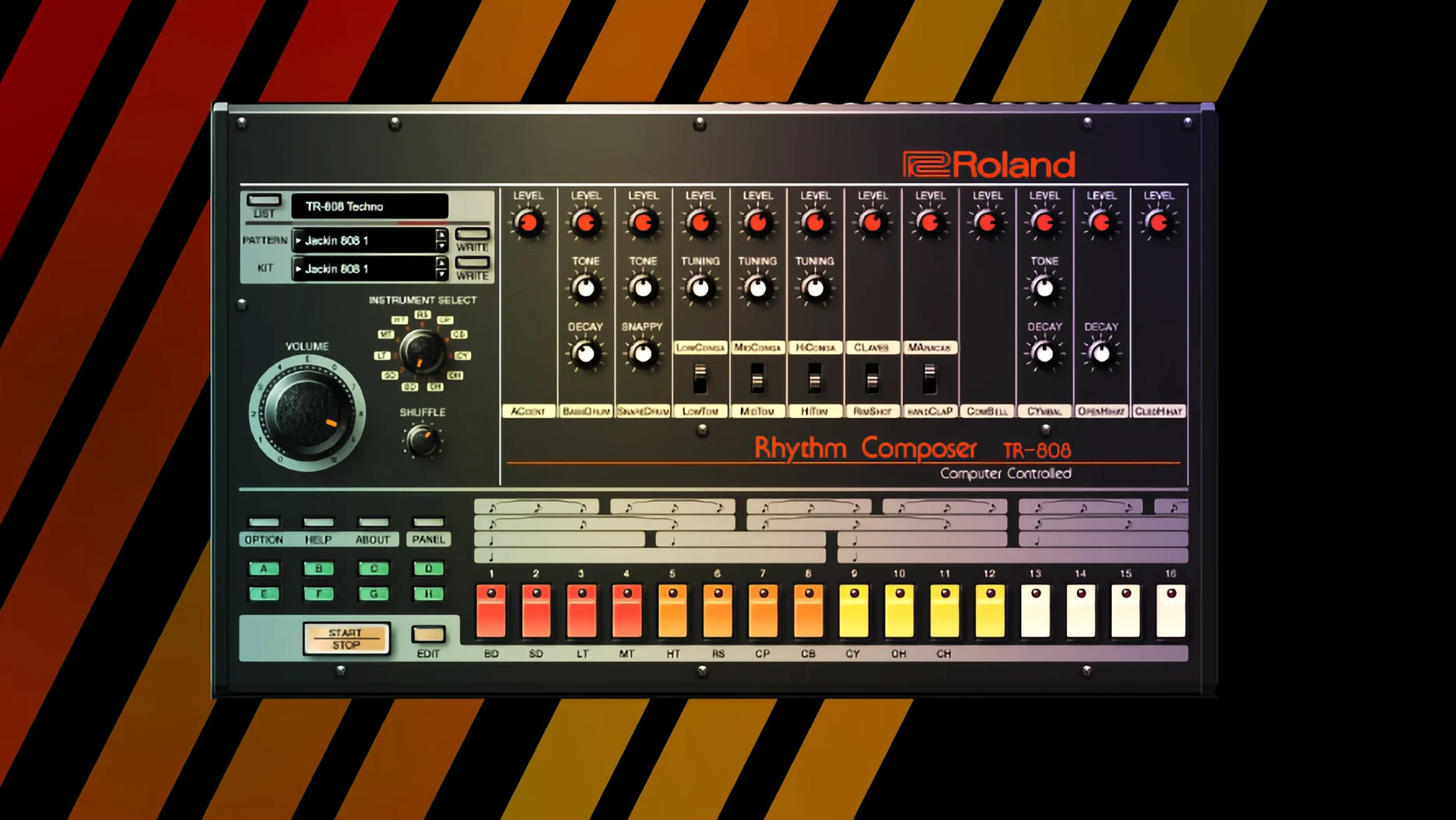
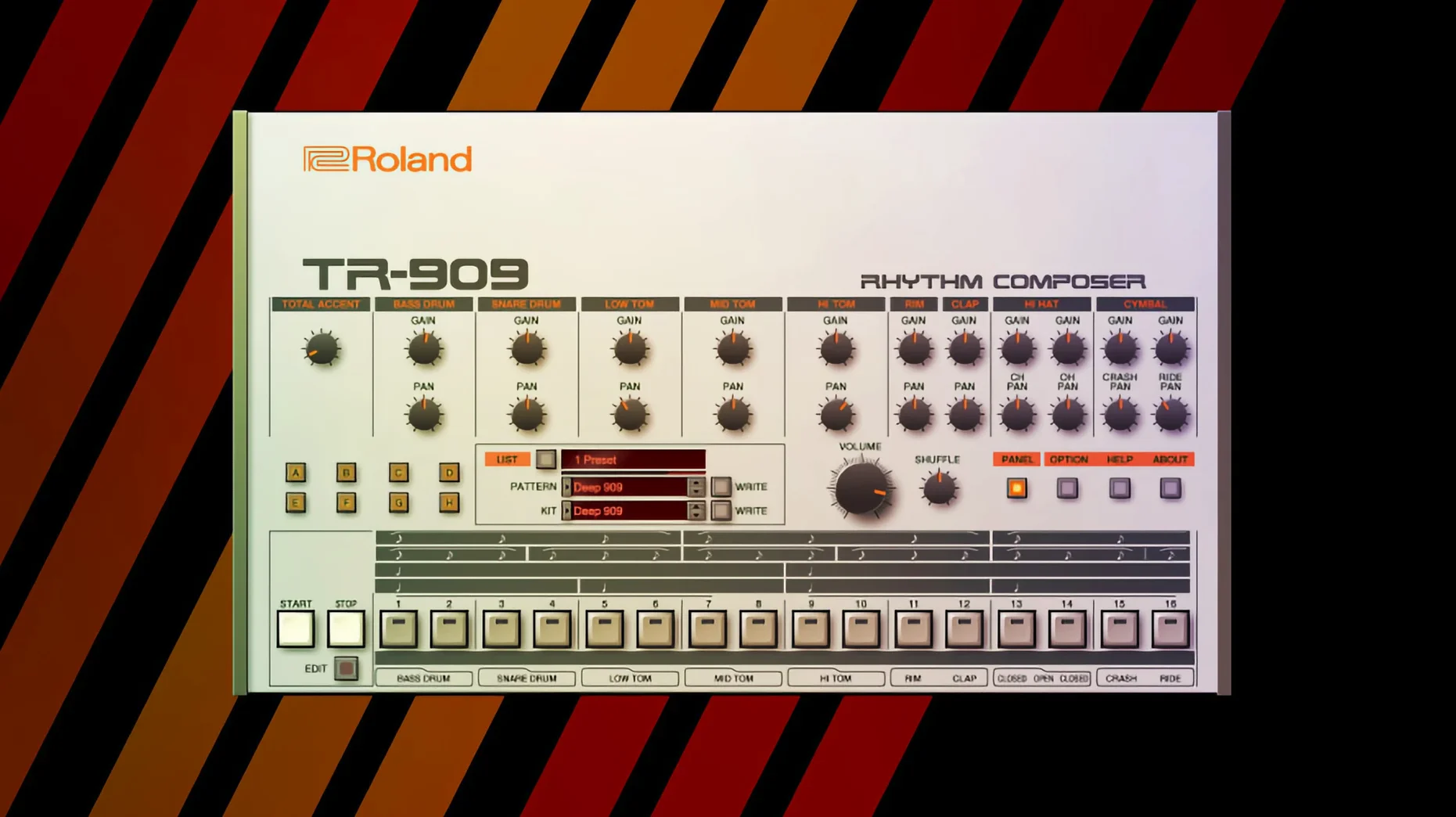
Version 2025.06.29 keeps the instruments current without changing their core character.
Sound engine — Analog Circuit Behavior models the original circuits part by part, so behavior changes with each parameter shift.
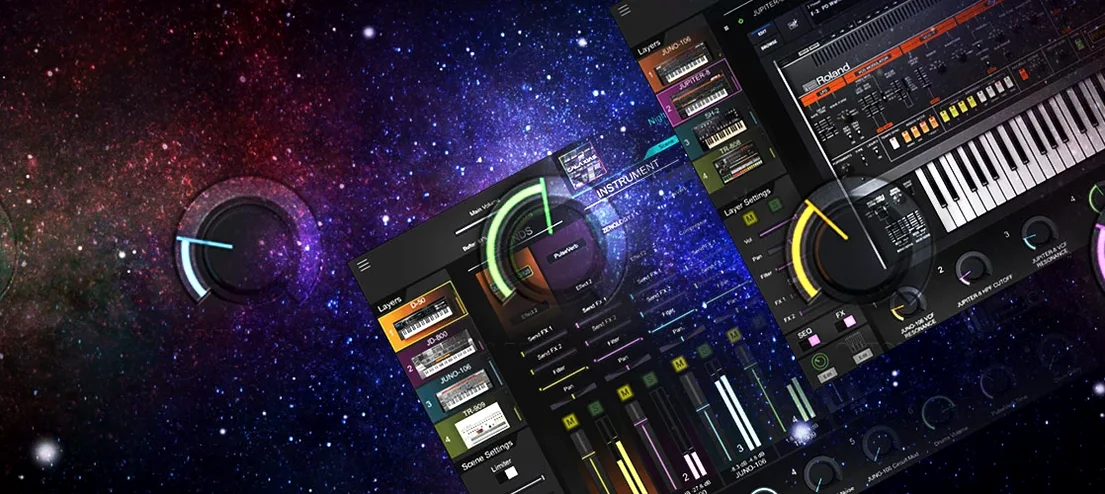
Interface — Newer instruments ship with a high-resolution UI that scales cleanly on large modern displays and current DAWs.
Integration — Every instrument runs as a plug-in, ready for pads, basses, leads, or rhythm programming inside a session.
Architecture — Native ARM and x86 64-bit support means one install works across Apple Silicon and Intel Macs.
Circuit refinements
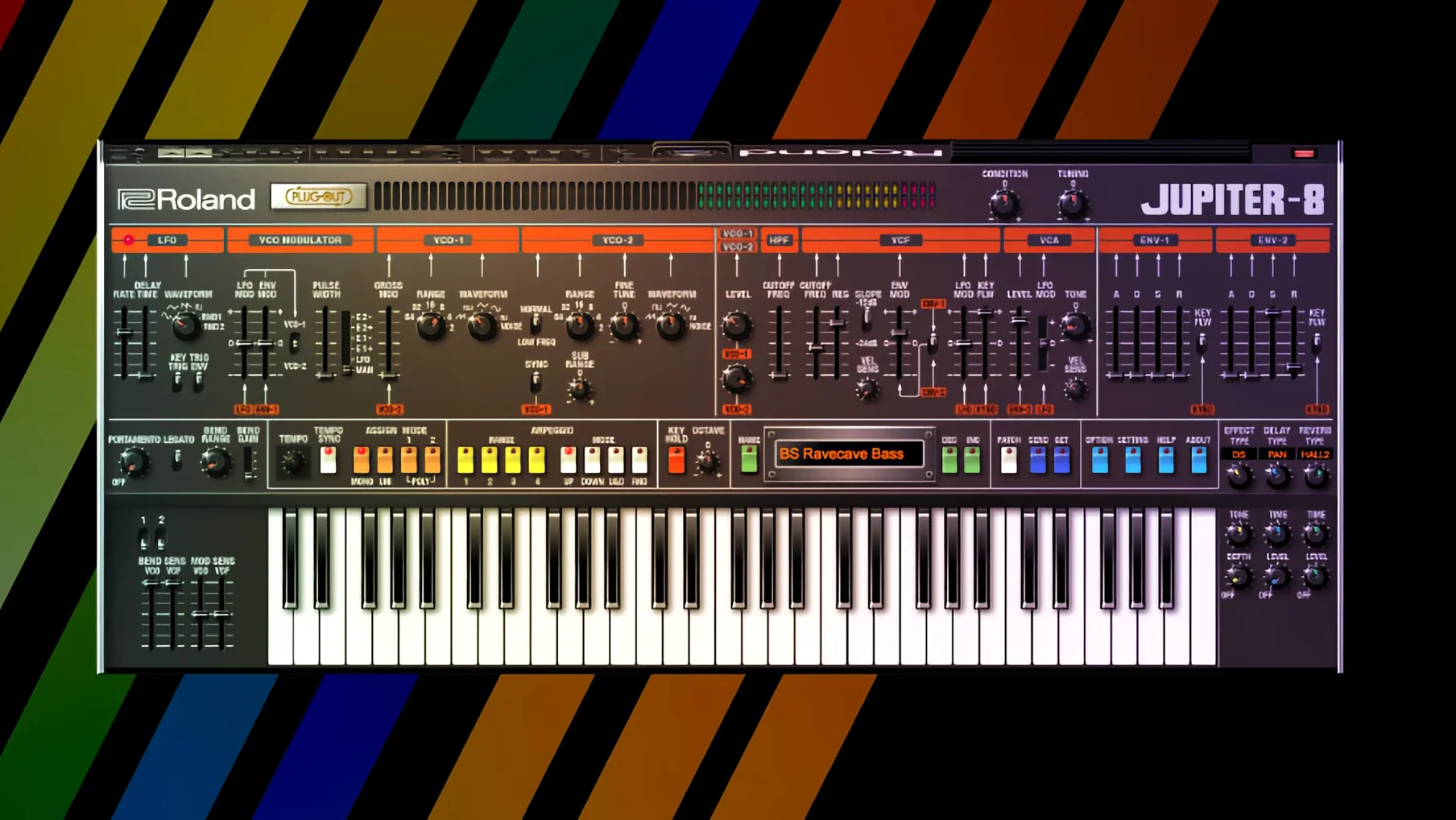
Several v2 instruments arrived in recent cycles. JUPITER-4, JUPITER-8, and JUNO-106 now carry the high-resolution interface. The panels redraw with clean vectors, no fuzzy edges on a 5K display.
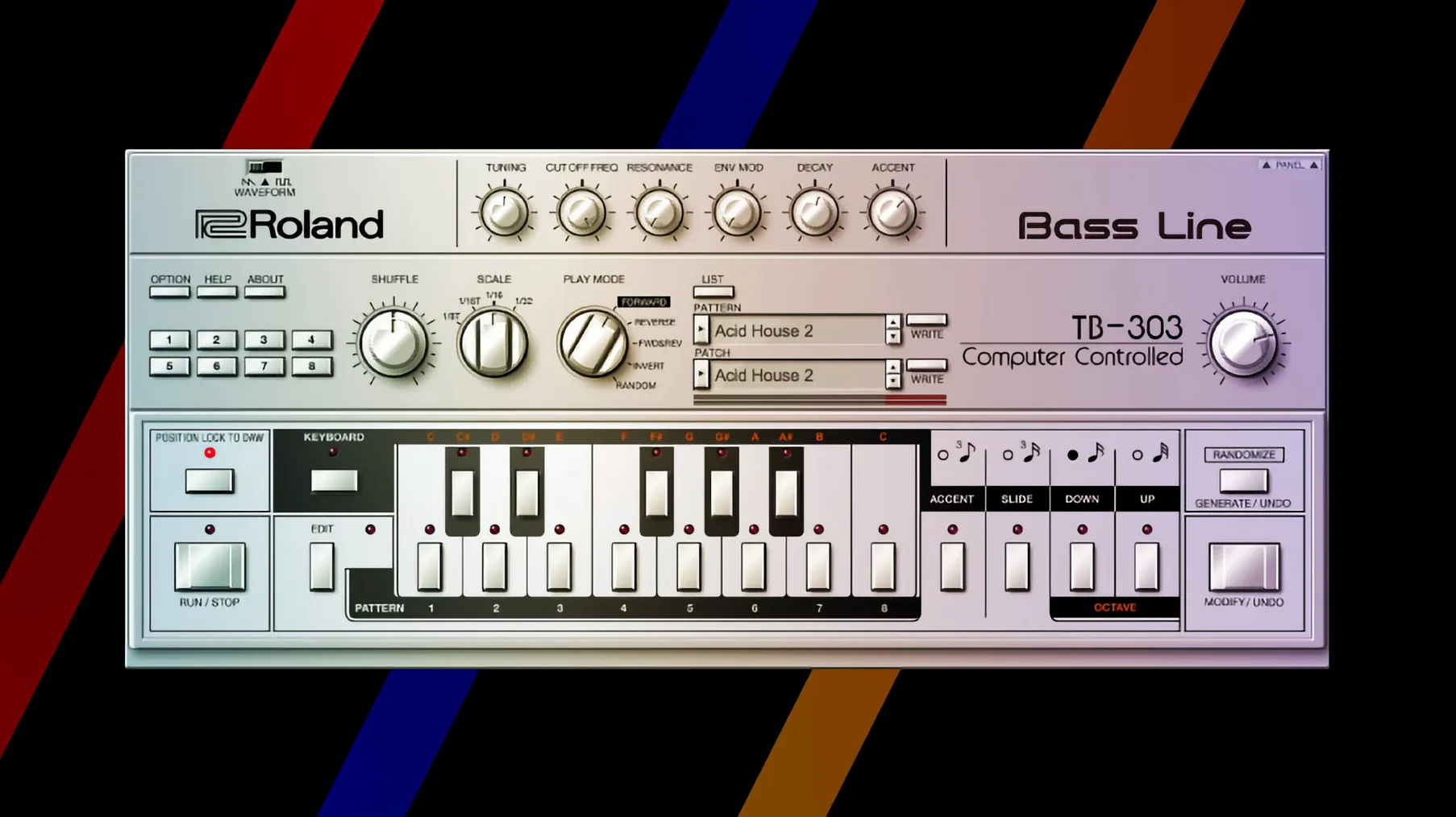
Sound updates are less visible but more consequential. Circuit-level refinements in the TR-808 and TR-909 models tightened the low-end punch and the noise decay on the snare. The hi-hats close with a sharper transient now. In a mix, these changes mean less EQ work after the fact.
DAW integration improved in quieter ways. Plugin resize behavior is more predictable. State recall across sessions feels more reliable, especially after long arrangement sessions where earlier builds could drift on parameter recall.
No new instruments landed in this particular build. The work went into stability and display rendering. That kind of update doesn't photograph well, but it matters when you're ten hours into a project.
Quality mode
Open the system preferences panel inside any instrument. Two things to change immediately:
Quality mode. The default balances CPU and accuracy. Switch to the highest quality setting if your machine can handle it. The difference is subtle on a single instance — clearer stereo imaging, less aliasing in the top octave — and it compounds as you stack parts.
MIDI CC mapping. The default assignments are sparse. Map filter cutoff, resonance, and envelope decay to physical knobs or faders before you start playing. Doing this later disrupts flow. The JUNO-60 responds especially well to real-time cutoff sweeps from a hardware controller.
Disable the onboard reverb on the JUPITER-8 if you plan to use your own send effects. The model is faithful but dense; it clouds a mix faster than you expect.
Glassy pad recipe
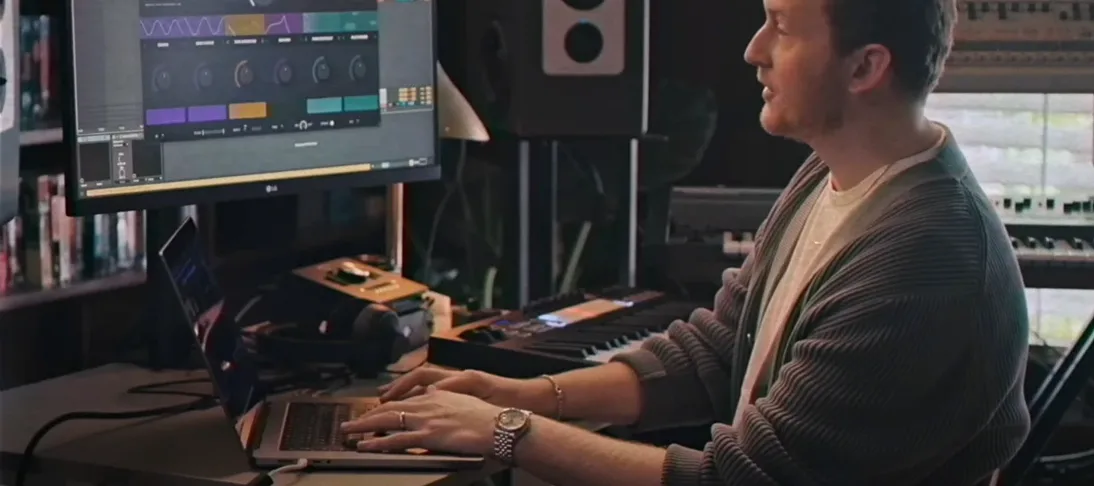
She opens a blank session with the D-50 loaded. The goal is a glassy pad that moves.
She starts from the factory bank but strips it. No chorus, no reverb. She layers two partials a fifth apart and detunes them by seven cents. The beating is slow, almost tidal. She assigns aftertouch to crossfade between the partials, so pressure brings in a brighter harmonic structure.
The TR-909 follows. She programs a sparse kick-and-hat pattern, nothing busy. The kick gets a short decay and a slight pitch dive. She routes the snare through a separate output and processes it outside the plugin with a short room reverb. The result is dry but dimensional.
By late afternoon she has eighteen bars of texture and rhythm. Nothing plays the same way twice because the D-50's partial crossfade shifts with every take. She bounces a stem and drags it into a larger arrangement. The Legendary instruments sit in her template as a color palette, not as nostalgia pieces.
Twenty-minute test
Install, authorize, and load one instrument at a time into an empty project. Play it for twenty minutes with no other processing. Learn the sweet spots of the filter and the envelope before you add compression or saturation.
Save a template with your three most-used instruments pre‑loaded and gain-staged. Set the outputs to discrete channels in your DAW. This removes friction when an idea arrives.
The JUPITER-8 can overwhelm a mix quickly. High-pass it at 80 Hz unless the part truly needs that weight. The low end on the model is generous, sometimes too much.
If you reach for the same Roland Cloud instrument in multiple projects, bounce the MIDI and freeze the track early. The CPU load is real, especially with the TR-808 and TR-909 running alongside a polyphonic synth. Freezing keeps the session responsive without committing to audio too soon.
Explore the sound packs bundled with the installation, but don't stay there. The presets are well-designed, yet the instruments reward small manual adjustments — a few cents of detune, a shortened release, a velocity curve tweak. The factory sounds are a starting point, not the destination.