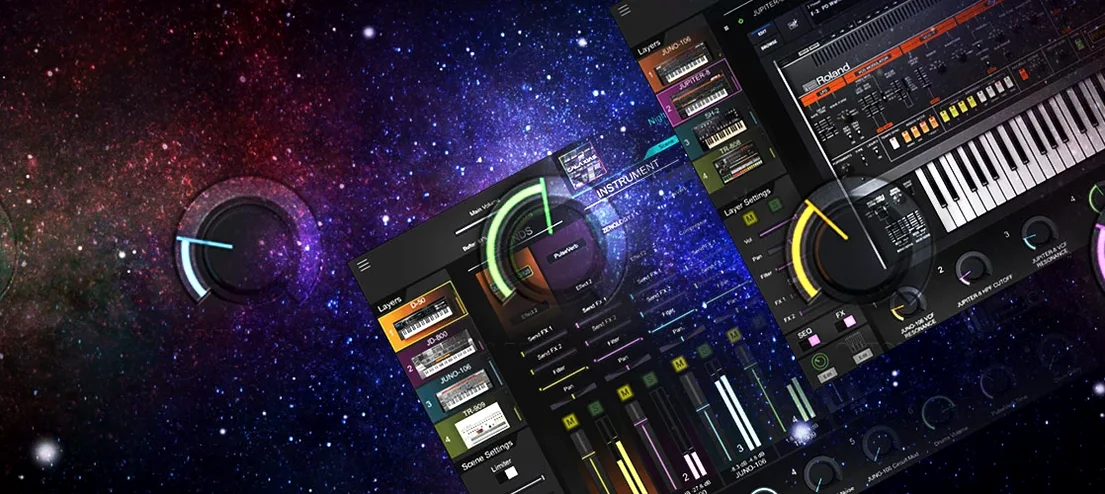
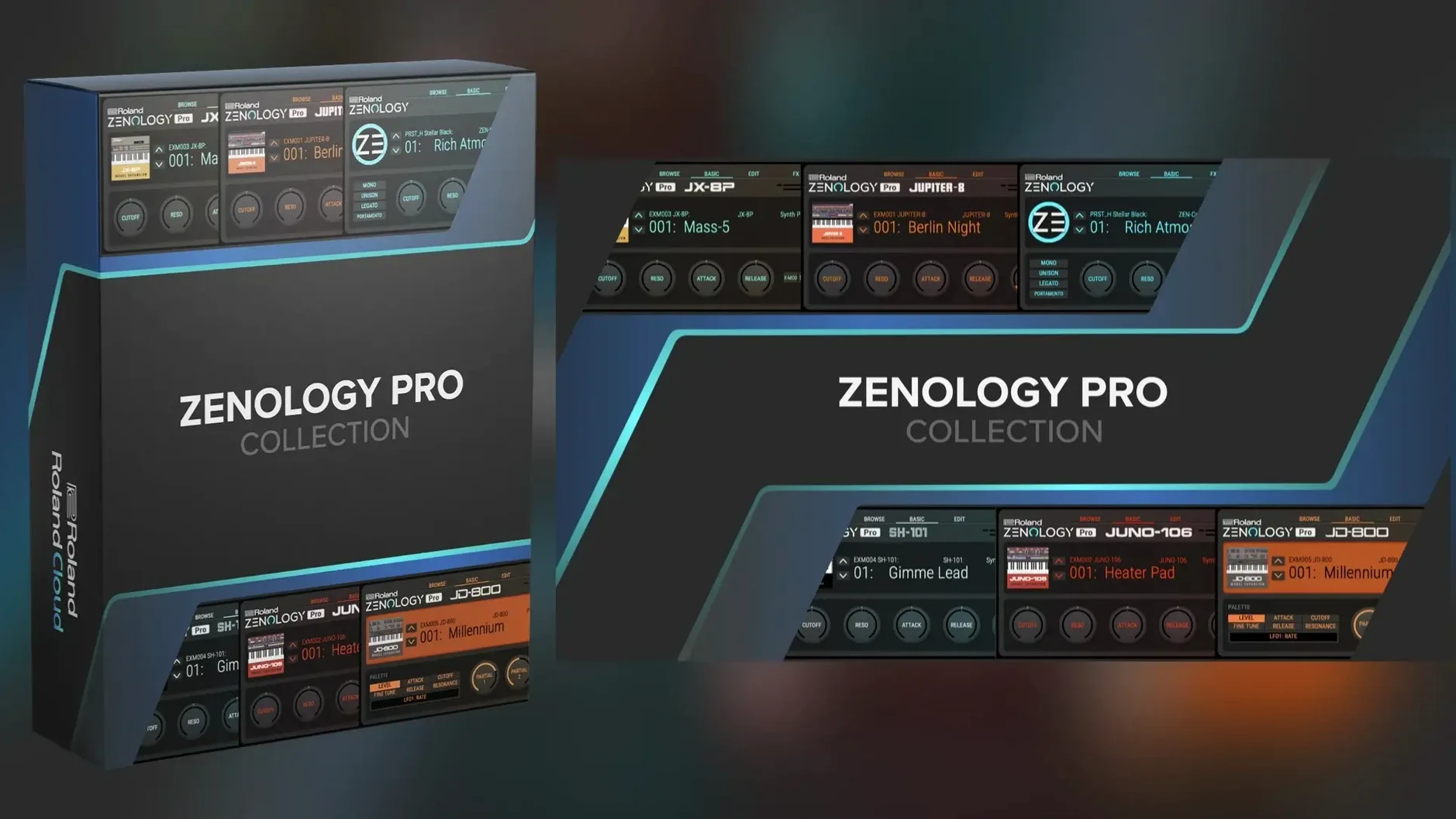
PCM SYNC oscillator. That one waveform type tells you this isn't a soft synth built from scratch for a laptop. It's the same ZEN-Core engine that lives inside a FANTOM or JUPITER-X, running now in your DAW.
Sound
Four oscillator types anchor the architecture: virtual analog, Supersaw, noise, and PCM—1,840 waveforms in the base library. Ten filter models are on hand, including models pulled from JUPITER lineage. Each part layers an oscillator, filter, amplifier, dual LFOs, and EQ. 11 LFO shapes keep modulation from feeling sparse. Over 90 Roland effects sit at the output.
Scope
This is not a fixed box of presets. ZENOLOGY Pro reads Sound Packs and Wave Expansions from Roland Cloud. The library can stretch past 10,000 variations. It runs on Apple Silicon and Intel Macs, macOS 11 and up. A hardware brain, made for the screen.
Building a pad from scratch
Open a blank instance. The tone browser defaults to a factory preset. Ignore it.
Set part one to PCM mode. Dial in waveform 847—a soft, airy choir sample with a slow attack baked in. Drop the filter cutoff to around 800 Hz. Choose the Jupiter low-pass model. Push resonance to 40 percent, just enough to color without whistling.
Assign LFO 1 to filter cutoff. Shape: sine. Rate: 0.8 Hz, synced to tempo off. Depth: 12. This gives a slow, tidal swell. Add LFO 2 to oscillator pitch, triangle wave, depth of 3 cents. That tiny drift mimics analog instability.
Layer part two with the Supersaw oscillator. Detune to 45. Nudge its level 7 dB below part one. Now route both through a hall reverb and a touch of tape echo. Save the tone. The whole process takes three minutes. You've made something that doesn't sound like any ROMpler preset.
A keyboard player's night
She arrives with a MacBook Air and a 49-key controller. The venue has a questionable PA and no backline. Her usual stage piano plugin would sound thin through these speakers.
She loads ZENOLOGY Pro inside MainStage. Three patches: a warm Juno-style poly brass, a glassy DX-era bell with softened attack, and a split patch—PCM strings left hand, Supersaw lead right. During soundcheck she tweaks the EQ on the brass patch, pulling 250 Hz down 3 dB to clear the low-mid mud the room introduces. No submenus. The parameter panel shows everything.
Set ends. The bell patch cut through better than expected. She marks it as a favorite in the browser for tomorrow's rehearsal. One plugin, no hardware synth to carry, no compromises on the ZEN-Core sound she knows from her FANTOM at home.
Where people stumble
The first mistake is treating it like a preset player. The factory tones are well-designed, but the engine underneath rewards exploration. Ignoring the four-part structure leaves most of the synth unused.
Another: overlooking PCM SYNC. It's easy to reach for virtual analog or Supersaw and stop there. PCM SYNC lets you set a loop point inside a sample and drive it with oscillator sync—harsh, digital, rhythmic sounds that nothing else in the plugin can make. Beginners skip it because the name sounds technical.
The third mistake is piling on effects to fix a weak core sound. If a tone needs three reverbs and a multi-band compressor to feel alive, the oscillator and filter choices are wrong. Start there. The effects are excellent, but they're seasoning, not the meal.