Producers who reach for a sound and go. Nexus doesn't ask for sound design time. It asks for a decision.
What does the mod depth ring change?
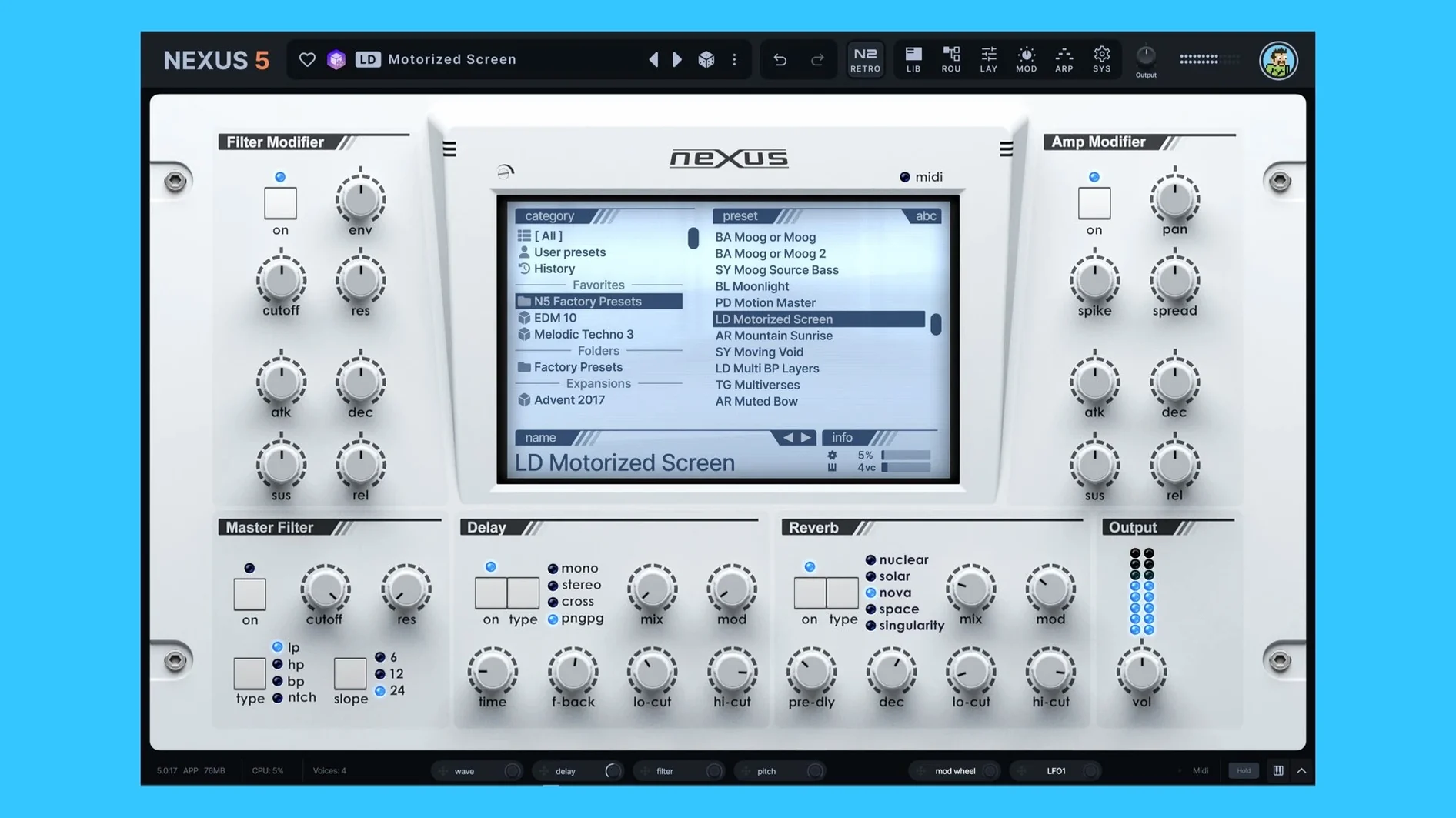
A glance now tells you what's moving. Active modulation source tracking lights up the ring, so the connection between an LFO and the filter cutoff stops being a guess.
How does a custom sample sit in the mix?
Load your own audio into an oscillator that can run beside virtual analog, wavetable, or granular engines. The built-in effects section then lets you place it — a little clipper for bite, some reverb to push it back.
Can the timing breathe with the track?
Beginners often treat Nexus as a preset jukebox and stop there. They miss the oscillator layer. A sample you import can sit next to a wavetable sweep, then get crossfaded by velocity. That changes the sound more than any single knob on the front panel.
Another early mistake: ignoring the modulation routing. The page exists. An envelope can push the sample start point; an LFO can sweep the phase minimum. In version 5.5.12, phase min and max are explicit destinations. Use them.
Where Nexus sits among peers
Next to Serum, Nexus is less surgical. Serum wants you to draw every curve. Nexus wants you to combine ready blocks — a multisample here, a virtual analog oscillator there — and commit. Two philosophies.
Next to Kontakt, Nexus asks less of your file manager. Kontakt excels at deep sampled instruments with round robins and release samples. Nexus excels at speed: load a sample pack, layer it, apply the Clipper, move on.
Next to Omnisphere, the sound sources are less esoteric. Omnisphere buries field recordings and psychoacoustic layers under a single key. Nexus offers direct access: your own audio, a granular engine, an FM pair, all visible at once. Less mystery, faster results.
Tempo rescue
Preset previews play at quarter speed. Check the SYS page. The BPM readout may have picked up a wrong tempo from the host. Toggle the BPM override on, set it manually, and previews lock in.
A custom sample clicks at the loop point. Open the sample editor and find the crossfade option. A short crossfade — 4 to 8 milliseconds — kills the transient without softening the attack.
The Clipper effect goes silent. The Clipper in 5.5.12 has no threshold knob. It drives based on input level. If the preceding effect cuts the gain too much, the Clipper has nothing to grab. Raise the output of the effect before it, or bypass one stage temporarily to isolate the problem.
Unison voices phase in mono. Up to sixteen voices is wide, but a mono bass note can collapse into comb filtering. Reduce voices to three or four, detune slightly, and use the phase destination to offset a few degrees. Mono compatibility returns without losing weight.
The skin editor doesn't show changes. After saving a custom skin, reload the plugin. Nexus reads skins on startup. Drop the skin file into the correct folder, restart your host, and it appears in the menu.
Yes. Preset previews now match the host tempo. A BPM readout on the SYS page gives you a direct override when the host is wrong.