BookReader is a desktop book reader that opens the files you already own. It handles EPUB, MOBI, PDF, FB2, and a handful of other formats without fuss.
macOS 11.5 floor
BookReader runs on Intel and Apple Silicon Macs. You need macOS 11.5 or later.
Open a book
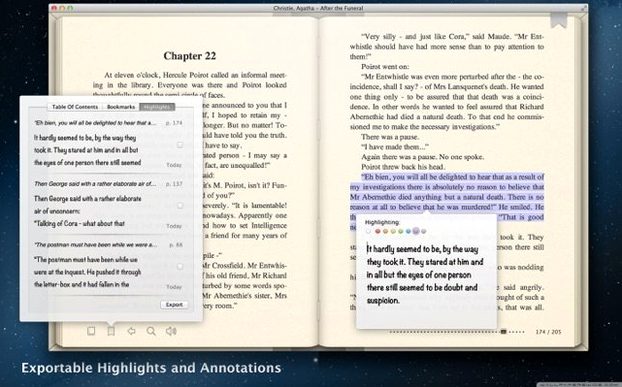
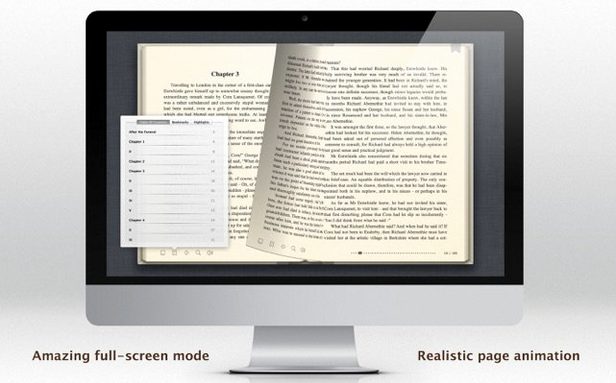
Drag in an EPUB, a MOBI, a PDF, or a DOC. The app supports hypertext and Text to Speech for listening as you go.
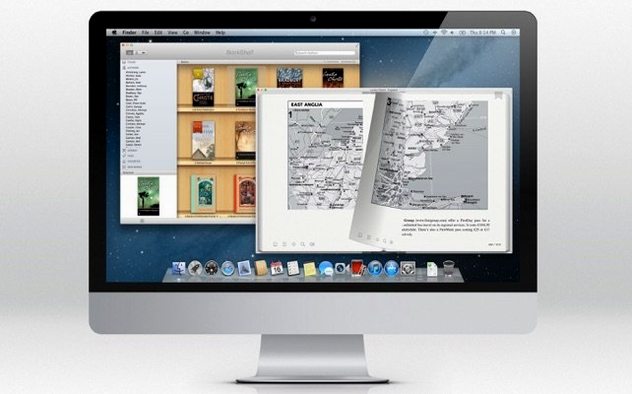
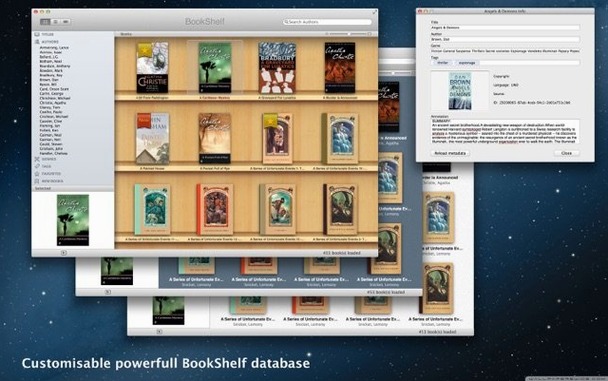
Browse your shelf
Early missteps
New users often drag a folder of books onto the app icon. That does nothing. BookReader wants individual files, one at a time.
A second mistake: assuming dark mode changes the reading surface. It doesn't. You set text and background colors manually in preferences.
Some people leave Text to Speech running while flipping pages fast. That chokes the voice engine. Let each page finish before moving on.
From FB2 to a clean read
FB2 files often arrive with cramped line spacing and thin serif fonts.
Open one. Open Preferences. Pick a wider sans-serif, bump the text size two points, and set the background to a warm off-white. The change is instant.
Turn on Text to Speech. Set the speed to slightly slower than default. Now you can follow along while the voice reads — useful for long non-fiction chapters where your eyes tire.
Bookmark the spot. Close the app. Reopen it. The book resumes where you left it, no extra steps.
Your books sit in a library view. No accounts, no sync — just files on your Mac.