

You know the Energy Saver pane. Caffeinated is faster. One click in the menu bar, and your Mac stays awake — no display dimming, no screensaver, no sleep.
Lid closed
The new setting keeps the system awake even with the lid shut.
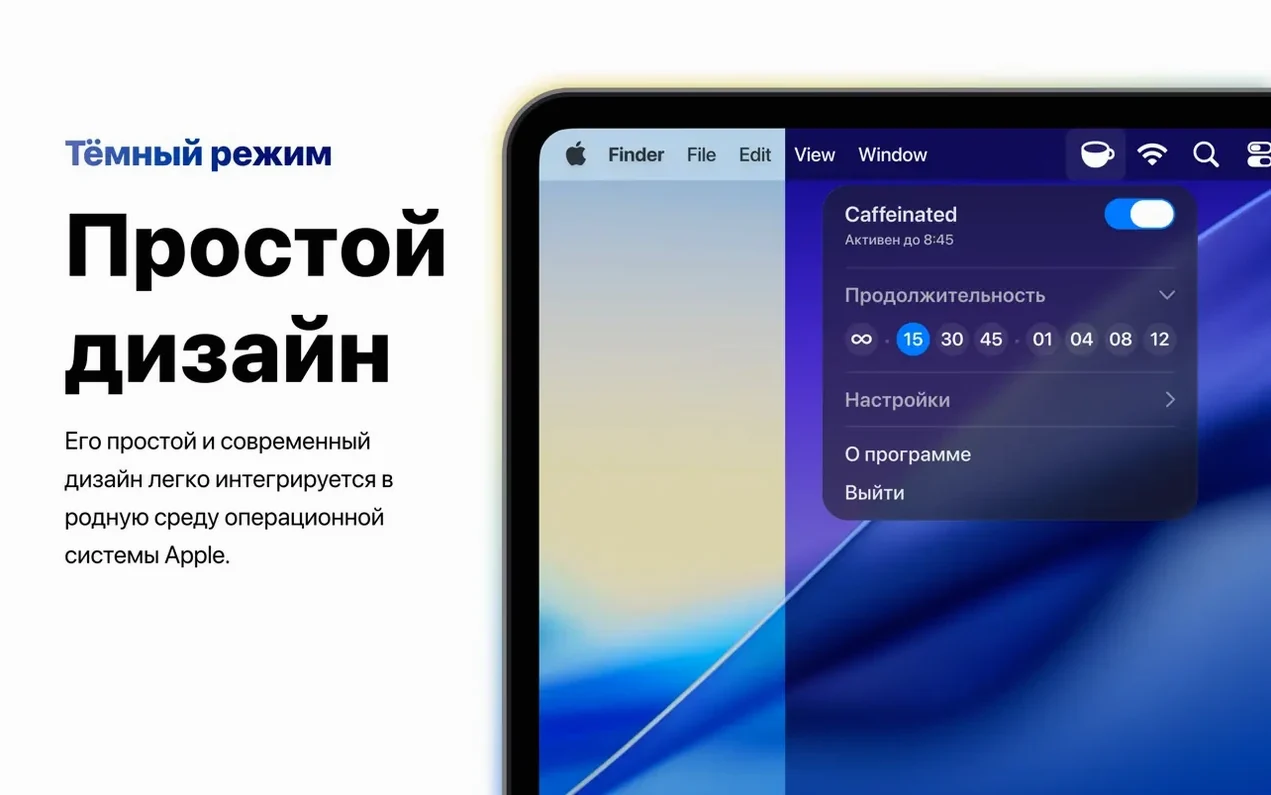
Dark mode
The menu bar icon looks sharp in both light and dark appearances.
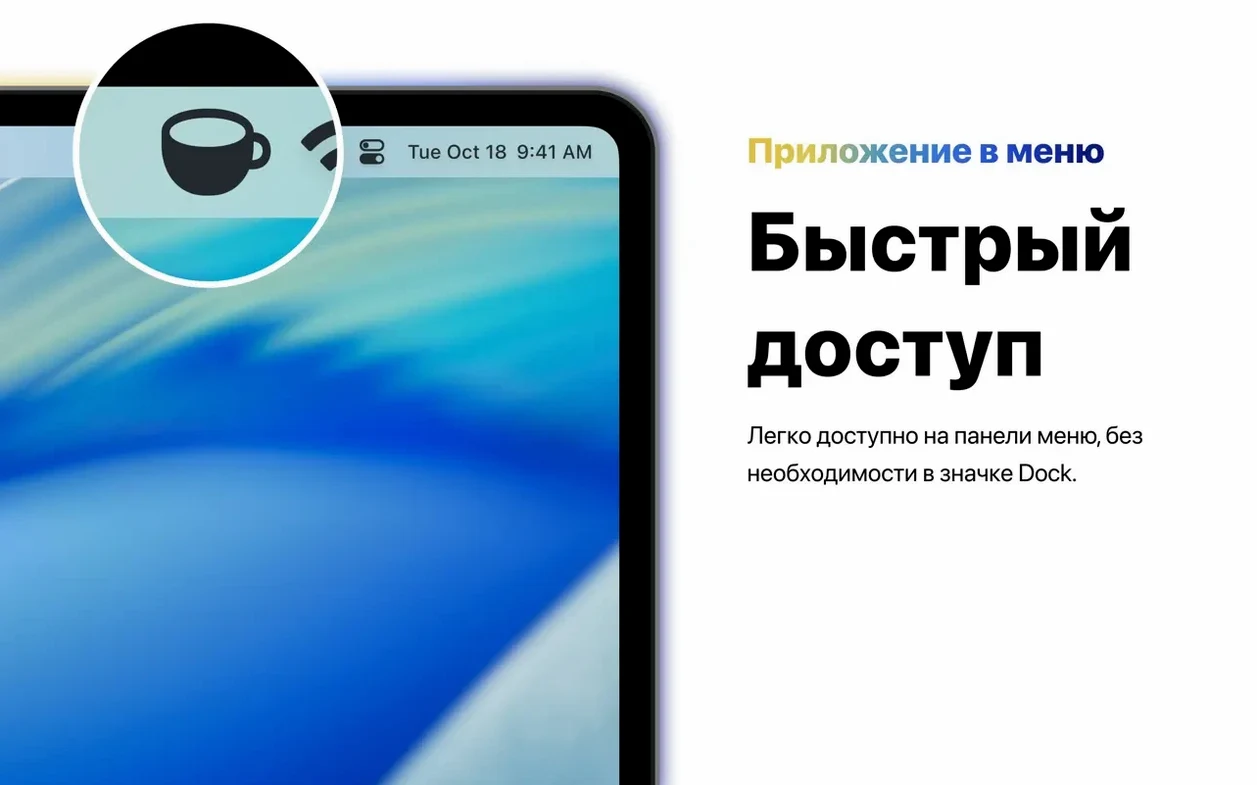
Silicon ready
Runs natively on Apple Silicon. No Dock icon, just a utility that stays out of the way.
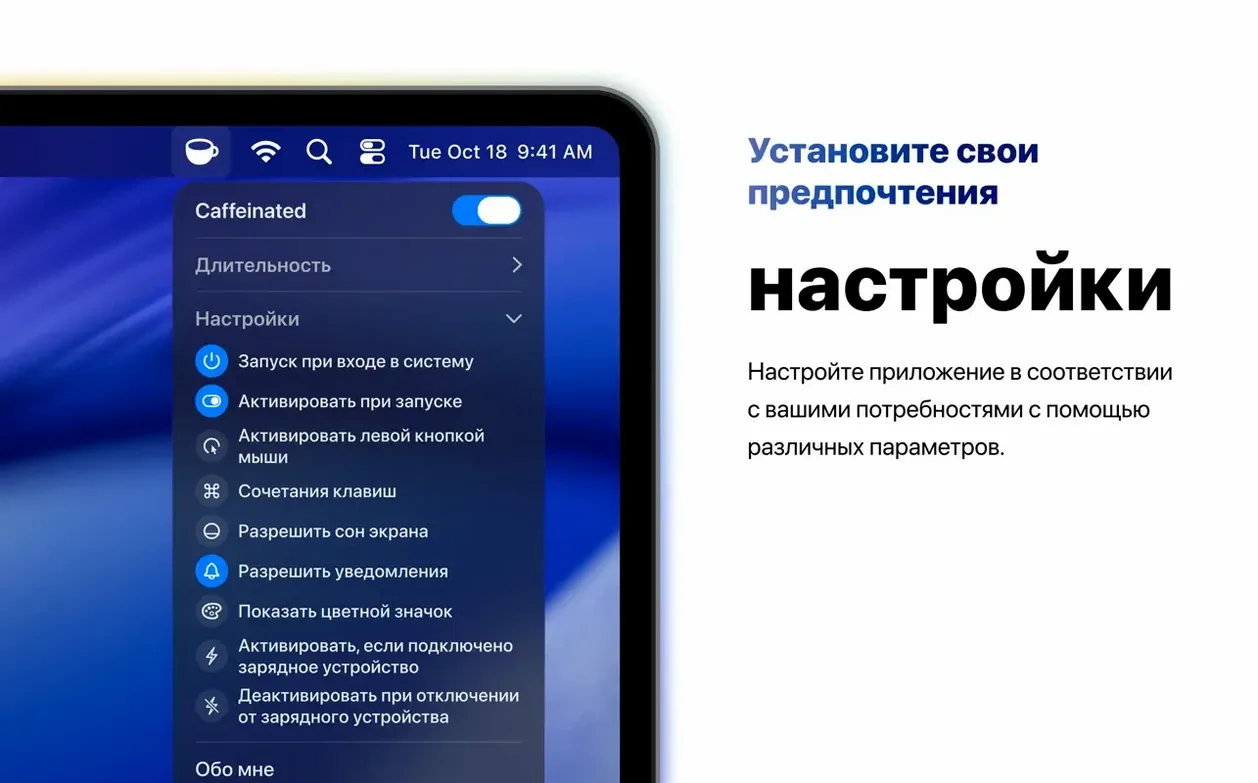
The preference to swap left- and right-click behavior is tucked away in settings. If you find yourself accidentally toggling when you meant to open the menu, switch them. The app remembers.
Another small touch: the optional notification when the timer ends. Turn it on once, and Caffeinated lets you know without a sound if you prefer. The timer itself accepts typed input — no fiddling with stepper buttons. Type 90 and press Return.
Presenting without interruptions
A common scenario: you are in a conference room, MacBook plugged into a display, lid closed. You open a Keynote deck and start talking.
Start to finish, here is the flow. Right-click the coffee cup in the menu bar — the icon fills, meaning the Mac stays awake. Open the timer from the menu. Set it to 45 minutes, the length of your talk. No notification sound. Close the lid.
The presentation runs. The display never dims between slides. The screensaver never jumps in. When the timer expires, the icon returns to its outline state. The Mac resumes normal sleep behavior on its own, without you remembering to toggle anything off. The caffeinated mac app does its one job and steps back.
After the meeting, you leave the room. The Mac falls asleep as it normally would — because you are no longer using a macOS caffeinated session. Nothing to undo.
A small tool for a single need, refined across the versions that matter.