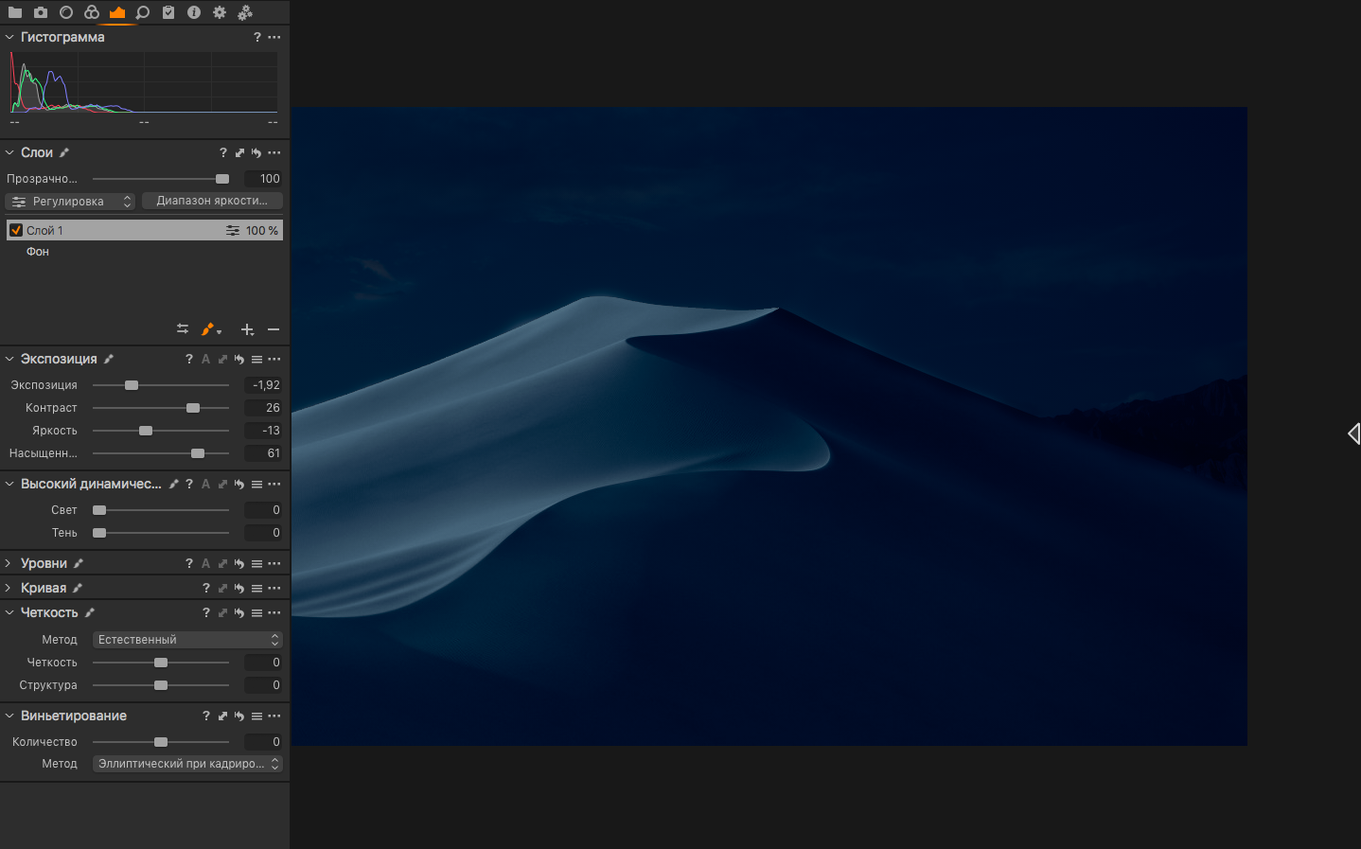
Studios and working photographers use it when the color has to be right the first time.
RAW start — Every correction variant begins from the original RAW file, not a processed copy.
Variants — You can build multiple correction versions of a single image without duplicating the master.
On-the-fly conversion — Files convert during single-image or batch export; no pre-rendering step.
White balance — An eyedropper sets it from any neutral gray point in the frame.
Highlights and shadows — Overexposed and underexposed shots pull back with the recovery tools.
Zero-lag editing
On an Apple Silicon Mac, version 16.8 opens a session of 300 RAW files in under four seconds. Adjustments apply without lag — even with six layers active.
Memory use stays predictable. A catalog with 2,000 images sits around 2.8 GB of RAM. The app releases it cleanly on quit.
Intel machines feel the weight more. Large exports push the fans, but the interface remains responsive. Crashes are rare in daily editing. Tethered shooting over USB runs for hours without a disconnect on a stable cable.
A retoucher's afternoon
A fashion retoucher receives 40 shots from a morning studio session. The monitor is calibrated, the brief says "clean natural skin, no plasticky smoothing."
She opens the session, applies a base style to all images — slight contrast curve, shadow lift, a 10-point clarity reduction. Then she works image by image. The healing brush removes stray hairs. A local adjustment layer masks the jawline for a half-stop brighten. Color Editor refines the red channel on a dress that photographed too warm.
She creates two variants of the lead shot: one for web in sRGB JPG, one for print in Adobe RGB TIFF. Both export while she keeps editing. No queue pause, no proxy generation. The session file is 4 KB and travels with the RAWs to the art director via cloud sync.
Compared to Lightroom Classic
Lightroom Classic organizes a library better. Its catalog system handles tens of thousands of images with smart collections that Capture One sessions do not replicate. But Capture One reads RAW color with more nuance. Skin tones land closer to the final grade without pushing sliders as far. The tethering is faster and fails less often.
Lightroom's noise reduction caught up in recent versions. Capture One's denoise — even before the 16.8 enhancement — preserves fine texture with fewer artifacts.
Compared to DxO PhotoLab
DxO PhotoLab leads on pure lens correction and its DeepPRIME denoise. If you shoot high-ISO on a supported body, DxO pulls cleaner shadows. But it lacks tethering entirely.
Capture One does more in one window. You do not leave the app to sharpen, color-grade, and export a CMYK TIFF. PhotoLab users often round-trip to another editor for local adjustments. That extra step costs time on deadline.
Compared to RawTherapee
RawTherapee handles demosaicing with surgical precision. Its wavelet tools offer control that Capture One does not expose. But the interface feels like an engineering panel.
Capture One trades that depth for speed of decision. The cursor tools — exposure, contrast, brightness — respond in quarter-stop increments that feel calibrated to a working photographer's hand. RawTherapee rewards patience. Capture One rewards a 2 p.m. deadline.
Global sharpening trap
New users often disable hardware acceleration in preferences, thinking it causes instability. It rarely does. Turning it off shifts processing to the CPU and slows every slider response.
Another common move: applying sharpening globally at high radius values, then trying to fix halos with local masks. Better to set sharpening modestly — radius under 1.0, amount under 200 — and mask from the start.
Some skip the "Base Characteristics" tool and wonder why their Sony files look flat. Capture One applies a default curve per camera model. Changing it to "Linear Response" strips that curve entirely. It is a creative choice, not a fix for a dull image.
Lastly, treating sessions like catalogs. Sessions expect a folder structure with subfolders for Capture, Selects, Output, and Trash. Dumping a year of personal photos into one session folder creates confusion. Catalogs exist for that.
Export formats — Full-size TIFF in RGB or CMYK, plus JPG.