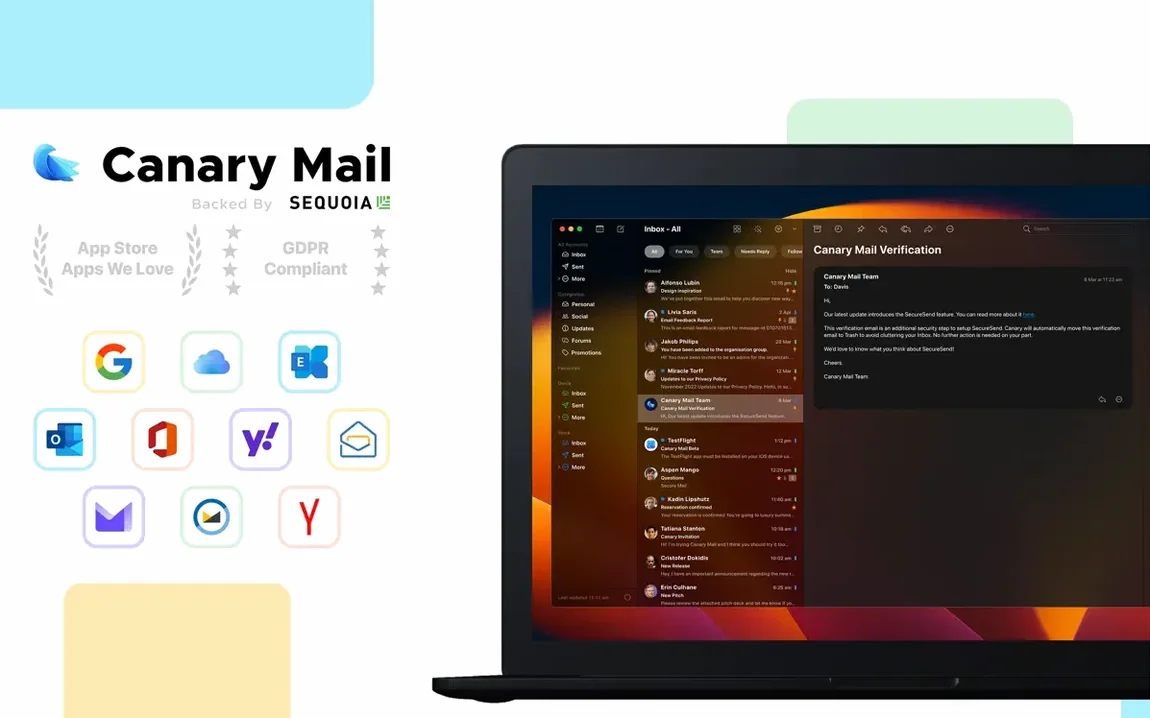

Anyone who keeps a dozen email accounts open and still wants a clean desktop. Canary Mail pulls Gmail, iCloud, Office 365, and IMAP accounts into one place, then stores everything locally.
Account requirements
- macOS 10.15 or newer
- Intel and Apple Silicon Macs
- Requires an existing email account (Gmail, iCloud, Outlook, IMAP, Exchange)
Local attachment hub
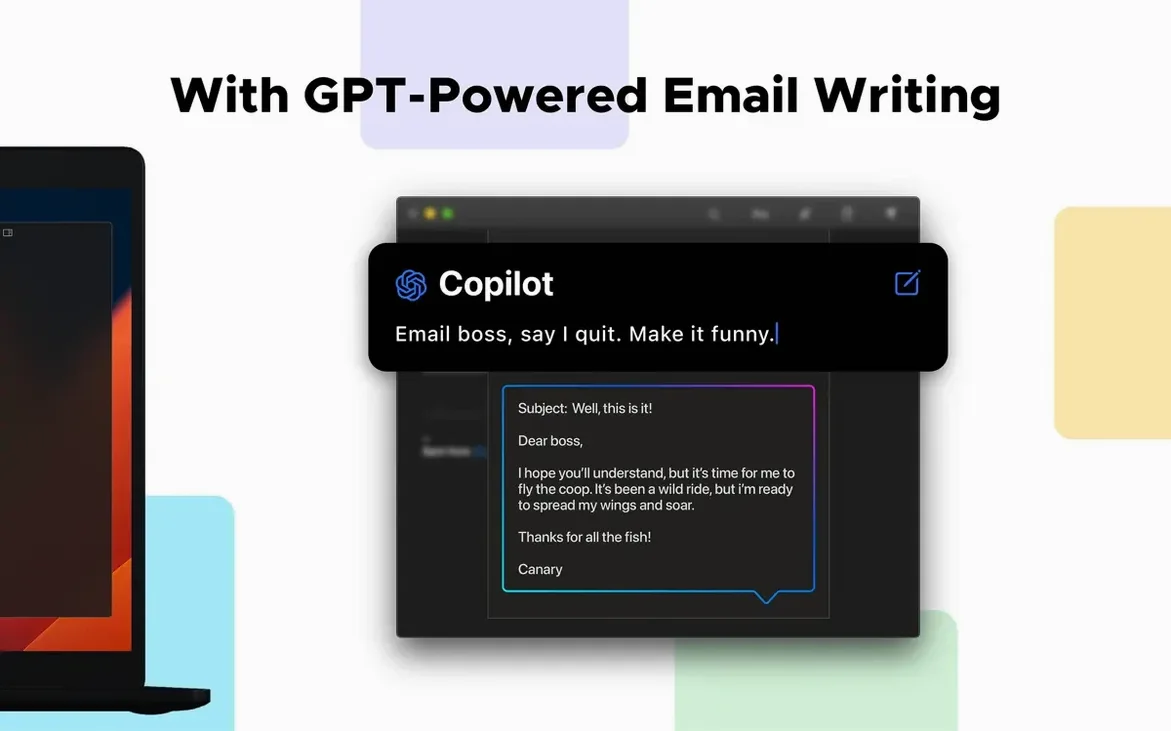
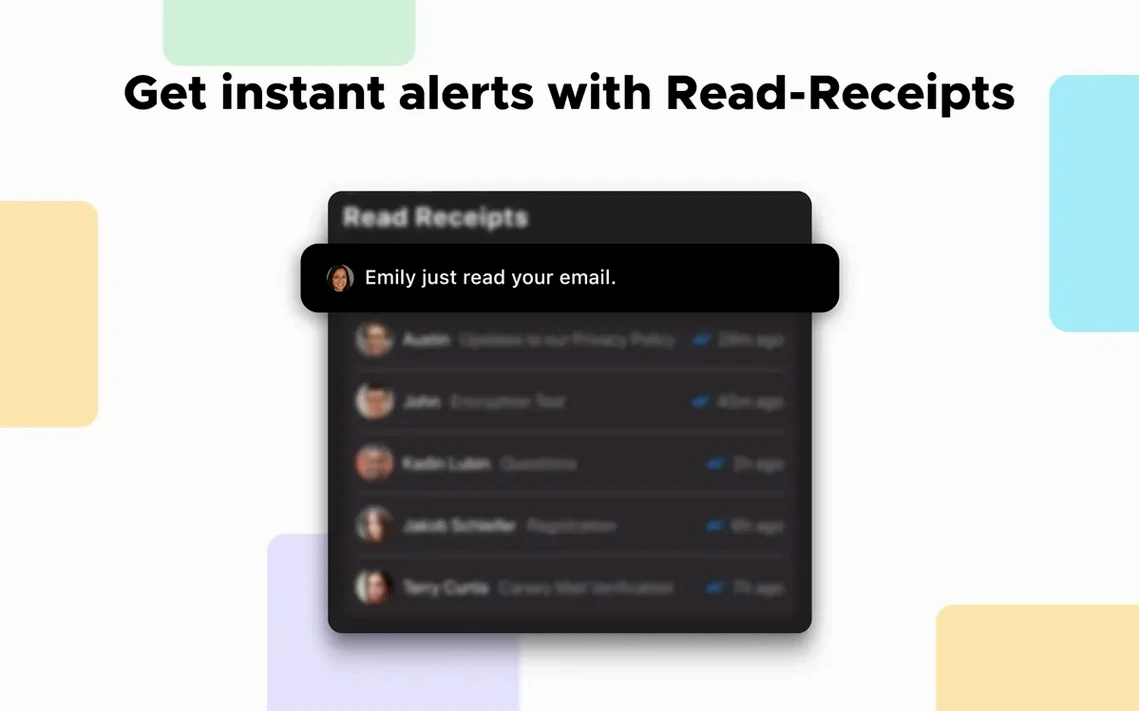
Local storage for messages and attachments, with an attachment browser that searches across conversations. Read receipts and snooze keep your inbox honest. PGP and Canary encryption cover end-to-end messages, while templates and custom actions handle the repetitive stuff. Pinning keeps the important threads above the fold. It works with your current provider—nothing changes on the server.
Quieter composer
The dark composer got quieter. Less chrome, fewer distractions around the message you are writing. Custom notification sounds per account landed, so the ding for work mail no longer feels like the ding for personal mail.
Snooze and pinning behave the same, but the attachment browser is faster to open from a conversation. The rest of the update tightened existing features rather than adding new ones.
Daily fit
Canary sits well alongside other tools. Drag an attachment from the browser into a Finder folder or drop it into a note in Bear. The local storage means Spotlight finds message text and attachments without waiting for a server.
If you use a clipboard manager or a text expander, templates and custom actions cut down the repetitive keystrokes further. Snoozed emails stay quiet until their time, so the Dock badge stays calm.
The app does not replace your calendar or task manager. It forwards a message to Things or Reminders with two keystrokes, then gets out of the way. If you explore a Canary Mail Mac torrent, the app runs from a plain drag-and-drop install once you allow it in Security & Privacy.