
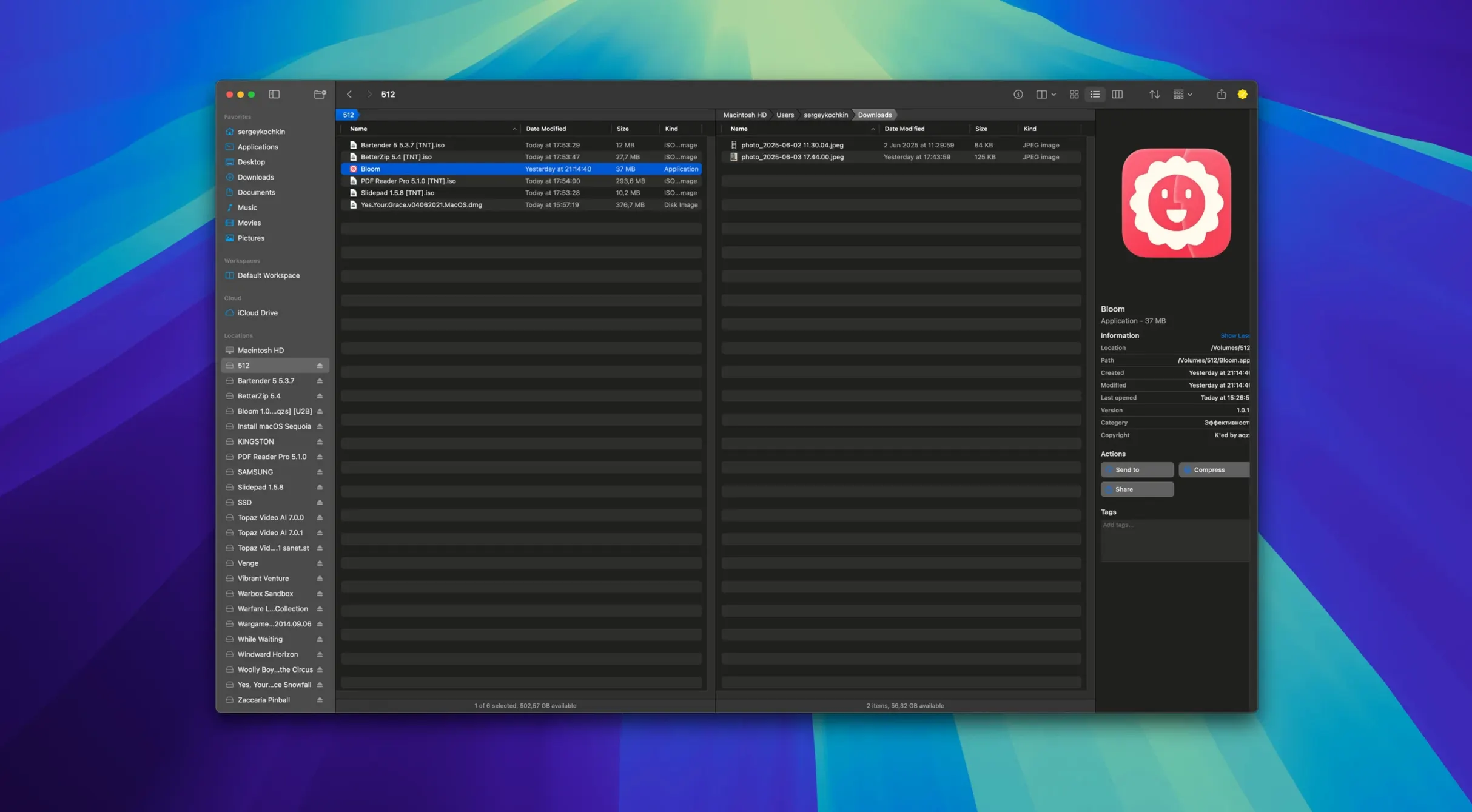
Finder forgets. Bloom doesn't.
Undo — every move, rename, and delete is recorded, so you can step back.
Treemap — see what's eating your disk at a glance, not in a list.
Search — ⌘F works inside the folder you're in, and you can set predefined locations for deeper keyword hunts.
Organization — group files by kind or date without building smart folders.
Workspaces — arrange panels to match the way you think about a project.
Who picks Bloom
People who live inside folders. Photographers sorting hundreds of raw files. Developers bouncing between repos and Terminal. Writers who keep project folders tight and tidy.
If Finder's sidebar already feels like clutter, you'll notice the difference in the first ten minutes. The kind of person who renames batches with patterns, not one by one.
Those who want a file manager, not a file browser.
Coexists with Finder
Does it replace Finder entirely? No. It runs alongside it. You can use Bloom for the heavy lifting and open Finder when you need something else. They coexist without fighting for attention.
Will it slow down an older Mac? On Apple Silicon, it's weightless. On Intel Macs running macOS 14, treemap scans stay responsive even on large drives. The portal window is deliberately lightweight.
What happens to my tags? Tags you've set in Finder carry over. Bloom reads and writes them natively. No import, no duplication, no sync weirdness.
Some people come looking for a bloom torrent because the app is newer and they want to try it quietly. It's that kind of tool — you test it on a real folder tree before deciding if it fits.
Type paths directly
⌘⇧⏎ — type a system path and you're there. No clicking through hierarchy. It feels like a launcher built into a file manager.
Press ⌘R after a search and results refresh in place. No need to retype the query or reopen the panel.
Portal mode strips the window down to a bare rectangle. Pin it above other windows or dock it at the screen edge. It becomes a scratchpad for files you're actively touching — drag in, drag out, close it.
The rename tool handles regex quietly. You can swap naming conventions across a hundred files in one pass. It previews the result before committing, so you don't learn regex the hard way.
Archive preview works without unzipping. Click a .zip or .tar inside Bloom and you see the contents. Drag a single file out without extracting the whole thing — saves steps when you only need one asset from a bundle.
Image conversion lives inside the right-click menu. Resize or change format without opening Preview. For quick web exports, it's faster than launching a separate tool.
It talks to iCloud Drive and your tags stay intact. It sits beside your other tools, not on top of them.