Version 1.7.8995 is a fix release. Before you download, here is what people usually want to know.
- It replaces drivers like Logitech Options. One lightweight app handles the mouse.
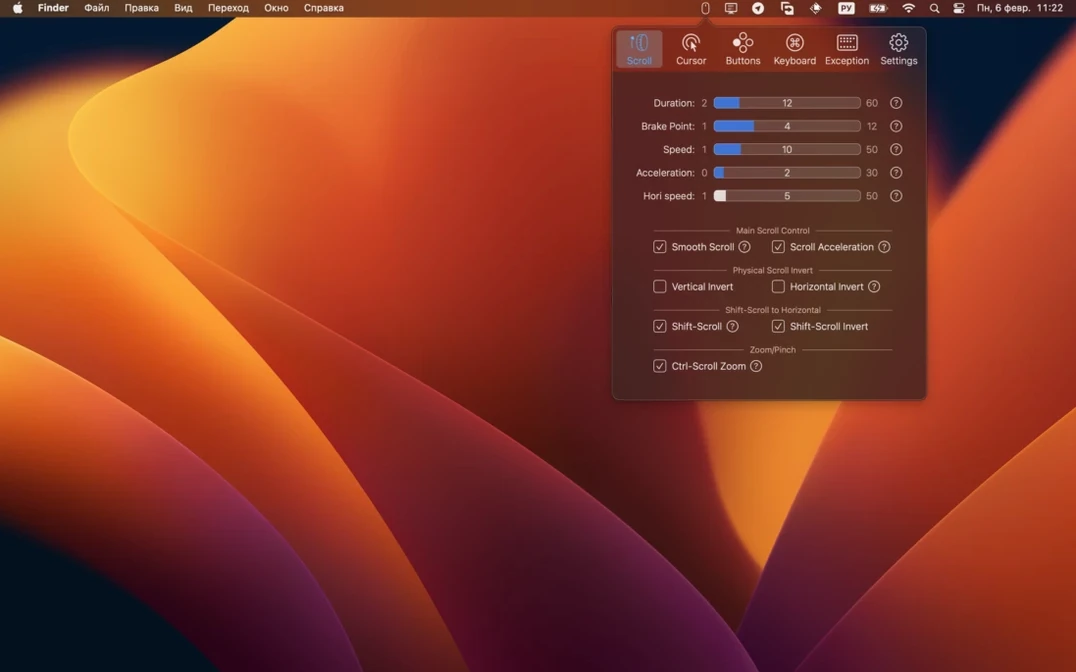
- Smooth scrolling gets its own settings: duration, direction, acceleration. Discrete scrolling can be precise, with or without acceleration.
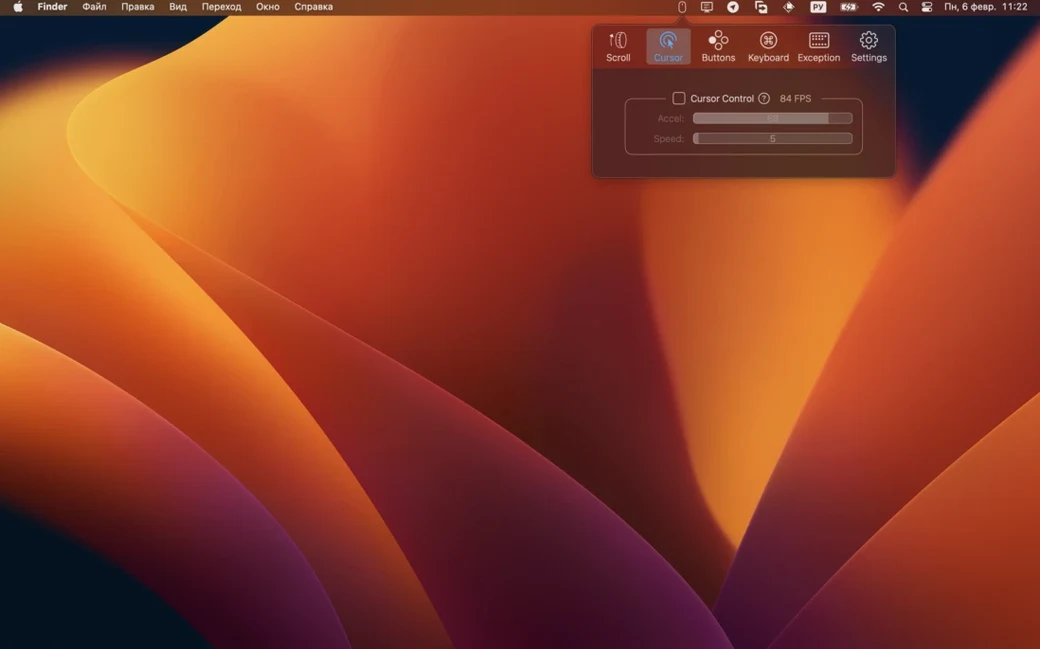
- Cursor acceleration can be disabled completely. Speed and acceleration are separate sliders.
- Extra mouse buttons map to keyboard shortcuts or special actions, per button.
- Modifier keys can be remapped for each keyboard independently.
- Ctrl-scroll zooming is built in.
This release raises the minimum system to macOS 12. If you are still on macOS 11, keep your current version and skip this download. For everyone else, the update stays out of your way. No new features, no redesigned panels. Just fewer crashes, especially on Apple Silicon Macs waking from sleep with a Bluetooth mouse connected.
The developer page notes the bump was required by macOS 27, a typo that likely means the macOS 12 SDK. The practical effect is small. The app behaves the same. It simply stops quitting unexpectedly when certain system dialogs appear.
Disable competing drivers
Start with one mouse. Disable its manufacturer driver first. Logitech Options and similar tools fight with BetterMouse. Remove or quit them before you open the app.
Pick the scroll mode you actually use. Smooth scrolling works well for trackpad-like inertia. Discrete scrolling suits people who prefer wheel clicks without glide. Set one, use it for a day, then decide.
Cursor acceleration off is the first checkbox many people reach for. Try it. If the pointer feels sluggish, raise the speed slider before turning acceleration back on.
Assign only one extra button on day one. Map it to Mission Control or a often-used shortcut. Live with it for a few hours. Button overload on the first afternoon leads to muscle memory confusion.
If you use multiple keyboards, remap Caps Lock first. It is the easiest win. The per-keyboard setting means your laptop keyboard and external keyboard can have different layouts without conflict.
A small set of controls for people who want their mouse to feel right.