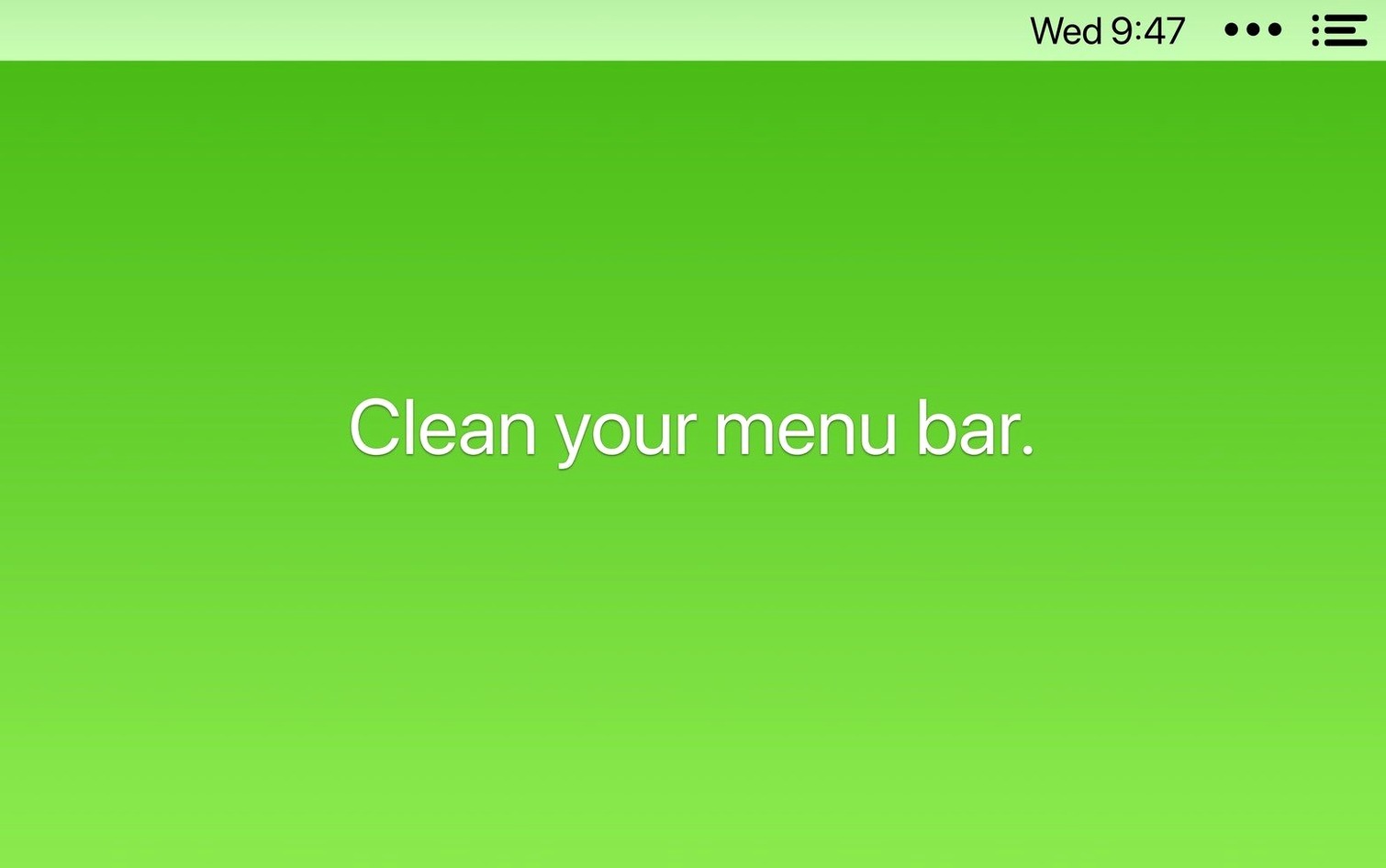
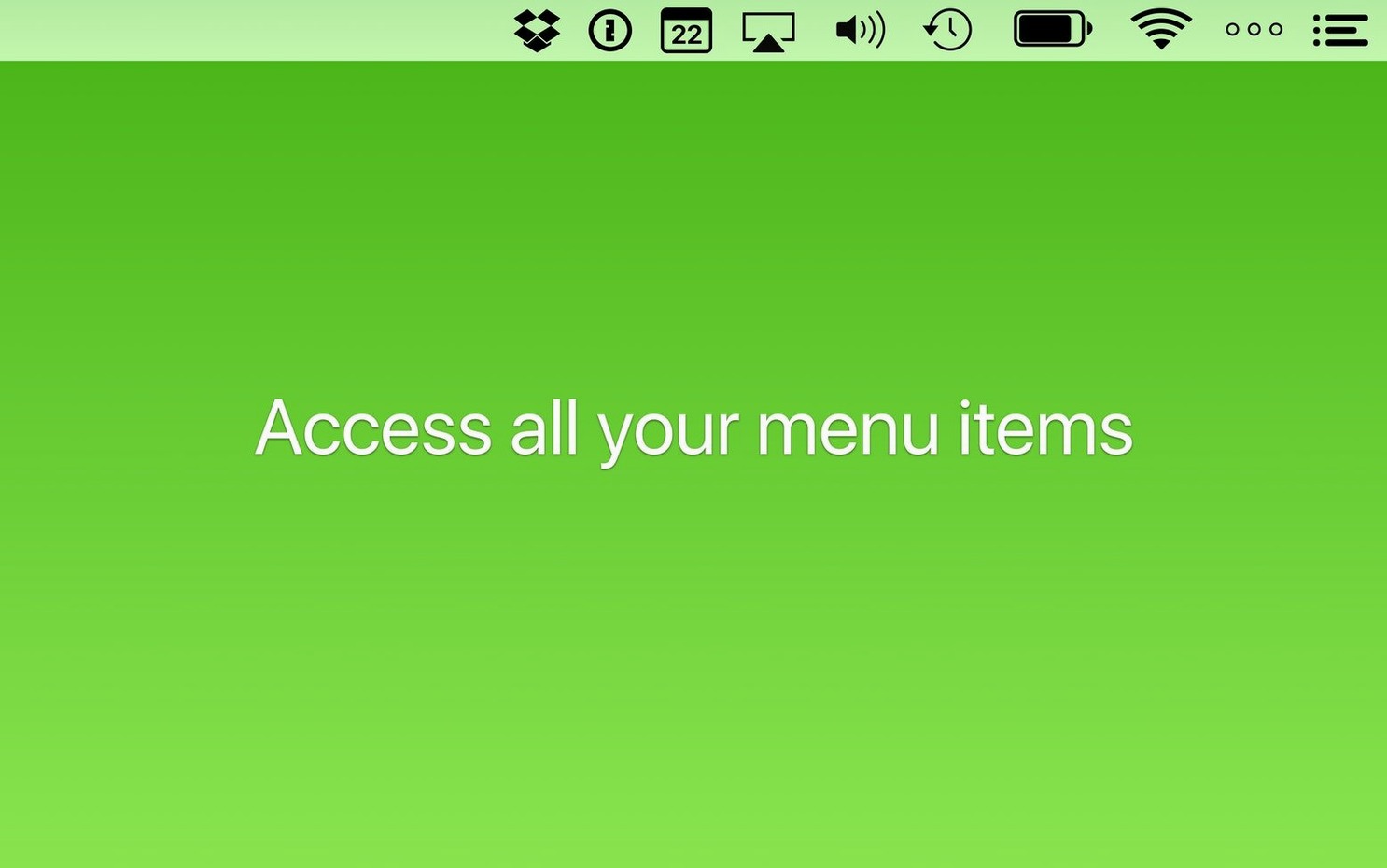
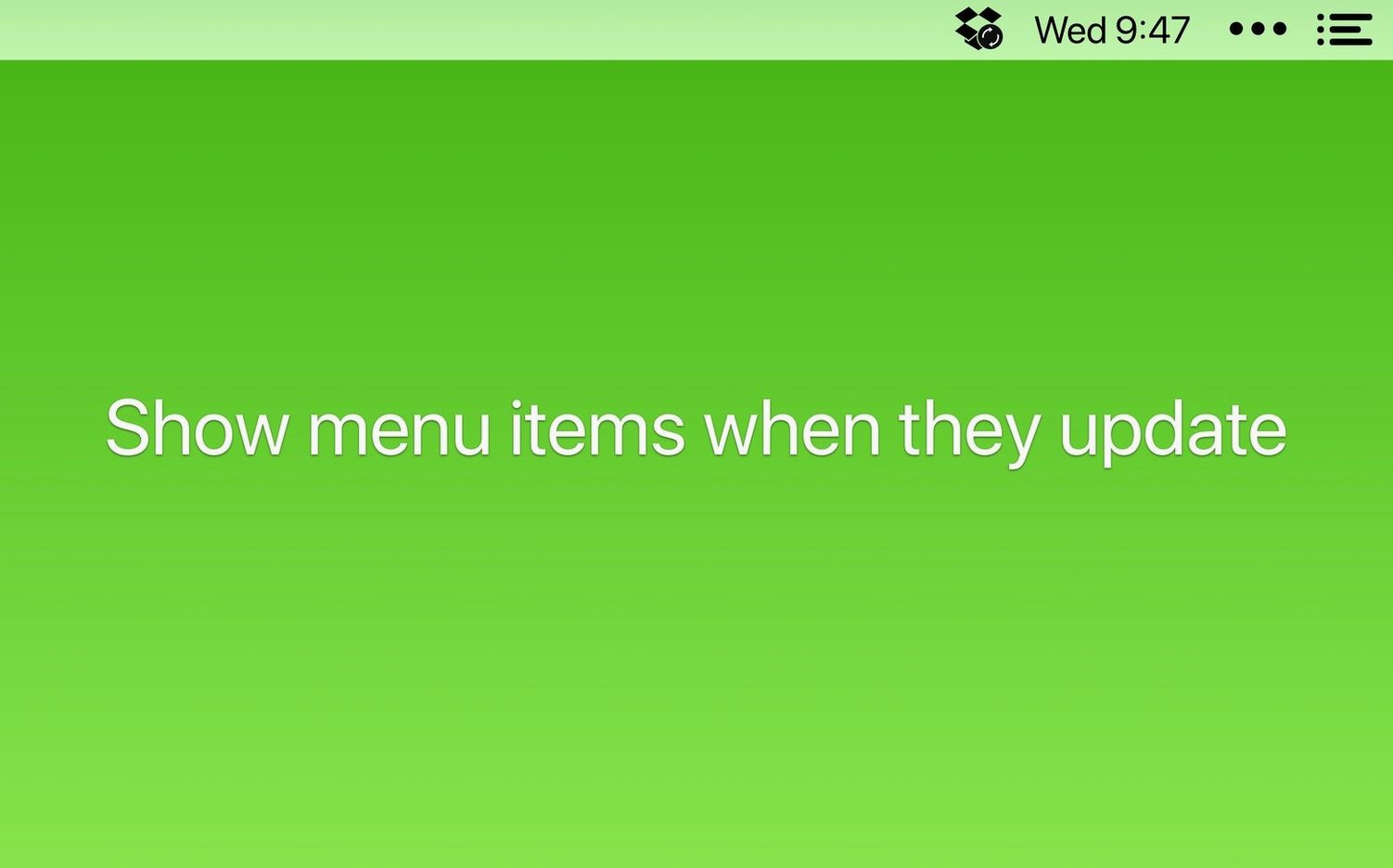
One bar. That is all macOS gives you for every utility, indicator and background app you run. It fills up fast.
Command bar
- Hides any menu bar item behind the Bartender Bar
- Lets you reorder icons by dragging
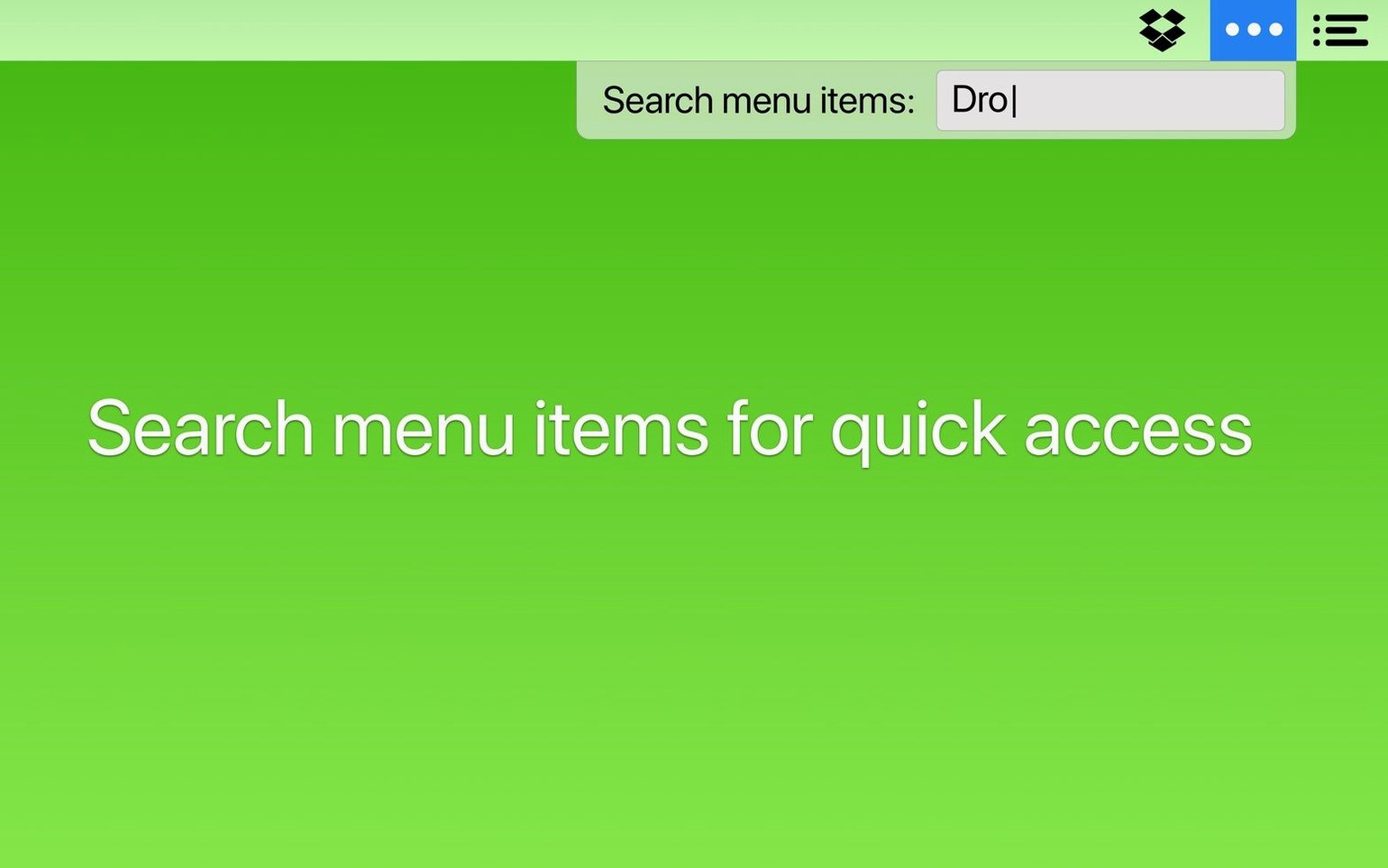
- Searches items by name through a Command Bar
- Shows icons briefly during updates or errors
- Responds to Shortcuts via app intents
Version 7
Bartender 7 drops the screen recording requirement of earlier releases. The interface stays out of your way. Items sit where you leave them, including custom spacers. Searching for a hidden utility takes a few keystrokes and sends it back to the main bar when you need it.
Spacer sandbox
Don’t tidy everything at once. Run Bartender for two days without changing a thing. Note which icons you actually look at. Hide the rest.
Then build your spacers. A single spacer between a wifi indicator and your clipboard manager prevents the kind of visual drift that makes you misclick. Version 7.0.4 fixes spacers shifting after a restart, so set them once and forget them.
Learn one keyboard shortcut on day three. Assign ⌥ Space to the Command Bar. Type the first two letters of any hidden item and press Enter. After a week, you stop touching the mouse for menu bar actions entirely.
Five icons
People running five or more always-visible menu bar apps notice the change within an hour. Designers with color pickers and screen rulers. Developers with build-status indicators and git tools. Anyone who keeps a clipboard manager, a notes app and a calendar widget in constant view.
Keyboard-driven users get a different kind of value. The Command Bar and arrow-key navigation turn the menu bar into something you summon rather than something you scan. If you already navigate macOS with Alfred or Raycast, this fits the same rhythm.
Users who hide the Bartender icon itself tend to be the ones who never switch back. No visible utility. Just a clean bar and a shortcut they muscle-memorize.
Under 90 MB
The app uses negligible memory on an Apple Silicon machine. Activity Monitor shows it hovering under 90 MB during normal use, with no CPU spikes when the Bartender Bar opens or closes. Items appear without the half-second lag that older menu bar managers sometimes introduced.
Version 7.0.4 resolved the most visible papercuts. Items no longer fail to appear when switching between the main bar and the hidden bar. The clipboard helper in the Command Bar works reliably. Moving items between sections no longer leaves them stuck in a transitional state.
On Intel Macs, performance is equally unobtrusive. The app loads at login and stays quiet. No background processes multiply. No helper daemons clutter the system.
If you’re searching for bartender macos download, the current build reflects months of refinement. The removal of the screen recording requirement in Bartender 7 simplified both the permission model and the resource footprint. For anyone looking at Bartender 6 torrent or Bartender torrent links, version 7 is the cleaner starting point — fewer permissions, less overhead.
A small thing, done well.