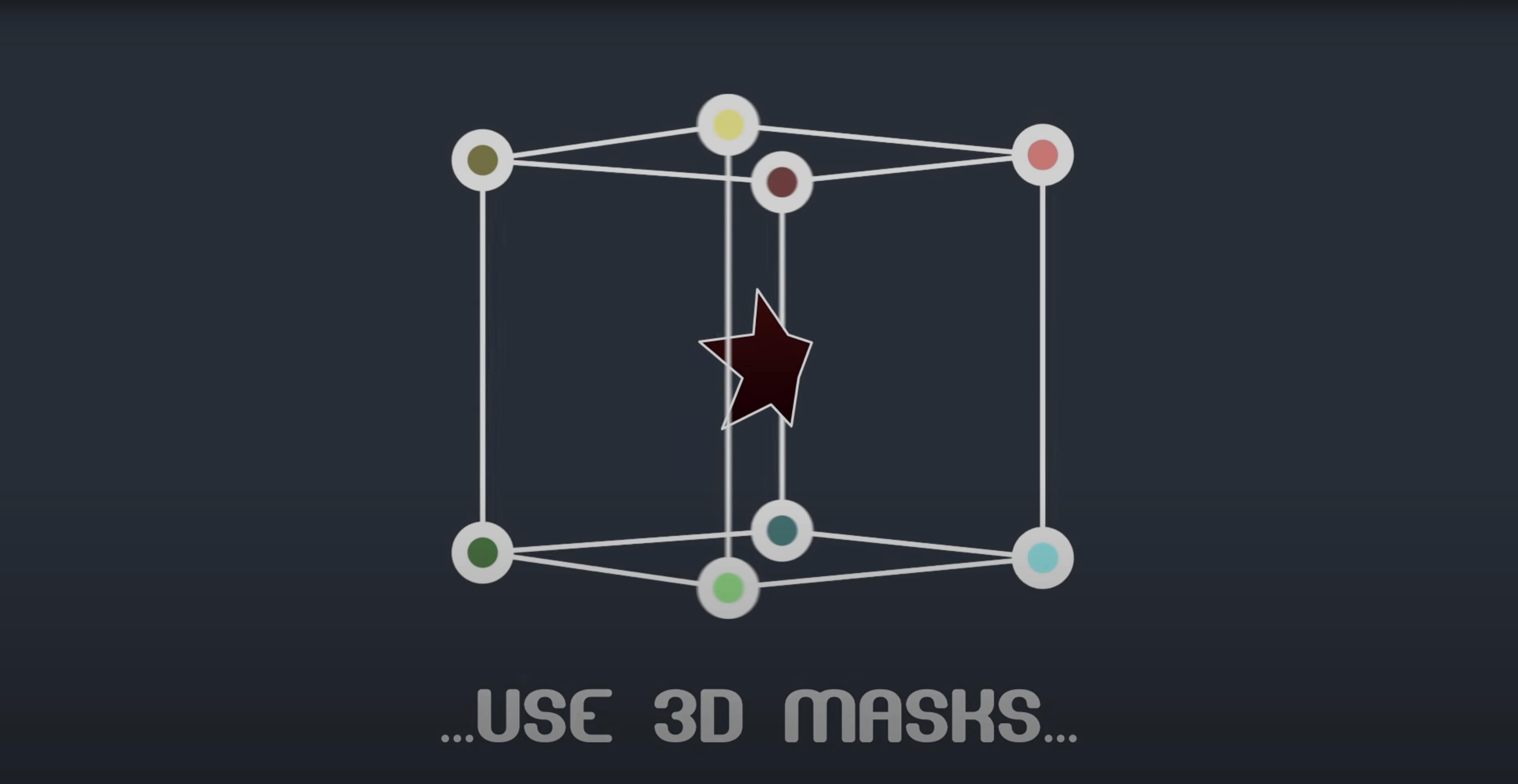
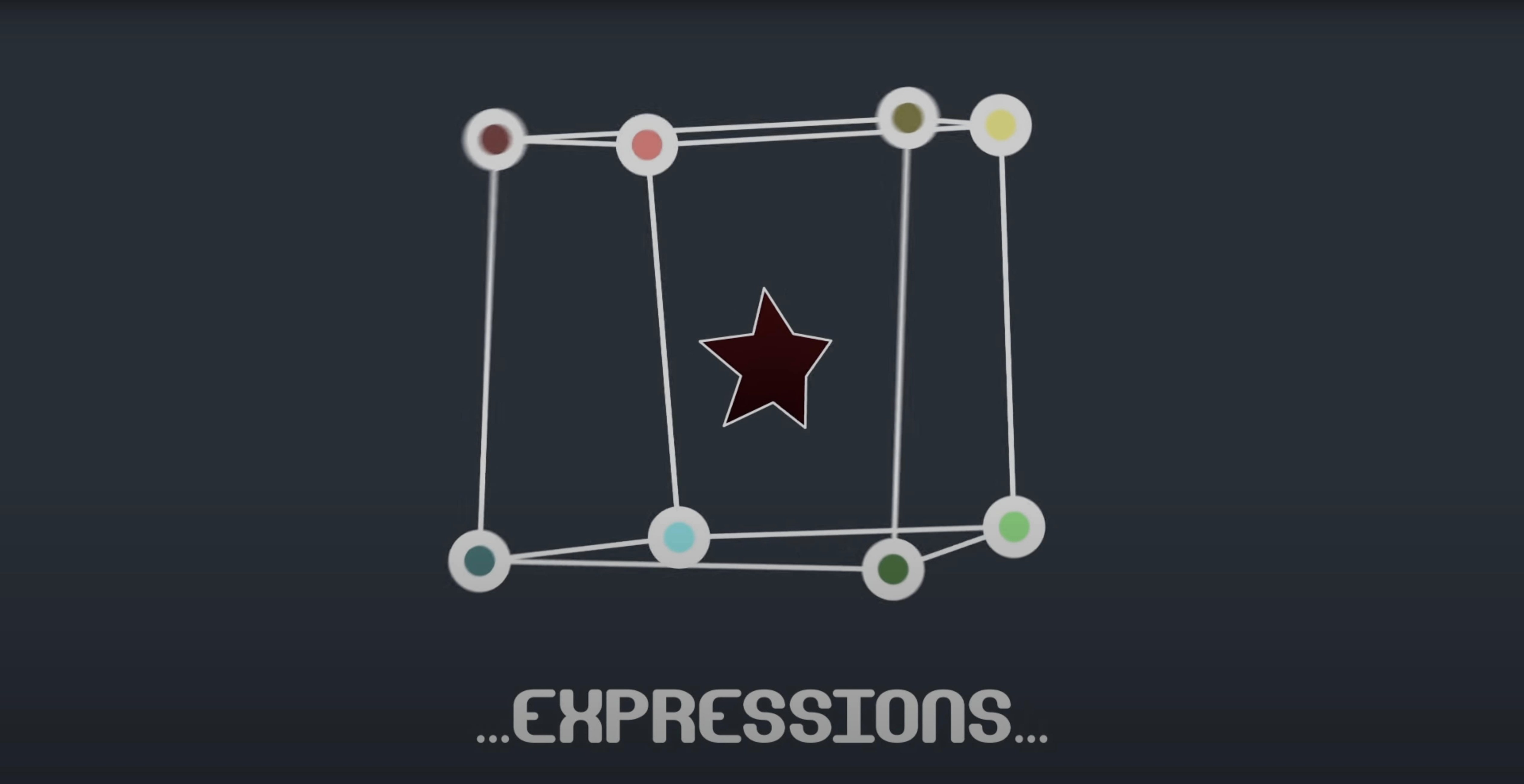
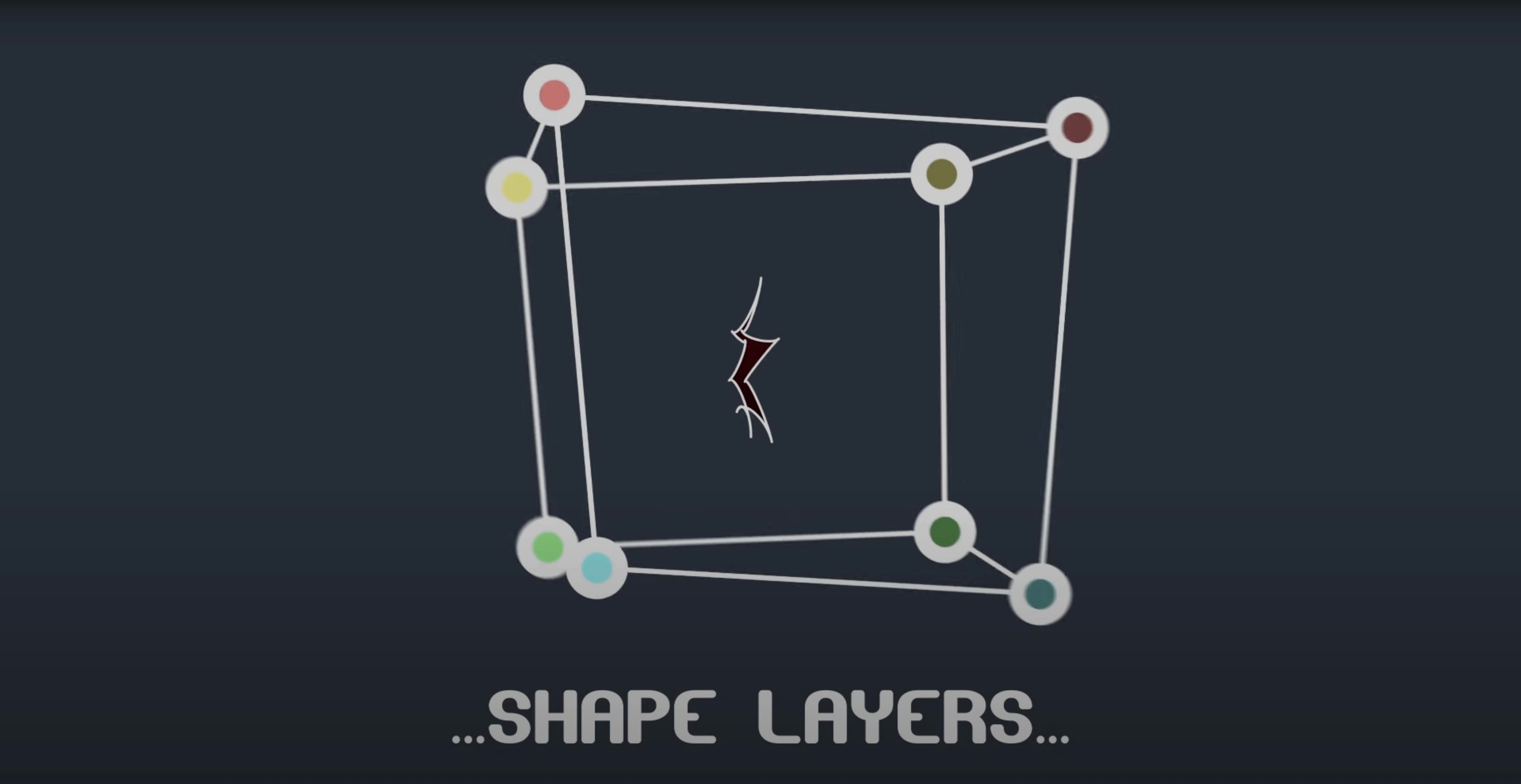
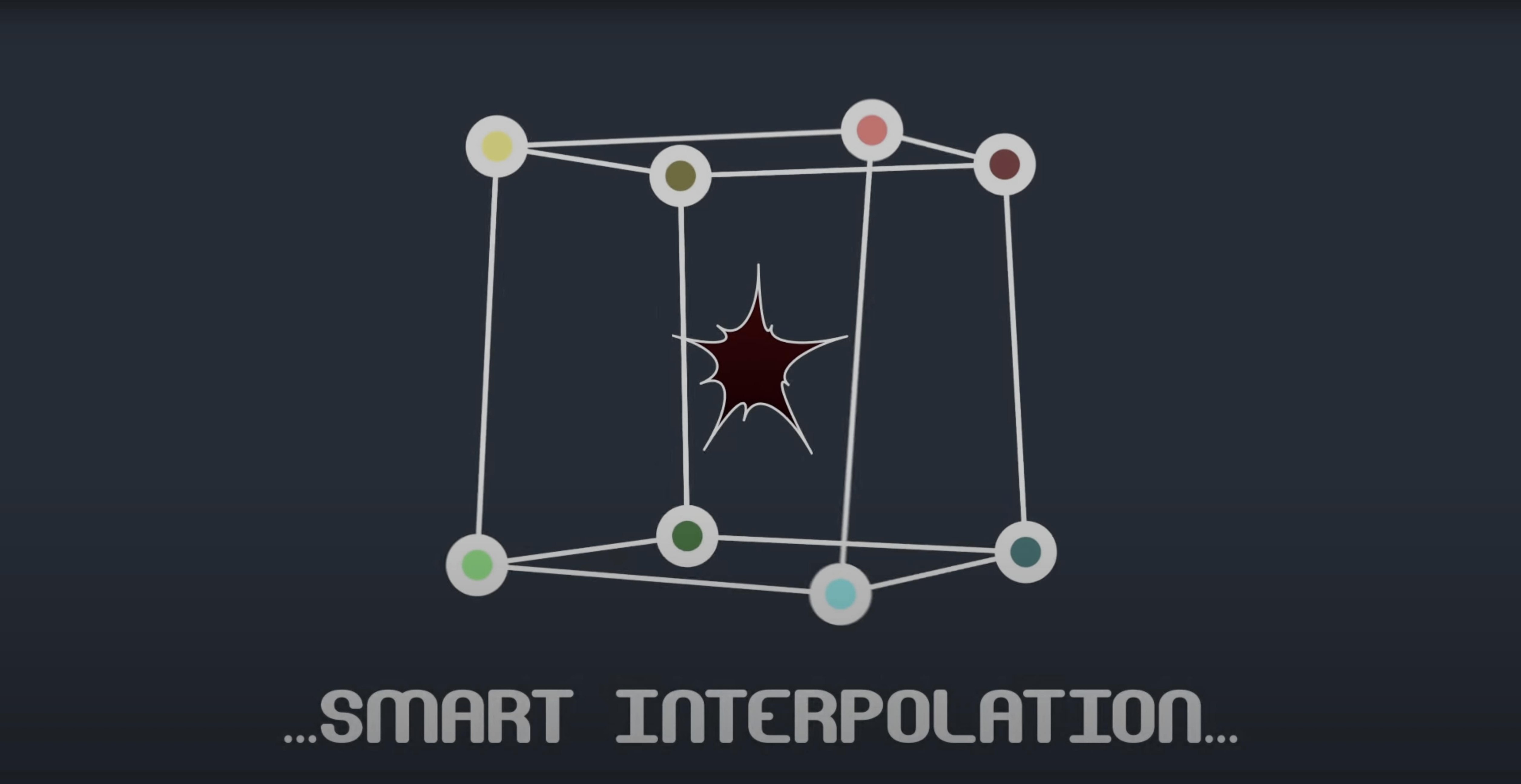
Two hundred vertices. Each with two tangents. That is the kind of detail you can reach into with this plugin.
BAO Mask Avenger is a native After Effects plugin. It works on mask paths and shape layers. It reads position and orientation data from any point you pick along a path. Interpolation uses either a center-of-gravity calculation or a key anchor point you set yourself.
Manual Tangents
Open the panel and switch Tangent Mode to Manual before anything else. Auto tangents look smooth but rarely match what you want. Manual gives you both handles for every vertex.
Set the default anchor point for interpolation right away. The center-of-gravity default works for simple shapes. For anything with an irregular silhouette, pick a vertex near the visual pivot and mark it as the key anchor. You will avoid drift later.
Turn on Expressions Integration in the script menu. This enables the pick-whip linking to tracker points. Without it, the panel hides those controls. A small thing that wastes time if you miss it.
A tracker-to-mask workflow
Say you need a mask that clings to a moving shoulder. You shot the footage handheld. The light changes. No green screen.
Place two tracker points on the shoulder fabric—one near the collar, one lower. Track them in After Effects and apply the data to null layers.
Draw a rough mask around the shoulder. Open Mask Avenger. Pick-whip vertex one to the first null's position property. Pick-whip vertex two to the second. The mask now follows both tracker points as a pair.
Add two more vertices between them for edge definition. Link those to the same nulls with a slight expression offset for rotation. Hit preview. The mask tracks the fabric fold without slipping.
Refine tangents frame by frame at the extremes of motion. Leave the in-betweens to the interpolation engine. Freeze the mask when you send the comp to color. The baked result is a standard mask path.
Scrubs Instantly
Speed is the reason to reach for it. The plugin operates inside After Effects' own masking functions. No external render steps. Scrubbing a mask with forty vertices feels the same as scrubbing one with four.
Memory use is low. The plugin stores vertex and tangent data in the project, not in a separate cache. Large comps with dozens of Mask Avenger masks stay responsive on a machine with 16 GB of RAM. On Apple Silicon the 2.7.5 build runs native. No Rosetta lag.
Stability depends on freeze discipline. An unfrozen mask on a complex path can break if you move the comp between machines without the plugin installed. Freeze early for shared projects. For solo work, leave it live and tweak tangents at the last moment. That is where the tool earns its place.
Freeze mode lets you share the project with anyone. The expressions bake in. No missing-plugin warnings on the other end.