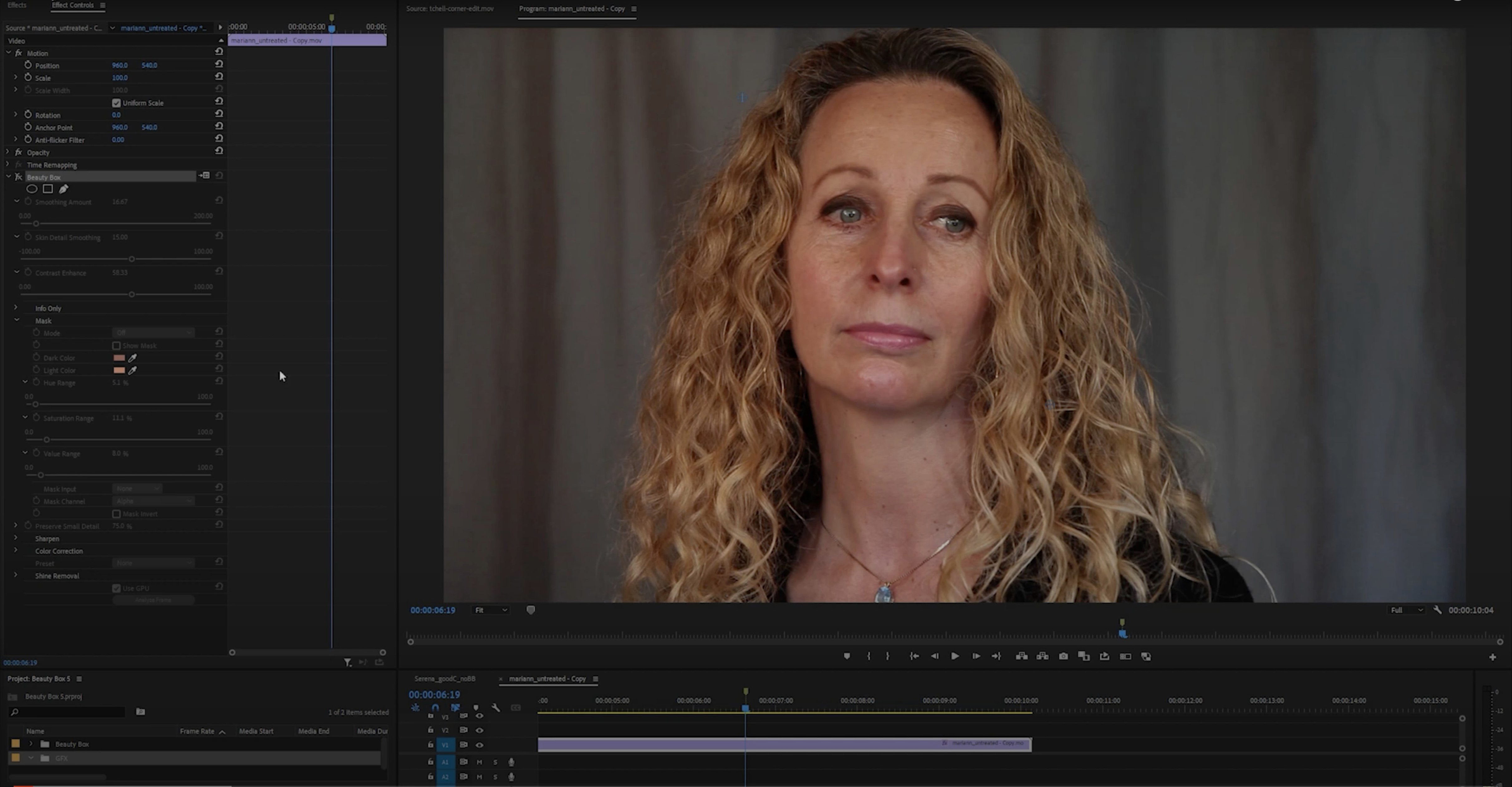
It runs inside Photoshop on both Intel and Apple Silicon Macs. No Premiere Pro build exists — this is an Adobe-only stills plug-in from Digital Anarchy.
Manual fixes gone
- Manual spotting of blemishes
- Wrinkle-by-wrinkle cloning
- Guessing skin color masks
The retouch
The plug-in detects skin color automatically. One pass smooths the surface while keeping texture. It subtracts the repetitive parts of portrait cleanup so you can move on.
Three alternatives
Portraiture has been the default skin plug-in for years. It gives you more slider control over the mask, but the results can drift into plastic if you rush. Beauty Box Photo makes fewer decisions for you — it holds more texture by default.
Retouch4me Heal uses neural networks and works as a standalone app or plug-in. It reads the image well, but it generates a new layer you must merge or flatten. Beauty Box Photo keeps the work inside one session without extra layer management.
Frequency separation by hand is the purist’s path. It costs nothing and teaches you skin structure. But on a 500-image wedding gallery it becomes unreasonable. A plug-in like this is for volume, not for one portrait you’ll print at A2.
One morning
A headshot photographer opens yesterday’s session — 80 frames, same key light, same backdrop. She picks a Photoshop action she built: duplicate layer, run Beauty Box Photo with a saved preset, add a mask. The preset handles the cheeks and forehead. She paints back the eyes and mouth with a soft brush.
Ten minutes later she scrolls through the set. The skin is even. No one will notice the plug-in was there. That’s the point.
Layer opacity trick
Start with the default preset and lower the opacity of the retouched layer to 70%. Most portraits look overdone at full strength.
Create two presets early: one for men, one for women. The male preset should retain more fine lines. The female preset can smooth a little further. Save them. You’ll reach for them more than the sliders.
Mask the eyes and mouth with a soft brush set to 30% flow. A hard mask around the lips looks unnatural. Let the original skin show through at the edges.