Six formats. One window. No transcoding.
Direct play
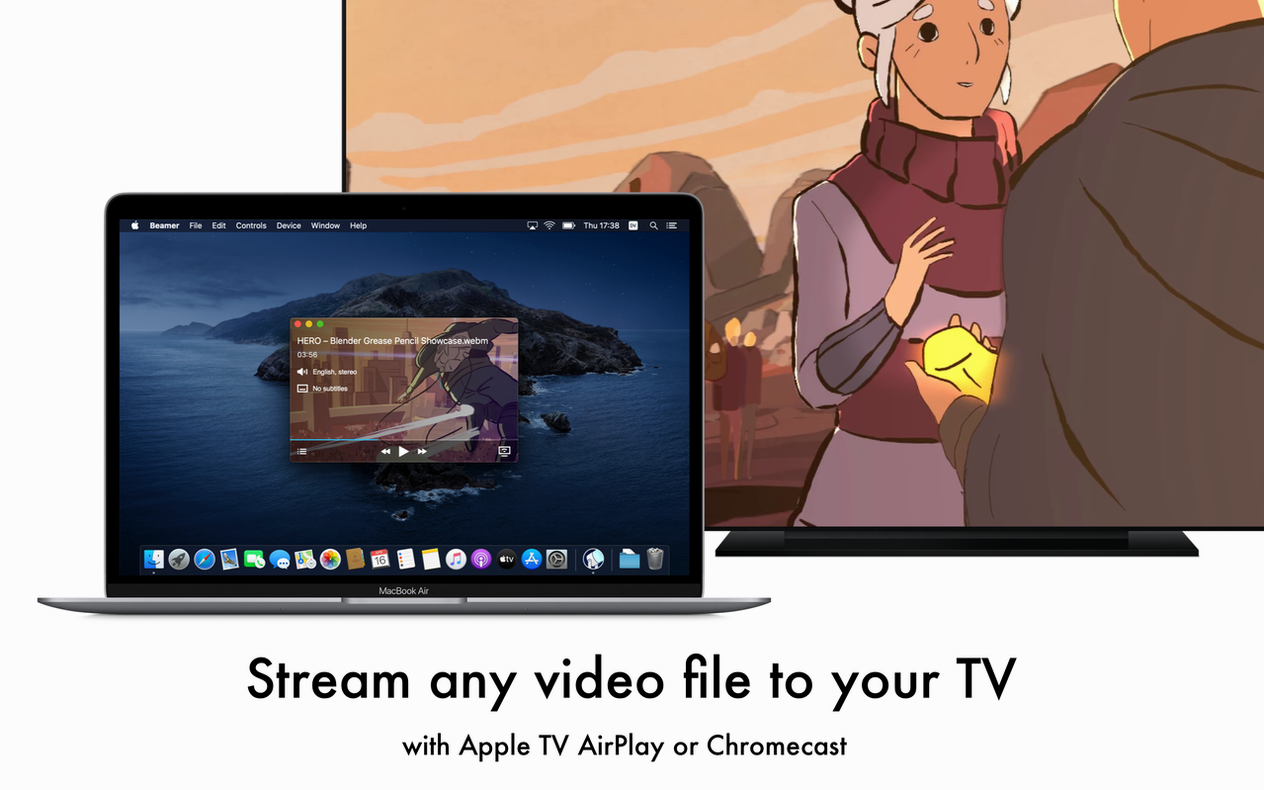
Beamer accepts AVI, MKV, MOV, MP4, WMV and FLV files. You drag one into the app. It plays on your Apple TV — same frame, same audio, no intermediate steps.
No conversion
Anyone with an Intel Mac and an Apple TV who wants to watch a file on the big screen without AirPlay's format guessing. The Apple TV remote controls playback. Surround sound passes through untouched.
Four seconds
You pick an MKV with embedded subtitles. Drag it onto the Beamer window.
The Apple TV wakes. Your film appears, full screen, within four seconds. The remote sits on the armrest. One tap pauses it. A long press brings up the chapter marker.
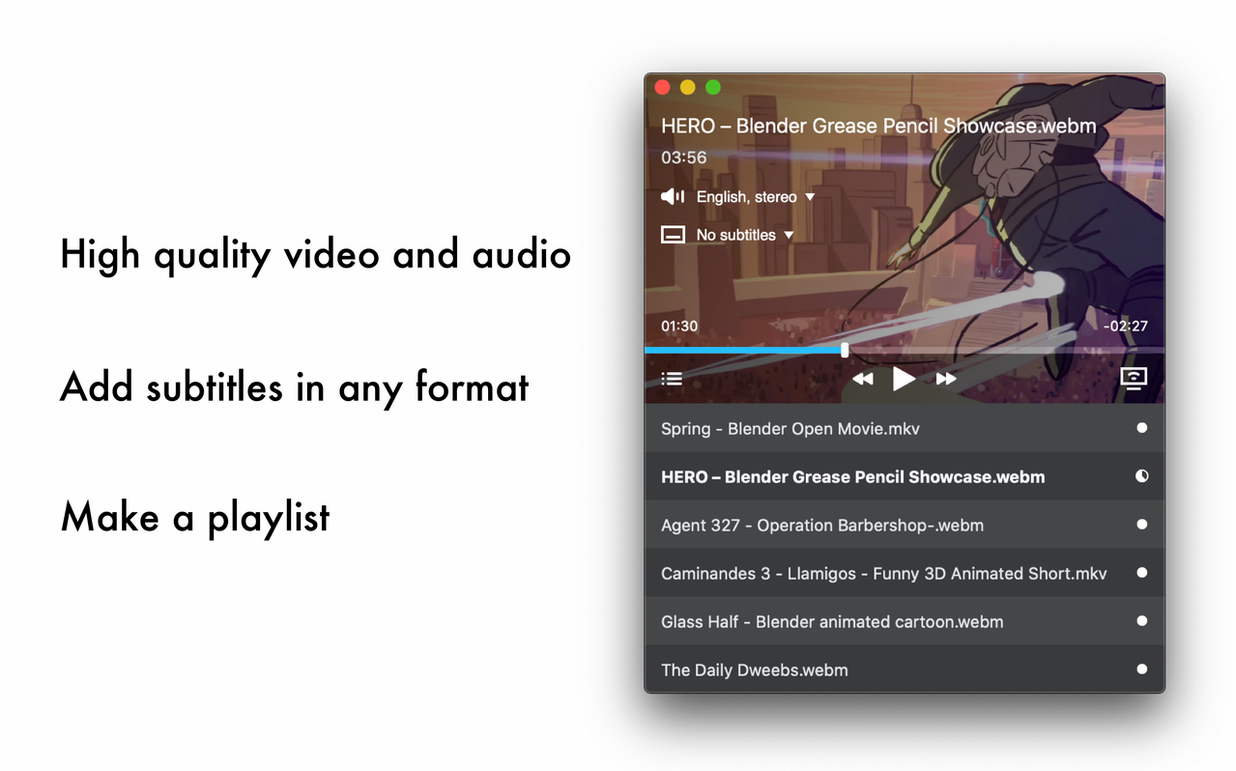
You realize the subtitles are off. Tap right, tap down, select the SRT track. They appear, white and sharp. No sync drift. No re-encoding wait.
You watch to the end. The credits roll — surround sound intact, no dropped frames. You close the laptop lid. The Apple TV goes dark a moment later.
Hands-off queue
Right-click the playback window. A menu offers Play Next. Queue up a season without touching the Mac again. The remote handles everything.
Dragging a folder instead of a file builds a playlist. Beamer plays each video in order. After the finale, it stops. No loop. No auto-play of random files.
If you hold Option while dragging, Beamer adds the file without starting playback. Useful when you're staging an evening, not interrupting the current one.
The app remembers subtitle preferences per file. Re-open the same MKV a week later — your chosen SRT track is still selected. A small thing that removes friction.
For beamer mac setups with older receivers, the audio passthrough can be toggled from the menu bar icon. Stereo downmix happens on the Mac, not the TV. One checkbox. No digging through system preferences.