macOS tries to delay a full charge when it thinks you are plugged in too long, but it is still guessing. You watch the percentage anyway, unplugging at 80% when you remember. BatFi removes this monitoring from your day.
Set
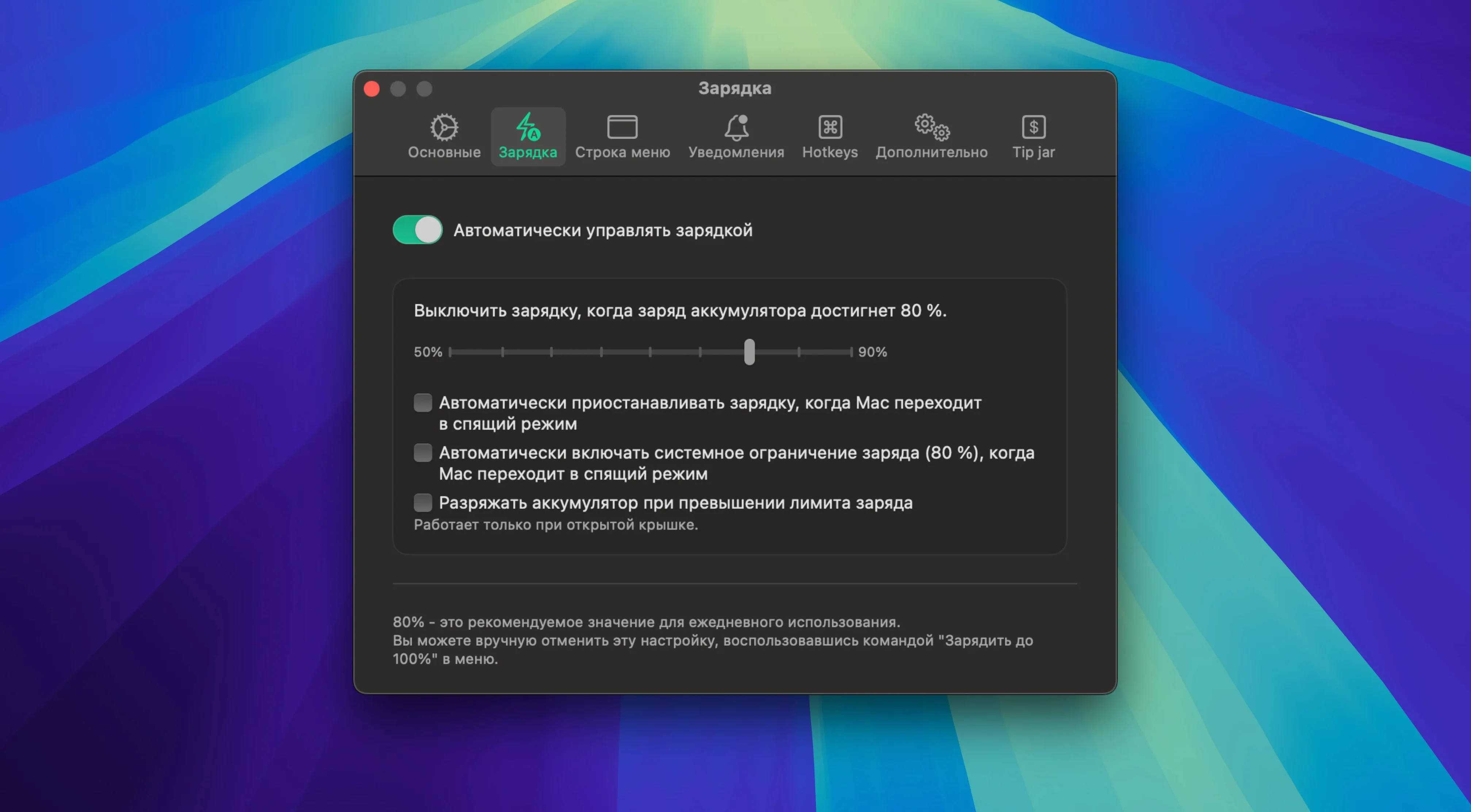
Pick a charge limit. The app holds it, stopping the charge at that percentage and keeping it there indefinitely.
Top up
A single menu command sends the battery to 100% on your schedule. Useful before a long meeting or a flight.
Know
Charging-state notifications sit quietly in the menu bar. No dashboard, no history. Just the one signal that matters.
First adjustments
Open the app and set your charge limit. The default might not match your day, so pick a value you can live with. 80% suits most people who stay at a desk.
Next, visit the menu bar icon settings. Pick the compact variant — it shows just the percentage — unless you also want the lightning bolt. Either way, it replaces the default battery icon.
Turn off the estimated-time-remaining display if it makes you anxious. Cycle count and temperature are enough for a quick glance.
80% hold
You sit down at 9:15. The MacBook is plugged in, the battery resting at 80%. BatFi has held it there since last night.
A notification appears once, then disappears. You glance at the menu bar: the percentage is steady, the icon dimmed. No charging happening. You close the lid on that information and open your work.
At 14:30 you remember you are heading to a café later. You click the menu bar icon and choose Charge to 100%. The adapter wakes. A small notification confirms the change, then vanishes.
By 15:45 the battery is full and the icon tells you so. You unplug, shut the lid, and leave. No settings to adjust, no reminder to dismiss. Tomorrow the limiter will resume at 80% without being told.
The app extends what macOS offers built-in with a plain tool that stays out of the way.