RAR archives carry a hidden field most tools ignore: the comment. It still matters for some workflows. Here are other questions that come up before installing.
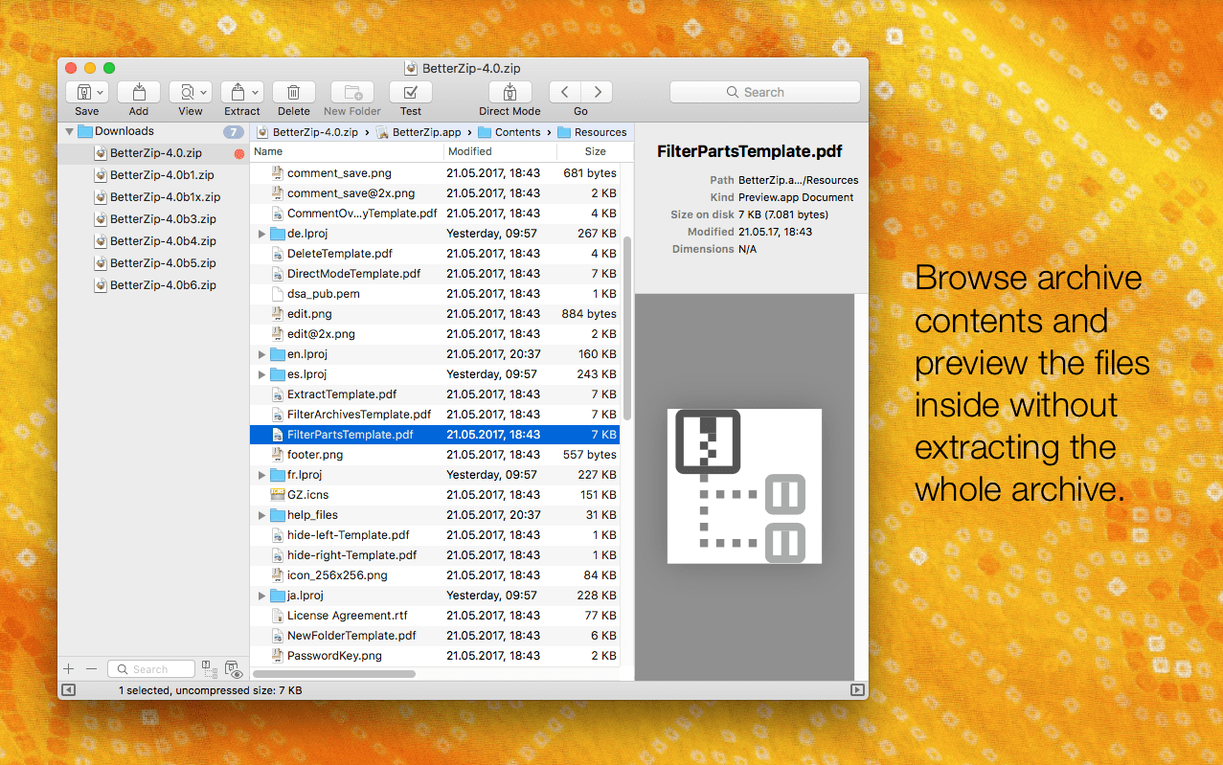
- Can I rename a file inside a zip without starting over? Yes. Move, rename, delete files right in the window. No repacking needed.
- Does it handle 7z archives well on Apple Silicon? The 7z helper is optimized for it.
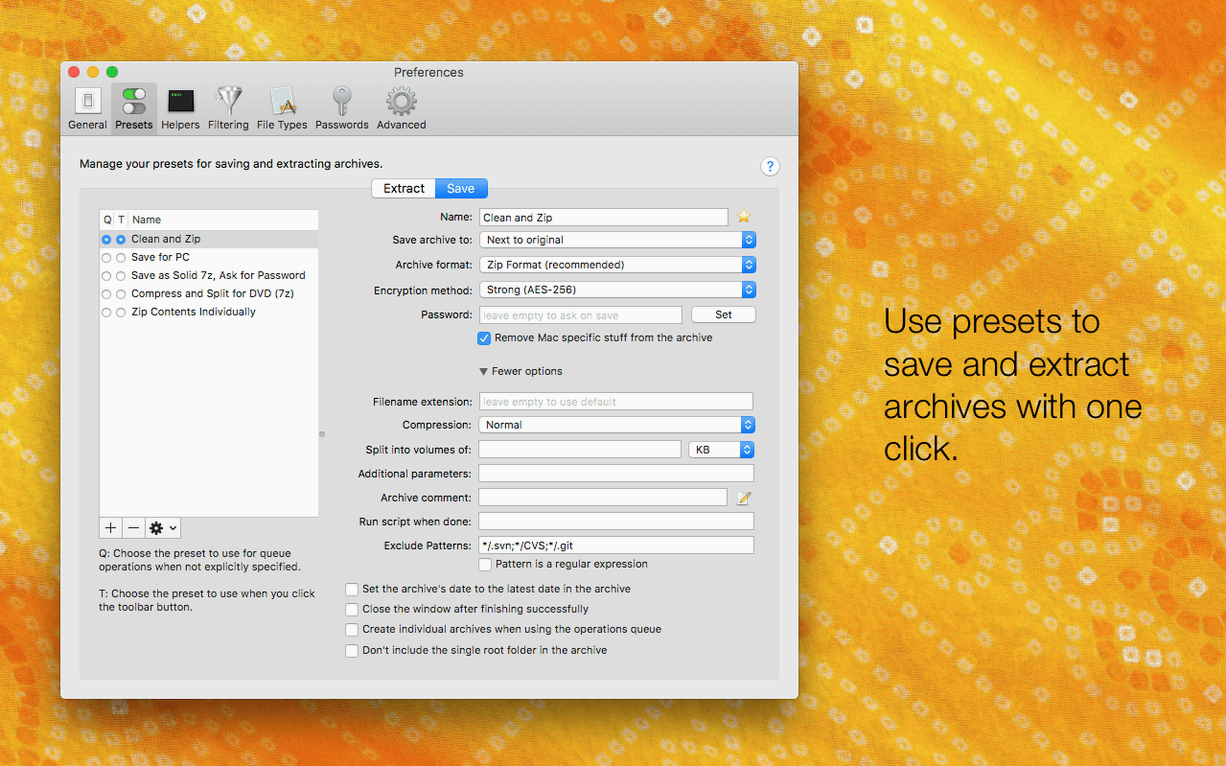
- Can it generate strong passwords? It will generate them for you.
- What about comments on RARs? You can add them.
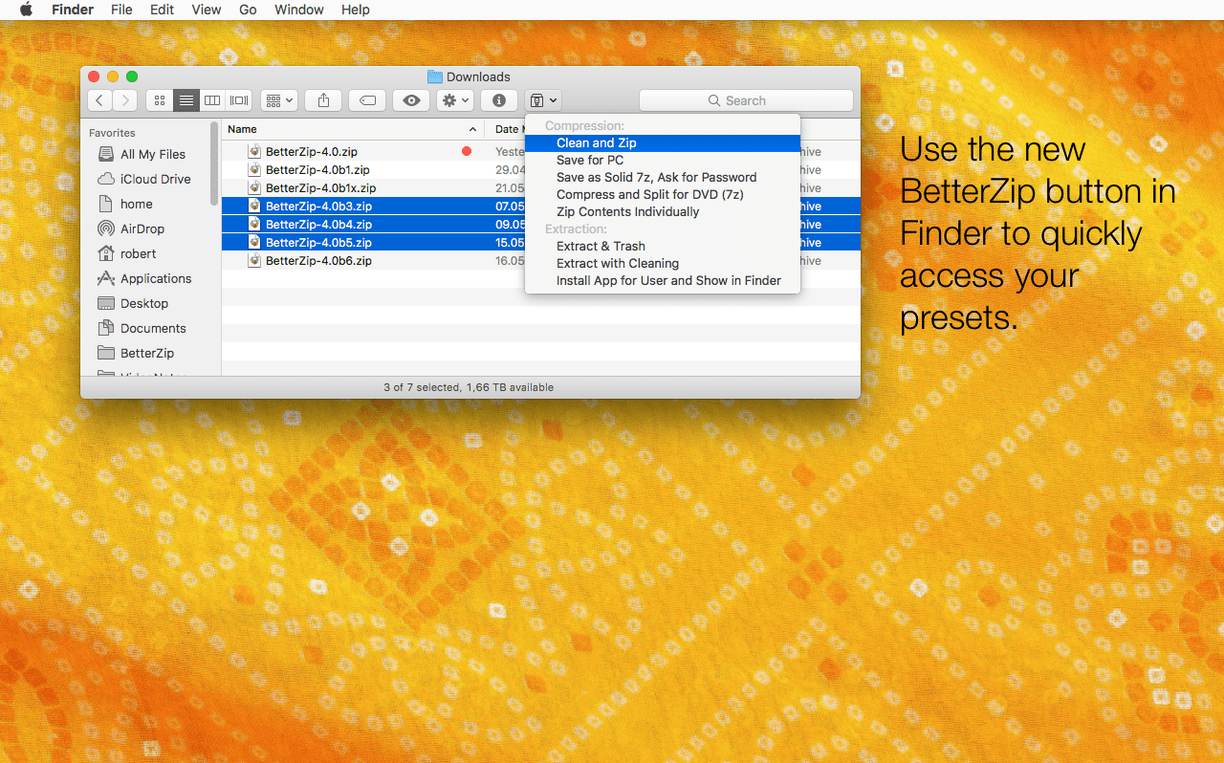
- Does it work from Finder? There is a Finder extension and a contextual menu.
The people who feel the difference are those who handle archives not as one-off downloads but as working containers. Designers who receive assets in zipped folders and need to rename a dozen SVGs without extracting. Developers eyeballing a build artifact before deploying it. Translators working inside zipped XLIFF bundles. For them, the inline editing and Quick Look preview remove the constant unpack-repack cycle that Finder alone forces on you.
If you only unzip the occasional email attachment, the built-in Archive Utility is fine. BetterZip earns its place when archives become a workspace.
Contextual menu
It does not try to replace Finder. It extends it. The contextual menu sits alongside the stock Compress item but gives you more granular choices — compress as 7z, encrypt with a password you generate on the spot, strip macOS metadata. The Finder extension means you can peek inside an archive with Quick Look without opening the app. That preview path matters when you have a folder full of similarly named zips and need to find one file.
For automation, the AppleScript dictionary lets you hook extraction or compression into folder actions, Shortcuts, or launchd scripts. People who run a headless Mac mini as a file server often pair it with Hazel to auto-process incoming archives.
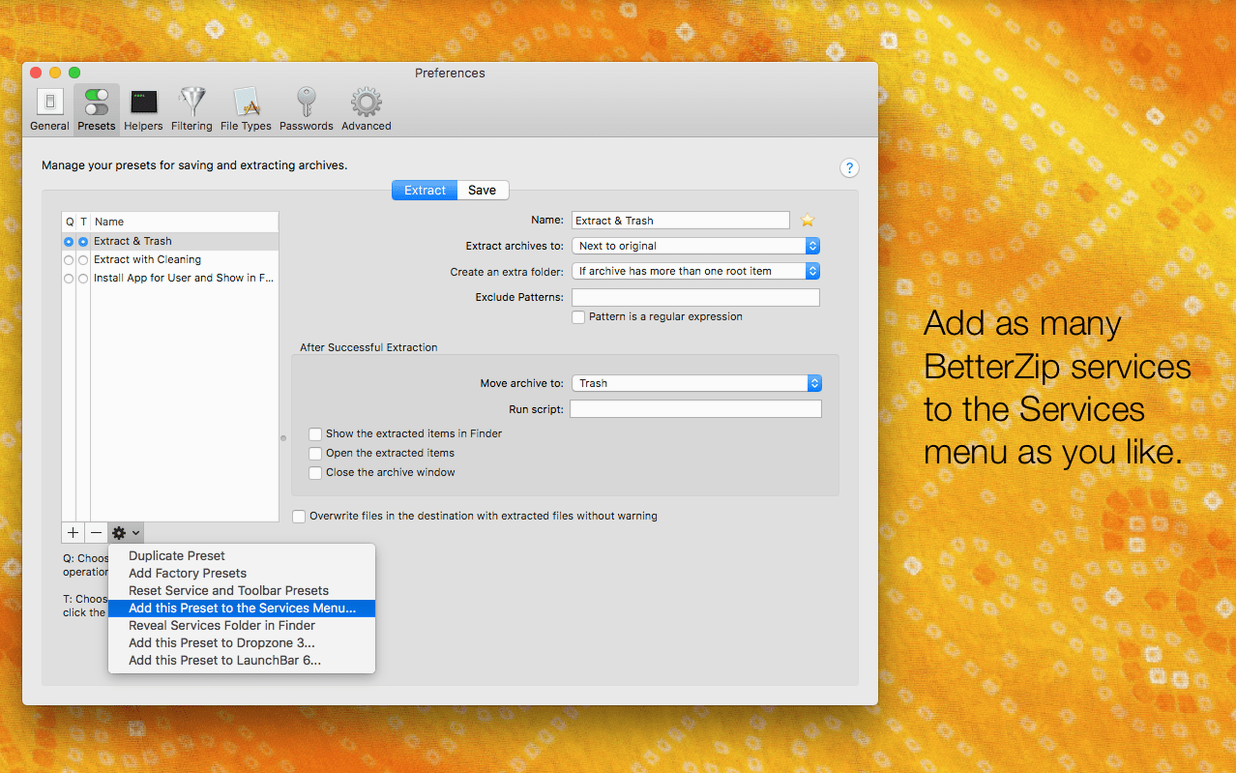
If you use ForkLift or Path Finder, BetterZip integrates into their context menus too, as long as the app respects the system-level service bindings.
Gatekeeper fix
The most common tripwire is the Gatekeeper step during installation. You mount the disk image, and macOS refuses to open the helper. The fix is simple: open Terminal, type xattr -cr, drag the app in, press Enter. After that it launches as expected. Some people skip this, assume the download is broken, and move on.
Another point of confusion: the language setting. By default it follows the system. If you run macOS in English but prefer BetterZip in German, version 6.0.6 finally lets you set that independently. Look under Preferences, not the app menu.
When extracting archives created on Windows, you sometimes get files that refuse to open because macOS metadata was incorrectly applied during extraction. Toggle on the new option to skip restoring that metadata, and the problem disappears. It is off by default because most people want the opposite behavior.
An operations queue handles compression and extraction in the background. AppleScript support is there for those who need it.