
Runs on Intel Macs with macOS 15. A straight-talking utility for the maintenance jobs you’d rather skip.
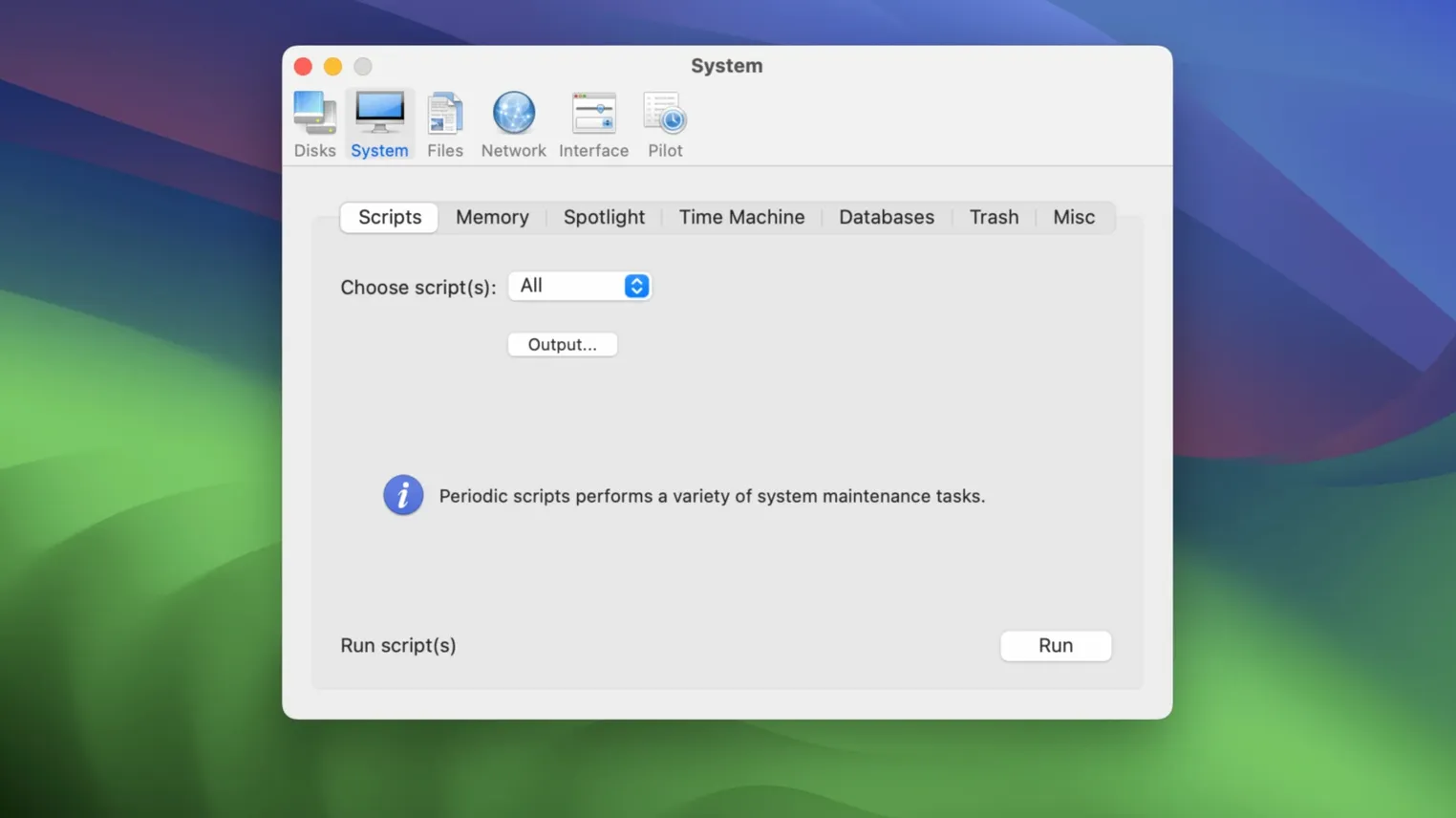
- Single-click pilot. The automatic pilot runs a full round of cleanups and repairs without asking a single question.
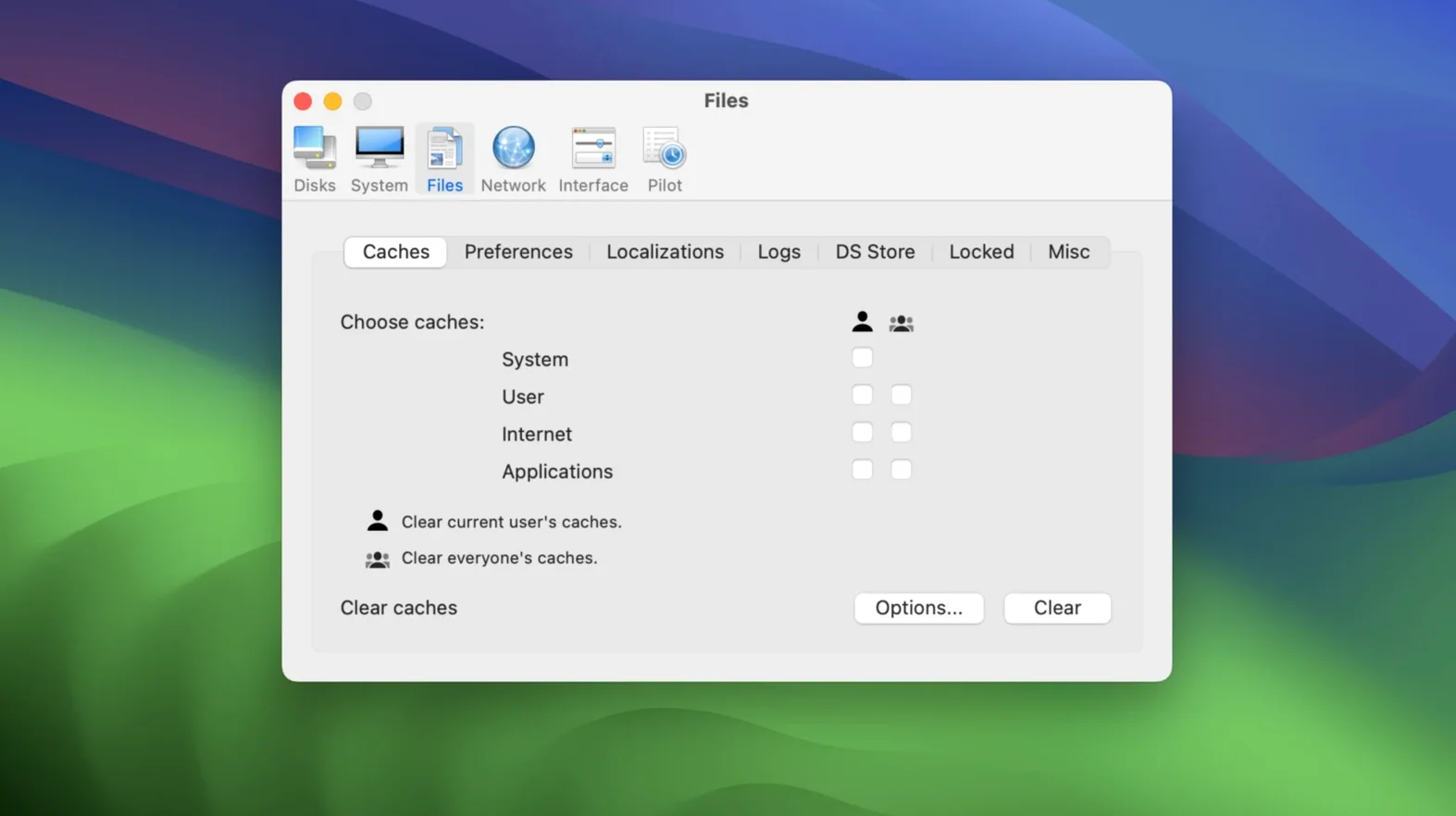
- System cleaning. Sweeps out caches, logs, and temporary files that sit around long after they’ve served their purpose.
- Disk repair. Checks and fixes directory structures and permissions before small errors turn into real problems.
- Memory optimization. Frees up inactive RAM so the machine stays responsive under a heavy load.
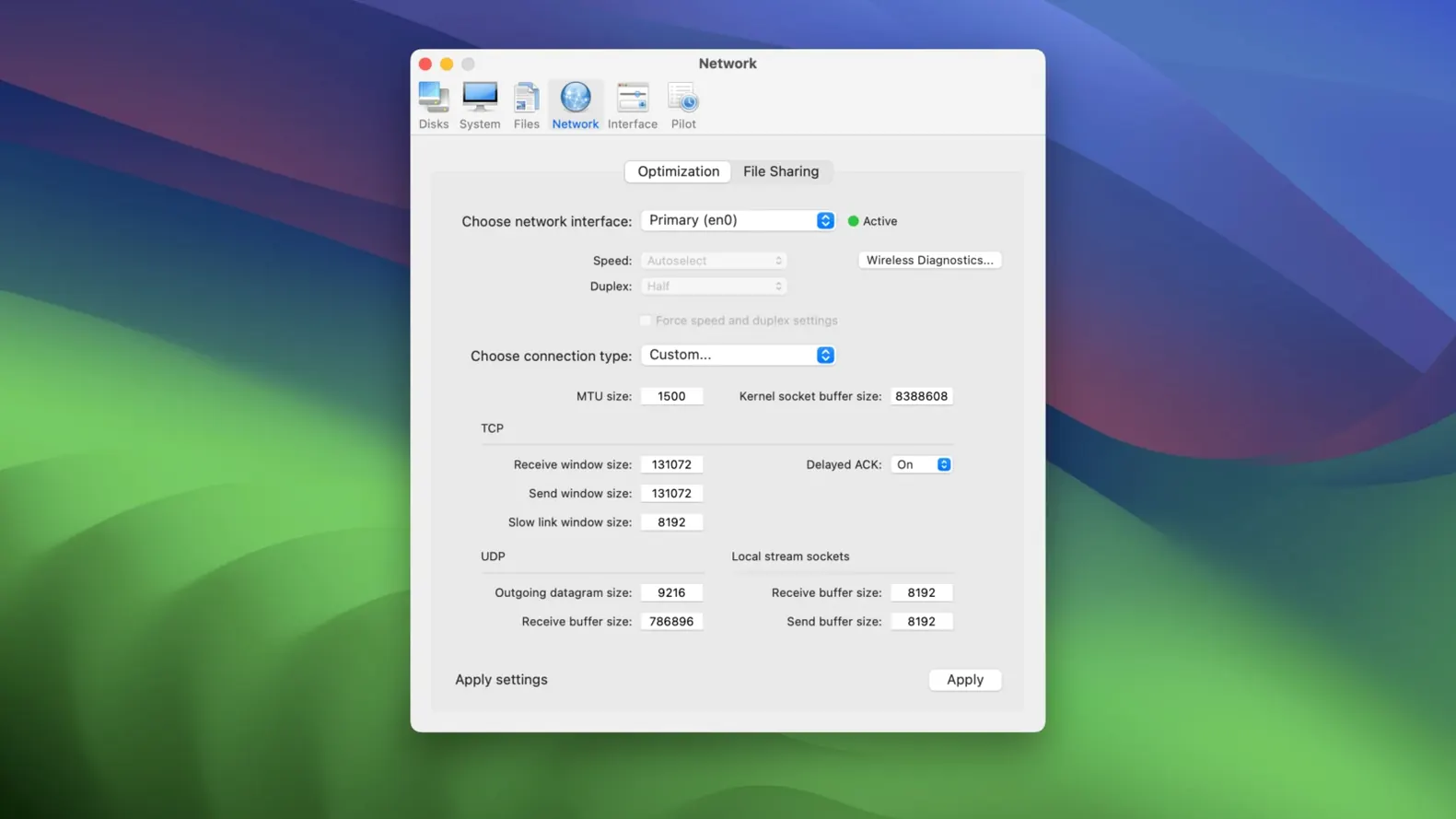
- Network tuning. Adjusts low-level network settings to reduce lag on stubborn connections.
Touches only system clutter
Does it mess with personal files? No. Cocktail works on system-level clutter: caches, logs, temporary items the OS itself creates. Your documents, photos, and folders are never touched.
Is it safe to run weekly? Yes. The routines are conservative. It clears what macOS would eventually clear on its own, just on your schedule instead of the system’s vague one.
Will it speed up an old Intel Mac? It removes drag, not age. A clean cache and repaired permissions won’t turn a ten-year-old machine into a new one, but they stop it from feeling slower than it needs to be. That’s the honest ceiling.
People sometimes ask whether the macos sequoia torrent version behaves differently from other editions. It doesn’t. Same utility, same engine, tuned for this release of the OS.
Margin for relentless uptime
Users who keep a Mac for years. The ones who never restart, who fill the drive to within a gigabyte of its limit, who have thirty browser tabs open and wonder why things lag. Cocktail gives them back the margin they lost without realizing it.
People running creative software on Intel hardware get a lot out of the memory optimization. After Effects, Logic Pro, large Photoshop files — apps that hold onto RAM long after they close. A quick purge keeps the next session starting clean.
Anyone who dislikes Terminal. The same repairs exist as command-line tools, but Cocktail wraps them in a single window with clear labels. That alone saves a morning of reading man pages.
Avoid the tick-everything urge
Running every tool on the first day. The pilot mode is enough for most weeks. Going category by category and ticking every box before you understand what each one does is a good way to clear caches you’ll just rebuild immediately, wasting time and writes.
Skipping the pilot. Some users dive straight into manual options and miss the one-click routine entirely. The pilot was built for a reason: it applies the maintain developer’s own judgment about what’s safe and useful to run together.
Ignoring the network pane. Beginners treat Cocktail as a disk cleaner and never open the tuning section. On a flaky Wi-Fi connection, adjusting the TCP settings often fixes drops that restarting the router doesn’t.
Forgetting that earlier editions exist. People upgrade one Mac to Sequoia and assume they’ve lost Cocktail on an older machine still running Ventura or Sonoma. They haven’t. The cocktail sequoia edition is one in a family; the older versions work the same way on their respective systems.
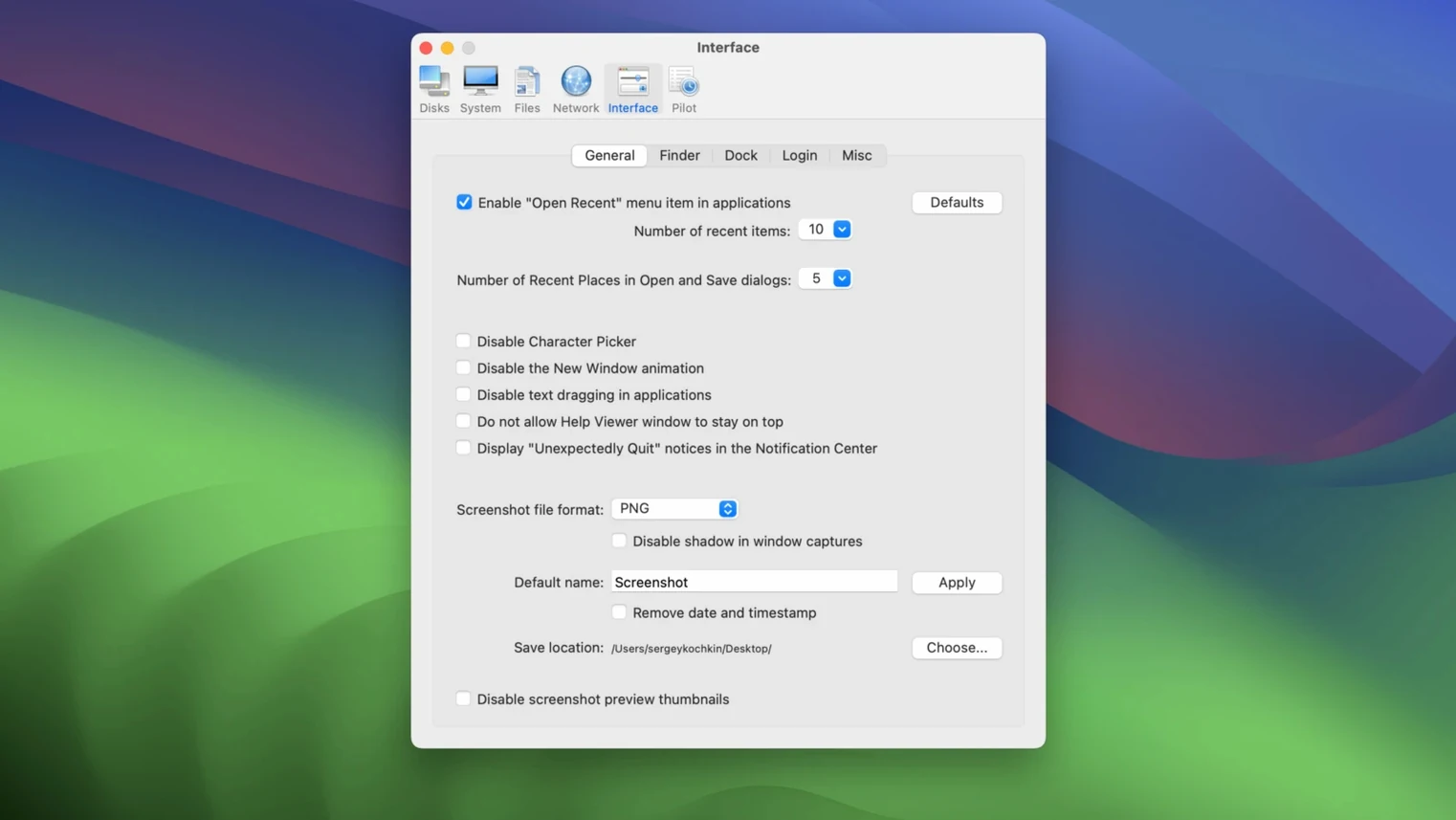
Five categories, one window. Nothing hidden behind submenus. Earlier editions exist for older macOS releases, so you can keep the same tool across different machines.