Most screen tools leave you juggling three apps to capture, edit, and share one image. CleanShot X removes the juggling.
How do I take a clean screenshot?
Press the shortcut, select your area, and the editor opens instantly. Add a solid background or an image behind the shot before you save it.
Can I record my screen without interruptions?
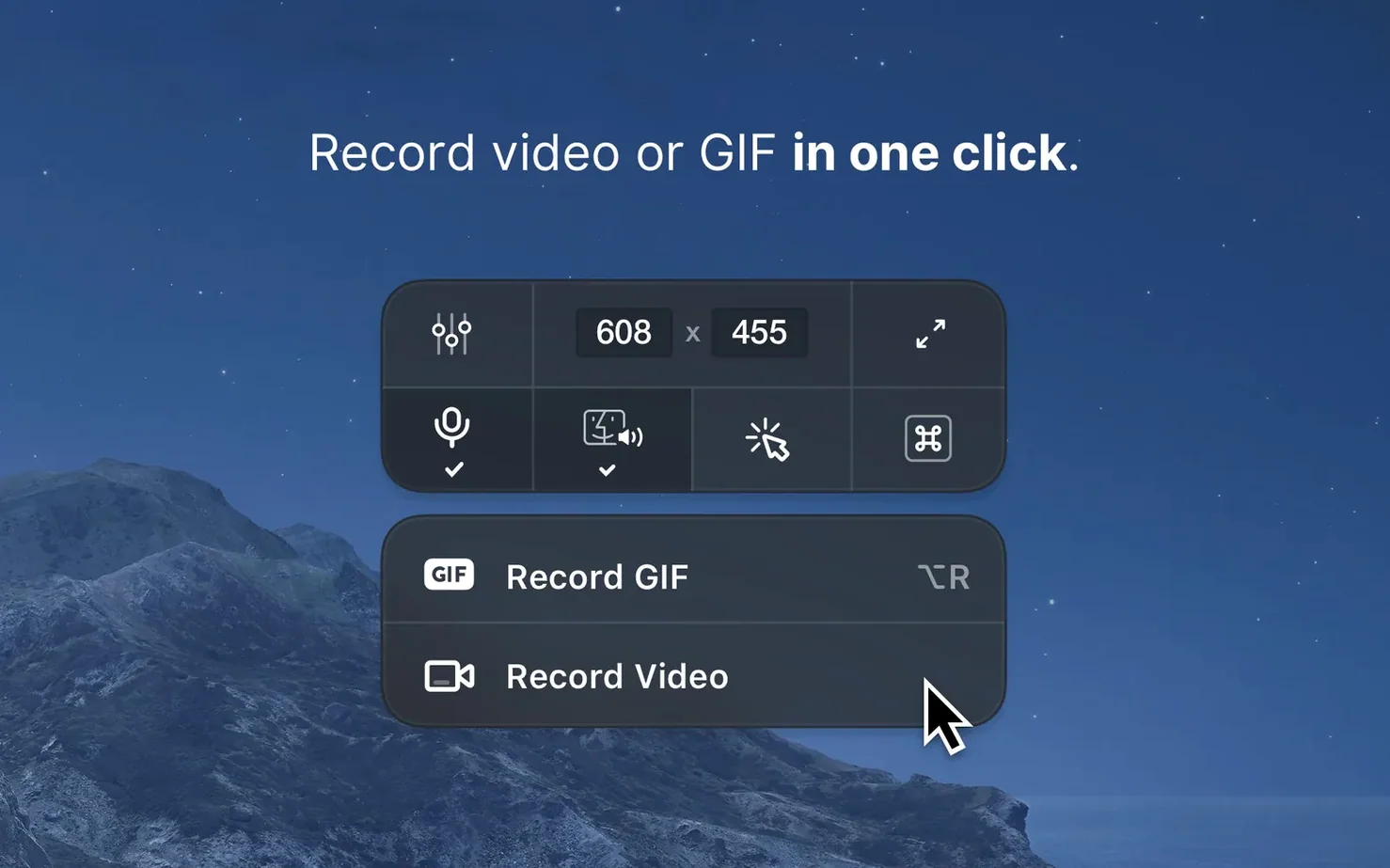
Yes. It can disable desktop notifications while you record video or GIF. A timer gives you a moment to set up before capture begins.
What happens after I capture?
A quiet morning session
You tap the shortcut. Desktop icons vanish — the app hides them before the crosshair even appears. You drag across a browser window, let go, and the editor floats up without a pause.
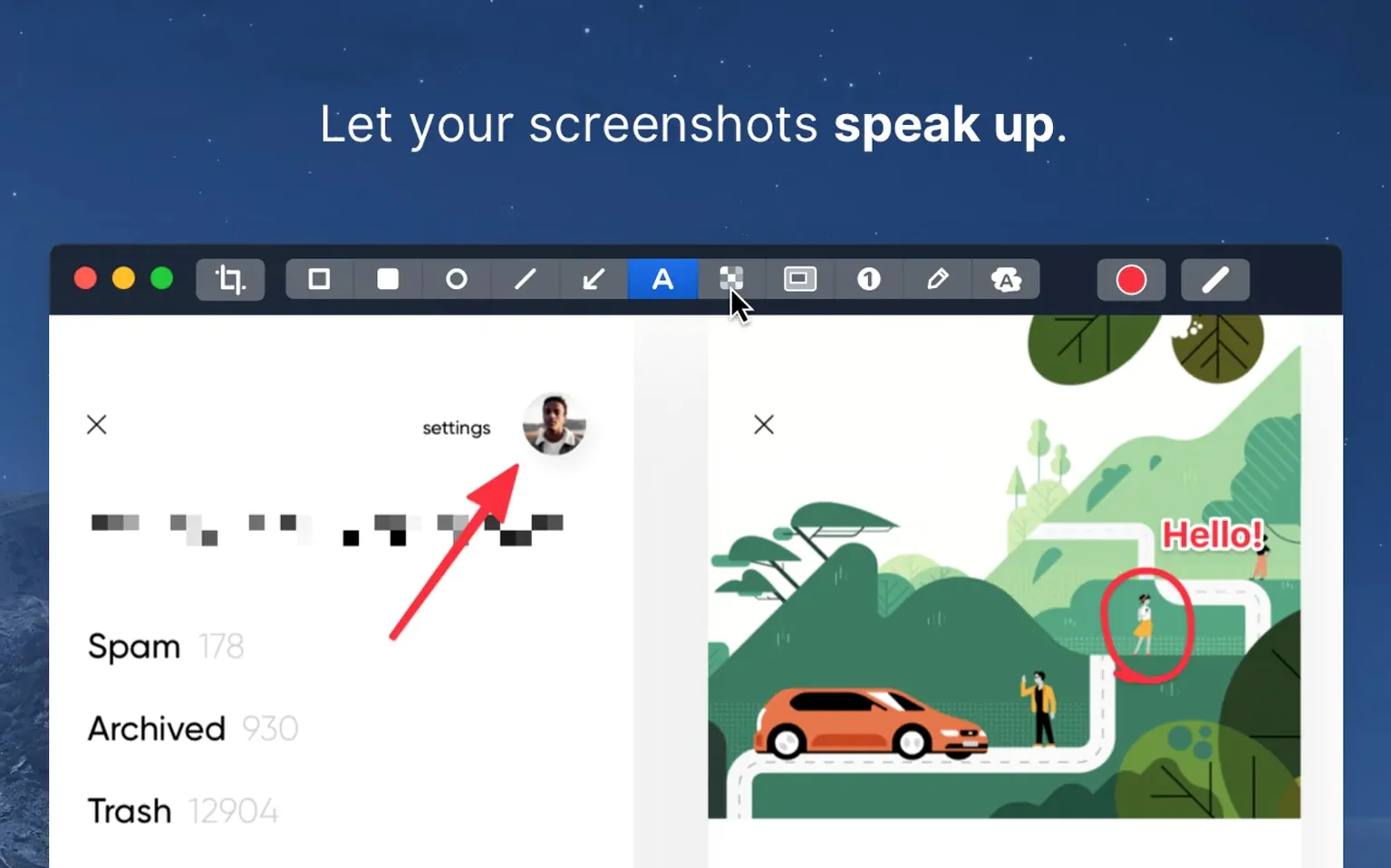
First shot: add a background color, blur an email address, draw a thin arrow. Export. Three seconds.
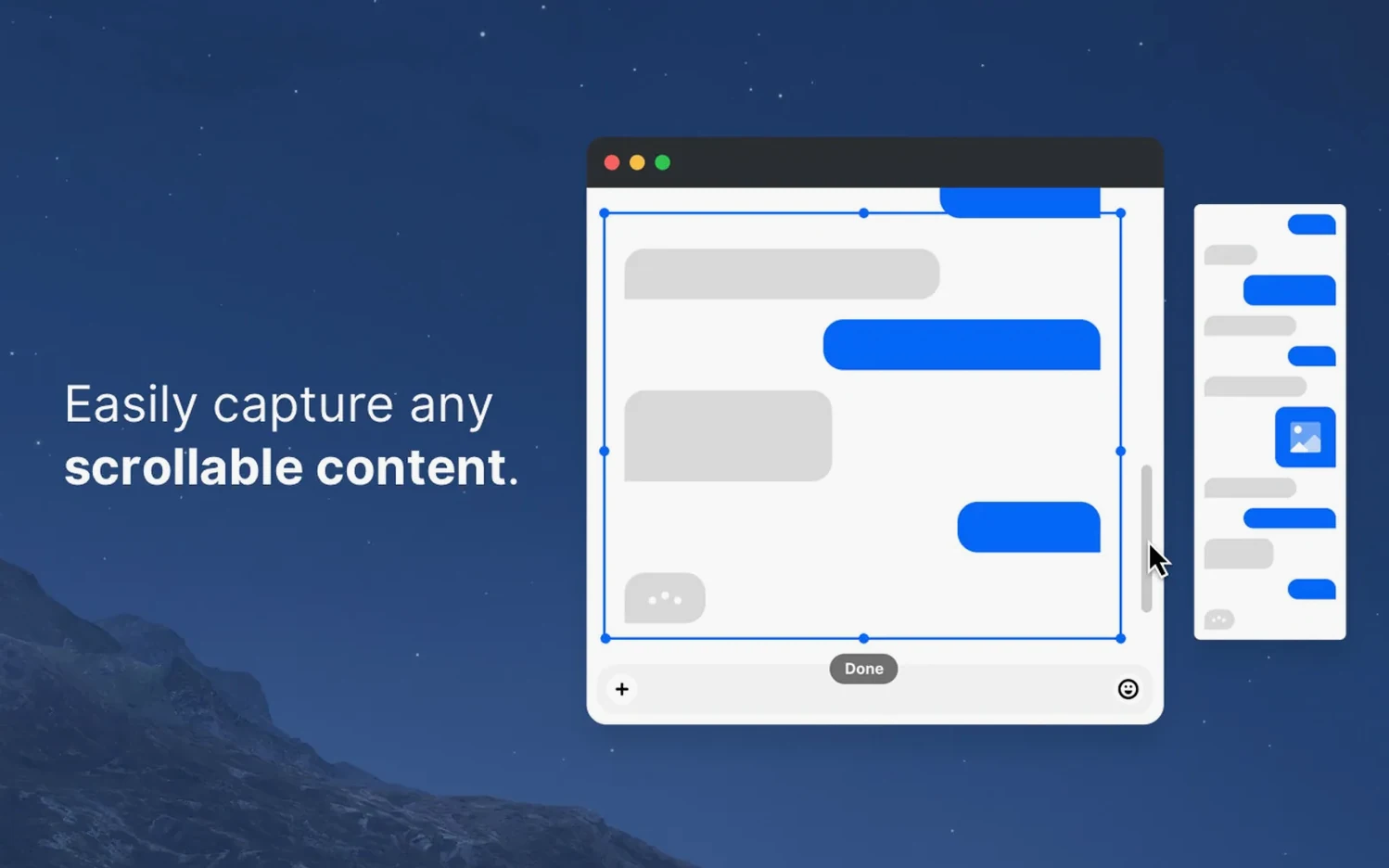
Second task — a scrolling window. You select the area, click the scrolling capture button, and wait. The page unrolls itself into one tall, clean PNG. No stitching, no manual scroll-and-grab.
Then a quick recording. You turn off notifications, set a five-second timer, and hit record. The GIF comes out small, smooth, and ready to drop into a message. No post-processing.
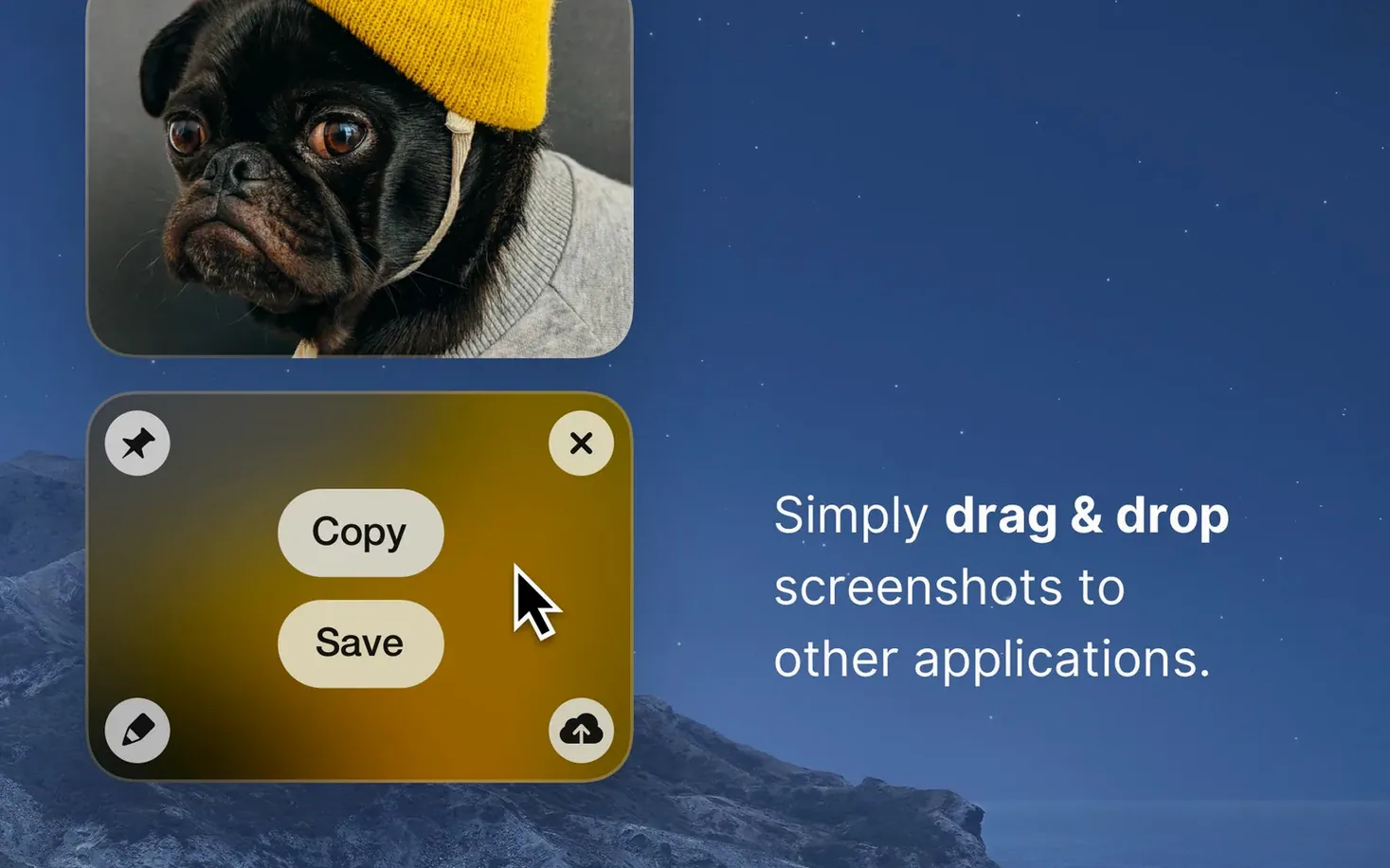
Before closing, you pin yesterday's reference screenshot to the corner of the screen. It stays above every window while you type. One right-click unpins it. That is the session: capture, annotate, record, pin. Nothing extra.
Next to the others
macOS has its own screenshot tool, and it works for a single keypress. But it offers no editor, no scrolling capture, no background removal. You end up opening Preview or another app just to draw a rectangle.
Shottr is closer — fast, local, good annotation tools. CleanShot X pulls ahead with video recording inside the same app, plus pinned screenshots and notification blocking. Shottr keeps you in still images. If you never record your screen, the gap is small.
Snagit brings more: templates, step-by-step documentation tools, a full media library. It also brings weight. CleanShot X feels lighter, opens faster, and stays out of your way unless you call it. For quick daily work, the leaner tool wins.
Rewritten editor
The jump to 5.0 brought a rewritten editor. Annotations feel snappier — less lag when moving arrows or resizing boxes. The interface shed some chrome, leaving more room for the image itself.
Collaboration features appeared, though the daily rhythm of capture-and-mark-up stayed the same. The update did not add steps to the workflow; it removed a few.
Version 5.0.1 landed quietly with bug fixes. A rare crash during scrolling capture is gone. The pin tool behaves more reliably across Spaces. Nothing flashy — just the app settling into its shape.
The built-in editor handles it all. Highlight a detail, hide private text, or leave a quick comment — no separate image editor required.