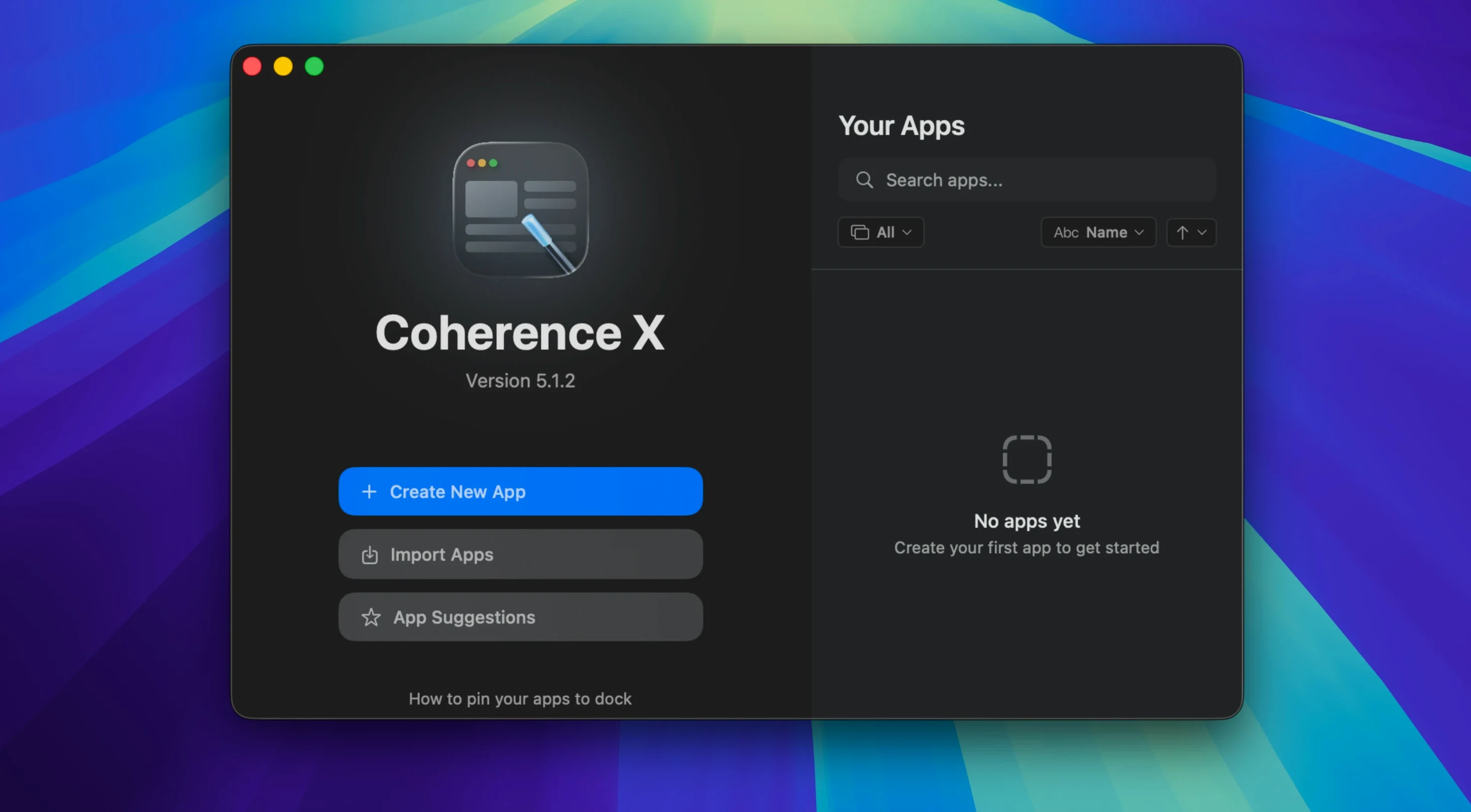
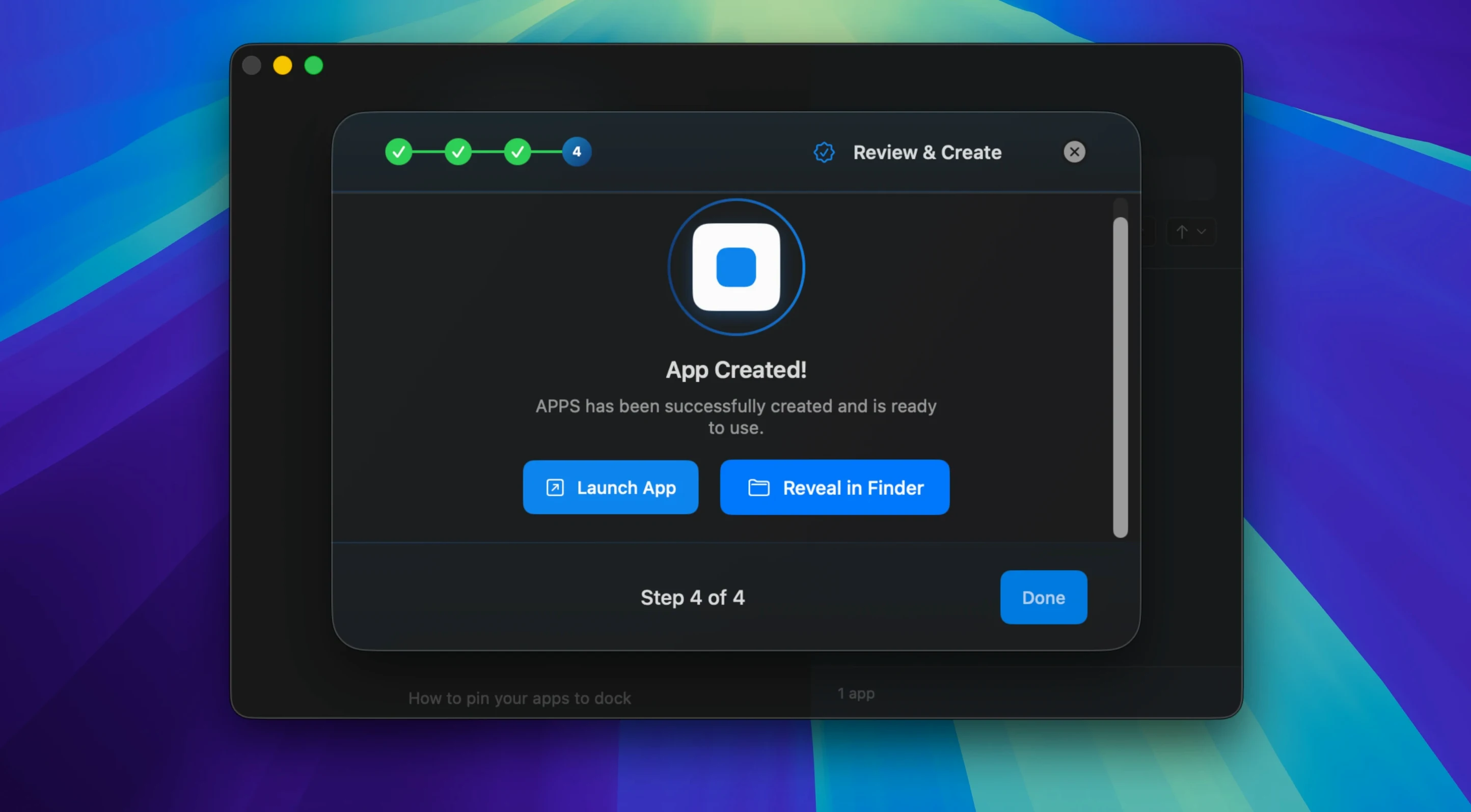
Link routing now accepts multiple domains per rule. That small shift removes the tedium of setting up one rule per site.
People ask whether changes stick. Version 6.1 saves routing and appearance edits without rebuilding the app. You edit the URL, icon, or mode and it just stays.
Another question: what happens to tabs? They restore after a restart. The Dock click logic is sensible—it opens a minimized window if one exists, or makes a fresh one.
Each app gets its own Dock icon, its own extensions, and its own profile. No tab clutter from your main browser. Just the site, isolated and ready.
People who live in web apps get the most out of Coherence X. If you split your day across Notion, Figma, a CRM, and several Google Workspace accounts, the isolation pays off quickly. Each service becomes a separate Mac app with its own Dock presence and Command-Tab entry.
Designers and developers benefit from per-app extension sets. You can load React DevTools in one app and leave another extension-free. No toggling. No polluted inspector windows.
Writers and researchers who juggle multiple profiles for the same service—one personal, one work—find the profile support quietly essential. Two Coherence apps for the same URL, each signed into a different account. The Dock icons differentiate them. Muscle memory does the rest.
Less obvious: the new incognito mode works well for testing or for services you prefer not to leave traces of. And the export feature means a configured app can move between machines—useful for teams that share tool setups.
Chrome parity
Will an app break when the site updates? Rarely. Because Coherence X uses Chrome under the hood, rendering stays current. The wrapper is thin. If the site works in Chrome, it works here.
Does it slow down the Mac? Each app runs in its own process. Memory use depends on the site, not on Coherence itself. A lightweight web app stays light. A heavy one behaves like a Chrome tab with that page open.
Can I share an app with someone who doesn't own Coherence X? Yes. Exported apps include the runtime they need. The recipient opens it like any Mac app.
A question that comes up in searches like coherence torrent download or coherence torrent is whether the app works without a network connection after setup. It does not. These are web apps, not offline wrappers. The site must be reachable.
Bulk rules
The link routing dialog now suggests destinations when you add a rule. Less typing, fewer mistakes. Multiple domains can be pasted at once, separated by commas. A rule that once took three steps now takes one.
If the Coherence extension loses its connection to the app, version 6.1 shows a clear message. Earlier versions were silent about it. The fix for the extension's Manage in Coherence button is similarly quiet but meaningful—it finds the right app on the first try more often.
One shortcut easy to overlook: right-click a Coherence app icon, choose Edit, and you can change the URL, icon, mode, or extensions without starting over. Changes save instantly now. No rebuild progress bar.
When a Dock click finds no open windows, a new window appears. If one is minimized, it comes forward. The behavior is exactly what you expect from a native app, and that consistency is the point.