Transcoding usually means waiting. A long export, a locked-up machine, a format that arrives wrong. Compressor removes the guesswork and much of the wait. It shares the rendering engine with Final Cut Pro and Motion, so what you see in the timeline is what gets encoded.
Deeper tools
- Hardware encoders for H.264 and HEVC keep exports moving.
- Distributed encoding splits work across other Macs on your network.
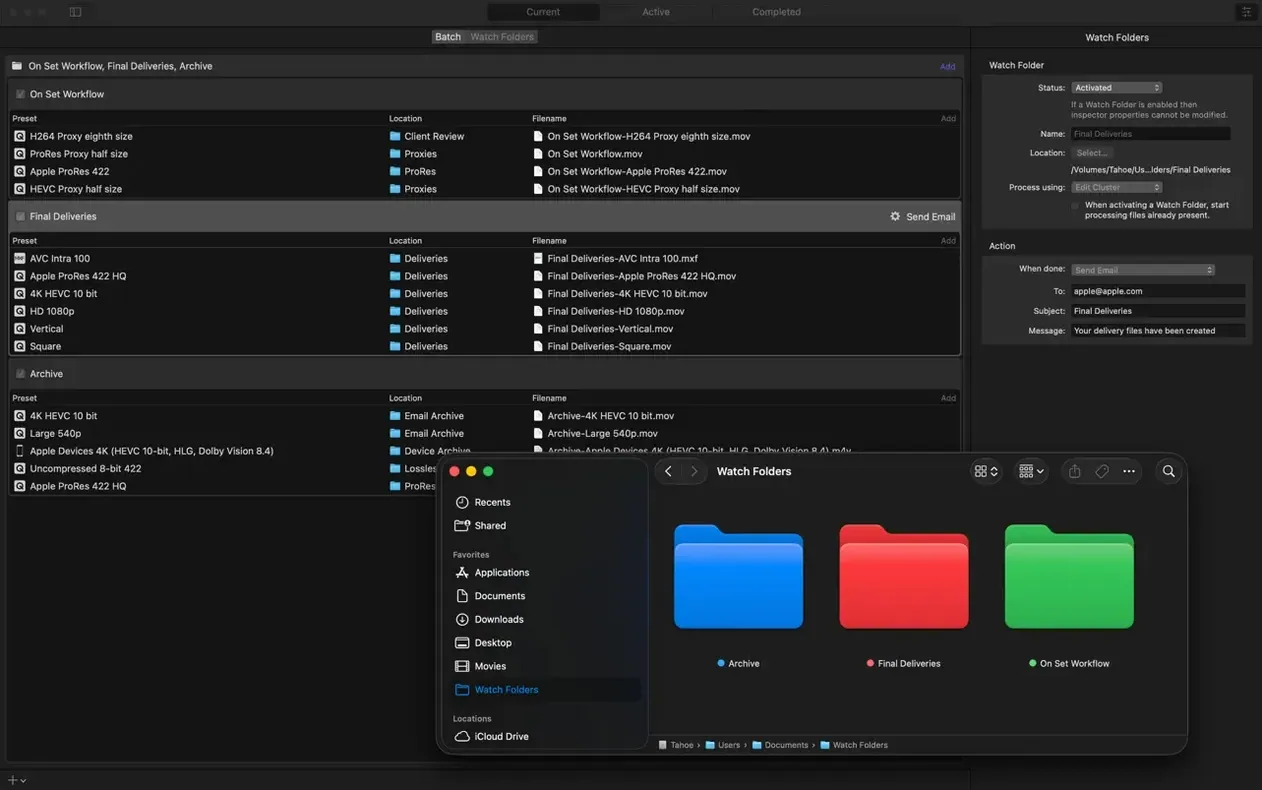
- Post-encode actions can email the file, move it, or run a custom script.
For experienced hands
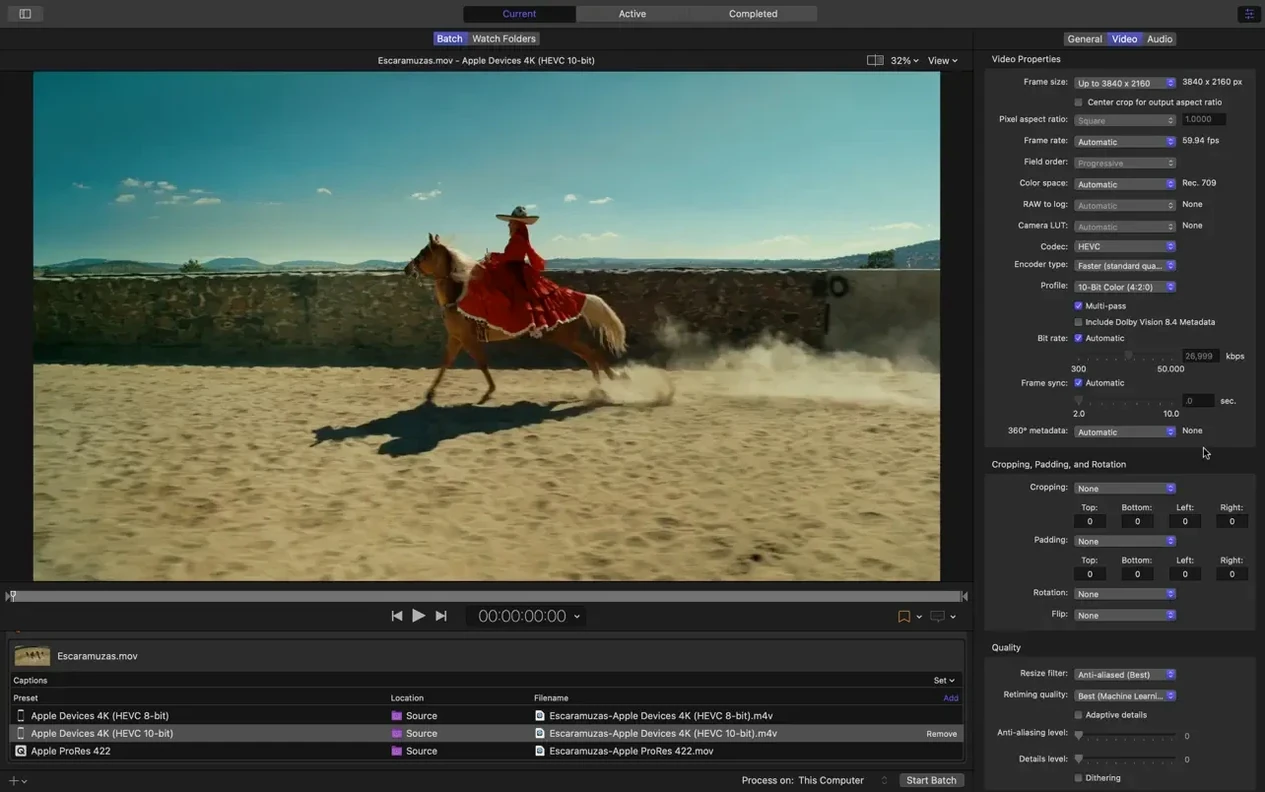
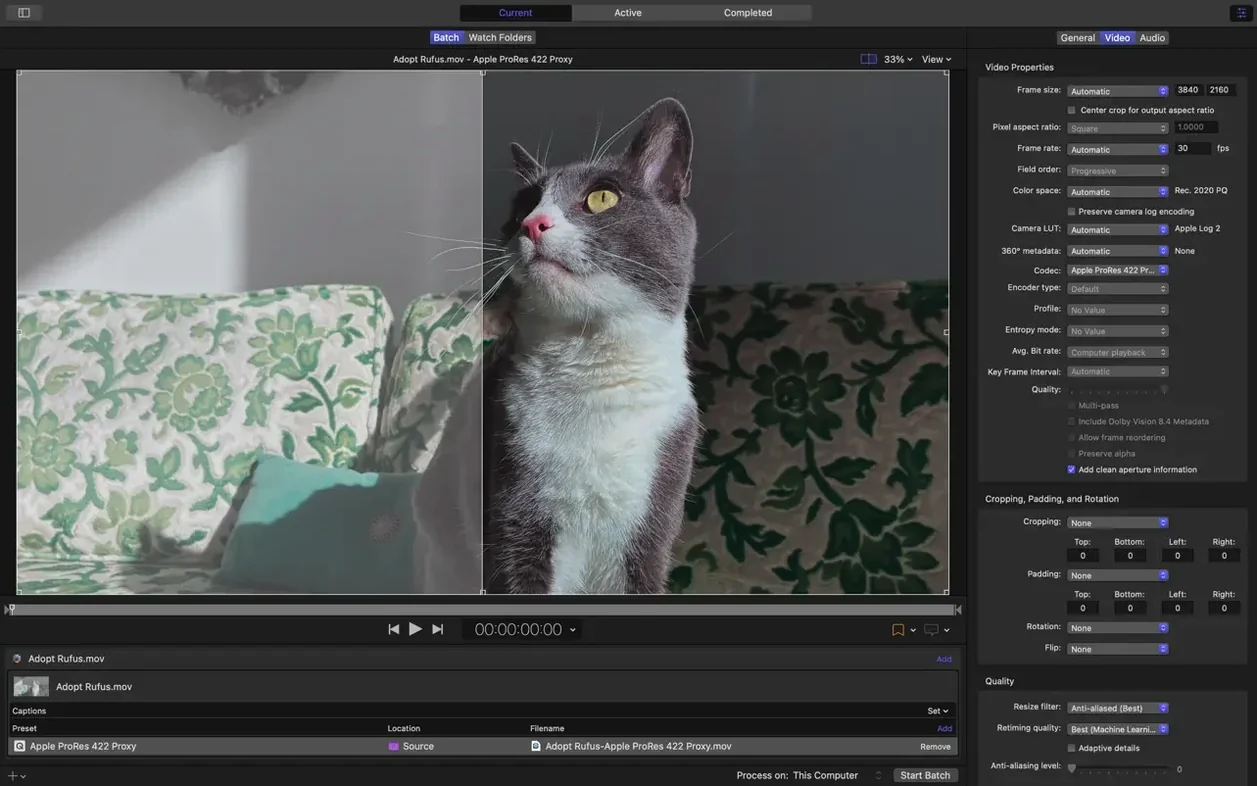
The settings go well past presets. You can build custom destinations, inspect metadata before encoding, and send jobs to Final Cut Pro without leaving your workflow. On Apple silicon, HEVC data rate limits give you finer control over file size and quality.
Metadata preview
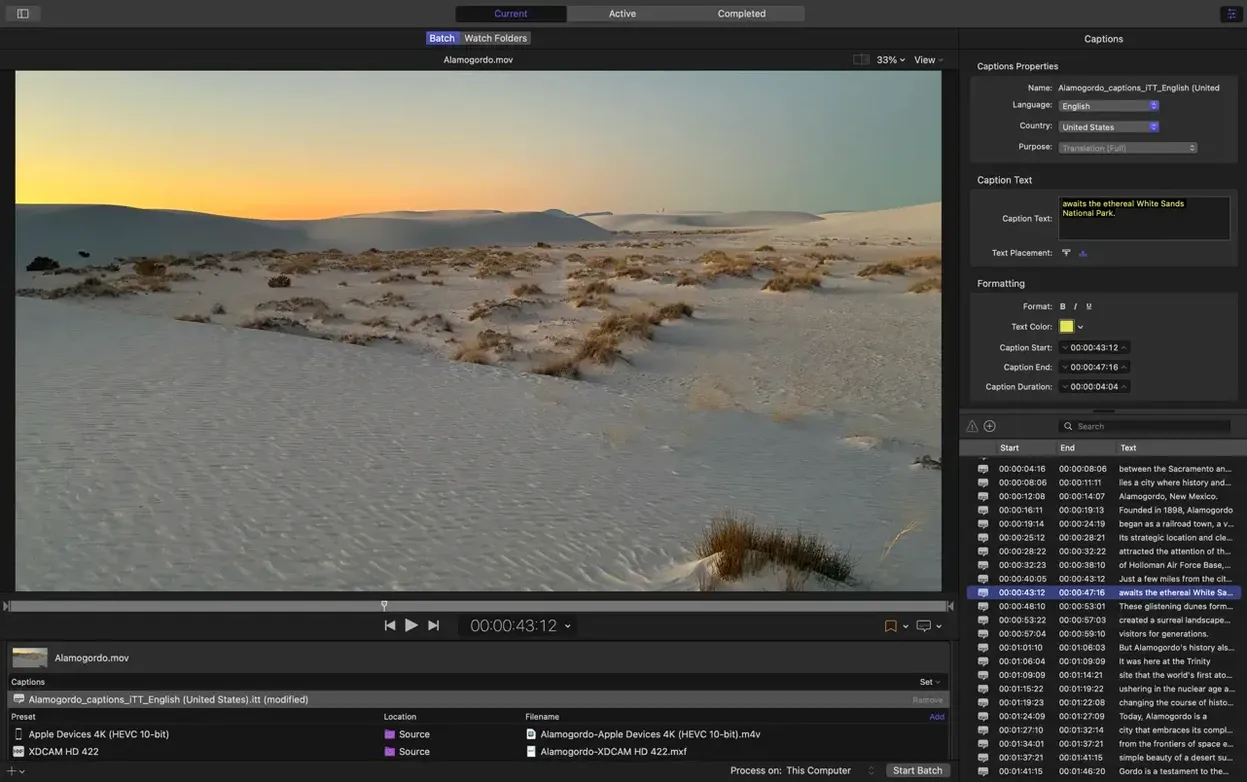
The immersive metadata viewer arrives before the encode, not after. You can check camera position, lens data, and projection type while the batch is still a list. One fewer wrong export late in the day.
Anaglyph preview is practical, not a demo checkbox. Switch to red-cyan in the viewer and you know whether the stereo depth works before a full H264 pass. The 180° Apple Projected Media Profile does the same for half-dome content — fewer intermediate renders, no third-party stitching tool open just to check framing.
HEVC data rate limits on Apple silicon are a quiet fix. Set a ceiling, and the hardware encoder obeys it. Useful for streaming specs that cap peak bitrate. The 5.1 AAC option in Apple Device presets removes a manual step from surround exports.
One afternoon in a motion graphics studio
A designer finishes ten short animated loops for an event projection rig. The deliverables list is half a page: one set in 180° APMP for the dome, one set in anaglyph stereo for client preview, one set in HEVC with a strict data rate cap for remote QA.
They drag the batch into Compressor. 180° sources show up correctly without the old WAV-file requirement, so the folder stays clean. Anaglyph preview confirms the stereo depth in seconds. The HEVC clips hit the data rate limit and stay under the QA team's cap. The designer sets a post-encode action to copy the preview clips into a shared folder and walks to get coffee. When they return, the batch is done and the folder is already populated.
Custom destination
Build one custom destination.
Pick a format you use often, add a post-encode action that moves the file into the right folder, and save it as a destination. Call it something short. From day two onward, you drag and drop.
Open the metadata viewer before encoding any 360° or immersive source. Check the projection type. A mismatched projection bakes in distortion that is hard to fix later.
Share a batch to another Mac once. Even a single shared encode teaches you the timing. Later you will know whether extra nodes are worth setting up for deadline days.