
Finder gets you a single window and a lot of clicking. When you need to move, compare or manage files across distant folders, that one-window life slows to a crawl. Commander One PRO replaces the back-and-forth with two panes side by side.
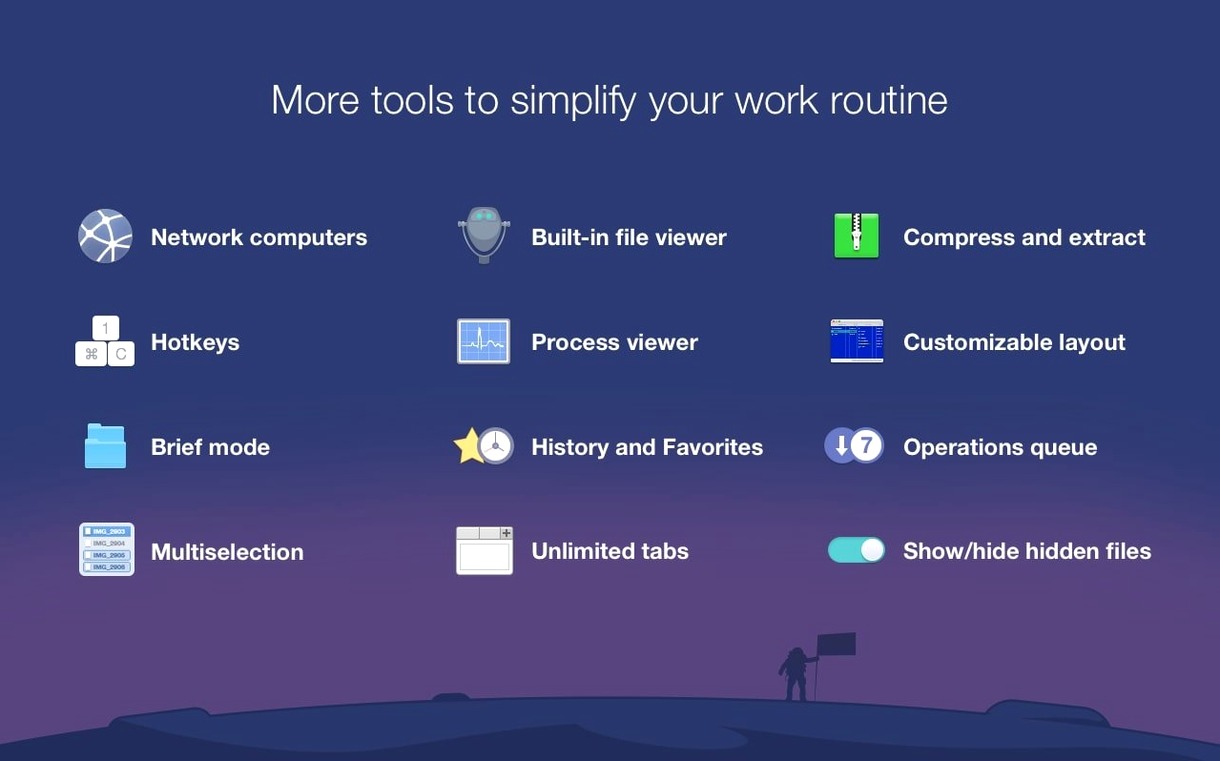
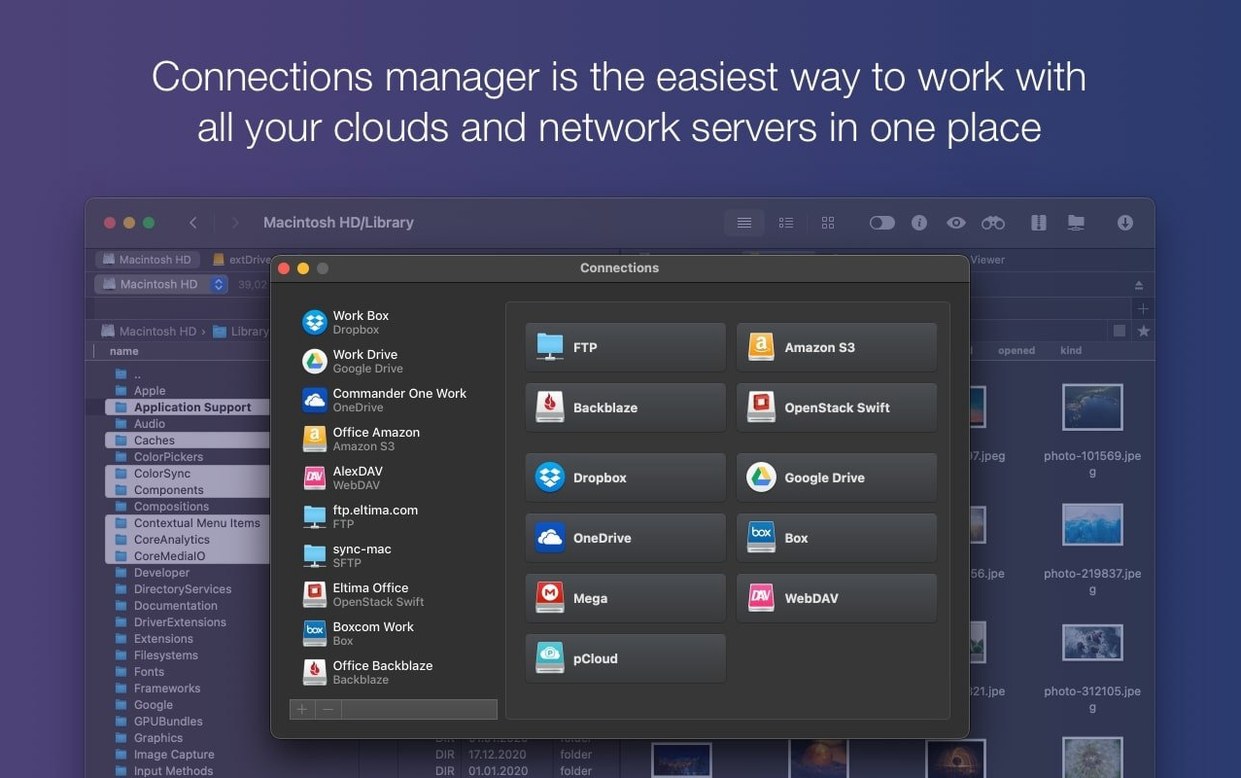
- Dual-pane layout for local files, FTP and cloud storage like Amazon S3
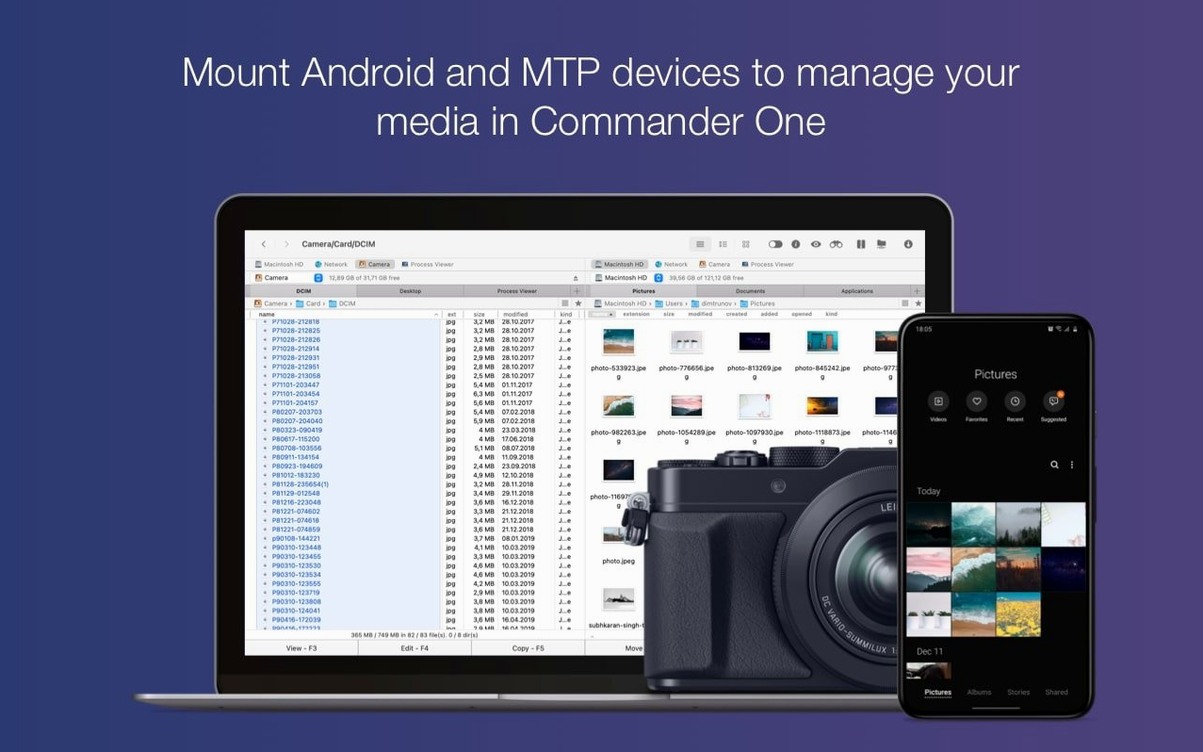
- Connect iOS, Android and MTP devices as standard drives
- Brief Mode strips the view down to names for bulk file work
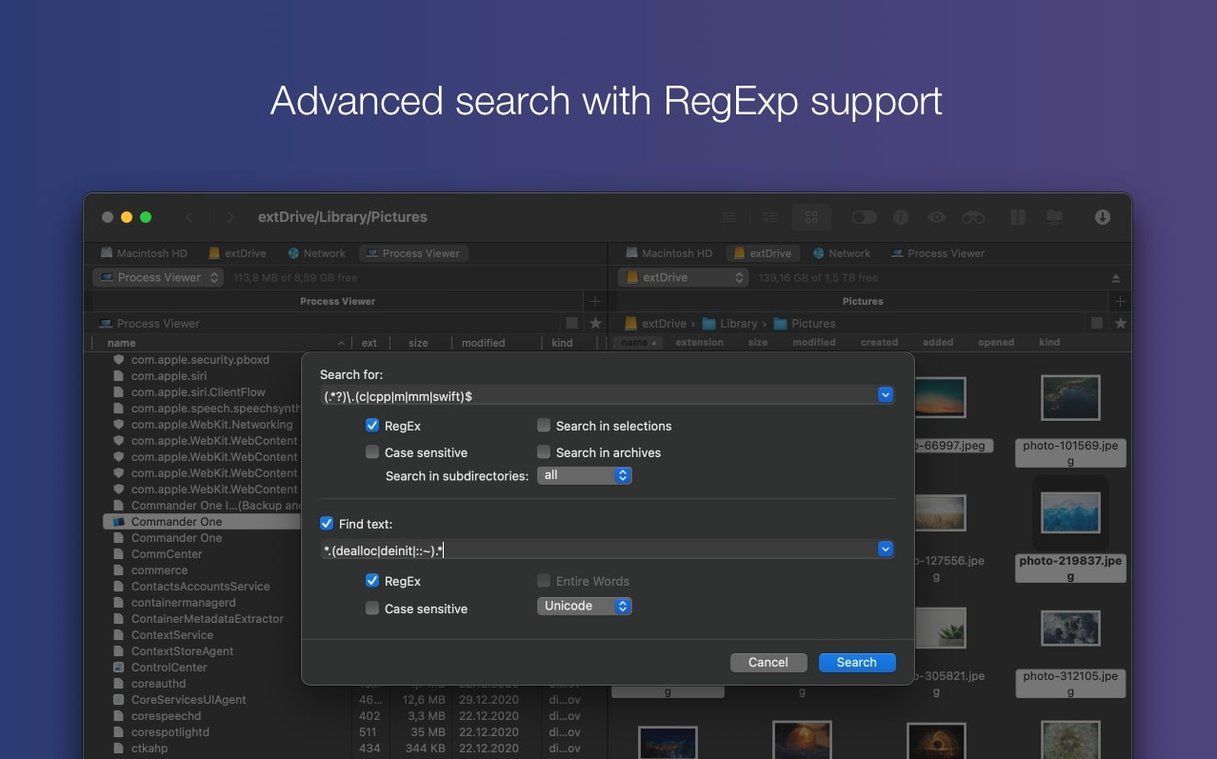
- File search with regular expressions
- Built-in FTP client, no separate app needed
It extends what macOS gives you without turning into a cockpit. Two panes, sensible defaults, and just enough power for people who spend real time moving files.
hidden helpers
Some of the best parts sit behind a right-click or a key you never thought to press.
Hold Option while dragging a file to copy it instead of moving. Tap Space on any item for Quick Look—works on remote servers too, not just local folders. Double-click an empty tab area to open a new one without reaching for a menu. The function keys F5 through F8 handle copy, move, rename and delete with no mouse travel.
Brief Mode gets even better with Cmd-J. You can set it per-folder, so your media drive shows icons while your project directories stay in tight lists. The Process Viewer hides behind Cmd-Opt-P—not something you need daily, but a clean way to spot a stuck process without launching Activity Monitor.
one photographer’s afternoon
Say you shoot tethered to a Mac. After a session you have raw files on the camera’s SD card, JPEG previews in one folder, and a Dropbox folder waiting for client selects.
One pane opens the SD card via an Android connection. The other shows the local JPEG folder. A quick filter by extension isolates the raws. You drag selects across to the cloud pane and they upload while you rename the keepers. No Finder windows stacked six deep. No waiting for Photos to import things you don’t want.
When the shoot wraps, you connect to the studio NAS through the built-in FTP client and push the whole batch. One app, start to finish.
skip credentials
The most common mistake is ignoring the connection manager. New users often type FTP credentials into the quick-connect field repeatedly instead of saving a server entry once. A named connection survives restarts and appears in both panes.
Another is searching with the wrong options. Regular expressions are on by default. Typing a plain filename with regex active returns empty results. Switch it off unless you mean it.
A third: treating Commander One PRO as a Finder clone. It can replace Finder, but the real win comes from setting it as the default file handler and letting the dual-pane muscle memory build. The first week feels slower. After that, a single-pane window feels broken.
Some users who download a commander one pro full mac build forget to enable the kext-free MTP driver in Preferences. Without it, Android devices show as empty. The toggle is small and easy to scroll past. A search for commander one pro crack can surface builds that need the current macOS 27 drag-and-drop fixes applied manually—just check the patch notes. The clean installer handles Gatekeeper in one Terminal step—no workarounds needed.
Give it two days of deliberate use. The shortcuts stop being things you memorize and start being things your fingers just do.