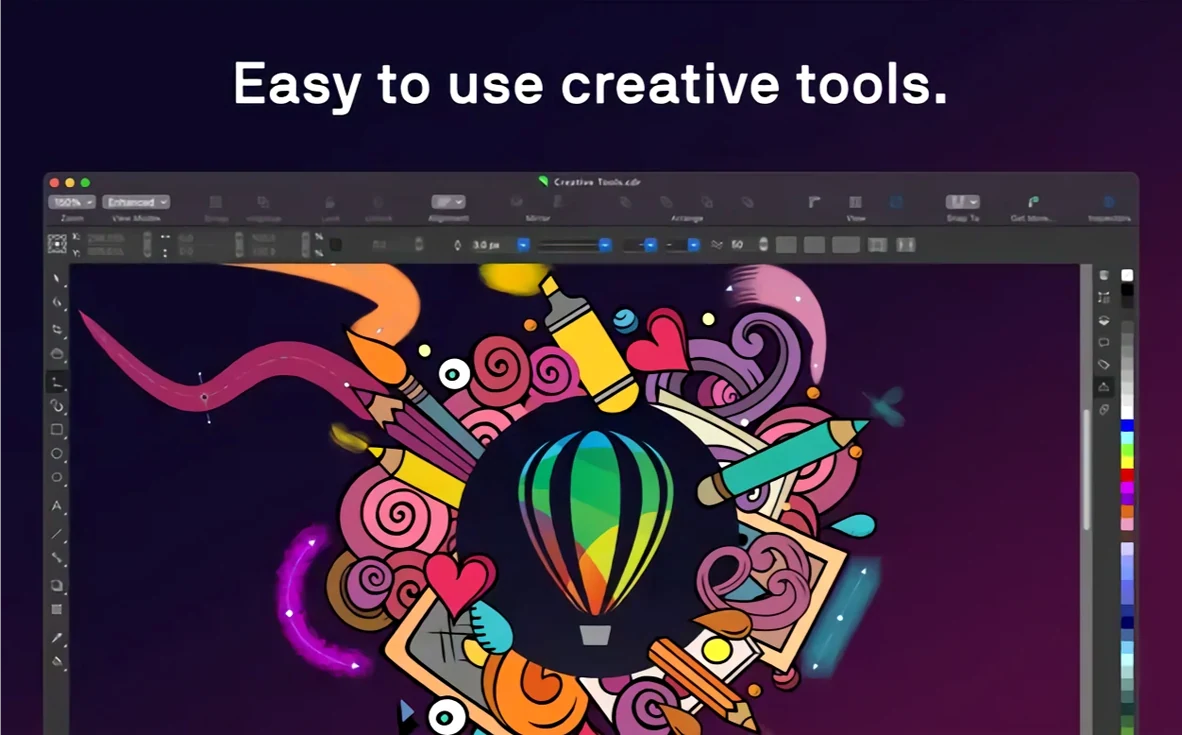
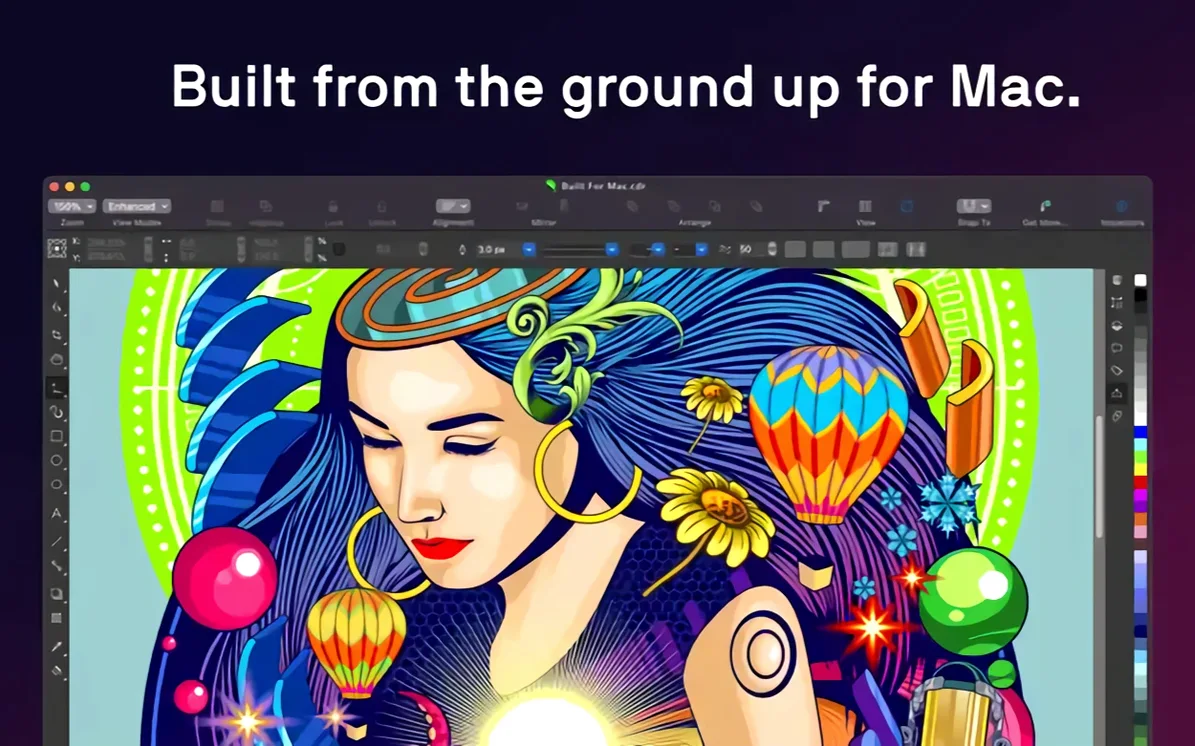
If you know your way around Illustrator, CorelDRAW feels like a different dialect of the same language. Same precision. Different rhythm. The Mac version runs native — Apple Silicon or Intel with AVX2, macOS 13 or later.
The interface belongs on the Mac. Touch Bar steps in for layers and text controls. No emulation layer. It opens AI and PSD files without fuss, alongside its own CDR, plus PDF, SVG, EPS, and a long list of raster formats.
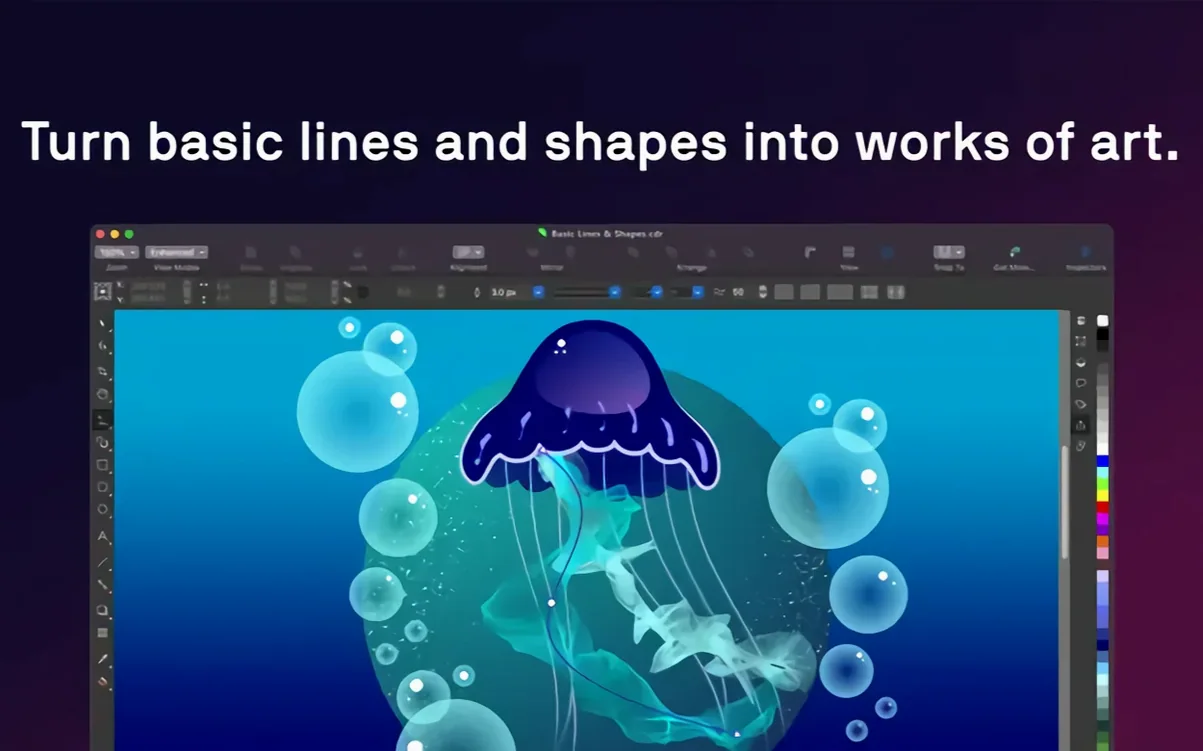
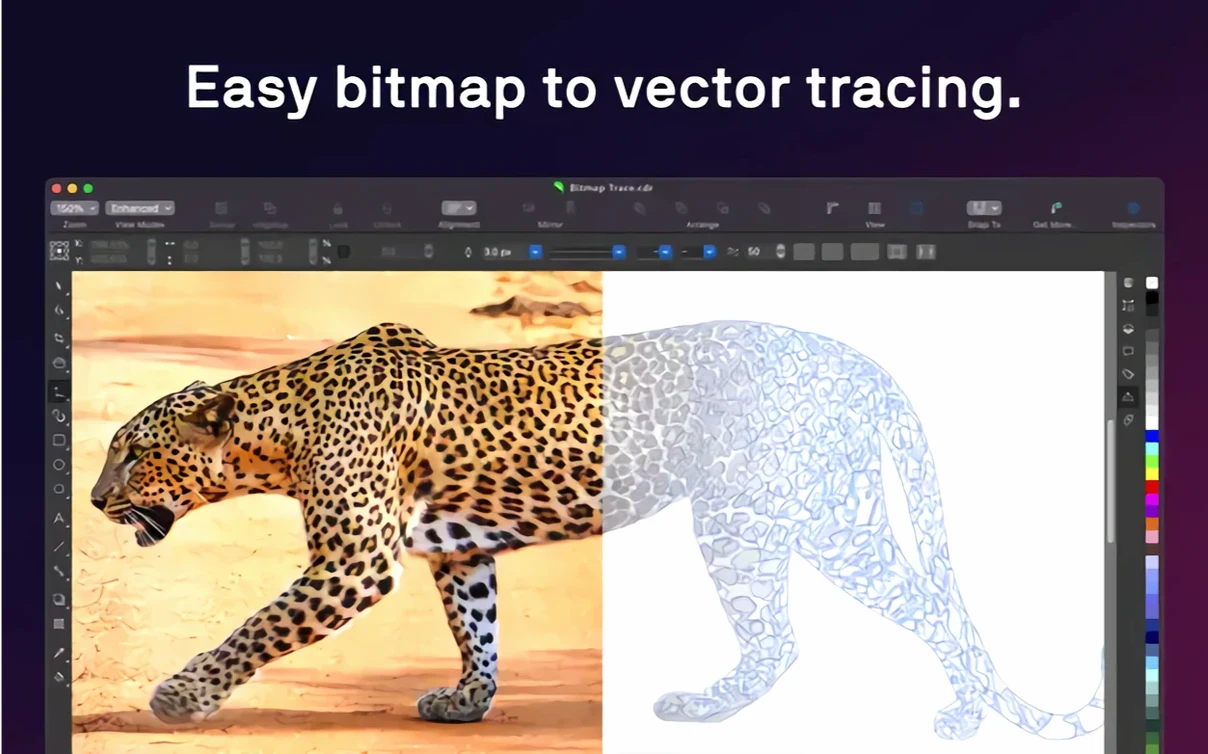
Tracing a bitmap into vectors happens inside the app. Transparency, gradients, pattern fills — all there from the object properties. No switching toolsets.
Font rescue
You open a CDR from a client. The file is a mess of ungrouped objects and mismatched fonts.
First, Font Manager lists every typeface in the document. You swap the missing ones with installed alternatives. Two clicks. Then you select all the scattered text frames, create a paragraph style from the largest header, and apply it across the remaining frames. Consistency arrives in under a minute.
The client wants the logo larger. You grab the shape, scale it up — vector stays crisp. The old product photo next to it is a noisy JPEG. You send it to PHOTO-PAINT through the Edit Bitmap command, run the AI artifact removal, and bring it back cleaner. No round‑tripping through another application.
New page. You pull a rough sketch from the desktop. Bitmap tracing converts it into editable curves. You drop a gradient fill on the background, adjust the angle with the on‑canvas control, and set a transparency on the overlay text so the texture bleeds through.
Sidecar is active. The iPad mirrors the canvas. You sketch a small illustrative detail with Apple Pencil, watching the stroke appear on the Mac display. The line needs a little smoothing — the node editor handles that in seconds.
The final spread goes to PDF. You assign bleed, crop marks, and a color profile. Export. Done.
Style dock
Dock the Object Styles panel immediately. It saves repetitive formatting across whole projects.
Spend ten minutes inside Corel Font Manager before you design anything. Let it index your type library. When you open a document later, the font matching is faster and more accurate.
Set the nudge distance to something small — 0.5 pt or less — in the preferences. Arrow keys become a fine‑positioning tool instead of a blunt instrument.
Keep PHOTO‑PAINT in your mental toolkit. Editing a bitmap inside the suite is almost always faster than launching a separate image editor. The integration is quiet, but it keeps you moving.
Disable the Welcome screen if you prefer a blank canvas on launch. Preferences > Workspace > Default view. One checkbox.
Print pros
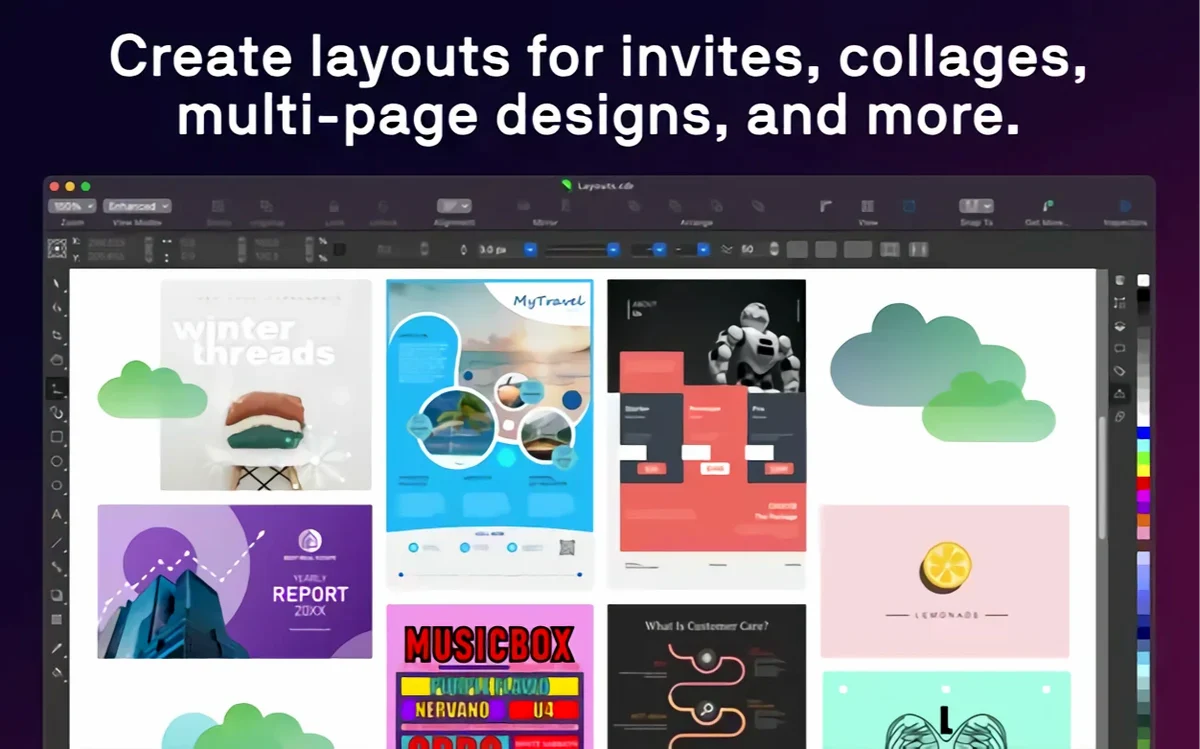
Print designers who build multi‑page layouts with heavy text. The style system handles brochures, catalogs, and reports without collapsing under their own weight.
Illustrators who trace scans. The raster‑to‑vector engine gives them clean curves without redrawing from scratch.
Marketing teams who receive assets in a dozen formats. AI, PSD, PDF, EPS, CDR — the app opens them without complaint. No one on the team needs to chase file conversions.
Mac users who dislike subscriptions. They understand what a coreldraw for mac free search really means: a permanent toolset, not a rental. They download, they keep it.
People who found Illustrator competent but disliked its weight. CorelDRAW runs leaner on the same hardware. It feels responsive on machines that struggle with Creative Cloud.
Someone searching coreldraw download torrent often does so because they want the software without the recurring bill. The Mac version gives them exactly that — native performance, no subscription noise.
Layer chaos
Ignoring the Object Manager. New users treat layers as optional, then lose track of overlapping elements on complex pages. The panel keeps stacking order visible and editable.
Applying transparency directly to a group instead of its individual objects. It works, but the rendering hits the GPU harder. Flatter structures export faster and print more predictably.
Skipping the Color Styles panel. When a client changes the brand palette mid‑project, hunting down every fill manually wastes hours. One harmony edit in Color Styles propagates across the entire document.
Overusing outline width as a scaling trick. Resizing an object with an unscaled outline creates uneven strokes. Tick "Scale with object" in the outline properties, or set it as the default in the styles.
Searching corel draw torrent mac and installing the first result without checking architecture support. Older builds predate Apple Silicon. Version 27.2.0.135 runs native on ARM and Intel with AVX2. Anything less will stutter under Rosetta.
Treating PHOTO‑PAINT as an afterthought. Beginners export a bitmap, edit it elsewhere, and re‑import. The Edit Bitmap command skips all that. Save, close the image window, and the updated version sits right back in the layout.
Some look for coreldraw crack for mac and get an installer that can work well when font management and GPU acceleration are properly configured. The suite expects a proper environment. A clean installation on macOS 13 or later, with the recommended 16 GB of RAM and a 3 GB VRAM card, keeps the renderer stable and the type tools responsive.
It will ask for a GPU with 3 GB of VRAM and OpenCL 1.2. Give it that, and it stays quiet.